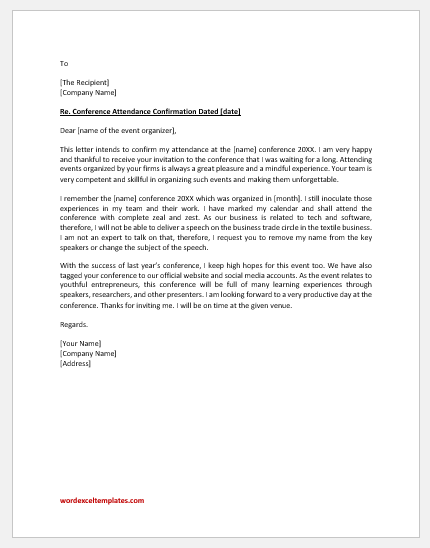
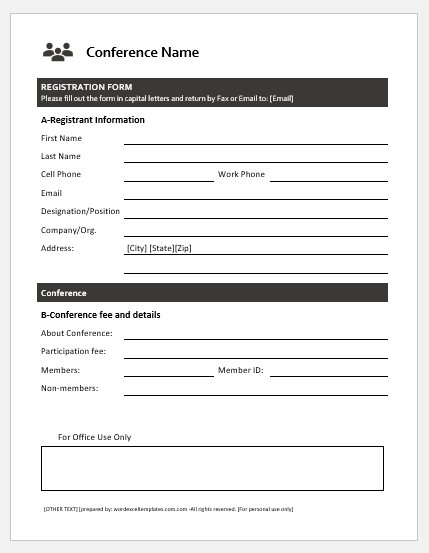
A Conference Room Reservation Card Generator is a simple and efficient tool for creating professional reservation cards for meeting rooms, conference halls, boardrooms, and training rooms. It helps organizations schedule room usage, prevent booking conflicts, and keep meeting arrangements organized. Instead of preparing reservation cards manually, users can generate clear and printable cards within minutes.
The generator allows users to enter essential information such as the meeting title, room name or number, organizer, department, reservation date, start and end time, expected duration, attendees, and any special equipment requirements. Once the details are entered, the tool automatically creates a professional reservation card that can be printed or displayed outside the meeting room.
This generator is ideal for offices, corporate buildings, educational institutions, hotels, conference centers, hospitals, and government organizations. It helps staff identify reserved rooms, reduces scheduling confusion, and minimizes double bookings. By using standardized reservation cards, organizations can improve meeting management, make better use of available conference rooms, and maintain a well-organized workplace.
Reservation Details
InputOrganization & Room
Meeting Schedule
Organizer & Contact
Setup & Services
Live Preview
Frequently Asked Questions
1. What is a Conference Room Reservation Card Generator?
It creates a printable card that confirms a room booking with meeting, organizer, schedule, setup, equipment, and policy details.
2. Who can use this generator?
Office administrators, facilities teams, reception desks, schools, hotels, coworking spaces, and event coordinators can use it to manage room reservations.
3. Can it show meeting start and end time?
Yes. Enter the start and end date/time and the live preview displays both clearly with an automatic duration calculation.
4. Can I include room setup details?
Yes. Select the setup type and add equipment, catering, access notes, and special instructions.
5. Can this be used as room signage?
Yes. The printed card can be placed outside the room or at reception to show current reservation details.
6. What should access notes include?
Access notes can include reception instructions, floor location, guest check-in, key/card pickup, or security desk information.
7. Can I mark a booking as tentative?
Yes. Use the status field to mark reservations as confirmed, tentative, pending approval, or cancelled.
8. Can the card be printed on A4?
Yes. The Print Preview button prints the complete live preview area on an A4 portrait sheet with proper margins.
9. Does it work on mobile?
Yes. Mobile users can switch between Input and Live Preview tabs, with Zoom-, Zoom+, and Fit controls.
10. Is this a booking system?
No. It creates printable reservation cards. It does not check room availability or prevent double bookings by itself.
MS Word Templates
Our Conference Room Reservation Card MS Word Template provides a ready-to-use and fully editable format for creating professional reservation cards. It includes fields for meeting details, room information, organizer, reservation time, attendees, and special notes. The template can be easily customized in Microsoft Word, printed instantly, and used for daily meeting schedules, conferences, presentations, workshops, and training sessions.
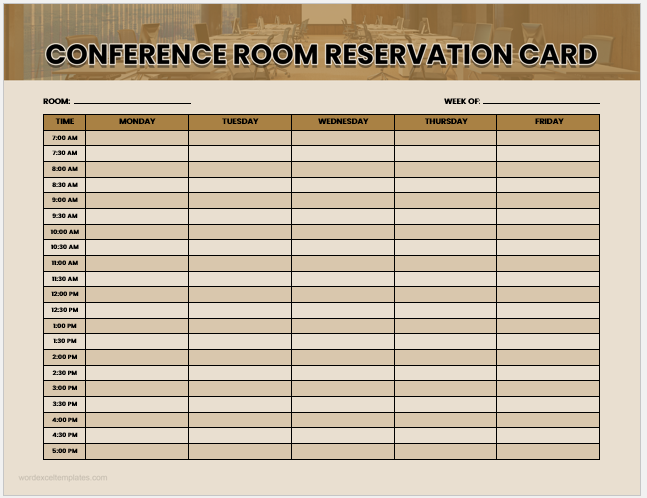
Sample Card 1:
MS Word File (.docx)
Size: 4MB
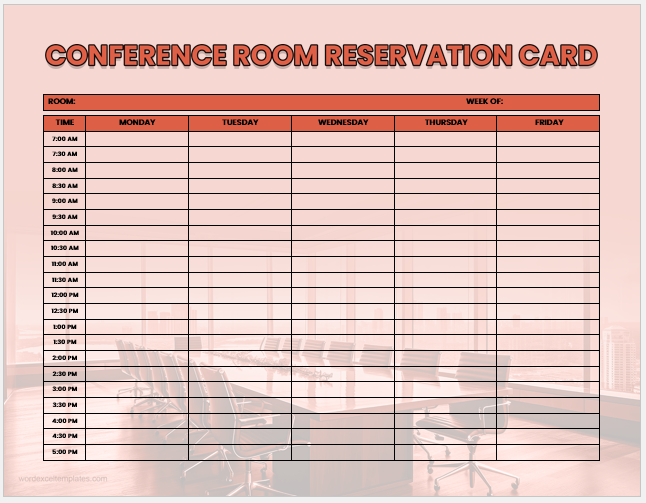
Sample Card 2:
MS Word File (.docx)
Size: 5 MB
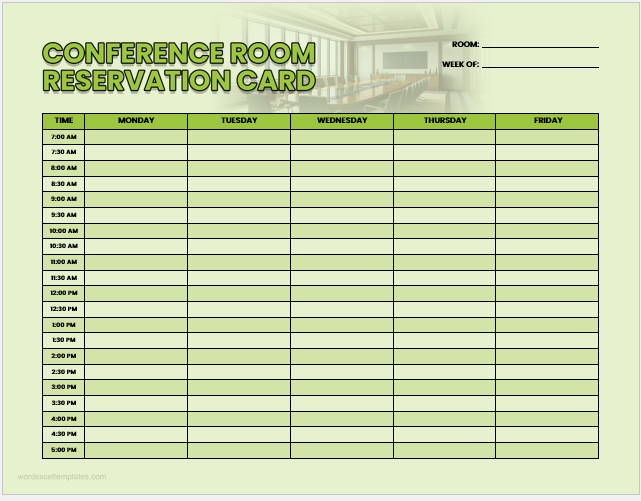
Sample Card 3:
MS Word File (.docx)
Size: 3MB
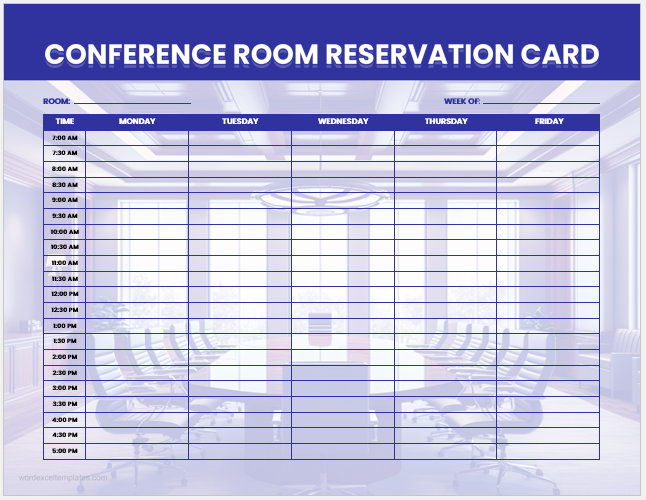
Sample Card 4:
MS Word File (.docx)
Size: 7 MB
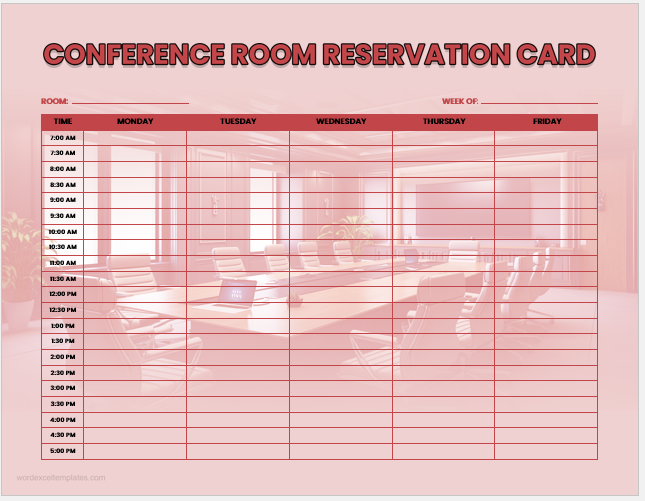
Sample Card 5:
MS Word File (.docx)
Size: 4 MB
- Temporary Employee ID Badge Templates
- Construction Worker ID Cards
- Hospital Employee ID Card Templates
- School Staff ID Card Templates
- Corporate Employee Photo ID Cards
- Custom Birthday Gift Card Design
- Security Clearance Card Templates
- Parking Cards/Permits for Employees
- Company Meal Card Templates
- Conference Room Reservation Cards
- Employee Birthday Announcement Card Templates
- Happy Holiday Cards for Employees
- Good Luck Card Templates for Word
- Miscarriage Sympathy Cards
- Kids School ID Badge Templates
- Get Well Soon Card Generator
- Service Dog ID Card Generator
- Service Dog ID Badge Templates