A Business Description Worksheet helps organize the essential information needed to explain what a business does, who it serves, what it offers, and how it is positioned in the market. It can be used as a structured starting point for business plans, company profiles, proposals, website About pages, and investor presentations.
The worksheet below guides you through business information, target customers, products or services, the problem being addressed, mission, vision, competitive positioning, goals, and other supporting details. After completing the key fields, use Generate Description to create both a short business summary and a more detailed description based on the information entered.
The generated wording also reflects the selected Description Tone and Primary Purpose. Review and edit the result before using it in public-facing, financial, legal, investor, or formal business materials. The completed worksheet can be reviewed in the A4 Live Preview and printed or saved as a PDF.
Business Description Worksheet v1.1.1
Create a clear, professional business overview for business plans, proposals, company profiles, websites, and presentations.
Using the Business Description Worksheet
Start with the basic business information, then describe the customers you intend to serve and the products or services you provide. The remaining sections help capture the business problem, mission, vision, unique selling points, competitive advantage, goals, and supporting notes.
The Worksheet Progress indicator tracks completion of the core business-description fields. When enough information has been entered, select the appropriate tone and purpose and use Generate Description. The tool creates a short summary and a detailed description from the information provided rather than requiring you to write the entire overview from a blank page.
MS Word Template
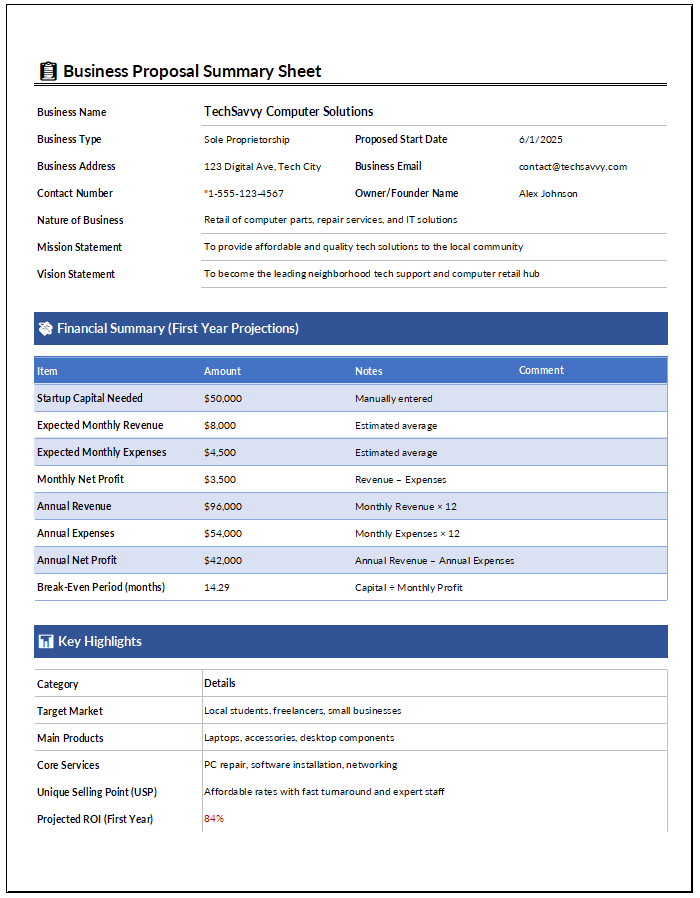
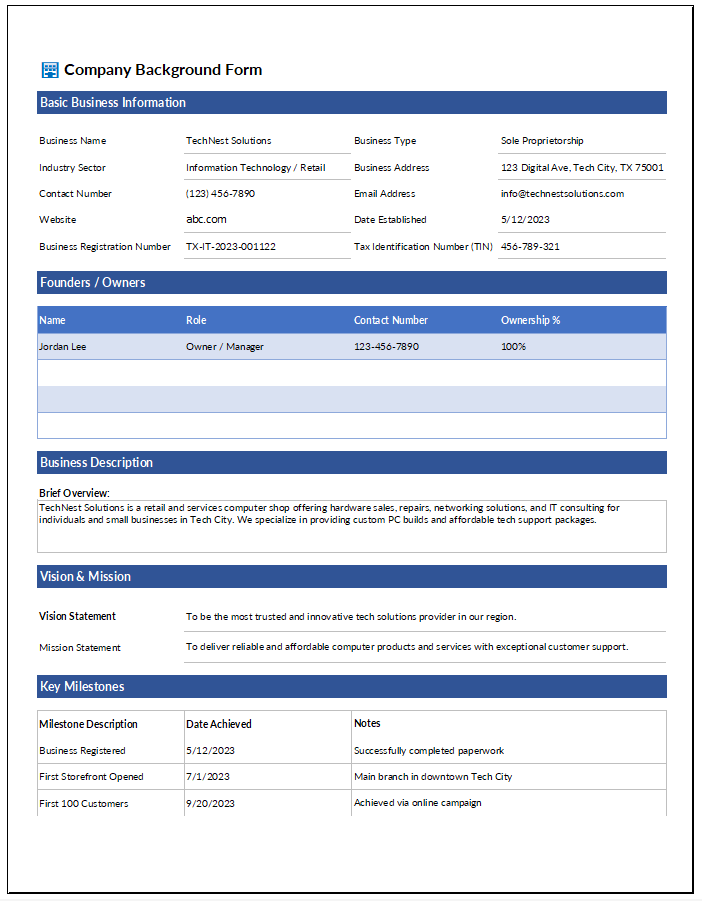
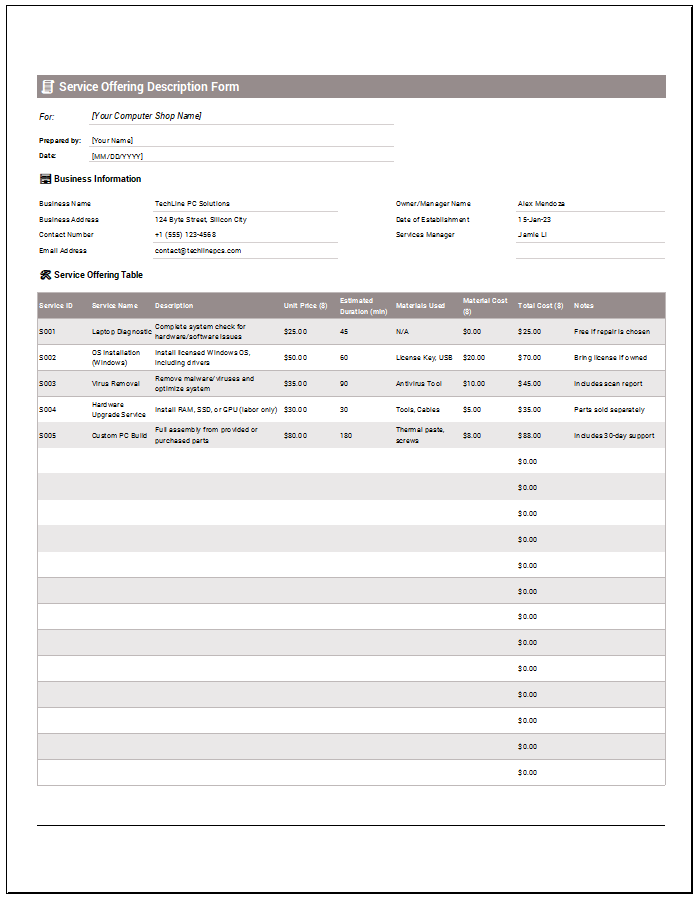
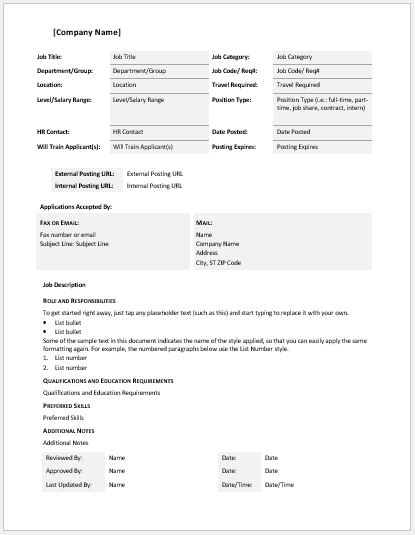
Here is the sample template given in MS Word for your help and guide.
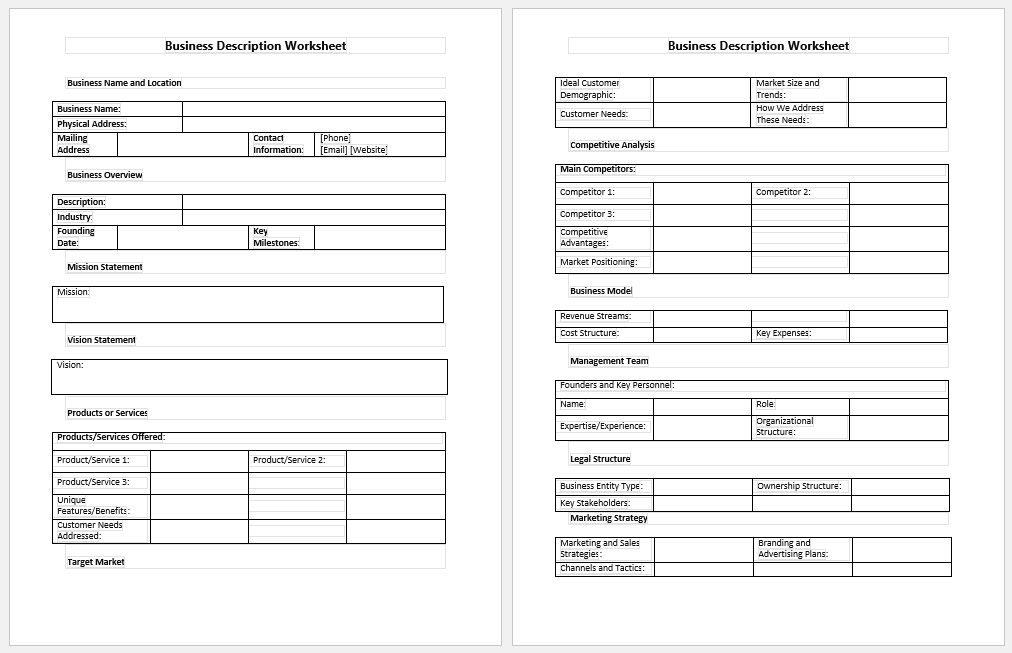
The downloadable Business Description Worksheet Word Template provides a document-based alternative for collecting and organizing business information. It may be useful when you prefer to complete the worksheet in Microsoft Word, circulate it for review, retain an editable offline copy, or incorporate the information into a broader business-planning document.
File: 97 KB
What to Include in a Business Description
A useful business description should explain the business clearly enough for a reader to understand its purpose without requiring additional background information. Depending on where the description will be used, this may include the business name, industry, location, year established, ownership, market served, target customers, and primary products or services.
It can also describe the problem the business addresses, its mission and vision, competitive strengths, and current goals. Not every description needs every field. The amount of detail should match the intended audience and purpose.
Choosing the Right Description Purpose
The worksheet provides several Primary Purpose options because the same business information may need to be presented differently in different contexts.
A Business Plan description can provide a broader overview of the business, market, offerings, mission, positioning, and goals. A Website About Page can use more customer-facing language and focus on what the company does and whom it helps.
A Company Profile can emphasize company background, capabilities, services, market, and positioning. A Proposal description can focus more strongly on the relevant services, customer problem, and competitive strengths. An Investor Presentation may place greater emphasis on the market, value proposition, differentiation, and growth goals.
The generator adjusts the structure of the generated description according to the selected purpose, but the final wording should still be reviewed for the specific audience.
Selecting a Description Tone
The Professional tone is suitable for general business documents and structured company information. Friendly uses a more approachable style that may suit customer-facing material such as an About page.
Formal uses more institutional wording, while Concise produces a shorter description containing the most relevant entered information.
Tone changes presentation rather than the underlying facts. The generator should therefore be supplied with accurate business information regardless of the style selected.
Short Summary vs. Detailed Business Description
The Short Business Summary is designed to communicate the core business idea in approximately one or two concise sentences. It can be useful for introductions, profile sections, directories, or places where space is limited.
The Detailed Business Description brings together a broader selection of the information entered in the worksheet. Depending on the selected purpose, it can incorporate the business background, customers, offerings, market, mission, competitive position, and goals.
Both generated sections remain editable. Review them for accuracy, remove information that is not relevant to the intended audience, and add details that cannot be inferred from the worksheet fields.
Writing a Strong Business Description
Use specific information rather than broad promotional statements. For example, describing the actual customer group, service, geographic market, or business problem is generally more informative than relying on phrases such as “best-in-class” or “leading provider.”
Keep factual claims supportable. Avoid inserting market leadership, performance results, customer numbers, certifications, partnerships, or financial claims unless those details can be verified.
A business description is often reused in several documents, but the same wording may not be appropriate everywhere. Adapt the final description to the reader and the purpose of the document.
Review Before Use
The generator organizes and combines information entered by the user. It does not independently verify business details, market claims, financial information, legal status, or investor statements.
Before using the generated description in a business plan, proposal, company profile, investor material, website, application, or other formal document, review the wording and make any changes required for accuracy and context.