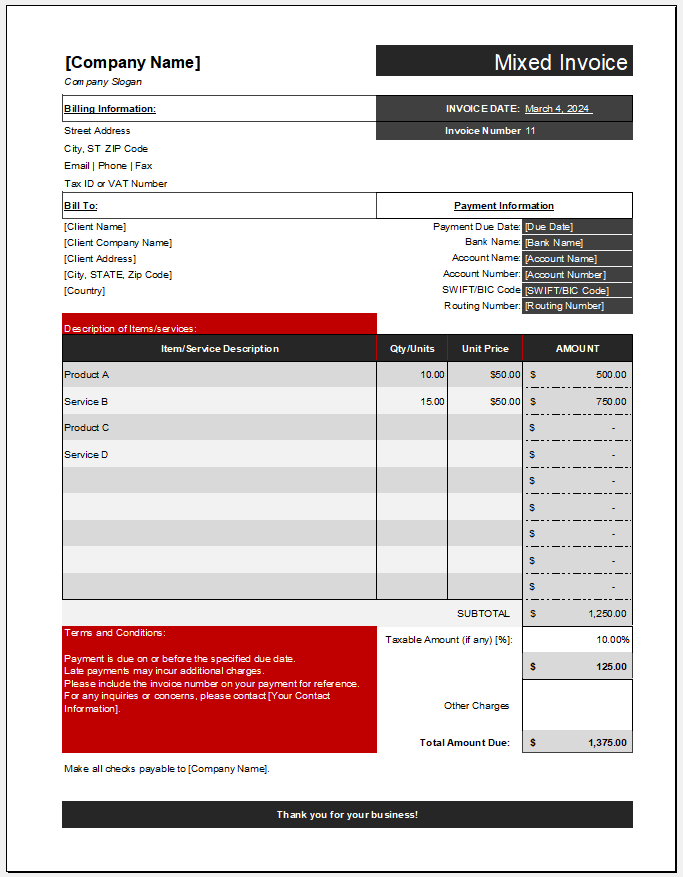
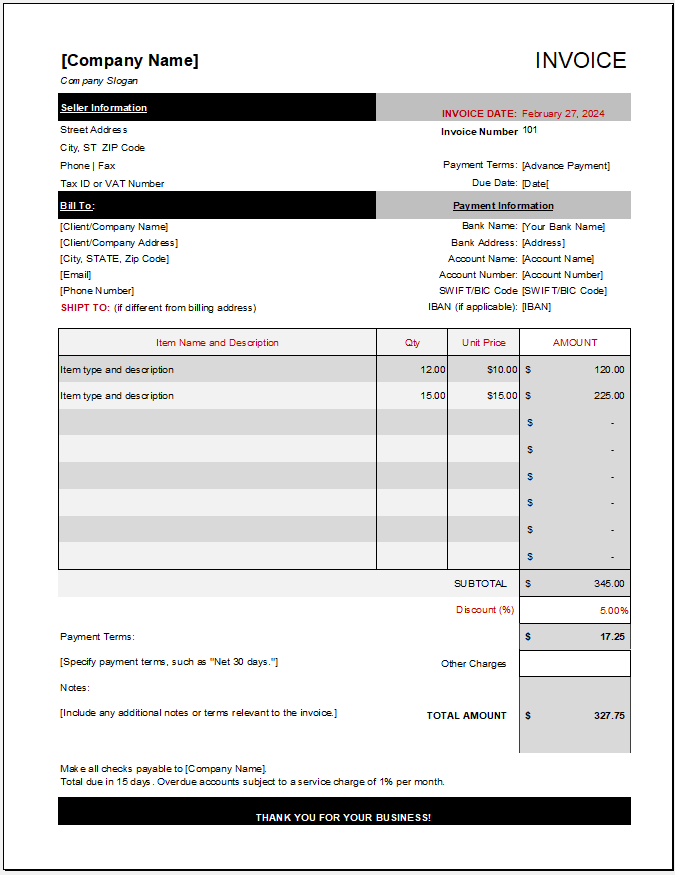
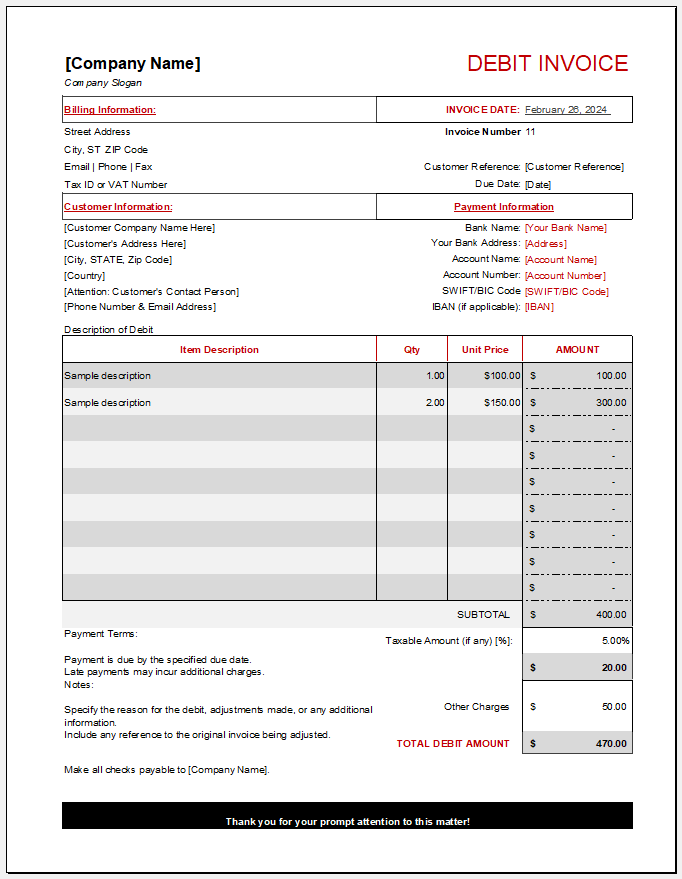
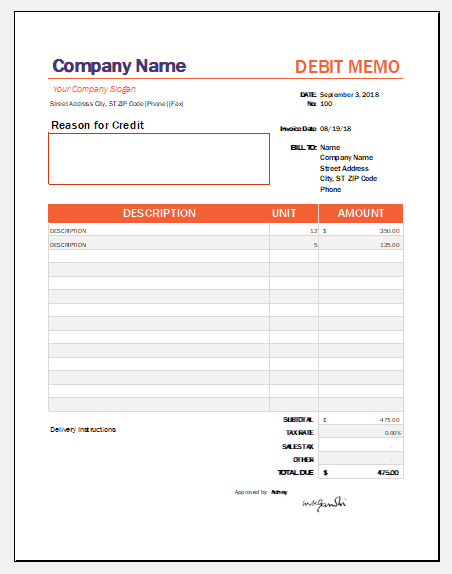
The Progress Invoice Generator is a professional online tool designed for businesses and contractors who bill clients based on the completion of project milestones or stages of work. Unlike a standard invoice that requests payment for the entire project, a progress invoice allows you to invoice customers as work progresses, making it ideal for long-term contracts and phased projects.
This generator enables you to create polished, print-ready progress invoices directly in your browser without requiring any specialized accounting software. Whether you are managing a construction project, renovation, engineering contract, consulting assignment, or large commercial installation, the tool simplifies the entire billing process.
The generator features an intuitive interface where you can enter company information, client details, project information, billing periods, work completed, and payment details. As information is entered, the live invoice preview updates automatically, allowing you to verify the final document before printing or downloading.
Company Branding
Company Information
Client Details
Invoice Settings
Currency Settings
Invoice Items
Totals Engine
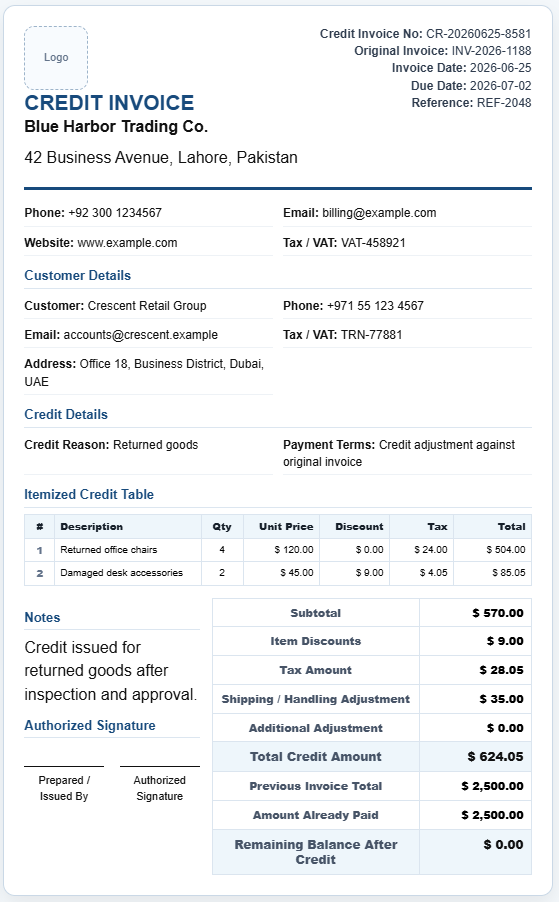
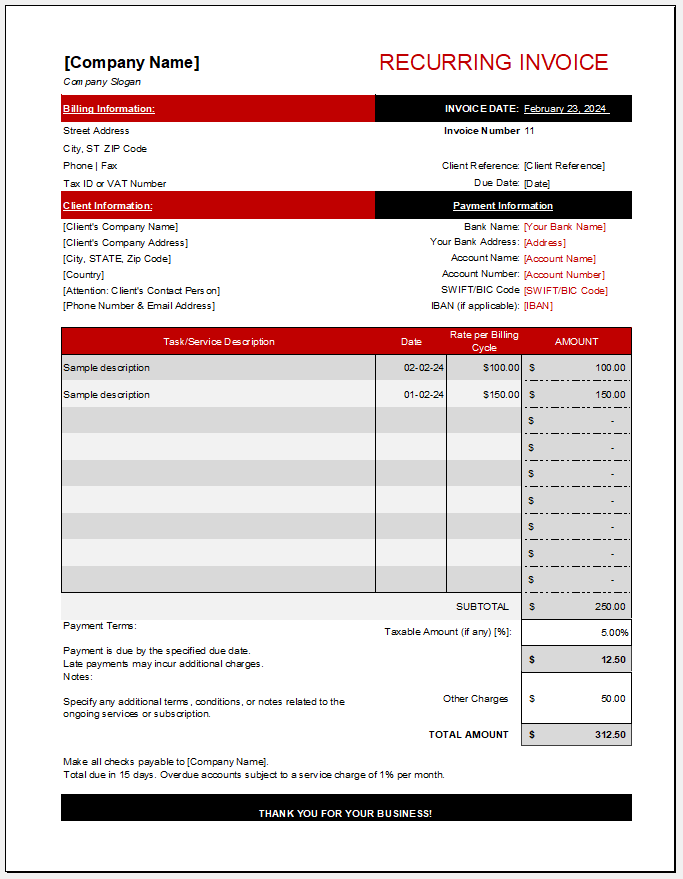
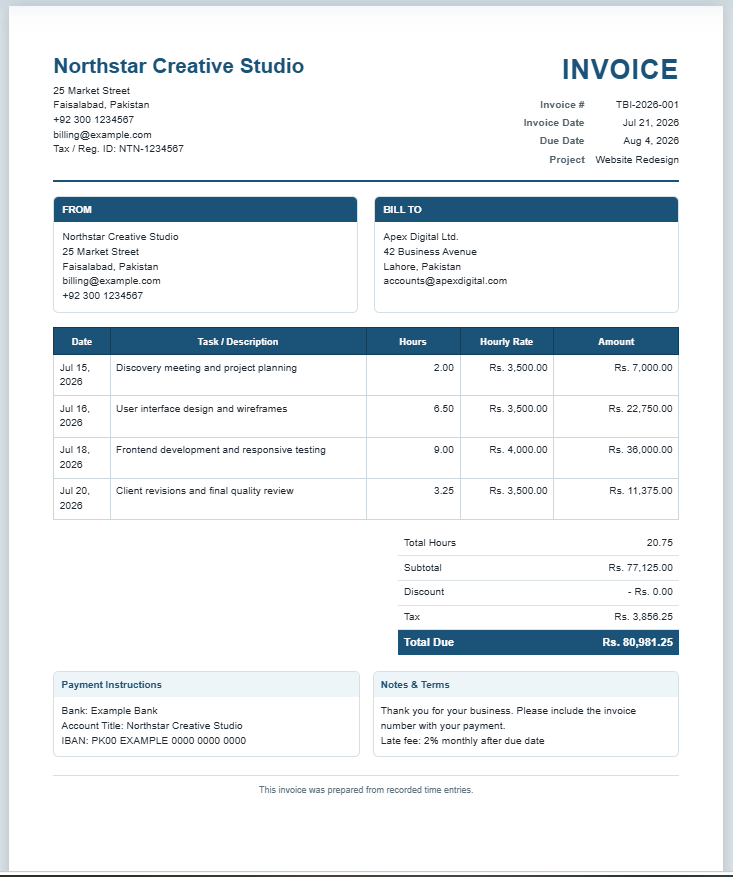
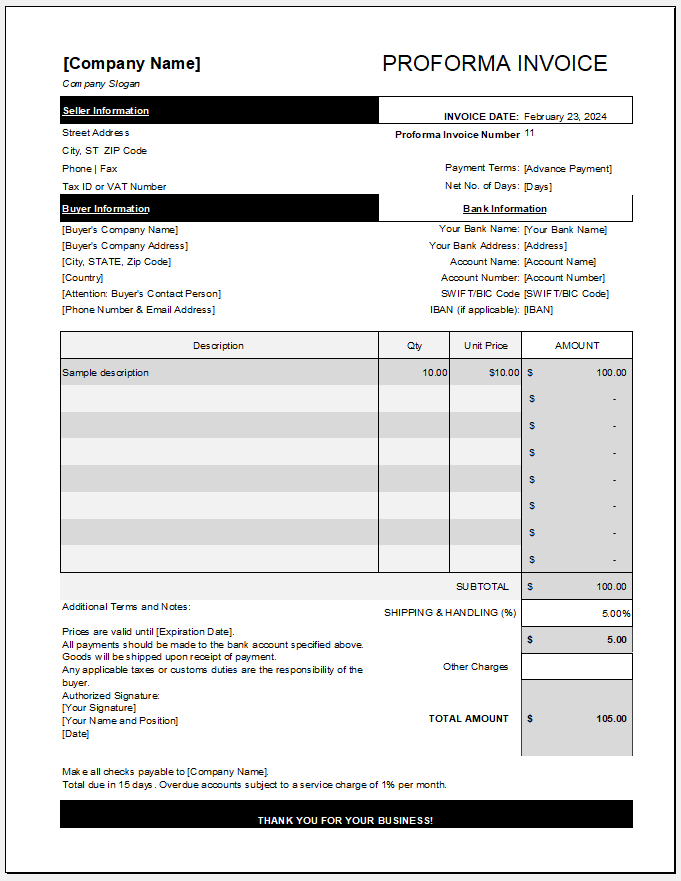
Invoice
Bill To
| # | Description | Qty | Rate | Amount |
|---|
Subtotal
Discount
Tax
Shipping
Other Charges
Previous Balance
Grand Total
Amount Paid
Balance Due
How to Use the Progress Invoice Generator
Creating a professional progress invoice is simple:
- Enter your company information, including business name, contact details, and logo.
- Add client details such as company name, address, and contact information.
- Complete the project section by entering the project name, contract number, work order, purchase order, and project manager.
- Fill in the invoice information, including the progress invoice number, invoice date, billing period, due date, and reference number.
- Record project progress by entering contract value, previous billing amount, current billing amount, overall completion percentage, and retention details.
- Add work items to the progress table, including descriptions, quantities, unit rates, milestone information, and progress percentages.
- Review automatically calculated totals, taxes, discounts, retention, and balance due.
- Include payment instructions, certification details, notes, and signatures.
- Preview the invoice in real time.
- Print or download the completed invoice as a professional A4 document.
Key Features
The Progress Invoice Generator includes a comprehensive set of features designed for professional project billing:
- Live invoice preview with instant updates
- Professional A4 print layout
- Dynamic work progress table
- Unlimited project work items
- Automatic calculations for totals and balances
- Contract value tracking
- Previous and current billing management
- Progress percentage tracking
- Retention percentage and retention amount
- Purchase order and contract number fields
- Billing period management
- Project manager and consultant information
- Multiple payment methods
- Company logo support
- Watermark options
- Custom branding
- Responsive design for desktop, tablet, and mobile
- Download PDF functionality
- Print-ready professional formatting
Where This Invoice Can Be Used
The Progress Invoice Generator is suitable for many industries, including:
- Construction companies
- Civil engineering firms
- Building contractors
- Electrical contractors
- Plumbing contractors
- HVAC service providers
- Interior designers
- Architects
- Project consultants
- Manufacturing projects
- Government contracts
- Infrastructure projects
- Property development
- Industrial installations
- Large renovation projects
- Commercial maintenance contracts
Benefits of Using This Generator
Using this online generator helps streamline the invoicing process while reducing manual work. Automatic calculations minimize billing errors, and the structured layout ensures every invoice contains the essential information required for project-based billing.
The live preview allows users to review every detail before printing, while the professional formatting presents a polished image to clients. Since the generator works directly in your browser, there is no need to install software or create an account. The responsive design also allows invoices to be created from desktops, tablets, or mobile devices.
For businesses handling multiple project phases, the progress tracking fields provide a clear record of completed work, previous billings, retention amounts, and outstanding balances, making financial management more organized.
The Content Management of the Template
The Progress Invoice Generator includes fields for:
- Company information
- Client information
- Project details
- Progress invoice number
- Billing period
- Contract number
- Purchase order number
- Project manager
- Work progress table
- Quantity and unit pricing
- Previous and current billing amounts
- Progress percentages
- Retention calculations
- Tax and discount
- Shipping and additional charges
- Grand total
- Amount received
- Balance due
- Payment instructions
- Certification section
- Notes and remarks
- Authorized signatures
- Professional footer
- Print and PDF support
This comprehensive set of features makes the Progress Invoice Generator an efficient solution for businesses that require accurate, professional, and project-focused invoicing throughout every stage of a contract.
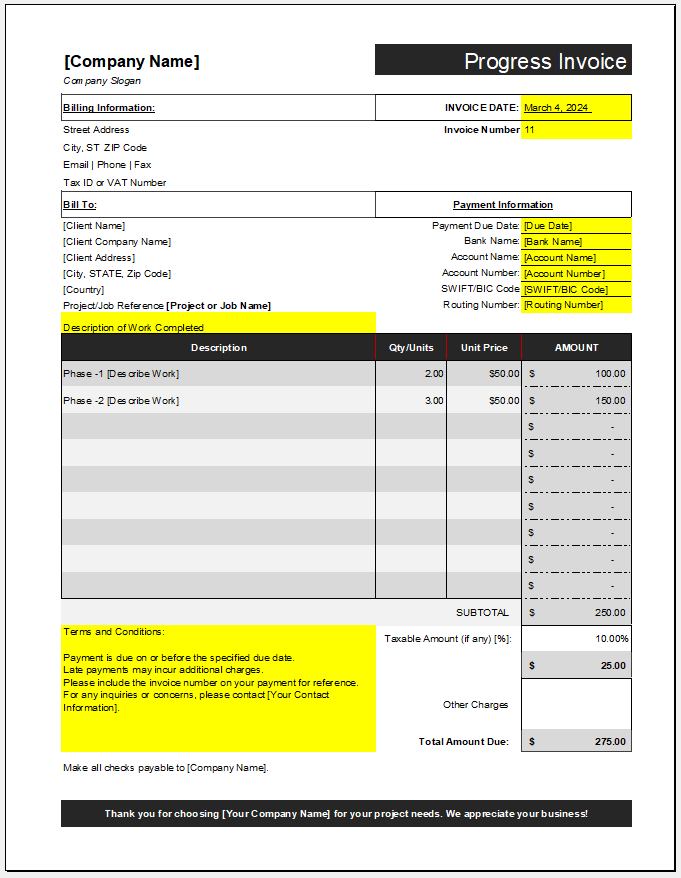
A Sample MS Excel Template
Invoice Template File: 98 KB