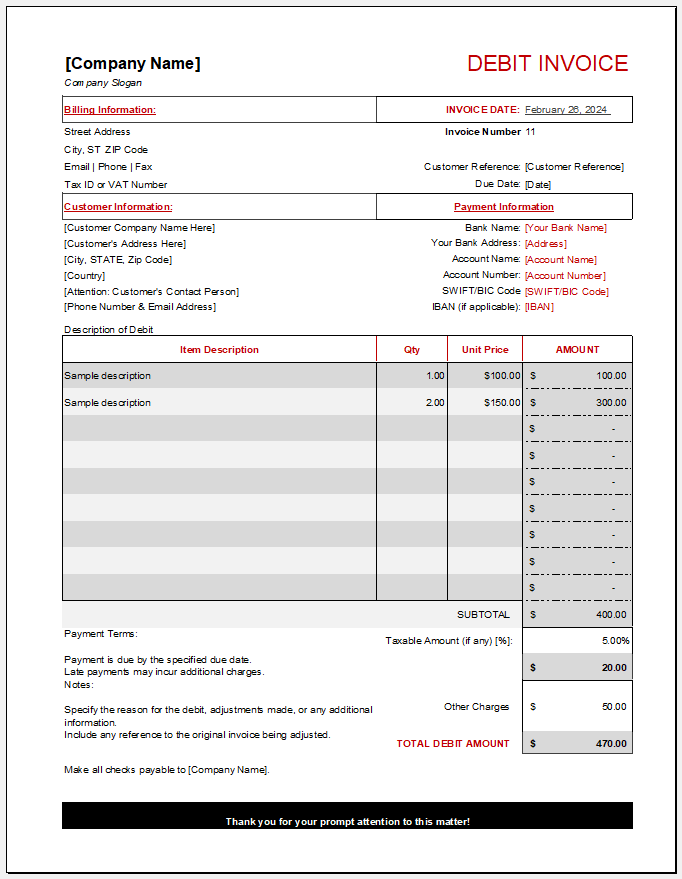
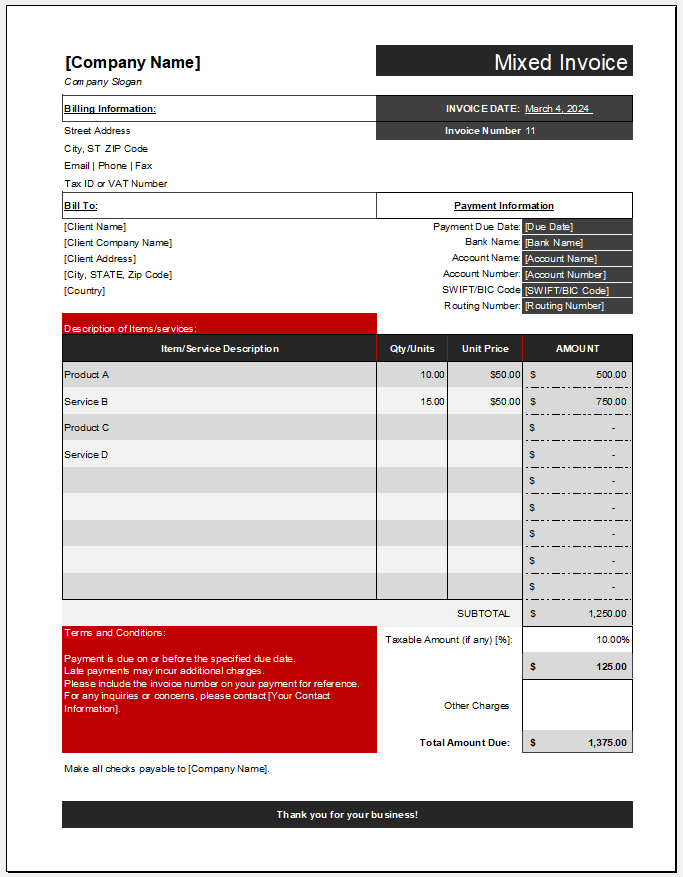
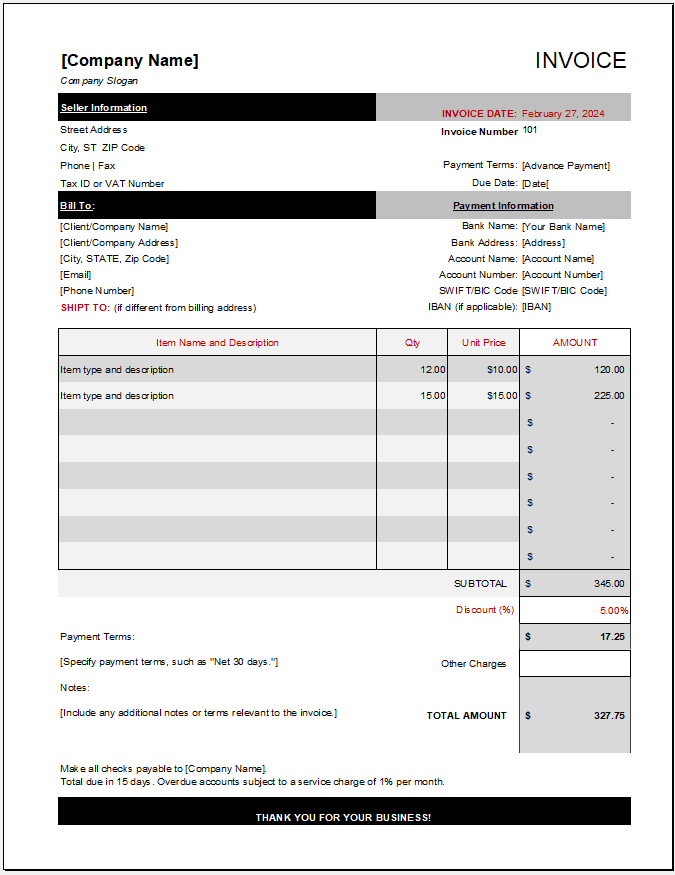
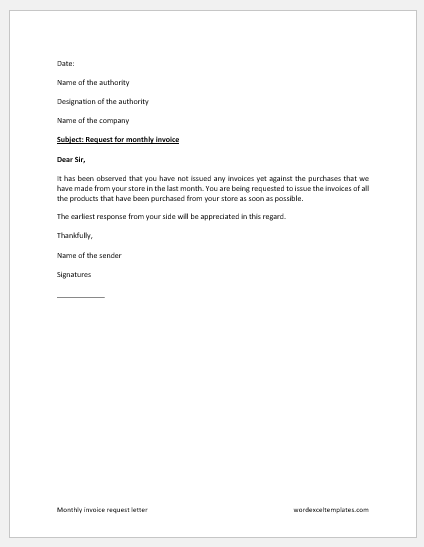
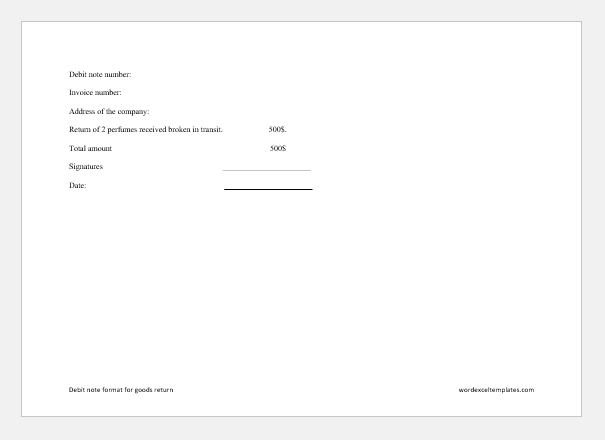
Sending an invoice is a professional way for businesses to request payment for goods or services. Invoices record the amounts billed and the payment terms, but they do not, by themselves, confirm that payment has been made.
An expense report serves a different purpose: it records costs incurred by an employee, department, or business. Although invoices and expense reports both contain financial information, they are not interchangeable. An invoice requests payment from a customer, while an expense report typically documents spending and supports a reimbursement request.
What is an expense report?
It is a business document used to record and report expenses. Employees may pay for approved work-related costs and then submit an expense report showing what they spent, when, and for what purpose. The employer reviews the report before processing any eligible reimbursement.
What does an expense report do?
This document keeps a record of business expenses incurred by an individual or department. Employees often use it to request reimbursement for costs they have paid personally.
The expense report is usually a form with fields for the relevant details. Employees complete it and submit it to their employer, along with any required supporting documents.
For example, an employee may need to attach receipts or supplier invoices for the expenses claimed. These documents help the company verify the amounts, confirm the business purpose, and review the claim against its expense policy.
(Create your FREE expense report invoice below.)
Invoice & employee
Itemized expenses
Enter expenses incurred for business purposes. Amount = Quantity × Unit Cost.
Reimbursement & adjustments
Review & approval
Use Download for Excel to edit the invoice with formulas, or Print / Save PDF.
What is the format of an expense report?
Companies often have a standard expense report format. Employees should follow this format and gather the required information before completing the report.
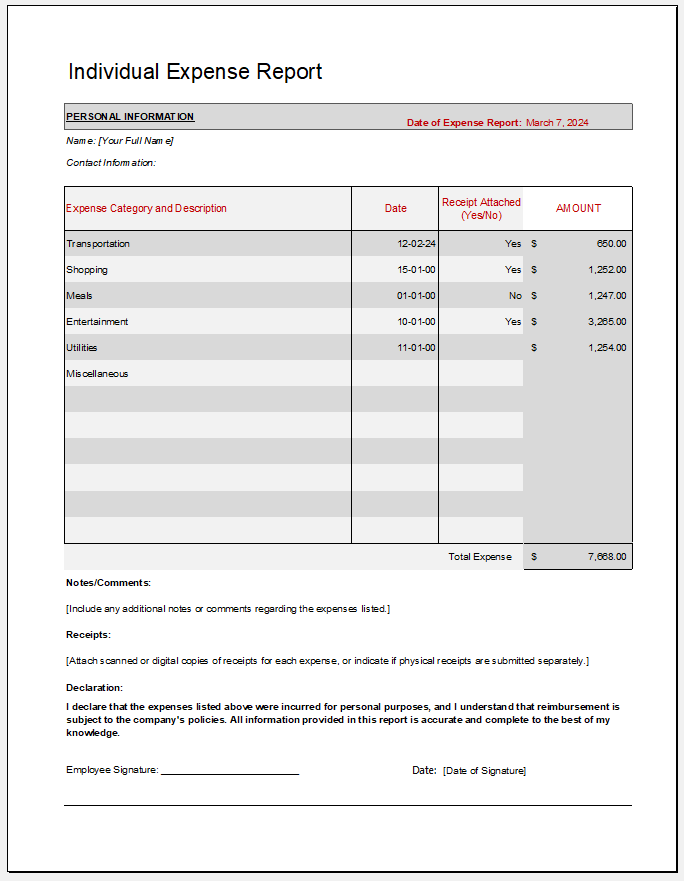
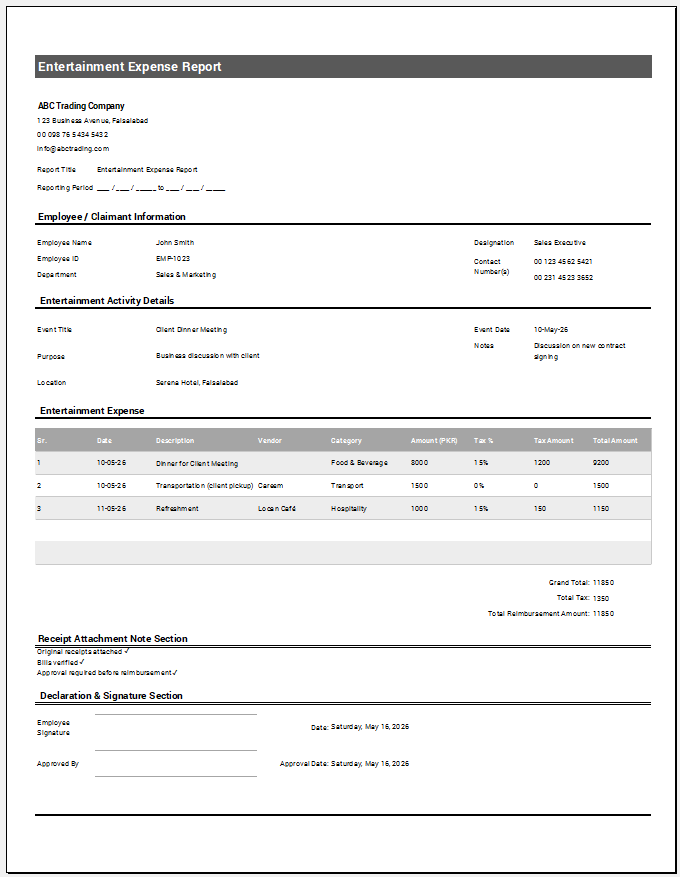
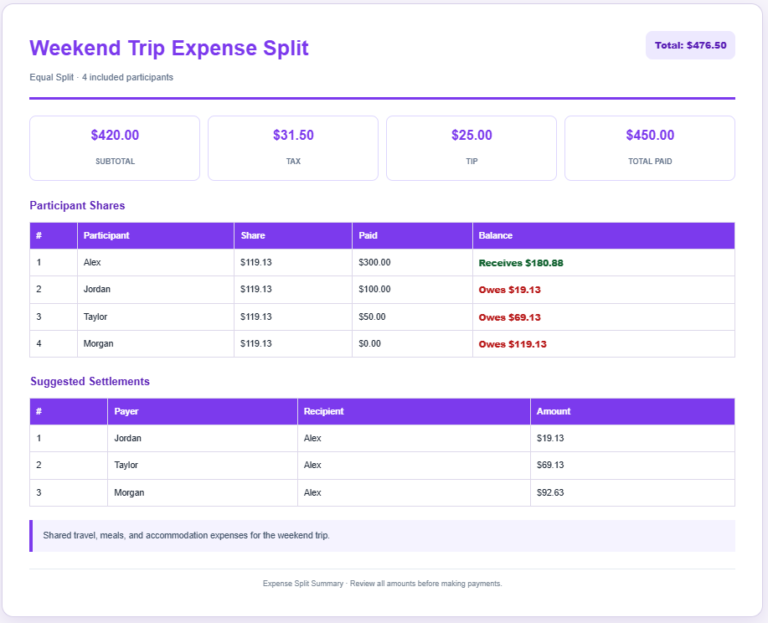
Unlike a sales invoice, an expense report usually lists multiple purchases or transactions, each supported by a receipt or other documentation where required.
Here are some basic details commonly included in an expense report:
Information about the company and employee:
Include the company’s name and, where appropriate, its logo. Add the employee’s name, employee ID, department, and contact details so the claim can be identified and processed.
Submission date and reporting period:
Record the date the report is submitted and the period it covers. Each expense should also have its own transaction date. This makes it easier to review spending and track reimbursement requests.
Details of expenses:
List each expense separately, including the date, supplier, category, business purpose, amount, and receipt reference. Keep descriptions brief but clear enough for the reviewer to understand the claim. Add rows or supporting pages when necessary.
Totals and reimbursement amount:
Calculate the total expenses claimed and deduct any cash advances, company-paid amounts, or other adjustments to determine the reimbursement requested. Where tax details are required, record them consistently and avoid counting tax twice if it is already included in the expense amount.
Policy requirements and approval:
Include any relevant expense-policy instructions, an employee declaration, and fields for review and approval. Employees should check that their claims are accurate, supported by the required documents, and consistent with company policy before submitting them.
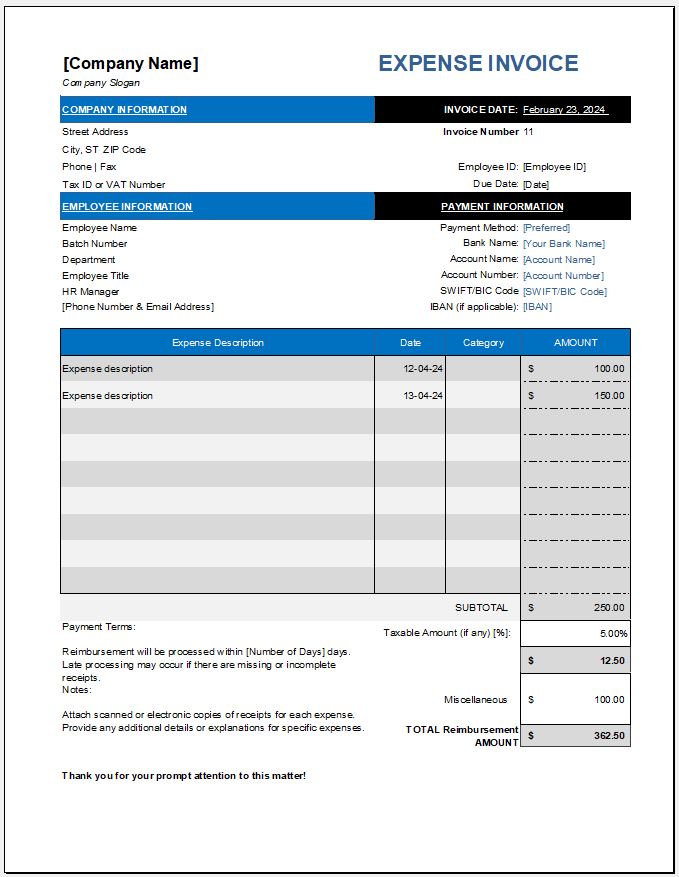
Expense Report Invoice File: 84 KB