Credit Invoice Generator

Reviewed & updated by Updated Originally published

Our Online Credit Invoice Generator is designed to help businesses, freelancers, retailers, wholesalers, contractors, and service providers create professional credit invoices within minutes. Whether you need to issue a credit for returned products, billing corrections, overpayments, price adjustments, damaged goods, or service cancellations, this tool provides everything required to prepare an accurate and professional credit invoice online.

Unlike traditional invoice templates that require manual calculations, this generator performs all mathematical calculations automatically while allowing you to customize every part of the invoice. Simply enter your business information, customer details, and invoice items to generate a fully formatted credit invoice that is ready to print or download.

Credit Invoice Generator

Create, preview, and print a professional credit invoice directly from your WordPress page.

Business Information

Customer Information

Credit Invoice Details

Item Table

#Item DescriptionQtyUnit PriceDisc %Tax %Line Total

Adjustments and Balance

Live Preview
100%

CREDIT INVOICE

Blue Harbor Trading Co.

Approved

Credit Invoice No:
Original Invoice:
Invoice Date:
Due Date:
Reference:
PO Number:
Issued By:
Phone:
Email:
Website:
Tax / VAT:

Customer Details

Customer:
Phone:
Email:
Tax / VAT:
Address:

Credit Details

Credit Reason:
Payment Terms:
Credit Method
Original Invoice
Customer Account

Itemized Credit Table

#DescriptionQtyUnit PriceDiscountTaxTotal

Notes

Authorized Signature

Prepared / Issued By
Authorized Signature
Subtotal
Item Discounts
Tax Amount
Shipping / Handling Adjustment
Additional Adjustment
Total Credit Amount
Previous Invoice Total
Amount Already Paid
Remaining Balance After Credit
Credit amount in words:

FAQs

What is a credit invoice?

A credit invoice records a reduction, refund, adjustment, or credit issued against an original invoice.

Can I print only the invoice?

Yes. The print button opens an isolated A4 print document containing only the complete live preview, preserving colors, borders, tables, and typography.

Can I zoom the live preview?

Yes. Use Zoom−, Zoom+, and Fit. On mobile, open the Live Preview tab first, then adjust the preview without shifting it off center.

Does this require a plugin?

No. The HTML version works directly in a WordPress Custom HTML block.

How to Use This Generator

Using the Credit Invoice Generator is simple and requires no accounting or design experience.

Start by entering your business information, including your company name, address, phone number, email address, website, tax registration number, and business logo. Next, fill in your customer’s details such as their name, address, phone number, and email address.

After entering the basic information, provide the credit invoice details including the credit invoice number, original invoice number, invoice date, due date, payment terms, reference number, and the reason for issuing the credit invoice. The generator offers several common credit reasons such as returned goods, overpayment, damaged products, pricing corrections, tax adjustments, and service cancellations.

Next, add one or more products or services to the invoice. For each item, enter the description, quantity, unit price, discount percentage, and tax rate. Additional rows can be added or removed whenever required, making the generator suitable for both small and large invoices.

As you enter the information, the invoice preview updates instantly, allowing you to review the completed document before printing or downloading it.

Automatic Calculations

One of the most powerful features of this generator is its automatic calculation system.

The generator instantly calculates:

  • Item totals
  • Line discounts
  • Tax amount
  • Invoice subtotal
  • Shipping or handling charges
  • Additional adjustments
  • Total credit amount
  • Previous invoice amount
  • Amount already paid
  • Remaining balance after credit

These automatic calculations eliminate manual errors and ensure that every credit invoice is accurate.

Live Invoice Preview

The right side of the generator displays a professional live preview of your completed credit invoice.

As you edit the information, every change is reflected immediately in the preview without refreshing the page. This allows you to verify your invoice before printing or downloading it.

The preview includes:

  • Business logo
  • Business information
  • Customer information
  • Credit invoice number
  • Original invoice reference
  • Invoice dates
  • Credit reason
  • Itemized billing table
  • Tax summary
  • Discounts
  • Grand total
  • Remaining balance
  • Notes
  • Signature section

The finished invoice has a clean, professional appearance suitable for businesses of every size.

Save Your Work

If you are unable to complete the invoice immediately, you can save your work directly in your browser. The Save Draft feature stores all entered information locally so you can return later without re-entering the data.

You can also load a previously saved draft or permanently remove saved information whenever necessary.

Print or Download

Once your credit invoice is complete, you have several convenient options.

The Print button prints only the invoice itself, ensuring that website menus, headers, sidebars, and other page elements are not included in the printed document.

The Download option allows you to save a copy of the completed invoice for your records, customer communication, or future reference.

Mobile-Friendly Design

The Credit Invoice Generator works smoothly on desktop computers, laptops, tablets, and smartphones. Its responsive layout automatically adjusts to different screen sizes, allowing you to prepare invoices from virtually any device.

Why Use Our Credit Invoice Generator?

Our generator offers several advantages over traditional invoice templates:

  • No software installation required.
  • Professional business layout.
  • Automatic calculations.
  • Unlimited invoice items.
  • Instant live preview.
  • Business logo support.
  • Easy editing before printing.
  • Browser-based draft saving.
  • Mobile-responsive interface.
  • Fast printing and downloading.
  • Completely free to use online.

Whether you operate a small business, retail store, repair service, consulting company, or large organization, this Credit Invoice Generator helps you prepare accurate, professional, and well-organized credit invoices in just a few minutes.

MS Excel Template

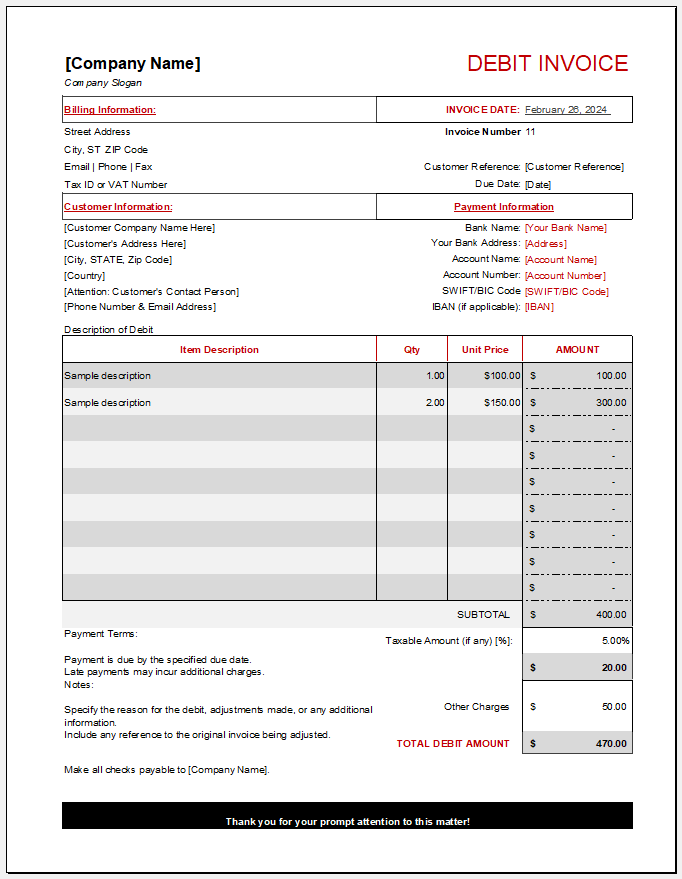
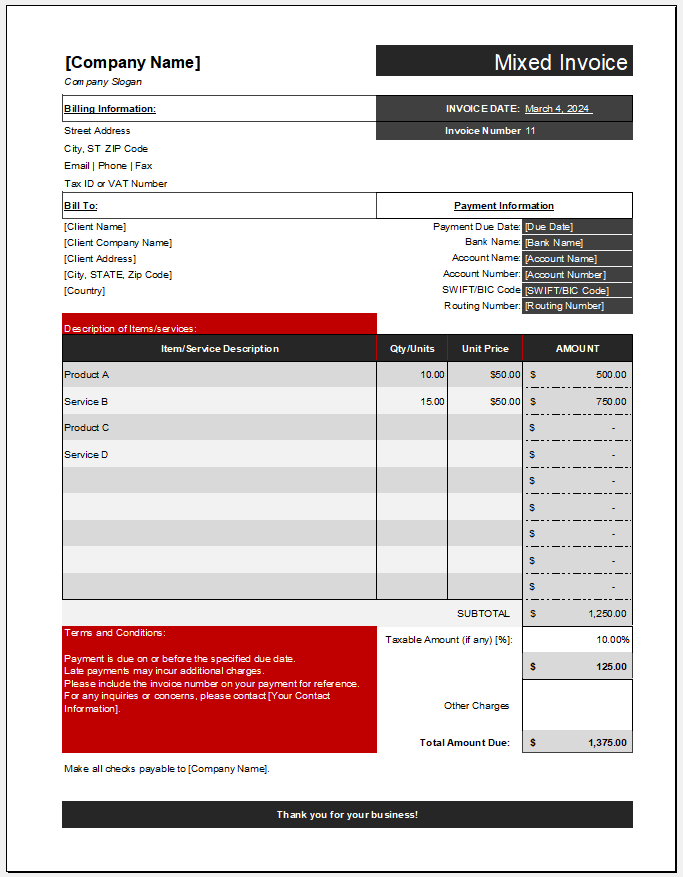
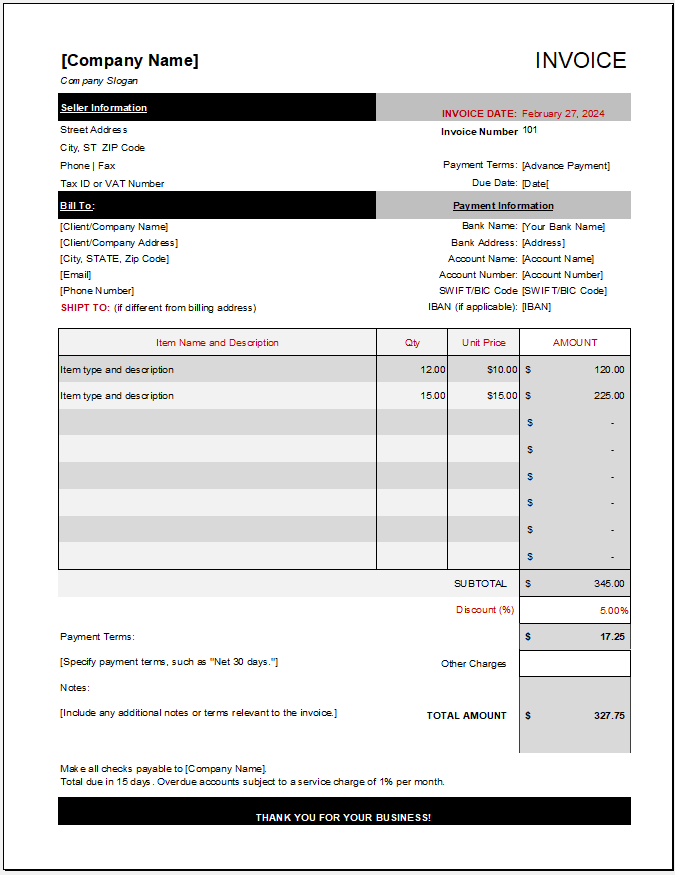
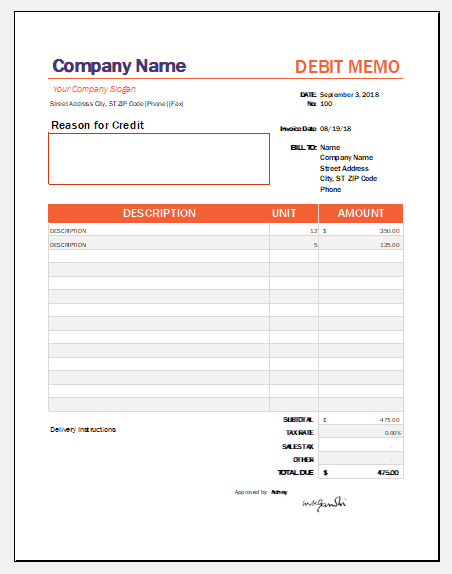
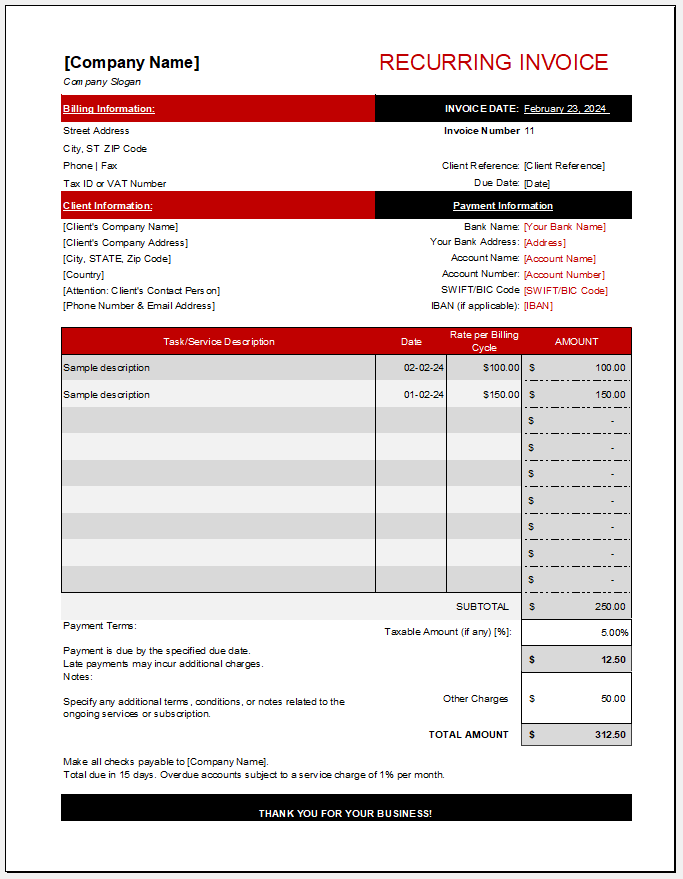
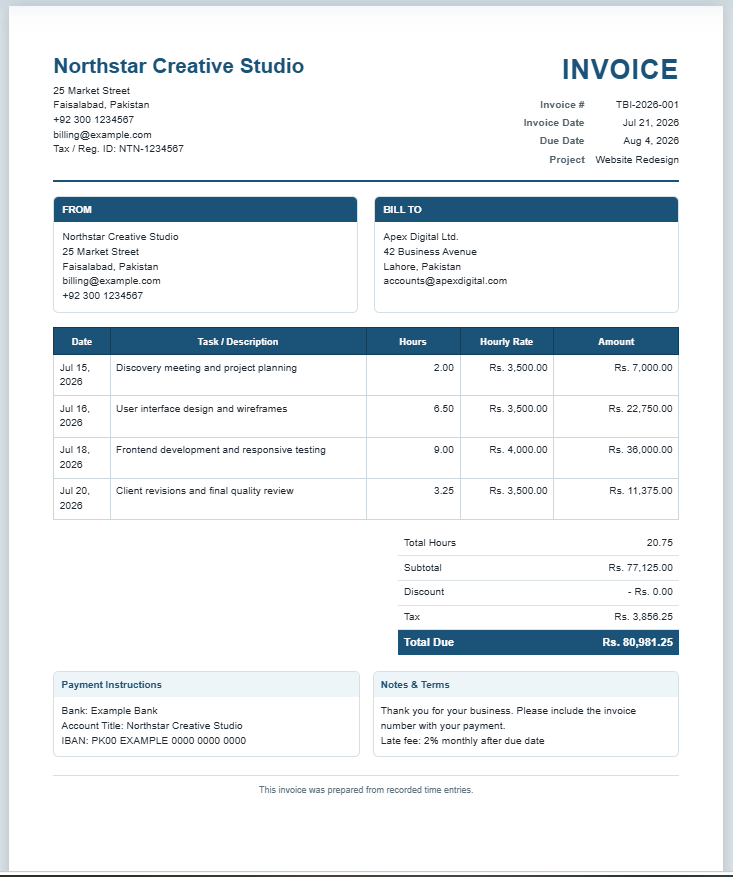
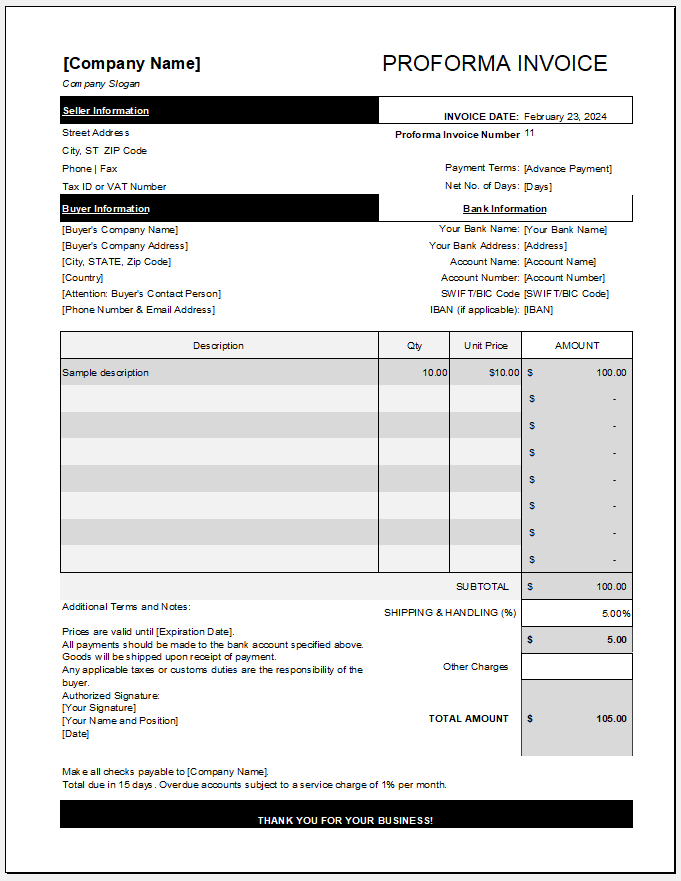
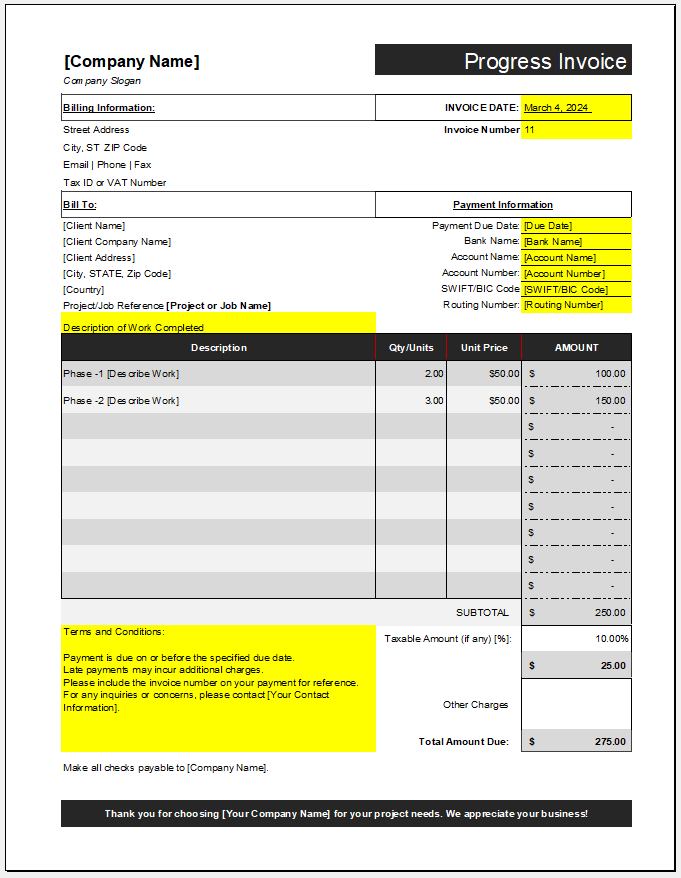
If you prefer working offline, you can also download our professionally designed MS Excel Credit Invoice Template. The spreadsheet includes preformatted sections for business and customer information, invoice details, itemized products or services, taxes, discounts, adjustments, and payment information. Built-in formulas automatically calculate subtotals, taxes, discounts, and the final credit amount, helping you prepare accurate invoices with minimal effort.

Download the template, customize it with your own information, save it for future use, and print or email the completed credit invoice whenever needed.
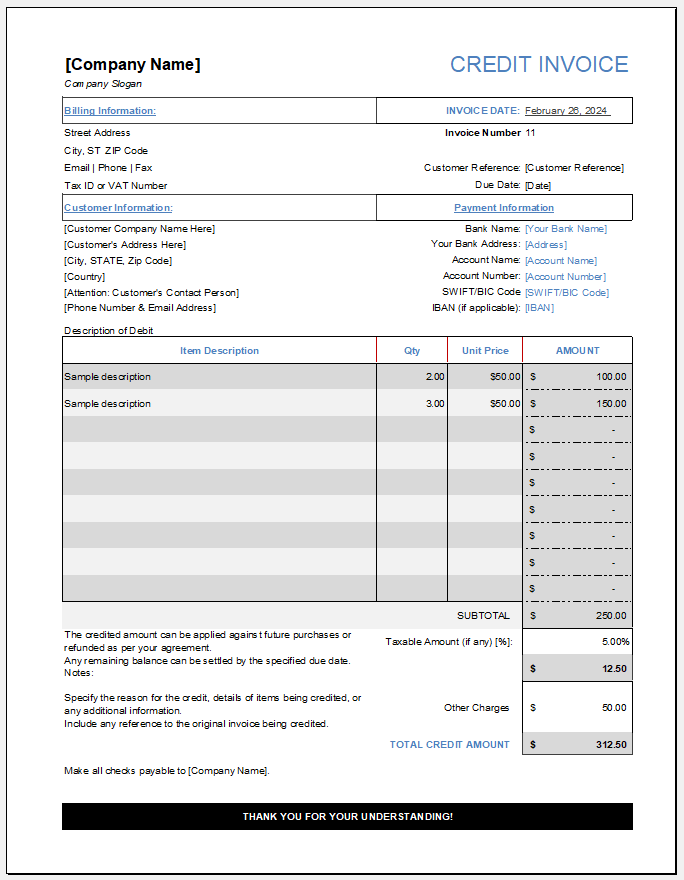
Credit Invoice Template

Credit Invoice Template File: 74 KB