Reviewed & updated by M. Hameez·
Updated
Originally published
The global business travel industry is a significant part of the economy. Regardless of where your business operates, travel may be one of its expenses. To manage these costs effectively, it is important to track where money is being spent and why.
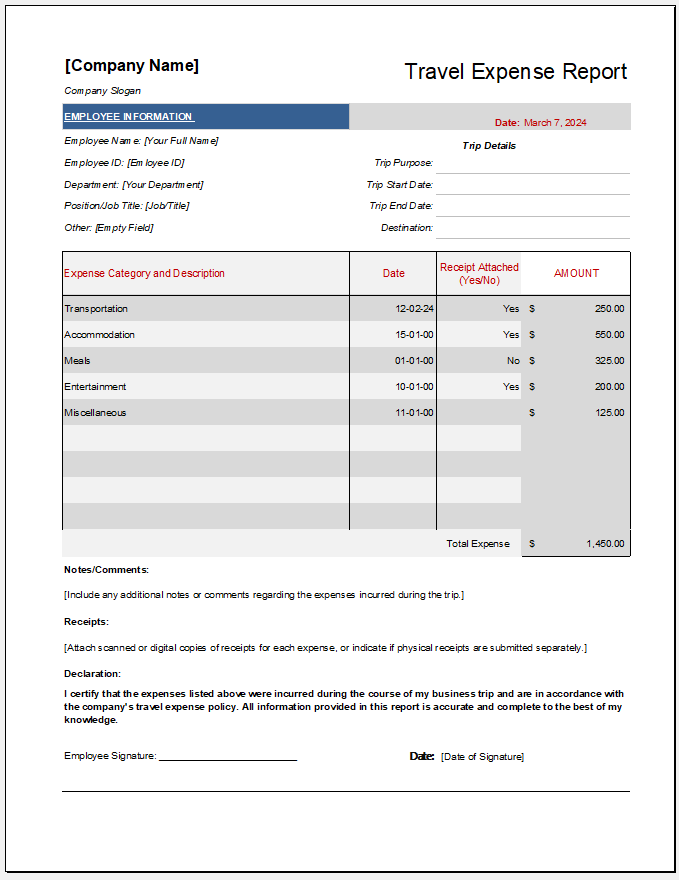
A travel expense report can help by recording details of business trips and their associated costs. Employees can submit this report to the company responsible for covering or reimbursing those expenses.
What is a Travel Expense Report?
A travel expense report is a physical or digital document that records important details about travel-related expenses. These details include the amount spent, the purchase date, and the expense category. Supporting receipts are often attached to the report.
What Does a Travel Expense Report Do?
A business needs to understand travel costs to identify where money is being spent and why. A travel expense report can help identify projects or teams that are exceeding their travel budgets.
Travel reimbursements can be subject to employee fraud. Clear reporting procedures and supporting documentation can help reduce this risk by providing evidence of the expenses incurred.
(You can create an online travel expense report given below.)
Travel Expense Report
Employee & Trip Details
Expense Entries
Mileage & Reimbursement
Calculated Reimbursement
Report Snapshot
Travel Expense Report
EMPLOYEE
EMPLOYEE ID
DEPARTMENT
MANAGER
DESTINATION
TRAVEL DATES
REPORT DATE
CURRENCY
Itemized Travel Expenses
Date
Category
Description / Vendor
Payment
Receipt
Amount
Tax
Reimb.
Expense Summary
Total Expenses
Reimbursable
Travel Advance
Balance Due
Mileage & Notes
MILEAGEREIMBURSEMENT NOTES
Employee Signature / Date
Manager / Approver Signature / Date
Travel Expense Report • Verify expenses and reimbursement treatment according to applicable company policy and requirements.
How to Create a Travel Expense Report
To create a clear and professional travel expense report, consider the following points:
Choose the Right Application
Choose an application that allows you to organize expenses and calculate totals easily. Microsoft Excel is a suitable option because it provides spreadsheet tools for recording, categorizing, and totaling expenses.
Details to Add
Include information that helps the reader understand the purpose and cost of the business trip. This may include the employee’s name, travel dates, destination, and relevant client, project, account, or department.
For each expense, record the purchase date, vendor, description, category, and amount. Common expense categories include transportation, accommodation, and meals. Add any relevant notes to explain individual purchases. Any applicable tax or VAT should also be clearly stated.
Total Expenses
Include a row showing the subtotal of the expenses listed in the table. If taxes are recorded separately, add them to calculate the final total. Make sure taxes already included in individual amounts are not counted twice.
Receipts or Invoices
Attach receipts or invoices to support the expenses listed in the report. These documents help verify the vendor, purchase date, and amount spent.
Follow your company’s requirements for submitting supporting documents. If copies are accepted, you can retain the originals for your records. When submitting the report electronically, attach clear scans or photographs of the receipts and invoices.
Importance of a Travel Expense Report
A travel expense report provides a professional way for employees to document work-related travel costs and request reimbursement. It also gives businesses a record of those expenses and the documents supporting them.
By reviewing these reports, businesses can identify discrepancies, monitor spending, and find opportunities to reduce costs. Reports can also be retained for future reference, accounting, and tax preparation.
Employees of some businesses incur different business expenses which they pay by themselves. These expenses tend to be unavoidable as they are needed to run the business. This may include travel-connected expenses such as airfare, car rentals, etc. They may be business expenses such as meals, office supplies, etc. They will be related to the […]
Businesses of all sizes have to prepare and also respond to the altering market conditions. They may have to create new products as well as services that will accommodate consumers’ wants as well as requirements to cover immediate requirements so that the business can remain afloat. This is why it is important to have access […]
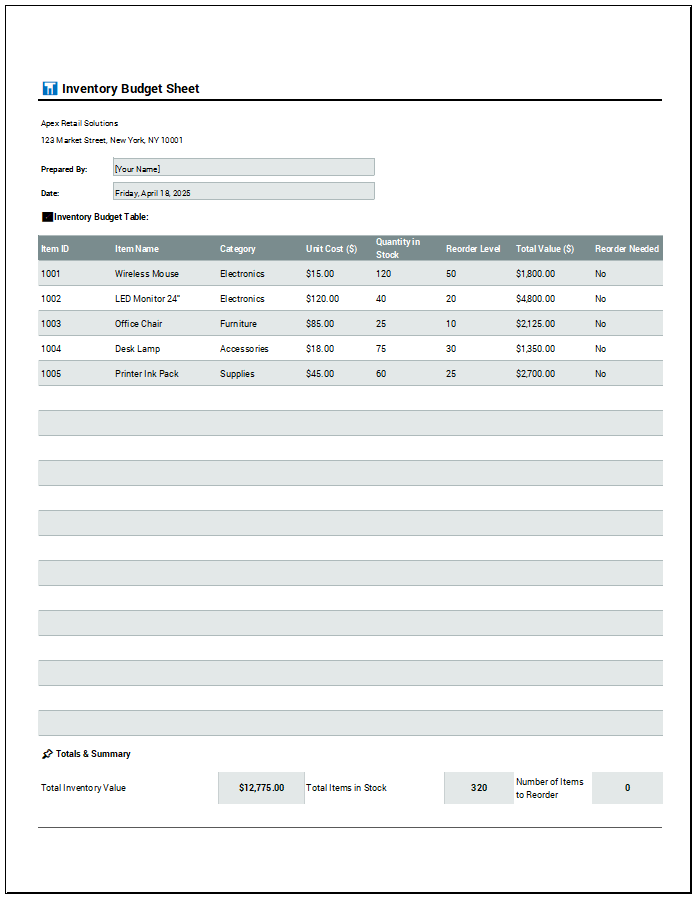
Inventory is a crucial component of all businesses and must be managed carefully. A business needs to know its entire inventory and the associated costs. Managing inventory can be challenging, as it requires careful and accurate attention. An inventory budget sheet can be helpful in this case. This document tracks and manages a business’s inventory. […]
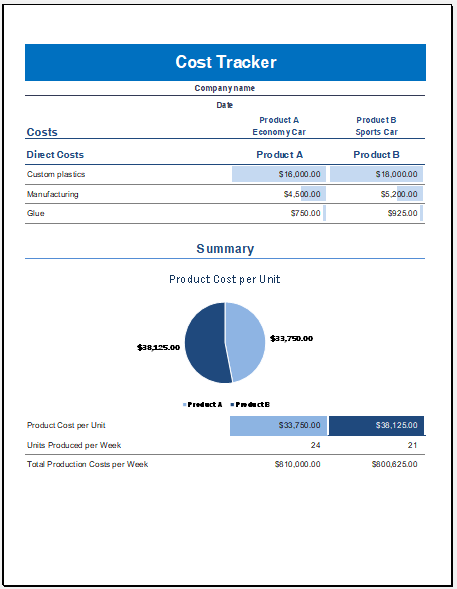
Keeping track of product costs is essential for any business aiming to improve profitability by reducing expenses. Businesses and individuals often take specific steps to manage and lower costs. To evaluate whether these efforts are effective, many use a Product Cost Comparison and Tracking Template. This tool helps monitor expenses, compare costs across products or […]
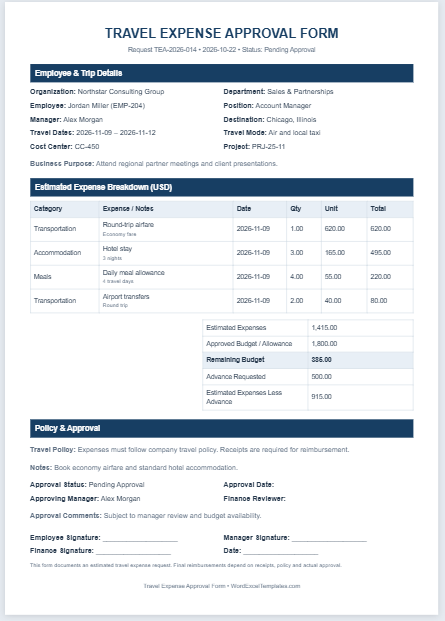
A travel expense approval form is a document employees use to request authorization for estimated expenses before traveling on behalf of their company. Some companies ask employees to submit a travel expense report after the trip to claim reimbursement. They may also require advance approval of the planned expenses. The approval form records estimated costs, […]
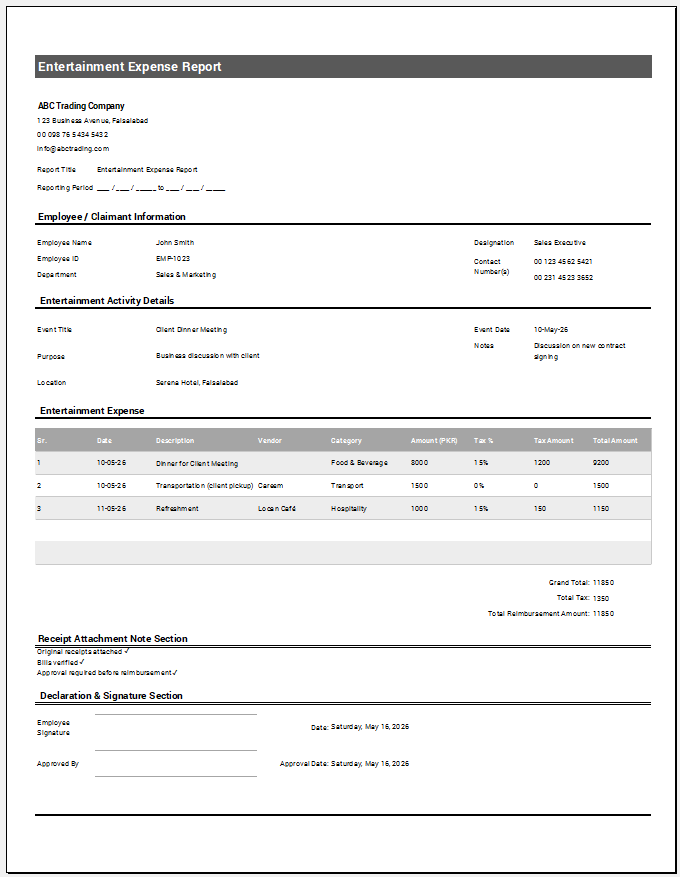
Businesses may organize entertainment activities, such as client dinners or staff events, for work-related purposes. Employees or other authorized individuals may sometimes pay these expenses out of pocket and then request reimbursement according to company policy. An entertainment expense report provides a structured way to record these costs, explain their business purpose, and submit them […]
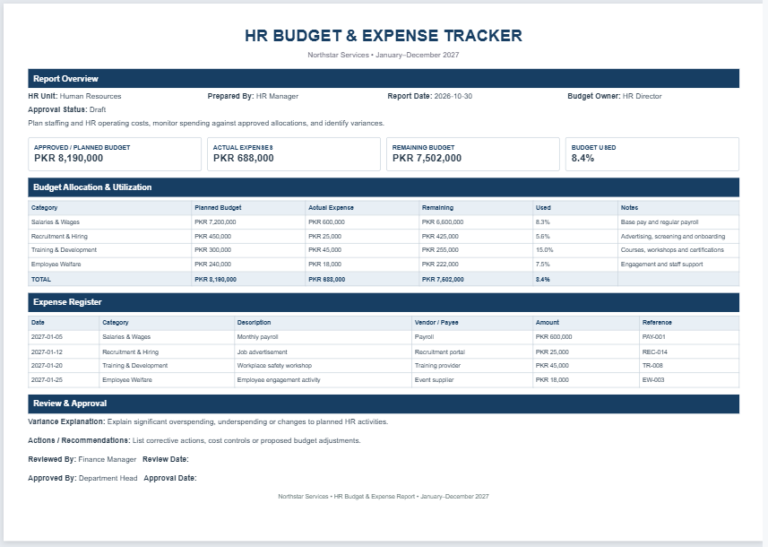
Managing human resource expenses effectively is essential for every organization. The HR department is responsible for recruitment, employee onboarding, training programs, compensation planning, employee benefits, and many other workforce-related activities. Keeping track of these expenses helps organizations control costs and make informed financial decisions. Our HR Budget & Expense Tracker Generator provides a modern and […]
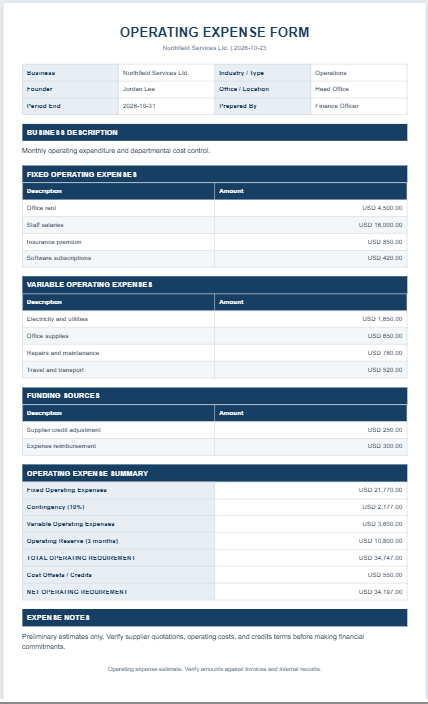
A company must understand its operating expenses because they affect profitability and resource allocation. Tracking these costs helps a business assess its spending, identify inefficiencies, and make informed decisions. An operating expenses form can organize this information in one place. This document records the costs associated with running a business during a specified period. Common […]
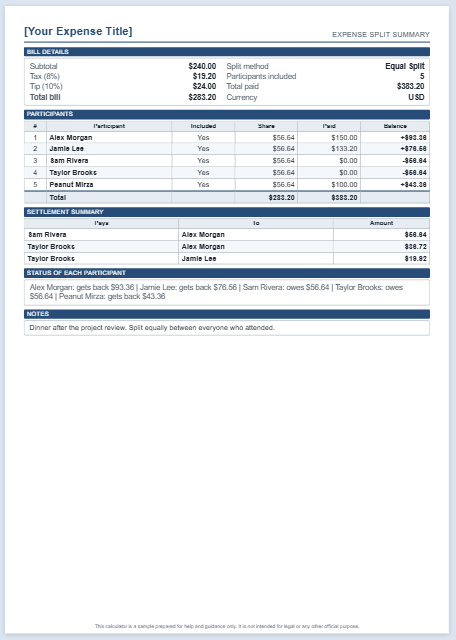
An Expense Split Calculator is a convenient financial tool that helps divide shared expenses fairly among multiple participants. Whether you’re splitting the cost of a restaurant bill, vacation, household expenses, office purchases, event costs, or group activities, the calculator quickly determines how much each person should contribute. It eliminates manual calculations and reduces the chance […]
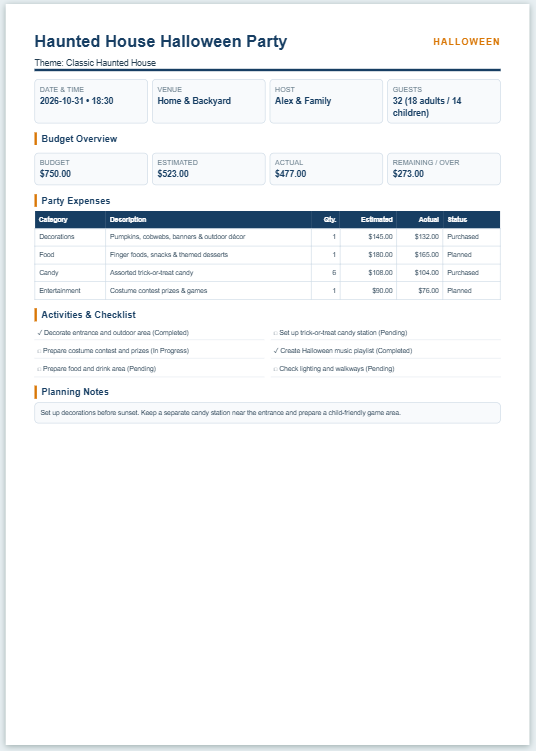
A Halloween Party Planner & Budget Sheet helps you organize a Halloween party and keep its expenses under control. It brings important details such as the party date, theme, venue, guest count, decorations, food, candy, entertainment, and other expenses into one place. It also provides a checklist so you can keep track of the tasks […]
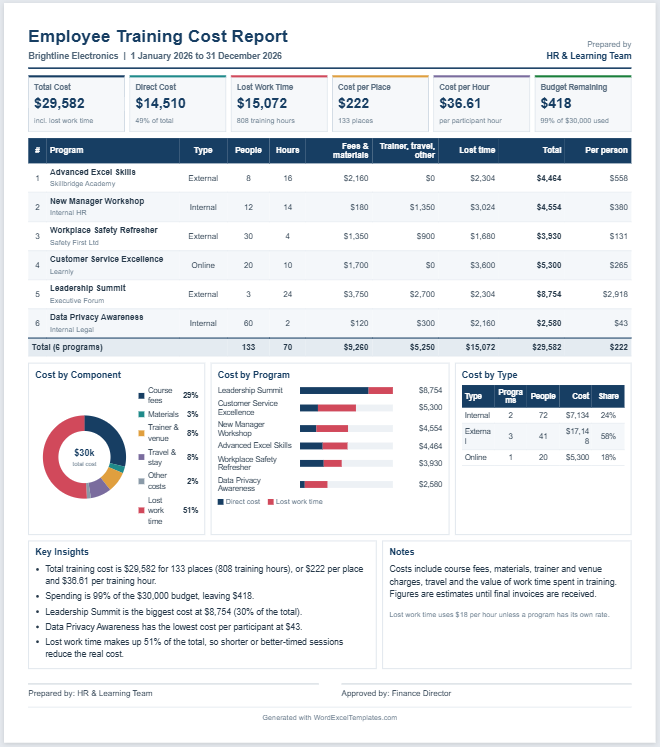
Employee training involves more than the fee paid to a trainer or course provider. The total cost can also include employee time, training materials, certification fees, venue or platform charges, travel and accommodation, administration, equipment, and other delivery expenses. Estimating these costs together provides a clearer picture of the resources required for a training program. […]
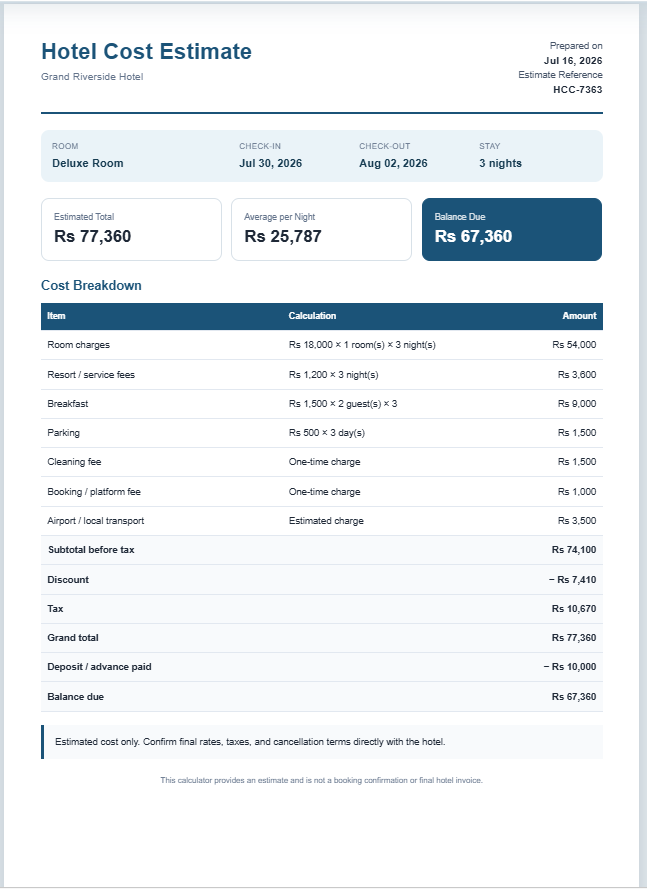
Planning a hotel stay is much easier when you know exactly how much it will cost. Our Hotel Cost Calculator helps you estimate the total cost of your accommodation by calculating room charges, taxes, service fees, discounts, and additional expenses in just a few seconds. Whether you’re planning a family vacation, a business trip, or […]
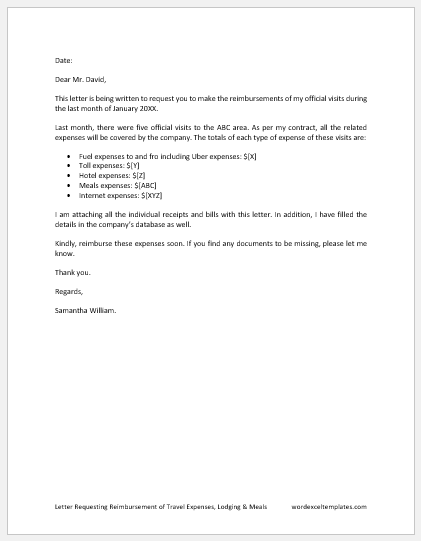
An employee writes a letter requesting reimbursement of travel expenses, lodging, and meals for the bill and addresses it to the employer or the relevant department of an organization. This letter is intended to request reimbursement for the official expenses the employee has paid out of his pocket. Employees often incur expenses for and during […]
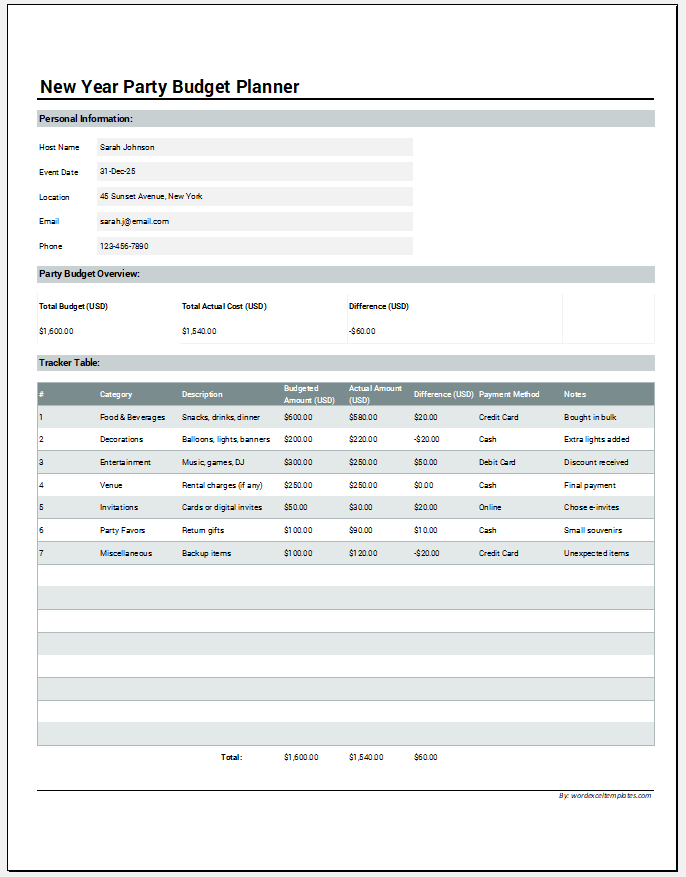
Many people host New Year’s parties. These are to celebrate the year ending whilst anticipating the new year ahead. The party allows one to be with their friends and loved ones or even colleagues and have a good time together. It allows people to socialize and enjoy themselves while connecting with their loved ones. Planning […]
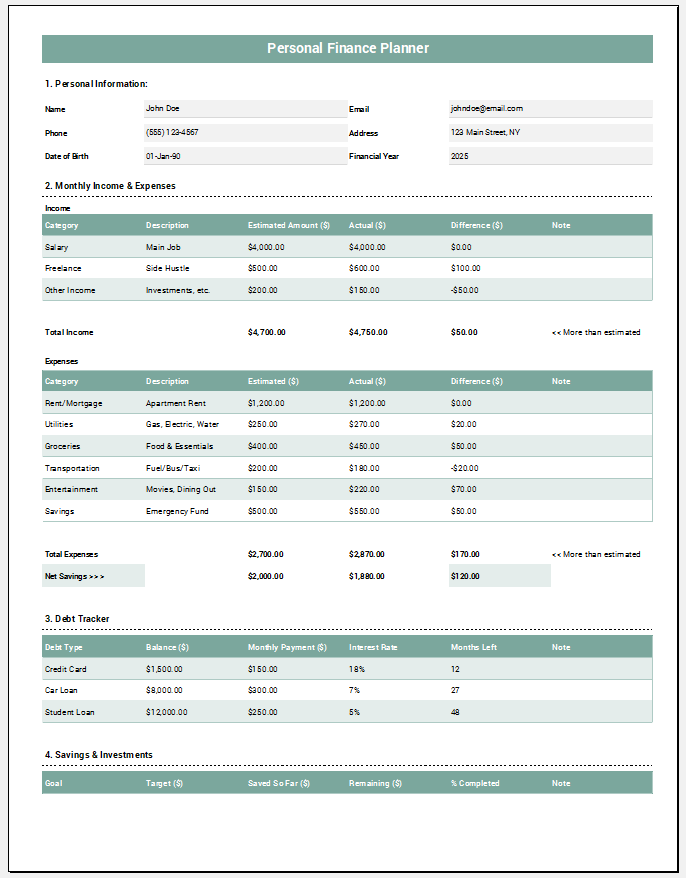
Planning personal finances matters if one wants to have financial security and limit stress. If one does not have a plan, it is possible that they will make impulsive decisions that can negatively affect their financial stability. With proper personal finance planning, one will have more discipline to handle their resources in a better way […]
An introduction letter introducing a new finance manager to a client is written by an organization and addressed to a client or customer. In this letter, the company informs the client that a new finance manager has been hired to replace the previous one. A new finance manager may be appointed for many different reasons, […]