Our Return to Work Form Generator is a professional online tool designed to help employers, HR departments, supervisors, and employees document an employee’s return to work after a period of absence. Whether the leave was due to illness, injury, maternity leave, personal reasons, or another approved absence, this generator makes it easy to create a complete and professional return-to-work record within minutes.
The tool eliminates the need for manual paperwork by allowing users to enter all required information through an easy-to-use online form. As information is entered, a professional Return to Work Form is automatically generated in real time, making the process faster, more accurate, and more organized.
Return to Work Form Generator
Create a professional HR return-to-work form with automatic leave-day calculation, status summary, print, PDF, local saving, and live preview.
Employee Information
Leave Information
Return to Work Information
Work Restrictions & Accommodations
Statements, Review & Approval
The generator contains the following information
Employee Information
The generator includes dedicated fields for recording employee details such as employee name, employee ID, department, job title, supervisor name, and work location. This information helps create a complete record that can be stored in employee files for future reference.
Leave and Absence Tracking
Users can record important leave information, including the type of leave taken, leave start date, leave end date, expected return date, and actual return date. The system automatically calculates the total number of days absent, reducing the chance of manual calculation errors.
Return-to-Work Assessment
The form allows organizations to document whether the employee is fit to return to work, requires temporary work restrictions, or needs workplace accommodations. This helps employers ensure a safe and smooth transition back into the workplace while maintaining compliance with internal HR policies.
Medical Clearance Documentation
For absences related to illness or injury, the generator provides options to record whether medical clearance is required and whether a medical certificate has been provided. This information can be important for maintaining proper employee records and supporting workplace safety procedures.
Work Restrictions and Accommodations
If an employee returns with temporary limitations, the form allows users to document work restrictions, modified duties, accommodation requirements, and other relevant information. This ensures that managers and supervisors clearly understand any temporary work arrangements.
Employee and Supervisor Statements
The generator includes sections where employees can provide comments regarding their return to work and supervisors can record observations, recommendations, follow-up actions, or approval notes. These sections help create a complete record of the return-to-work process.
Real-Time Document Preview
One of the most useful features of this generator is the live preview panel. As information is entered into the form, the Return to Work document is automatically updated in real time. Users can instantly review the completed form before printing or saving it.
Automatic Form Number Generation
Every generated form receives a unique document number automatically. This helps HR departments maintain organized records and simplifies document tracking and retrieval.
Status Tracking
The generator automatically displays status indicators based on the information entered. Depending on the selected options, the form may show statuses such as Approved, Pending Review, Restricted Return, or Medical Clearance Required.
Save, Print, and Download
Once the form is completed, users can:
- Print a professional Return to Work Form.
- Download or save the completed document as a PDF.
- Store information locally for future editing.
- Generate multiple forms quickly without creating paperwork from scratch.
Mobile-Friendly and Easy to Use
The generator is fully responsive and works on desktop computers, tablets, and mobile devices. Whether you are in the office or working remotely, you can create and manage Return to Work Forms from virtually any device.
Who Can Use This Generator?
This Return to Work Form Generator is ideal for:
- Human Resources Departments
- Small Businesses
- Corporate Organizations
- Schools and Educational Institutions
- Healthcare Facilities
- Manufacturing Companies
- Government Offices
- Nonprofit Organizations
- Employee Management Teams
By using this online Return to Work Form Generator, organizations can streamline employee return procedures, improve recordkeeping, reduce administrative work, and maintain accurate documentation for workplace compliance and employee management.
Downloadable MS Word Return to Work Form
In addition to the online Return to Work Form Generator, we also provide a professionally designed MS Word Return to Work Form template for users who prefer working offline. The Word version can be downloaded, customized, and printed as needed. It includes structured sections for employee information, leave details, return-to-work assessment, medical clearance documentation, work restrictions, supervisor comments, and approval signatures. Organizations can easily modify the template to match their internal policies, branding, and HR procedures.
The MS Word format is particularly useful for businesses that maintain paper-based employee records or require editable documents for manual completion and archiving. Whether you choose the online generator or the downloadable Word template, both options help simplify employee return-to-work documentation while maintaining professional and accurate records.
Here we have…

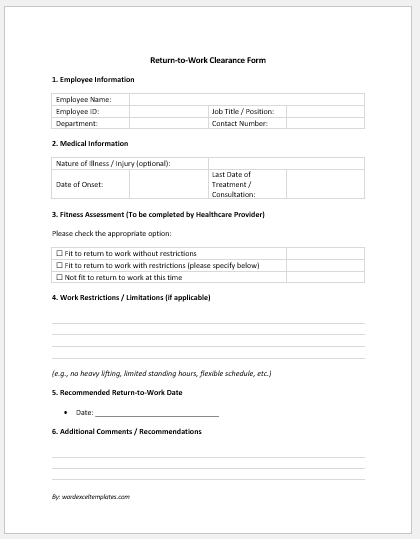
Return to Work Clearance Form
No. of Pages = 2

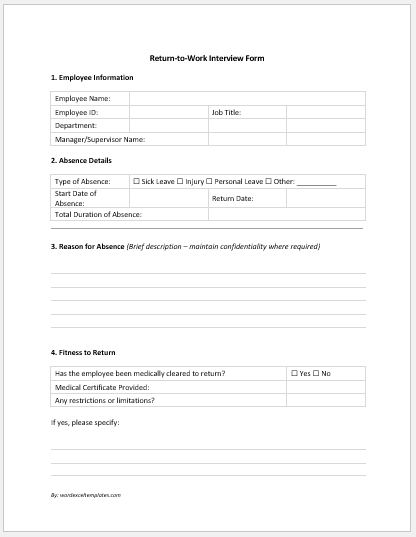
Return to Work Interview Form
No. of Pages = 3

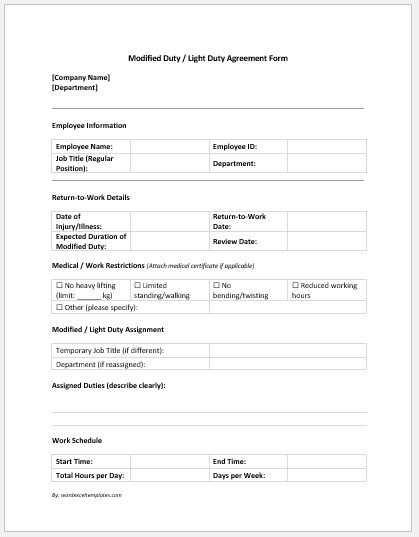
Modified Duty / Light Duty Agreement Form
No. of Pages = 2

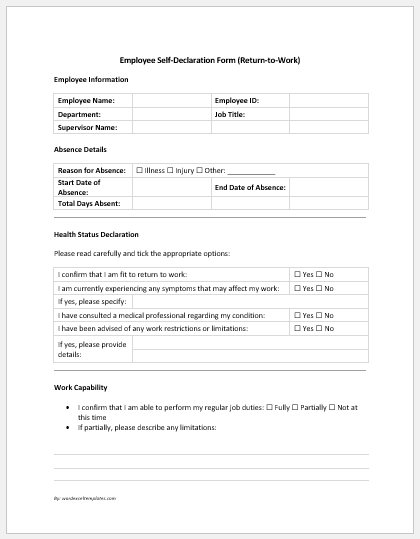
Employee Self-Declaration Form (Return-to-Work)
No. of Pages = 2

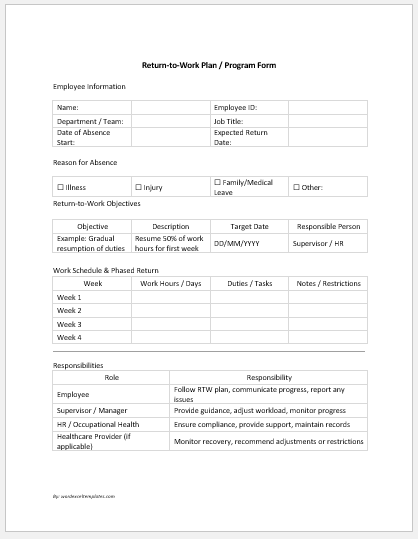
Return-to-Work Plan / Program Form
No. of Pages = 2

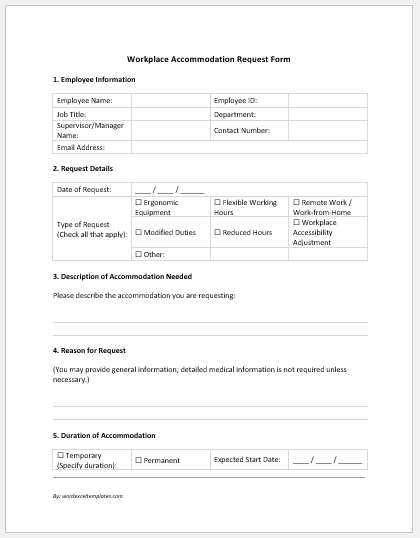
Workplace Accommodation Request Form
No. of Pages = 2

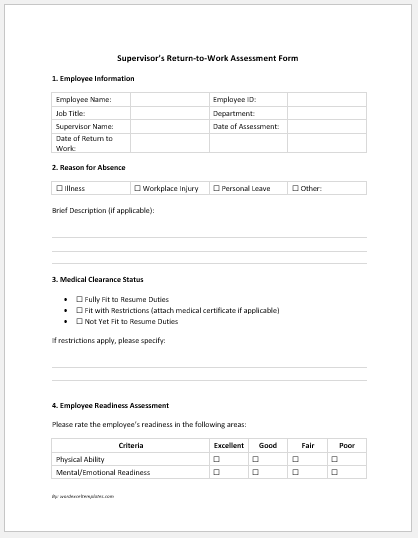
Supervisor’s Return-to-Work Assessment Form
No. of Pages = 4

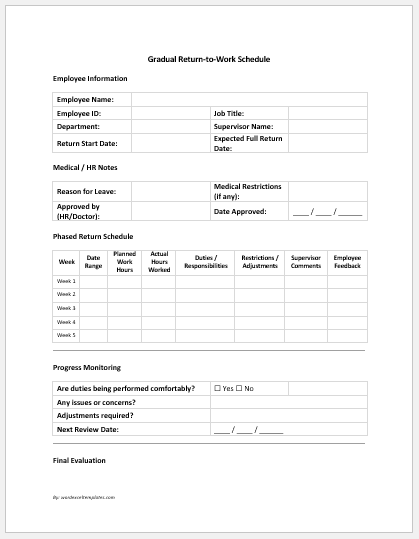
Gradual Return-to-Work Schedule
No. of Pages = 2

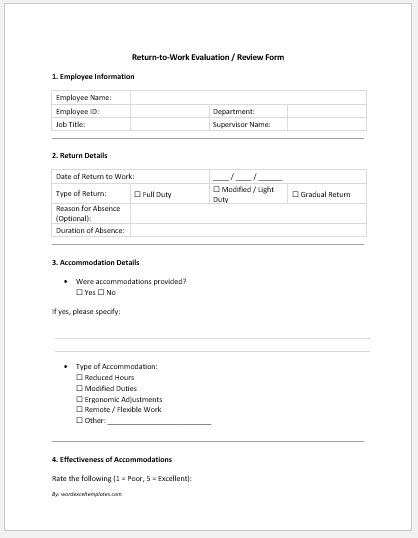
Return-to-Work Evaluation / Review Form
No. of Pages = 3

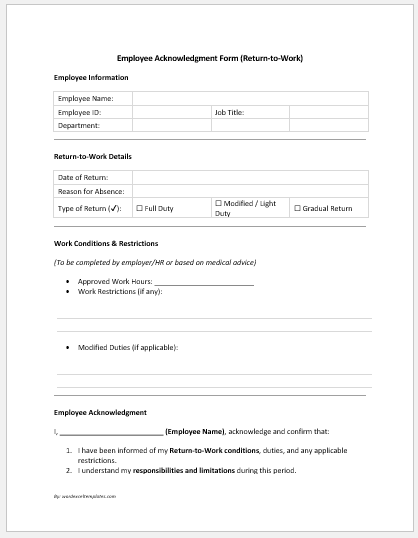
Employee Acknowledgment Form (Return-to-Work)
No. of Pages = 2

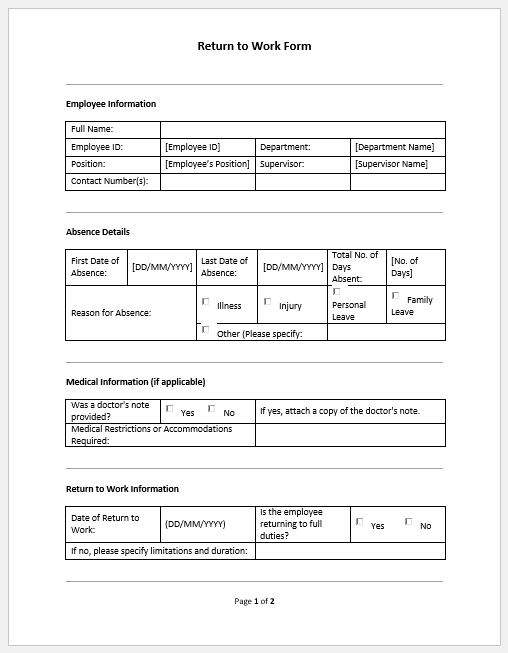
Return to Work Form File: 73 KB
No. of Pages = 2
- Reimbursement Management Forms
- Financial and Assistance Benefits Forms
- Forms Used for Workplace Ethics and Policies
- Forms used for Operations in an Organization
- Procurement/Supply Chain Forms
- Downloadable Forms for Unprofessional Behavior
- Commonly Downloaded Office Forms
- Employee Dispute & Grievance Forms
- Insurance & Protection Benefit Forms
- Employee Retirement & Pension Forms
- Employee Service & Tenure Forms
- Employee Health & Well-being Forms
- Employee Scrutiny & Evaluation Forms
- Employee Training and Development Forms
- Customer Service and Support Form Generator
- Commonly Used Forms for Payroll Correction
- Employee Exit Forms -Generate Online
- Employee Orientation Forms
- Office Discipline & Violation Forms
- Marketing Forms Used by Businesses
- Salary Negotiation Form
- Payroll Correction Request Form
- Vendor/Supplier Information Form Generator
- Business Proposal Summary Sheet Template