Letter Notifying Vendor Losing Bid Generator
Create a professional letter to inform a supplier, contractor, or service provider that their submitted bid was not selected.
Company Information
Vendor and Bid Details
Decision Details
Contact and Closing
Live Letter Preview
How to Use
- Enter your organization, vendor, bid, and decision details.
- Select a reason, tone, closing phrase, and optional letter settings.
- Review and edit the live letter preview if needed.
- Print, copy, download HTML, or save the letter as a text file.
Businesses often work with multiple vendors when purchasing goods, materials, or services required for their operations. Vendors play an essential role in helping organizations meet their business objectives by submitting proposals and competitive bids for projects and contracts. After reviewing all submissions, the business selects the proposal that best aligns with its requirements, budget, and expectations.
For vendors whose bids are not accepted, it is considered professional practice to notify them of the decision promptly and respectfully. Sending a formal notification letter demonstrates transparency, appreciation for the vendor’s effort, and a commitment to maintaining positive business relationships for future opportunities.
Create a Professional Letter in Minutes
Our Letter Notifying Vendor Losing Bid Generator simplifies the process of preparing this important business correspondence. Instead of drafting the letter from scratch, users can generate a customized notification letter online by entering the relevant details into the interactive form. The generator automatically creates a professionally written letter that can be reviewed, printed, or downloaded for immediate use.
The tool is designed for managers, procurement officers, business owners, and administrative staff who need an efficient way to communicate bidding decisions while maintaining a courteous and professional tone.
What Does the Generator Include?
The online generator helps users create a complete vendor notification letter by incorporating essential details such as:
- Vendor name and address
- Project or contract title
- Bid reference number or submission date
- Reasons for the bid not being selected
- Appreciation for the vendor’s participation and effort
- Encouragement for future business opportunities
- Company representative’s name, designation, and signature details
By automatically organizing this information into a formal business letter format, the generator saves valuable time and reduces the possibility of omissions or formatting errors.
Why Use an Online Generator?
Writing rejection letters can sometimes be uncomfortable and time-consuming. The generator provides a practical solution by offering professionally structured content that remains polite, respectful, and clear. It helps organizations communicate their decision without damaging existing relationships with vendors.
Some key benefits include:
- Faster letter preparation
- Consistent professional formatting
- Reduced administrative workload
- Improved communication standards
- Customizable wording based on the situation
- Instant printing and downloading capabilities
The generated letter ensures that vendors understand the outcome of the bidding process while appreciating the opportunity they were given to participate.
Important Elements of the Letter
Although the generator automates much of the writing process, the resulting letter still includes all the essential components of a professional notification.
Professional Introduction
The letter begins by addressing the vendor formally and identifying the project or contract related to the submitted bid.
Appreciation and Explanation
The business expresses gratitude for the vendor’s time, effort, and interest in working with the organization. Where appropriate, a brief explanation for the decision may be provided, such as budget considerations, project requirements, pricing differences, or the selection of another proposal that more closely matched organizational needs.
Positive Closing Statement
The letter concludes on a constructive note by encouraging future participation in upcoming bidding opportunities. This helps preserve goodwill and supports the development of long-term professional relationships.
Traditional MS Word Template Also Available
While many users prefer the convenience of our online Letter Notifying Vendor Losing Bid Generator, we understand that some organizations continue to rely on editable document formats for their internal processes. Therefore, we also provide the original MS Word template, which can be downloaded and customized manually according to your specific requirements.
Whether you choose the online generator for quick letter creation or the Word version for offline editing, both options are designed to help you communicate bidding decisions professionally, efficiently, and respectfully.
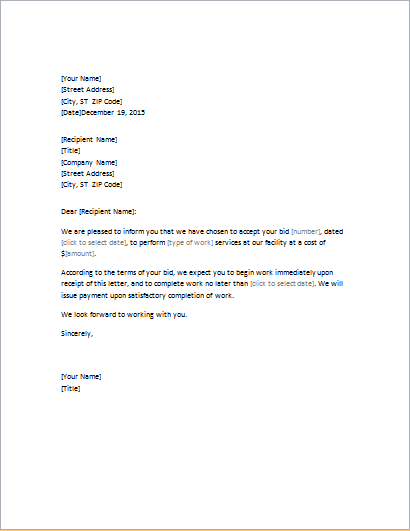
Sample letter 1:
Subject: Notification for losing bid
Dear Mr. ABC,
I am writing this letter to thank you for your interest in giving a quote for (state services or products) to our company.
We know that much effort was put into preparing the bid, however, we regret to tell you that we have awarded the contract to another vendor. Our decision is based on (tell reasons for why you have rejected the bid).
We thank you for the time you have put in and hope to work with a prestigious vendor like yourself in the future.
2:
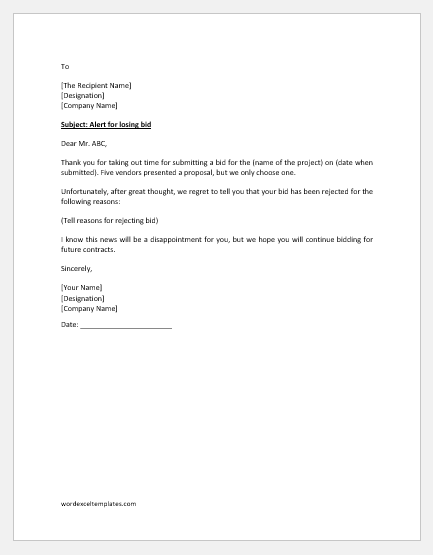
Subject: Alert for losing bid
Dear Mr. ABC,
Thank you for taking out time for submitting a bid for the (name of the project) on (date when submitted). Five vendors presented a proposal, but we only choose one.
Unfortunately, after great thought, we regret to tell you that your bid has been rejected for the following reasons:
(Tell reasons for rejecting bid)
I know this news will be a disappointment for you, but we hope you will continue bidding for future contracts.
Sincerely,
Size: 45 KB
- Character Reference Letter Generator
- Hospital HR Letter Writer/Generator
- HR Letter Writer/Generator
- Recommendation Letter Generator
- Job Application Cover Letter
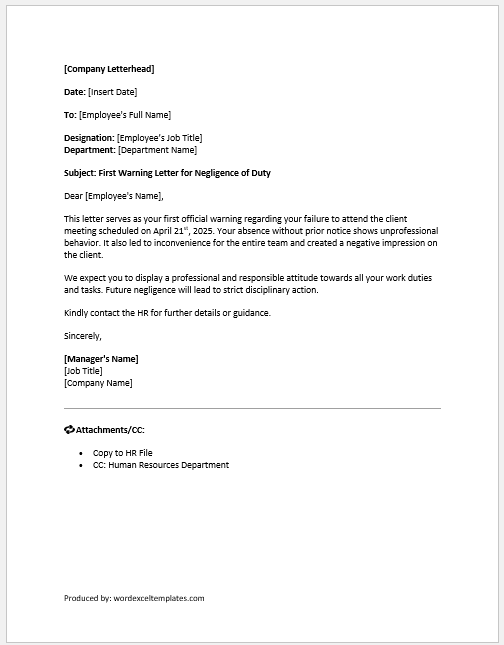
- First Warning Letter for Negligence of Duty
- Ramadan Schedule Notification for Staff
- One Day Absent Note to Boss
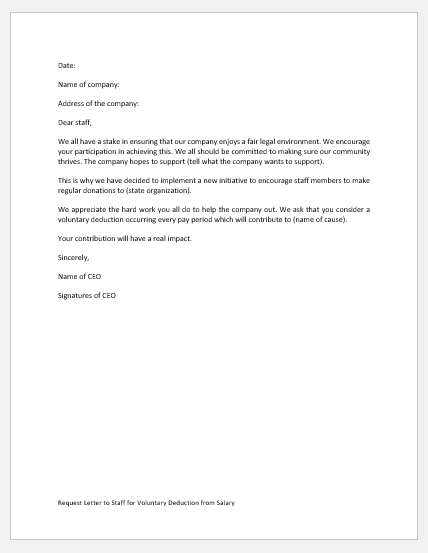
- Request Letter to Staff for Voluntary Deduction from Salary
- Holiday Closing Messages
- Letter Requesting Transfer to another Department
- Letter Requesting Promotion Consideration
- Advice Letter to Subordinate to Set Clear Goal
- Umrah Leave Request Letter to Boss
- Ramadan Office Schedule Announcement Letters/Emails