Reviewed & updated by M. Hameez·
Updated
Originally published
A Halloween Party Menu Sheet helps you plan and organize the food and drinks that will be served at a Halloween party. It keeps appetizers, main dishes, side dishes, desserts, candy, drinks, and other menu items organized in one place. The sheet can also record planned servings, estimated costs, dietary or allergy information, serving temperature, and required serving utensils.
How to Use the Online Halloween Party Menu Sheet?
Start by entering the party details, such as the date, venue, theme, host, and expected number of guests. Next, add each menu item and select its food category. Enter the number of servings, quantity, estimated cost, and any dietary information.
You can also add serving instructions and general menu notes. The sheet automatically summarizes the number of menu items, total planned servings, estimated food cost, and dietary options, making it easier to prepare a well-organized Halloween party menu.
Halloween Party Menu Sheet
Party & Menu Details
Serving & Dietary Information
Menu Summary
DATE & TIME
VENUE
HOST / ORGANIZER
EXPECTED GUESTS
MENU ITEMS
PLANNED SERVINGS
EST. FOOD COST
DIETARY OPTIONS
Halloween Party Menu
Dietary & Allergy Guidance
Serving Notes
Additional Notes
Halloween Party Menu Sheet • Menu items, servings, dietary labels and serving details in one place.
MS Word Templates
While our online Menu Sheet Generator offers the fastest and most convenient way to create a customized menu, we also continue to provide the traditional Templates in MS Word format for users who prefer offline editing. The downloadable template can be customized manually using Microsoft Word and printed whenever needed.
Whether you choose the online generator or the editable Word template, both options provide an effective solution for planning and presenting your Halloween party menu professionally.
How to Customize Your Own Menu Sheet in Editor
Using online template editor gives you complete flexibility to create a personalized design. You can use built-in editing tools to modify the template according to your preferences. [Use our online editor to design the sheet –>
Elements can be added, removed, or adjusted easily to achieve the desired look. Even without graphic design skills, you can create a professional-looking menu sheet by simply editing text, changing colors, and adjusting layout elements.
After customization, the final design can be downloaded or shared digitally via email or social media platforms.
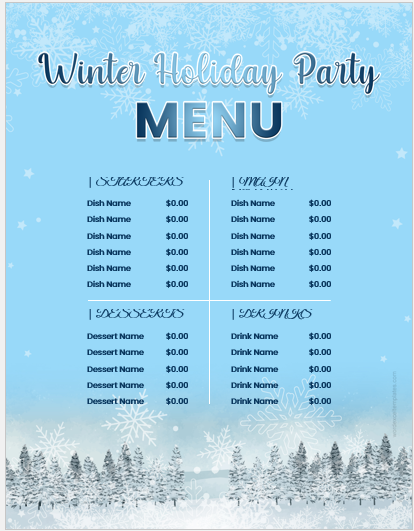
The winters bring a festive holiday season with Christmas, Hanukah, and New Year’s Eve to celebrate. While you are hosting a grand lunch or dinner party, having winter holiday party menu sheets can enhance the festive experience for your guests. Let’s explore what these menu sheets are and why they are a must-have at your […]
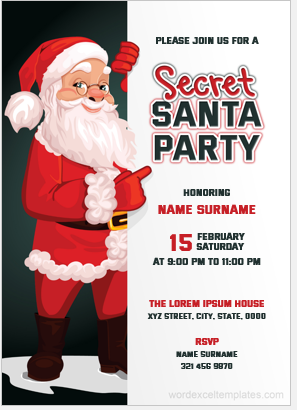
Secret Santa is a very commonly played game which in other words, is an affordable way of exchanging gifts with others on Christmas. This game is usually played after organizing a party. If you are the one who is organizing the party and want every participant to attend it, let them know by sending an […]
A Christmas party is a joyful occasion, and it is easier to enjoy when it is well organised. Planning the menu is one of the most important tasks for the host, and menu sheet templates make this job easier. They help you plan the menu and keep your food list in order. Christmas party menu […]
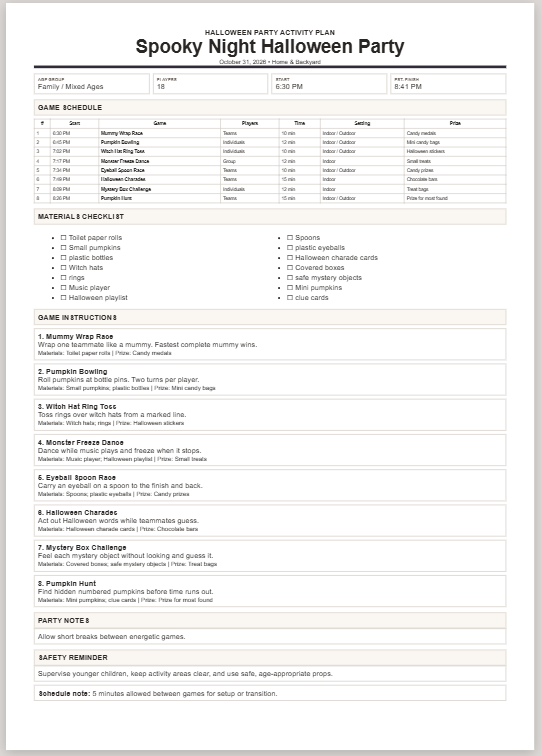
Planning the games before a Halloween party can save a lot of confusion once everyone arrives. Instead of deciding what to play at the last minute, you can prepare the activities, gather the materials, and work out how much time you want to spend on each game. Use this Halloween Party Games Planner to add […]
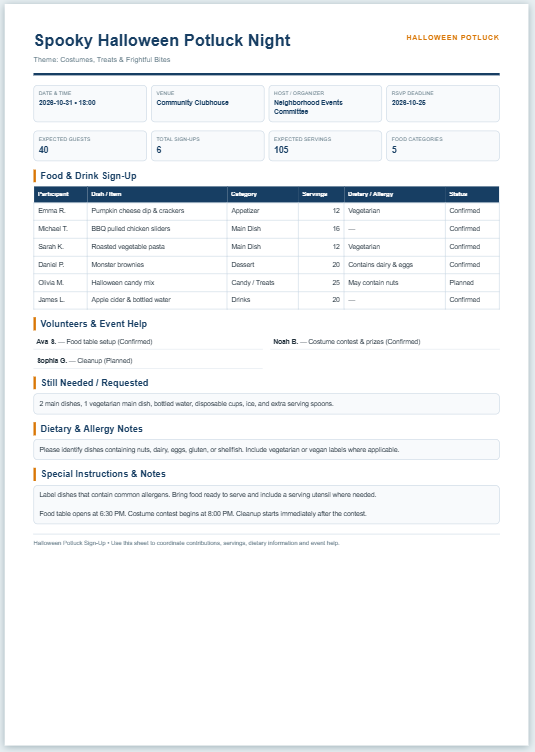
Potluck parties tend to be popular during the festive season. A potluck party is a communal meal where guests bring dishes to share with others at the gathering. In this way, everyone can be involved, and the cost of the party does not have to be borne by one individual. At these events, people can […]
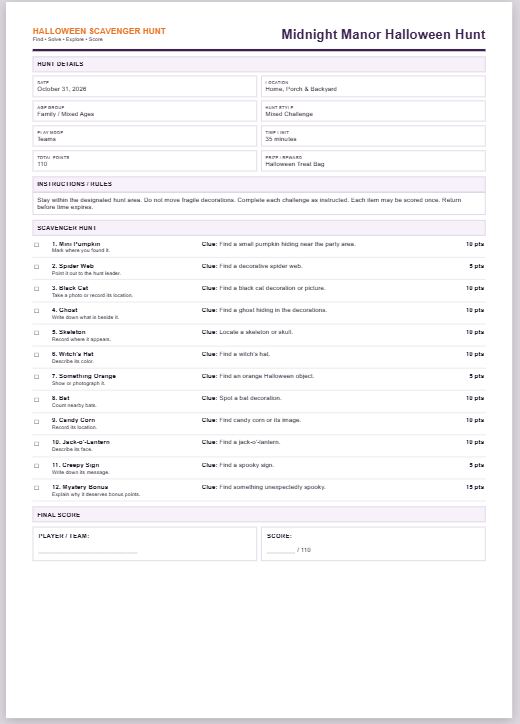
Create a Halloween scavenger hunt for a party, classroom activity, family gathering, or neighborhood event. You can choose the age group and type of hunt, set a time limit, and decide whether people will play individually or in teams. Add the things you want participants to find or do, write clues if needed, and give […]
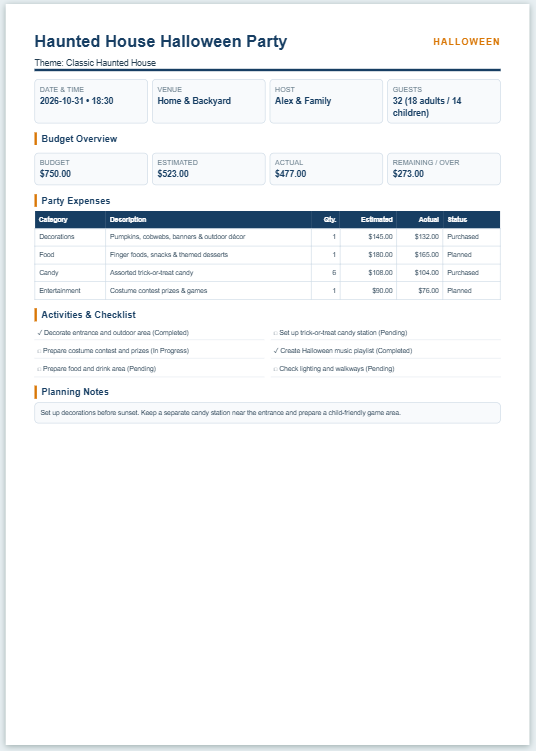
A Halloween Party Planner & Budget Sheet helps you organize a Halloween party and keep its expenses under control. It brings important details such as the party date, theme, venue, guest count, decorations, food, candy, entertainment, and other expenses into one place. It also provides a checklist so you can keep track of the tasks […]
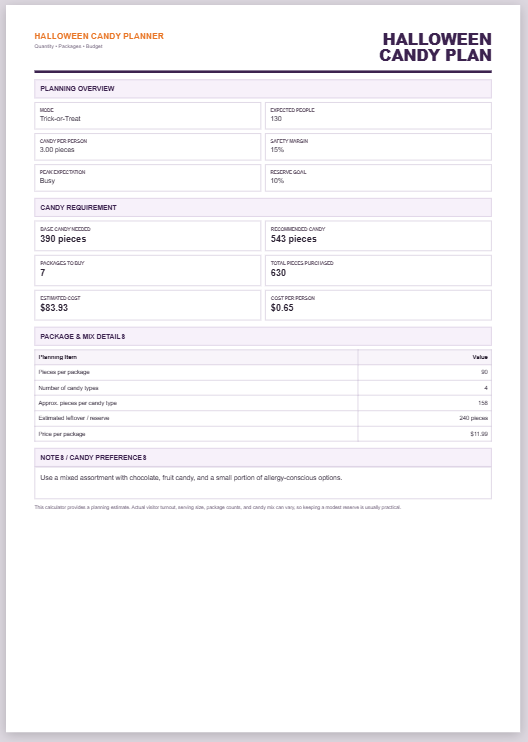
Buying the right amount of Halloween candy can be difficult when you are unsure how many trick-or-treaters or party guests to expect. Buying too little can leave you short during busy periods, while buying far more than needed can increase costs and leave a large surplus. A practical estimate should consider the expected number of […]
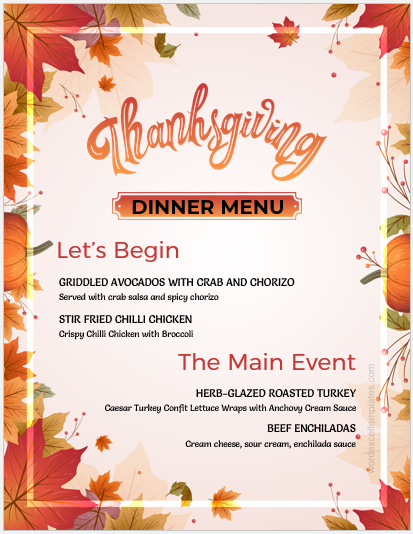
A Thanksgiving dinner is elaborate and rich. It consists of various traditional dishes like Turkey and pumpkin pie to be shared with your family and friends. If you are hosting a dinner party on this lovely holiday, you can use a dinner menu sheet to organize the event better. What is a Thanksgiving dinner menu […]
Many people host New Year’s parties. These are to celebrate the year ending whilst anticipating the new year ahead. The party allows one to be with their friends and loved ones or even colleagues and have a good time together. It allows people to socialize and enjoy themselves while connecting with their loved ones. Planning […]
Sample -1 I hope you all are doing great. The month of having fun together has finally arrived. So let’s get a little spooky because it’s Halloween time! It’s time to face our inner demons and paint our faces with the same look! Grab the costume of your favorite monster and celebrate Halloween with full […]
Halloween is the perfect time to mix a little spookiness with a lot of love! Whether you and your boyfriend are planning a cozy night in, dressing up in matching costumes, or just sharing sweet moments from afar, sending a heartfelt Halloween message can make the day even more special. From cute and flirty to […]