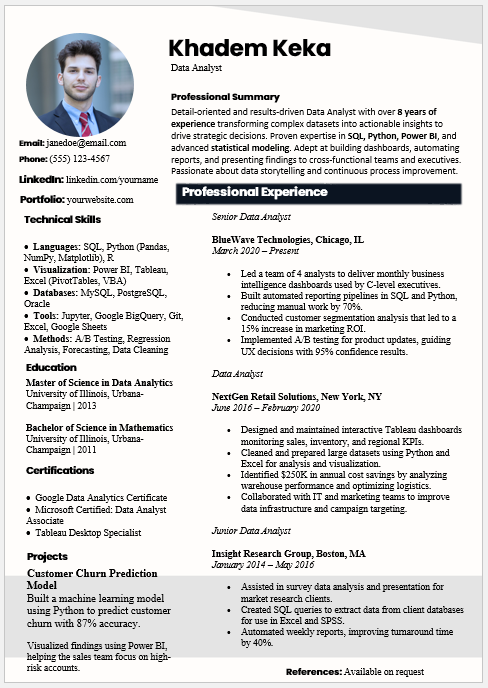
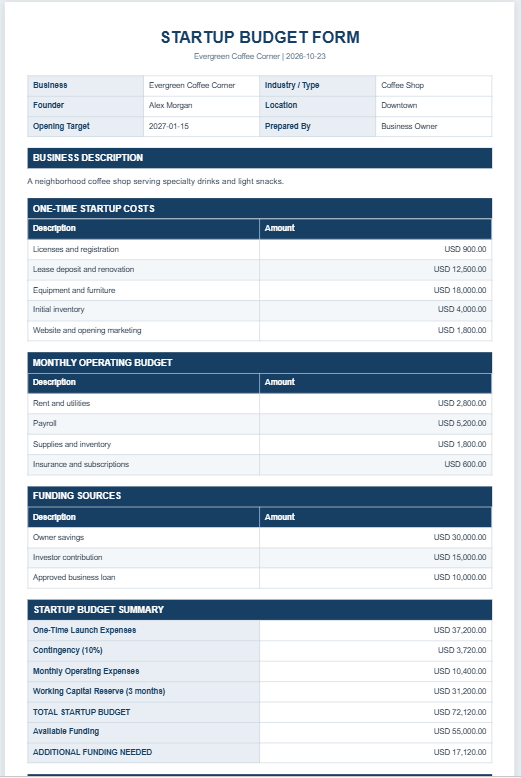
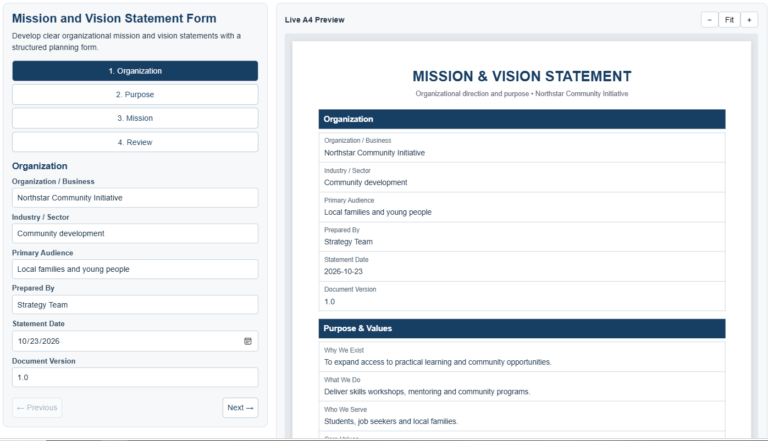
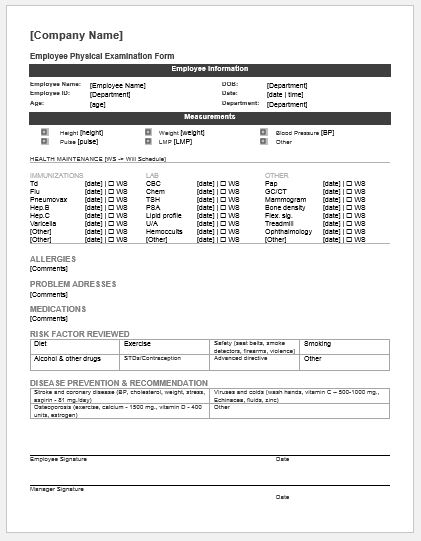
Our Bio Data Form Generator is a comprehensive online tool designed to help users create professional, well-structured biodata documents within minutes. Whether you need a biodata for a job application, marriage proposal, educational admission, personal profile, or any other purpose, this generator simplifies the entire process by automatically organizing your information into a clean and professional format.
Unlike traditional templates that require manual editing in Word or Excel, this online generator allows you to enter your details directly into the form and instantly generate a complete biodata document ready for printing or saving.
What Information Can Be Included?
The generator supports a wide range of personal and professional details, including:
- Personal information
- Contact details
- Educational qualifications
- Professional experience
- Skills and certifications
- Family information
- Hobbies and interests
- Career objectives
- References
- Additional notes
- Passport-size photograph
All information is neatly organized into dedicated sections, making the final biodata easy to read and professionally formatted.
Bio Data Form Generator
Create a professional bio data form for jobs, marriage proposals, admissions, and general personal records.
Personal Information
Contact Information
Educational Information
| Degree | Institute | Board / University | Year | Grade / CGPA | Action |
|---|
Professional Information
Family Information
Additional Information
Following are key features of our bio data form generator:
Automatic Age Calculation
Simply enter your date of birth, and the generator automatically calculates your age. This eliminates manual calculations and ensures accuracy.
Education and Qualification Records
Users can add multiple educational qualifications, including degrees, institutions, examination boards, graduation years, grades, and CGPA details. Additional rows can be added whenever needed, making the tool suitable for students, graduates, and experienced professionals.
Professional Information Section
The generator allows you to enter employment history, job titles, experience details, skills, certifications, and language proficiencies. This makes it useful for creating professional biodata documents for employment opportunities.
Family Information
A dedicated family section enables users to include information about parents, siblings, occupations, and other family-related details that may be required for specific biodata formats.
Photo Upload Feature
Users can upload a passport-size photograph that is automatically displayed in the generated biodata. The image preview appears instantly, allowing users to verify the photo before generating the final document.
Live Bio Data Preview
One of the most useful features is the real-time preview. As you enter information, the biodata updates automatically so you can see exactly how the final document will appear.
The preview is professionally formatted and optimized for printing on standard A4 paper.
Smart Formatting
The generator automatically hides empty fields and sections. This means your final biodata remains clean and professional without unnecessary blank spaces.
Save Time with Auto-Save
The tool automatically saves your entered information in your browser. If you accidentally close the page or return later, your previously entered data can be restored automatically, helping you avoid repetitive data entry.
Print and Download Options
After completing your biodata, you can:
- Generate the final biodata instantly
- Print directly from your browser
- Download a high-quality PDF copy
- Save a professional version for future use
Mobile-Friendly Design
The Bio Data Form Generator works smoothly on desktops, tablets, and smartphones. You can create, edit, and print biodata from virtually any device without installing additional software.
Why Use This Generator?
- Fast and easy to use
- No software installation required
- Professional biodata formatting
- Supports multiple educational records
- Includes photo upload functionality
- Automatic age calculation
- Real-time preview
- Print-ready A4 layout
- PDF download capability
- Mobile responsive design
- Secure browser-based data storage
Whether you are preparing a biodata for employment, marriage, admissions, or personal recordkeeping, our Bio Data Form Generator provides a quick, professional, and hassle-free solution. Simply fill in your information, generate your biodata, and print or download it whenever needed.
Prefer an Editable MS Word Template?
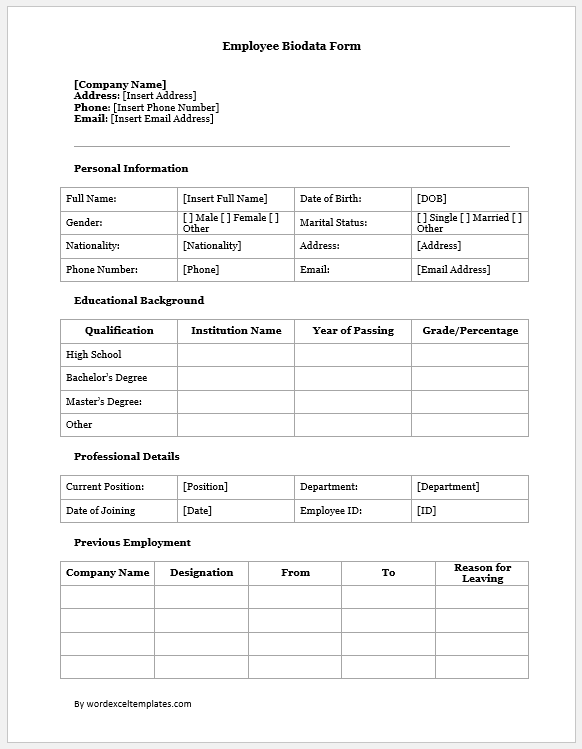
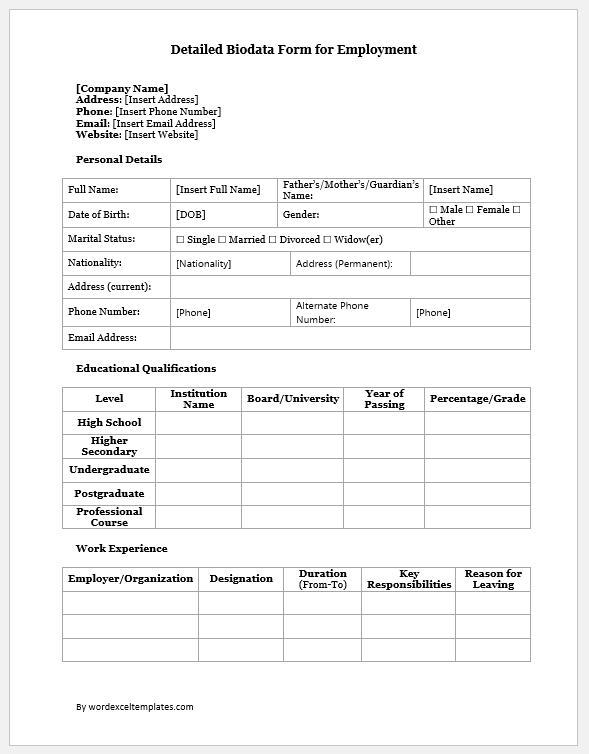
In addition to our online Bio Data Form Generator, we also provide a professionally designed MS Word Bio Data Template that can be downloaded and edited offline. The Word template is ideal for users who prefer creating and customizing their biodata using Microsoft Word.
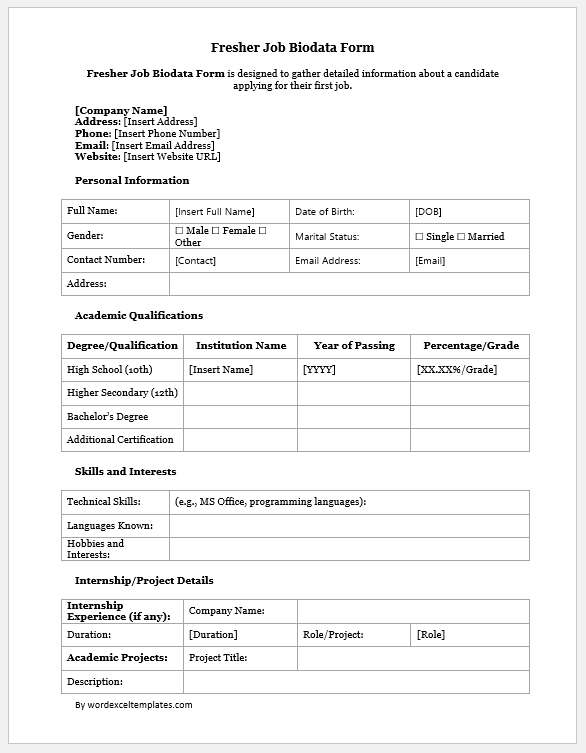
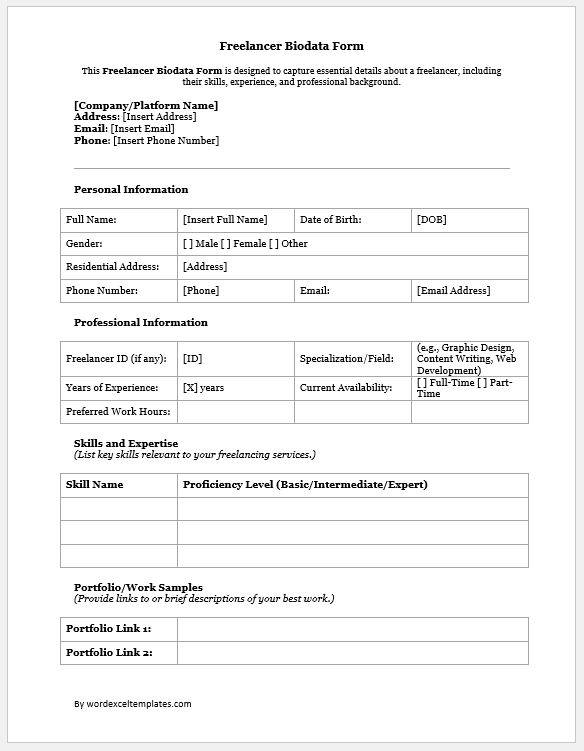
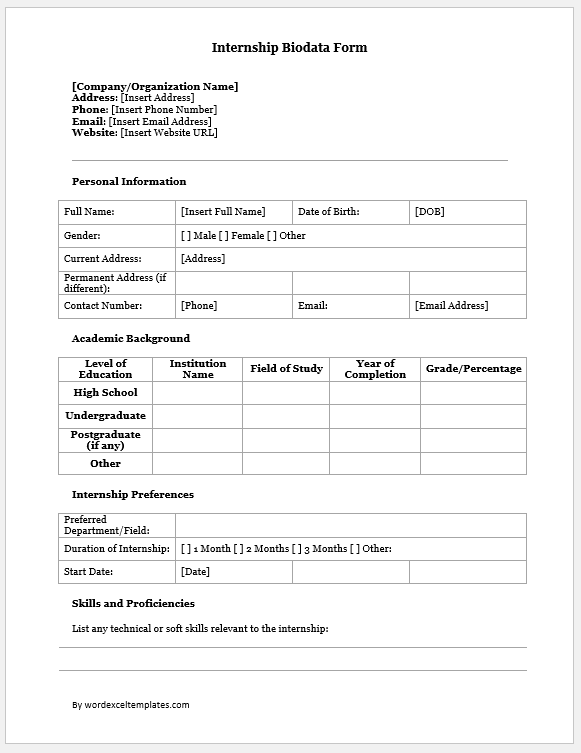
The template features a clean layout with dedicated sections for personal information, educational qualifications, professional experience, family details, skills, hobbies, references, and photographs. Simply download the template, replace the sample information with your own details, and print or save the completed biodata as needed.
Whether you choose the online generator or the downloadable Word template, both options are designed to help you create a professional and well-organized biodata quickly and easily.
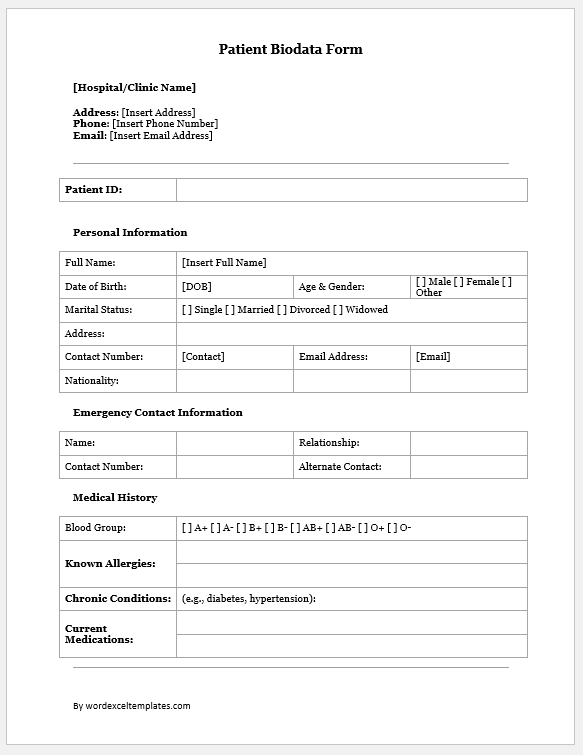
Various types of bio data forms are available for MS Word format.
Professional and Career-Oriented Biodata Forms

Health and Medical Biodata Forms
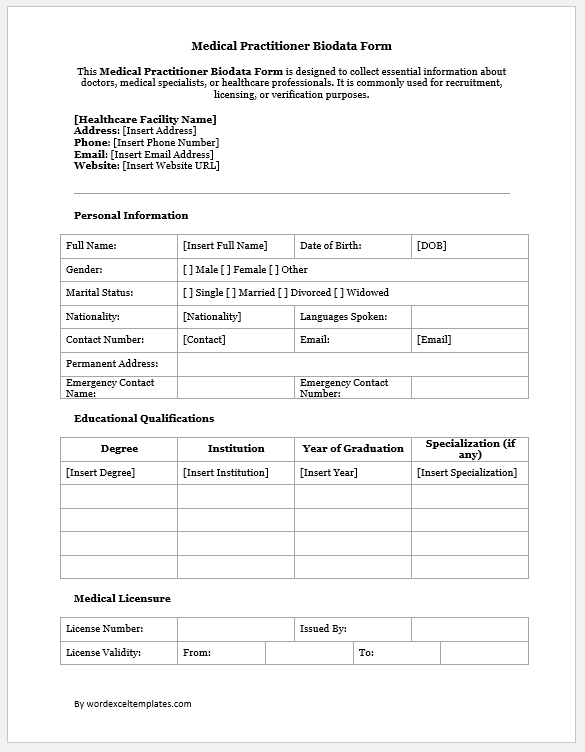
Preview and Details of Template
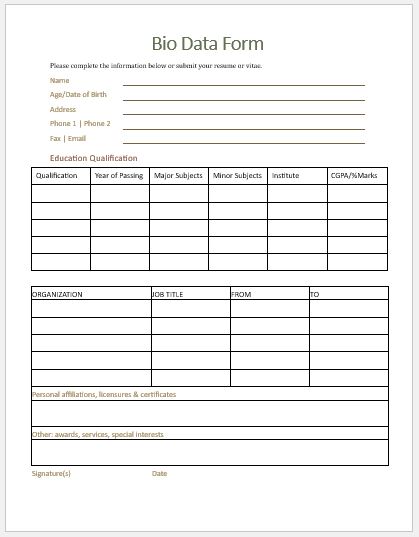
Bio Data Form Template -1
File: Word (.doc) 2003+ and iPad
Size 31 KB
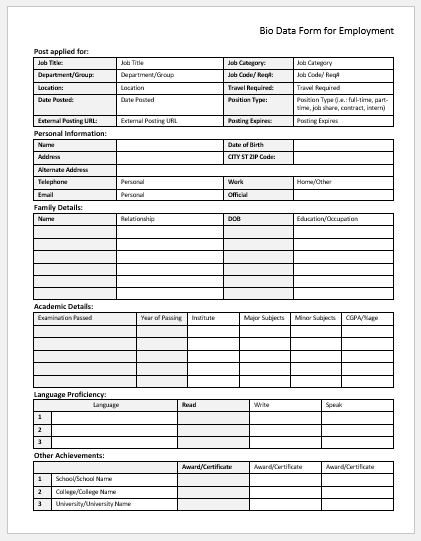
BioData Form for Employment
File: Word (.doc) 2003+ and iPad
Size 31 KB
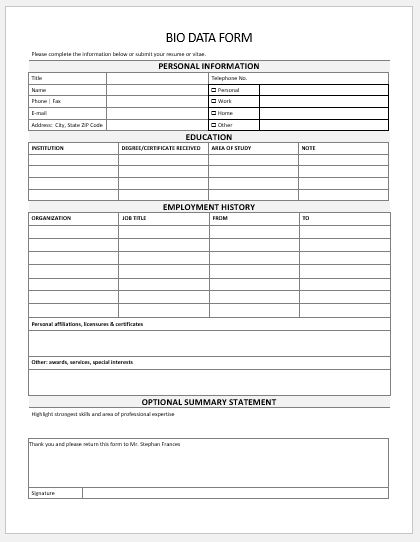
General Bio Data Form
File: Word (.doc) 2003+ and iPad
Size 31 KB
- Reimbursement Management Forms
- Forms Used for Workplace Ethics and Policies
- Forms used for Operations in an Organization
- Procurement/Supply Chain Forms
- Downloadable Forms for Unprofessional Behavior
- Commonly Downloaded Office Forms
- Employee Dispute & Grievance Forms
- Insurance & Protection Benefit Forms
- Employee Retirement & Pension Forms
- Employee Service & Tenure Forms
- Employee Health & Well-being Forms
- Employee Scrutiny & Evaluation Forms
- Customer Service and Support Form Generator
- Commonly Used Forms for Payroll Correction
- Employee Exit Forms -Generate Online
- Office Discipline & Violation Forms
- Marketing Forms Used by Businesses
- Salary Negotiation Form