Employee Record Change Form
Complete the fields below to generate a printable HR record change form.
Company Information
Employee Information
Type of Record Change *
Current Record Information
New/Updated Record Information
Reason and Documents
Approval Section
Company Name
Company address Phone: Not specified | Email: Not specifiedEmployee Record Change Form
Employee Information
Employee Name: Employee name
Employee ID: Employee ID
Department: Department
Job Title: Not specified
Manager/Supervisor: Not specified
Date of Request: Not selected
Type of Record Change
No change type selected.
Current Record Information
Name: Not specified
Address: Not specified
Phone: Not specified
Email: Not specified
Department: Not specified
Job Title: Not specified
Emergency Contact: Not specified
Payroll/Bank Details: Not specified
New/Updated Record Information
Name: Not specified
Address: Not specified
Phone: Not specified
Email: Not specified
Department: Not specified
Job Title: Not specified
Emergency Contact: Not specified
Payroll/Bank Details: Not specified
Reason for Change
No reason provided.
Supporting Documents
No supporting documents listed.
Approval Section
Final Remarks: No final remarks.
Employees are among the most valuable assets of any organization. Their skills, experience, and contributions help a business operate efficiently and achieve its goals. Since employee information plays a vital role in payroll, communication, performance management, and legal compliance, it is important for companies to maintain accurate and up-to-date employee records.
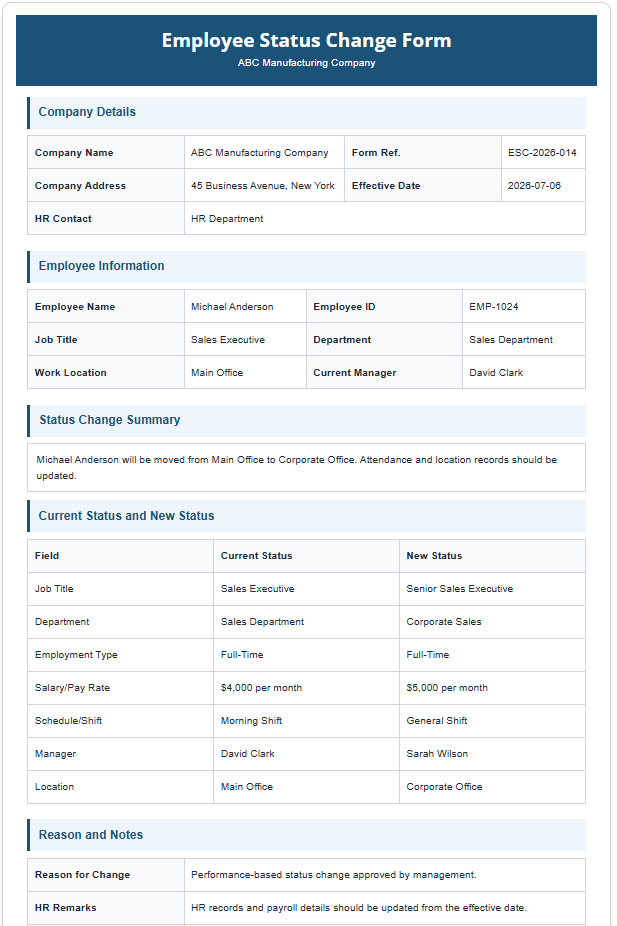
As employees progress through their careers, changes in their personal and professional information are common. These changes may include promotions, salary adjustments, department transfers, updates to contact details, changes in emergency contacts, or modifications to banking information. To manage these updates efficiently, organizations can use an Employee Record Change Form Generator.
What is an Employee Record Change Form Generator?
An Employee Record Change Form Generator is an online tool that allows employers, HR personnel, or employees to quickly create a professional form used to document changes in an employee’s records. Instead of manually designing a form from scratch, users simply enter the required information into editable fields, and the generator automatically prepares a well-structured form ready for printing or downloading.
The generated form serves as an official record of the requested or approved changes, helping organizations maintain accurate employee files and reduce administrative errors.
What does an Employee Record Change Form Generator do?
The generator simplifies the process of recording employee-related updates by organizing all necessary information into a professional format. It allows organizations to document various types of changes, including:
- Promotion to a new position
- Department transfers
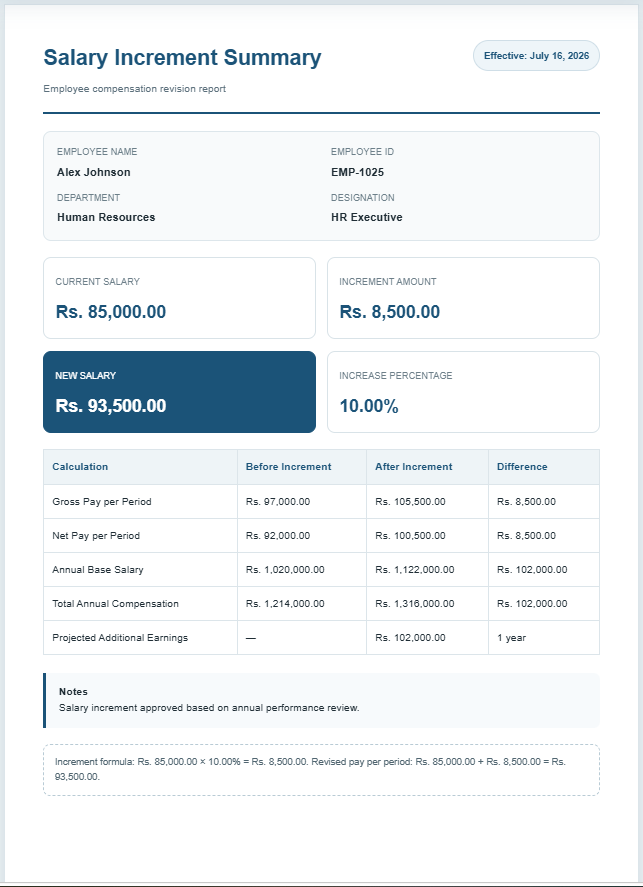
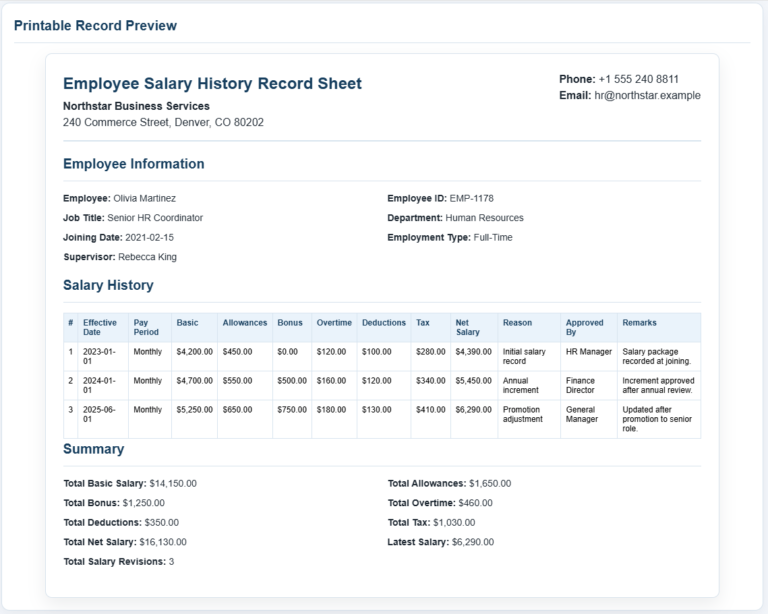
- Salary or pay rate adjustments
- Changes in employment status
- Updates to home address and contact information
- Changes to emergency contact details
- Modifications to payroll or banking information
- Other employment-related updates
By capturing these changes in a standardized form, businesses can ensure consistency across employee records and maintain proper documentation for future reference.
How does the online generator work?
Our online Employee Record Change Form Generator has been designed to be user-friendly and accessible from any device. Users simply need to enter the required details into the provided fields, review the generated form, and then print or download it for recordkeeping purposes.
The process generally involves the following steps:
Enter company information
Begin by providing the organization’s details, such as the company name, address, phone number, and email address. This information appears on the completed form and helps identify the employer responsible for processing the request.
Add employee details
The generator includes fields for important employee information, including:
- Employee name
- Employee ID
- Department
- Job title
- Supervisor or manager name
- Date of request
These details ensure that the correct employee record is being updated.
Specify the type of change
Users can indicate the specific changes being requested or recorded. Examples include salary adjustments, department transfers, promotions, updates to personal contact information, or changes to payroll details.
Record existing and updated information
The generator allows users to enter both the current employee details and the new information that will replace them. This provides a clear audit trail and helps management identify exactly what has changed.
Provide supporting explanations
A dedicated section is available to describe the reason for the change. Additional notes regarding supporting documentation can also be included when necessary.
Approval and authorization
The completed form may include signature areas for the employee, supervisor, and HR representative. These approvals help validate the changes and ensure that the appropriate procedures have been followed.
Benefits of using an Employee Record Change Form Generator
Using an online generator offers several advantages over traditional paper-based forms:
- Saves time by eliminating manual formatting.
- Produces professional and consistent documentation.
- Reduces errors associated with handwritten forms.
- Helps organizations maintain organized employee records.
- Supports HR compliance and internal approval processes.
- Can be accessed from computers, tablets, and smartphones.
- Allows completed forms to be printed or downloaded instantly.
Importance of maintaining updated employee records
Keeping employee records current is essential for effective workforce management. Outdated information can lead to payroll inaccuracies, communication problems, and confusion regarding employee responsibilities and compensation.
Proper documentation also protects both employers and employees in situations where employment decisions may need to be verified. Having an officially generated employee record change form provides evidence of approved updates and ensures transparency throughout the organization.
Use Our Online Employee Record Change Form Generator
In addition to the downloadable template version, we also provide a convenient online Employee Record Change Form Generator that enables users to create forms instantly. Simply fill in the required information, review the completed document, and print or download it for your records.
The generator offers a fast, efficient, and professional way to document employee record updates without requiring specialized software or extensive administrative effort.
- Reimbursement Management Forms
- Forms Used for Workplace Ethics and Policies
- Forms used for Operations in an Organization
- Procurement/Supply Chain Forms
- Downloadable Forms for Unprofessional Behavior
- Commonly Downloaded Office Forms
- Employee Dispute & Grievance Forms
- Insurance & Protection Benefit Forms
- Employee Retirement & Pension Forms
- Employee Service & Tenure Forms
- Employee Health & Well-being Forms
- Employee Scrutiny & Evaluation Forms
- Customer Service and Support Form Generator
- Commonly Used Forms for Payroll Correction
- Employee Exit Forms -Generate Online