The Commission Invoice Generator helps businesses, sales agents, brokers, consultants, and freelancers create professional commission invoices quickly and accurately. It allows you to record commission-based sales, referral earnings, incentive payments, and service commissions in a clear and organized format. You can add multiple commission items, calculate percentage or flat-rate commissions, include bonuses, deductions, taxes, and payment details automatically.
The generator also supports business logos, client information, invoice numbers, payment terms, and personalized notes. Its clean invoice layout makes it suitable for agencies, sales teams, affiliate marketers, and independent representatives. The completed invoice can be reviewed, printed, and shared as a professional payment request.
Commission Invoice Generator
| Description | Period / Deal | Sales Amount | Rate % | Flat Fee | Commission | Taxable | Delete |
|---|
Live Preview
Frequently Asked Questions
What is a commission invoice?
A commission invoice is a billing document used by a salesperson, agent, broker, affiliate, representative, or agency to request payment for commission earned from completed sales, referrals, contracts, or other qualifying transactions.
How does the Commission Invoice Generator calculate commission?
The generator calculates each line by multiplying the sales amount by the commission rate. A flat commission fee can also be added to the same line. The result is included in the commission subtotal automatically.
Can I use both a percentage and a flat fee?
Yes. Each commission item supports a sales amount, percentage rate, and flat fee. This makes the generator suitable for mixed commission arrangements, referral bonuses, minimum fees, and deal-based incentives.
Can I add multiple sales or commission entries?
Yes. Use the Add Commission Item button to include as many products, services, sales periods, customer accounts, or completed deals as required. Individual rows can also be removed.
Does the invoice calculate tax?
Yes. Enter a tax percentage and mark the relevant commission rows as taxable. The generator applies tax only to the taxable commission amount rather than automatically taxing every entry.
Can bonuses and deductions be included?
Yes. A bonus or incentive can be added to the invoice total, while advances, chargebacks, returns, corrections, or other deductions can be subtracted.
What information should a commission invoice contain?
A useful commission invoice normally includes the agent or business information, client details, invoice number, dates, deal descriptions, sales amounts, commission rates, flat fees, tax, payment terms, bank details, notes, and total amount due.
Can I add my business logo?
Yes. You can upload a logo from your device. It appears in the live invoice preview and is included in the printed invoice.
Is the Commission Invoice Generator mobile-friendly?
Yes. On smaller screens, users can switch between the invoice input form and the Live Preview tab. Zoom In, Zoom Out, and Fit controls help keep the preview centered and readable.
How do I print the commission invoice?
Select Print Invoice or the Print button above the preview. The print layout displays only the completed commission invoice and is formatted for an A4 page with suitable margins, colors, tables, and spacing.
MS Excel Commission Invoice Template
Our MS Excel Commission Invoice Template provides a simple and professional way to prepare commission invoices using Microsoft Excel. It includes organized fields for business details, client information, commission calculations, payment terms, taxes, and totals. The template is easy to customize, suitable for different commission structures, and helps maintain accurate financial records while creating neat, printable invoices for clients and accounting purposes.
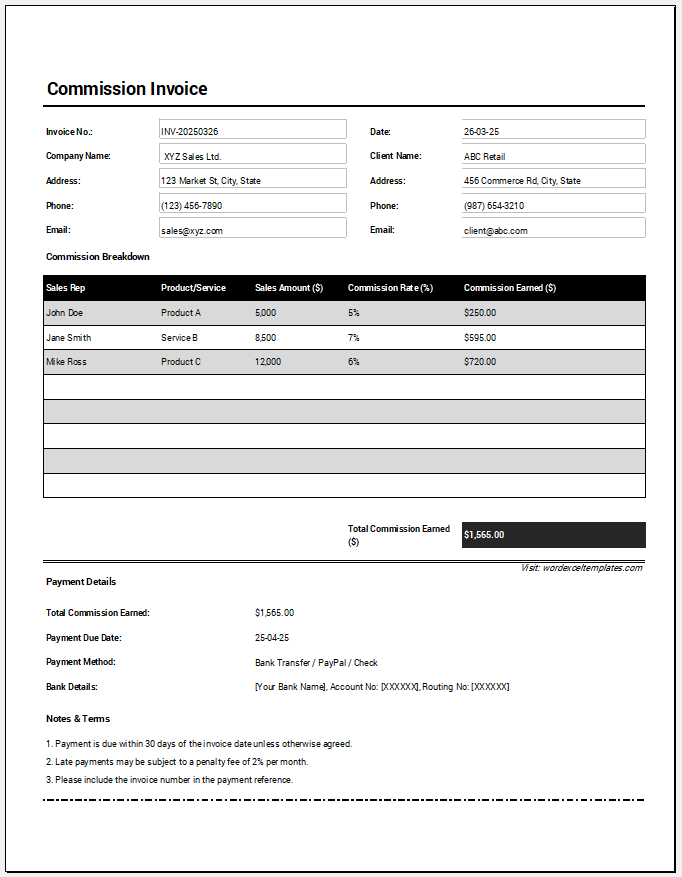
File Format: MS Excel (.xlsx)
The template also calculates the total commission earned, provides a payment details section with due date tracking, and includes notes and payment terms for professional invoicing. Its clean layout makes it suitable for sales agents, brokers, consultants, independent representatives, and businesses that work with commission-based compensation structures.
- All-in-One Debit Note Generator
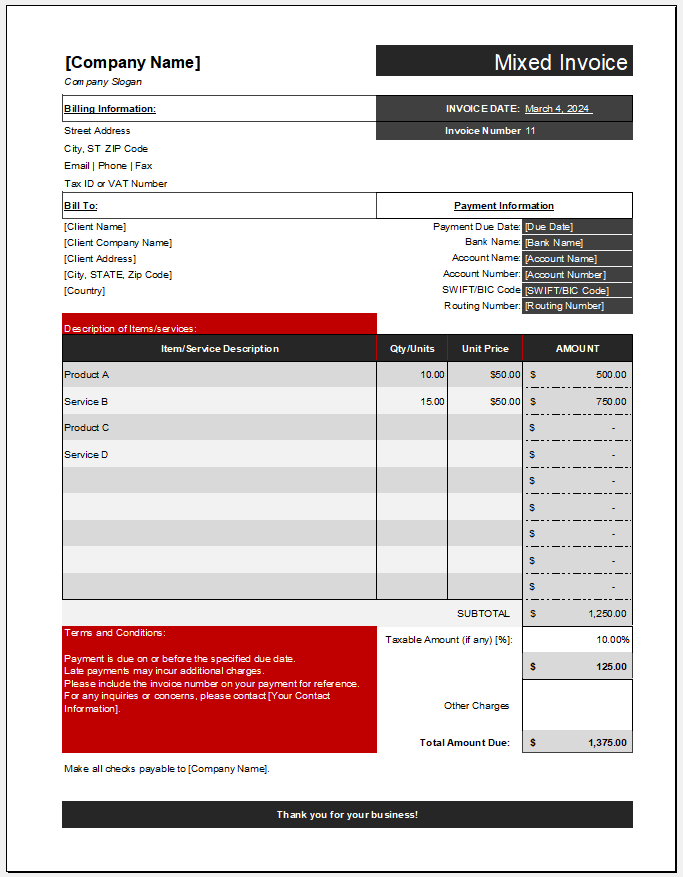
- Mixed Invoice Template
- Progress Invoice Generator
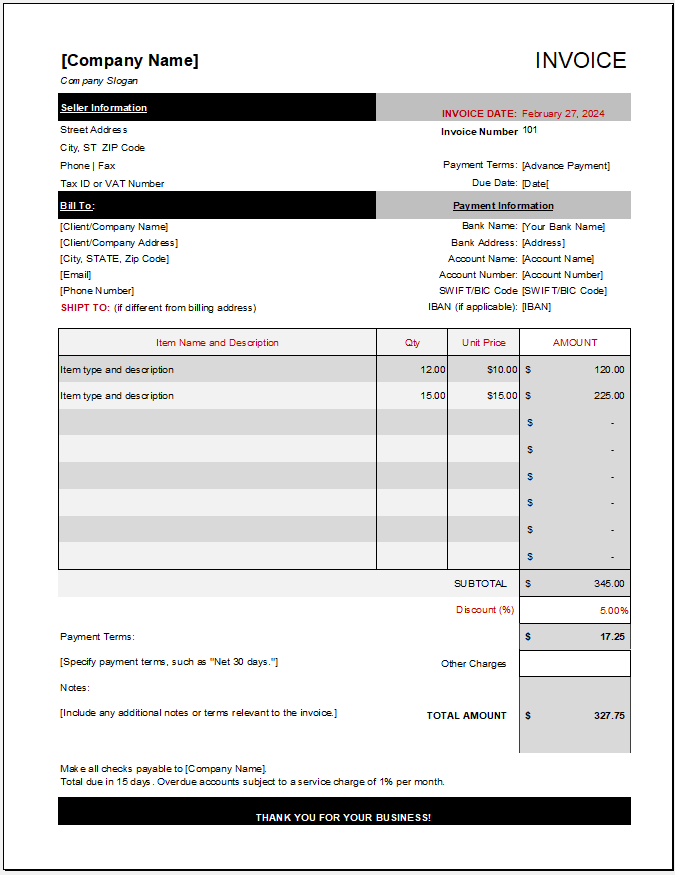
- Standard Invoice Template
- Credit Invoice Generator
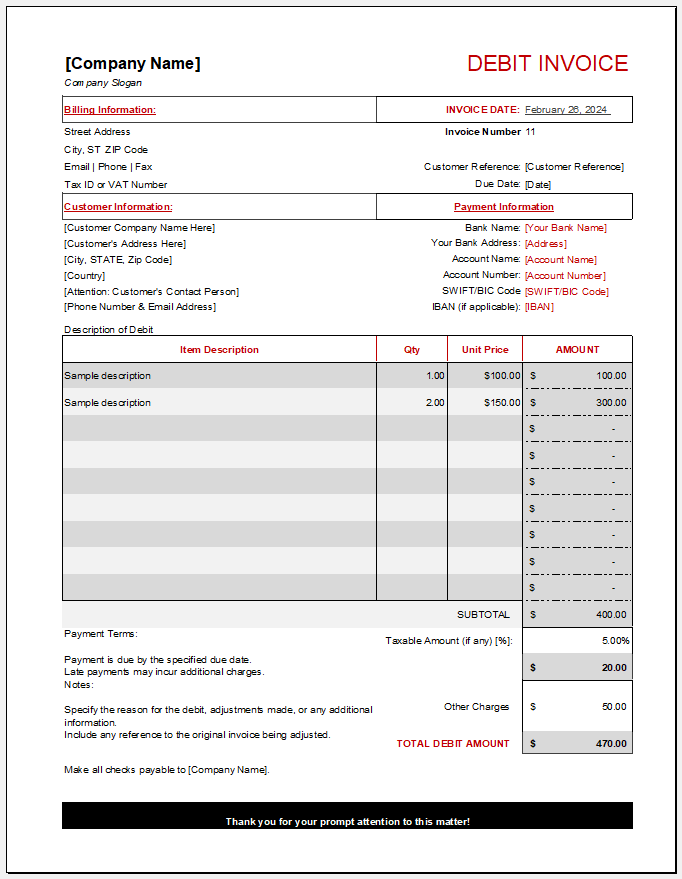
- Debit Invoice (Debit Note) Template for Excel
- Expense Report Invoice for Excel
- Recurring Invoice
- Time-Based Invoice Generator
- Proforma Invoice Generator
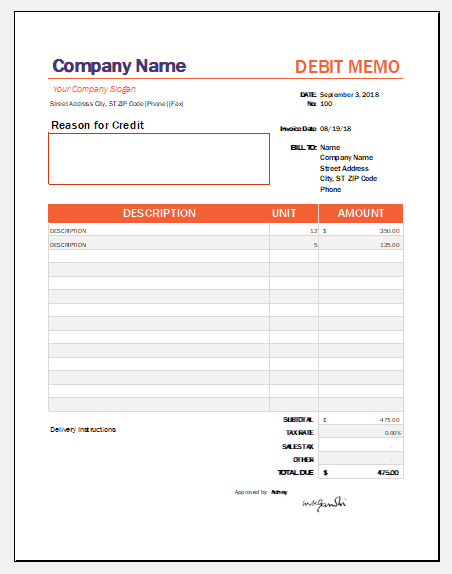
- Debit Memo Templates
- Transport Bill Template
- Credit Memo Generator
- Rental Billing Statement Generator
- Invoice Tracker