A business that operates professionally is more likely to earn the trust and loyalty of its customers. Business owners must manage several aspects of their operations carefully, including delivering quality products or services, maintaining strong customer relationships, and ensuring that all financial transactions are handled accurately and transparently.
One important part of maintaining financial accuracy is issuing proper documentation whenever billing adjustments need to be made. In addition to invoices, businesses often require credit memos to communicate credits, corrections, or adjustments to previously issued invoices.
What is a Credit Memo Generator?
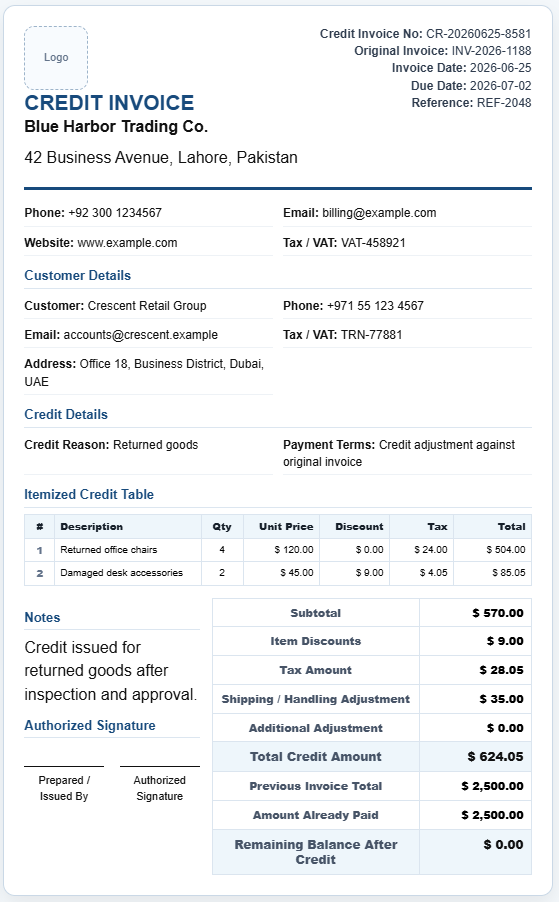
A Credit Memo Generator is an online tool that enables businesses to quickly create professional credit memos directly from their web browser. Instead of manually preparing the document from scratch, users can simply enter the required information, and the generator automatically formats the credit memo in a clear and professional layout.
The generated credit memo can then be printed, downloaded, or shared with customers as supporting documentation for account adjustments.
What does a credit memo do?
A credit memo is used to reduce or adjust the amount owed by a customer based on a previously issued invoice. It serves as an official notification that credit has been applied to the customer’s account.
Businesses issue credit memos for several reasons, including:
- Correcting pricing errors on invoices
- Processing returns of defective or unwanted products
- Adjusting quantities billed incorrectly
- Providing discounts or negotiated credits
- Issuing credits for services that were not delivered as agreed
By documenting these adjustments properly, both the business and the customer maintain a clear understanding of the revised financial obligation.
How does the Credit Memo Generator work?
The online Credit Memo Generator simplifies the entire process by guiding users through the required fields. After entering the necessary information, the tool instantly prepares a ready-to-use credit memo.
Users can typically provide the following details:
Credit memo number
Each credit memo should have a unique identifying number. This makes it easier for both the business and the customer to track the transaction and maintain organized records.
Original invoice number
The invoice being adjusted should be referenced within the credit memo so that the relationship between the two documents remains clear.
Date of issue
The date on which the credit memo is created should be included for recordkeeping and auditing purposes.
Customer information
The generator allows users to enter customer details such as the customer’s name, company name, address, email address, and phone number.
Business information
The issuing company’s name and contact information can be added to create a professional document and provide customers with a point of contact if they have questions regarding the adjustment.
Reason for adjustment
A description explaining why the credit is being issued should be provided. This helps maintain transparency and prevents misunderstandings.
Products or services affected
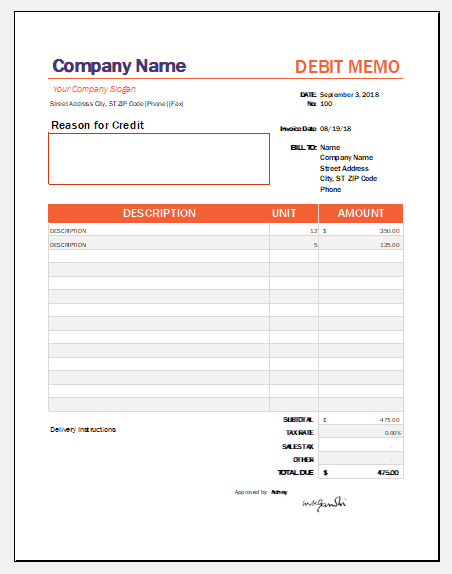
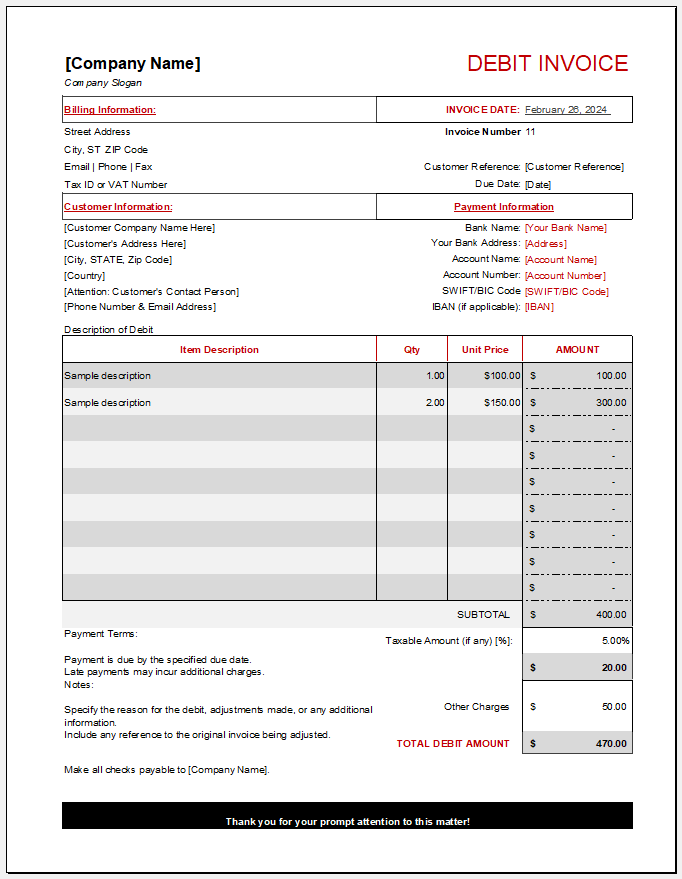
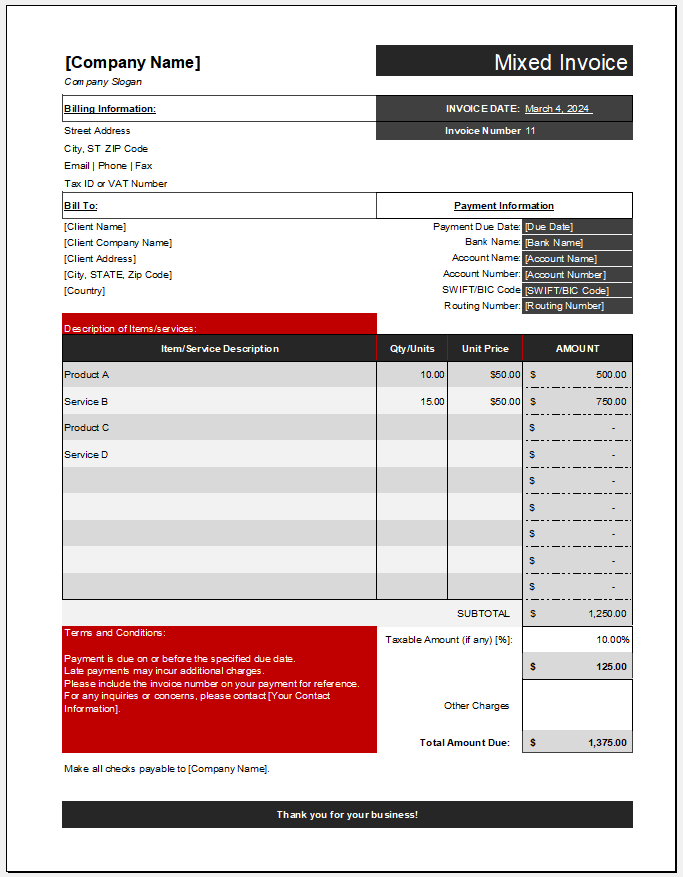
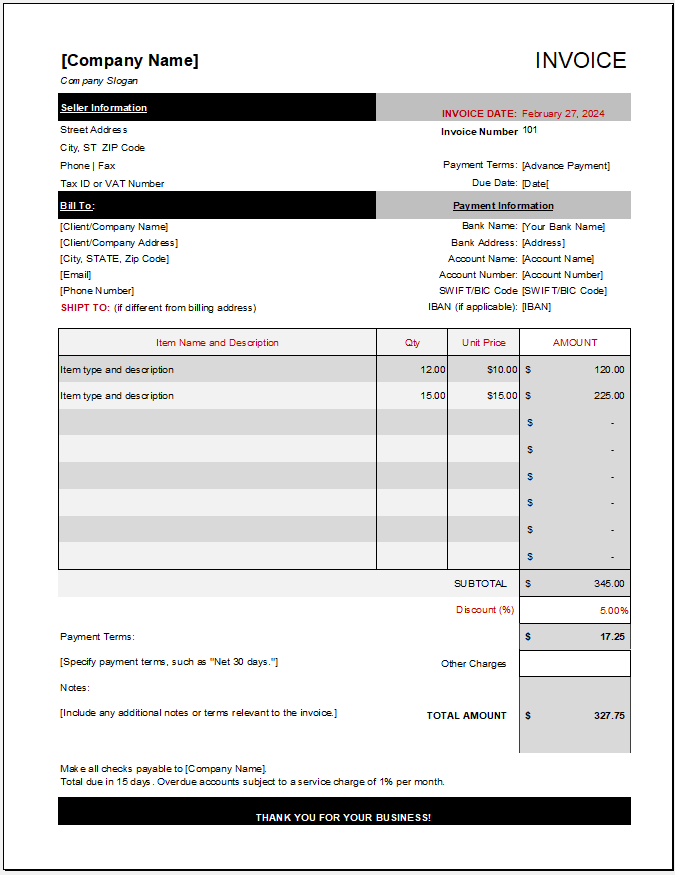
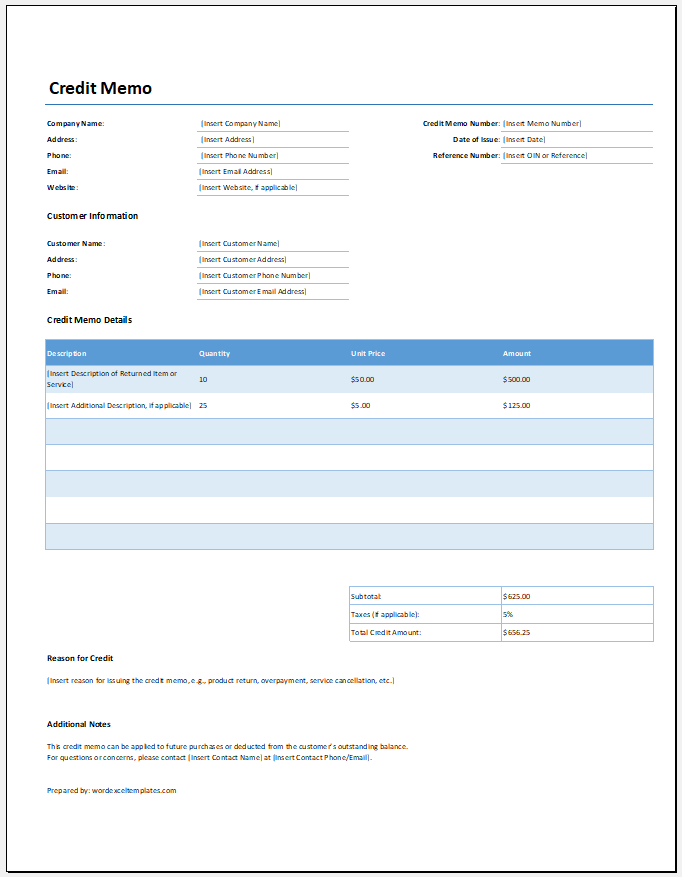
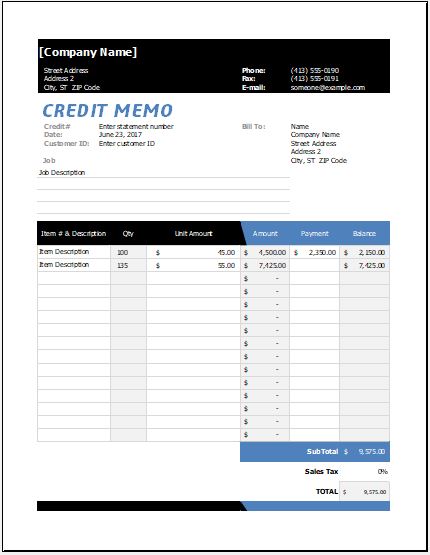
The credit memo can include an itemized table listing the products or services involved, along with quantities, unit prices, and credit amounts.
Credit amount
The total value being credited to the customer’s account should be displayed clearly so that there is no confusion regarding the adjustment.
Settlement terms
Businesses may specify how the credit will be applied. For example, it may be deducted from a future invoice, applied as an account credit, or refunded directly to the customer.
Authorization details
The document may include the name, title, or signature area for the person approving the credit memo, adding an extra level of professionalism and accountability.
Benefits of using an online Credit Memo Generator
Generating credit memos online offers several advantages. It reduces the time required to prepare documents, minimizes manual errors, and ensures consistency across all customer communications. Businesses can create professional records without advanced spreadsheet skills, making the process more accessible to staff members in different departments.
The generator also helps maintain accurate financial records by documenting every adjustment properly. This supports internal accounting procedures, customer dispute resolution, audits, and future reference.
Traditional MS Excel Worksheet Still Available
While many businesses prefer the convenience of creating credit memos online, we understand that some users continue to rely on spreadsheet-based workflows. For this reason, our traditional Credit Memo Worksheet for MS Excel remains available for download.
The Excel version offers a familiar format that users can customize, save locally, and integrate into existing accounting processes. Whether you choose the interactive online Credit Memo Generator or the downloadable Excel worksheet, both options are designed to help businesses manage invoice adjustments professionally and efficiently.
By using the right tools to document credits and billing corrections, businesses can strengthen customer trust, maintain transparent financial records, and ensure that all transactions are handled accurately.

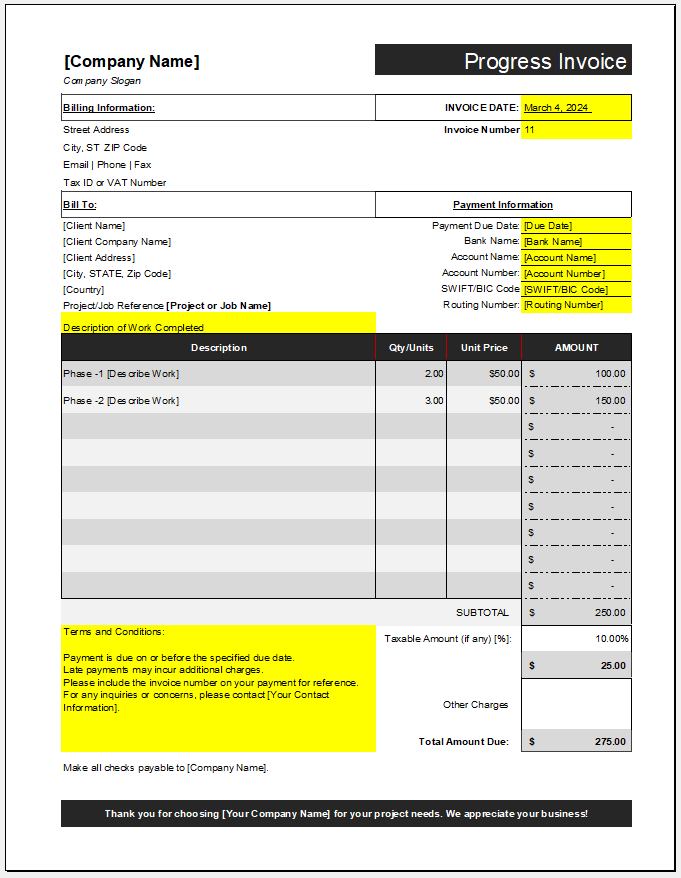
File: Excel (.xlsx) and iPad
Size 44 KB
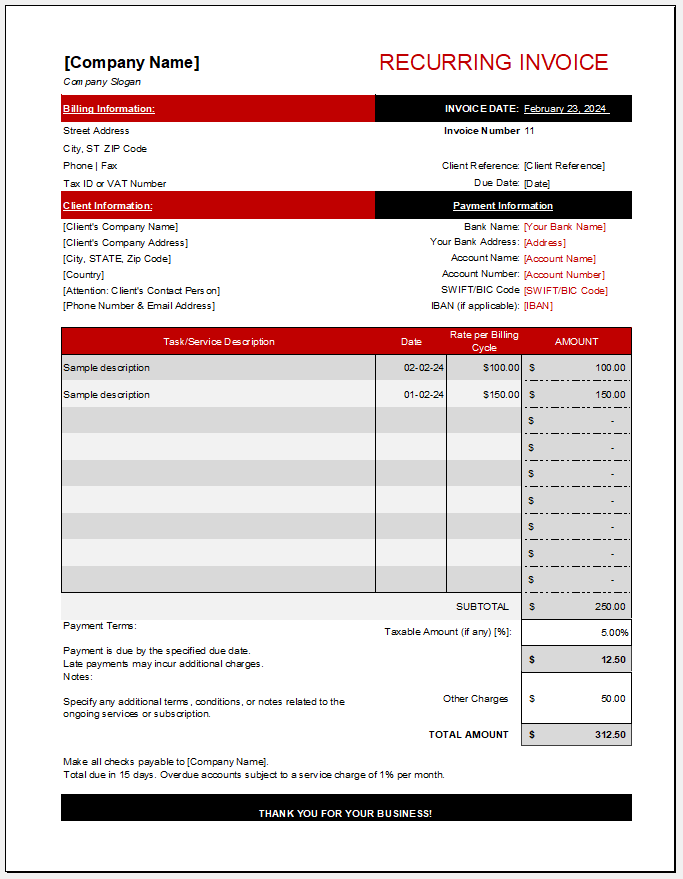
File: Excel (.xlsx) and iPad
Size 63 KB
File: Excel (.xlsx) and iPad
Size 23 KB
- Quotation Register
- Customer Order Tracker
- Inventory Dashboard Generator
- Sales Dashboard Generator
- SWOT Analysis Generator
- KPI Scorecard Generator
- Warehouse Bin Location Generator
- Dispatch Slip Generator
- Universal Work Order Generator
- Office Asset Transfer Form Generator
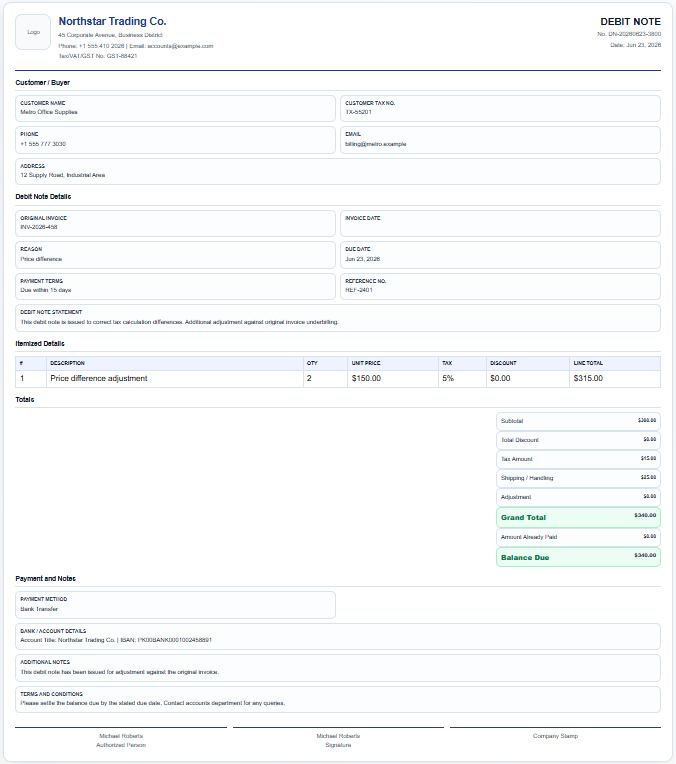
- All-in-One Debit Note Generator
- Summer Holiday Assignment Cover Page Generator
- Salary and Overtime Calculator Template
- Summer Vacation Planner Generator
- Outlet Mall Shopping Planner
- Customer Information and Ranking Sheet
- Small Family Kitchen Design Planning Sheet
- Summer Party Budget Sheet Generator