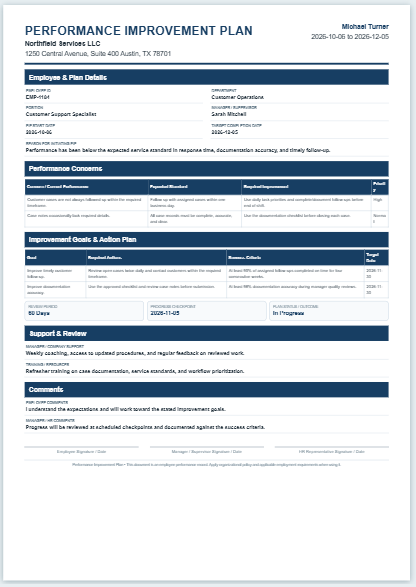
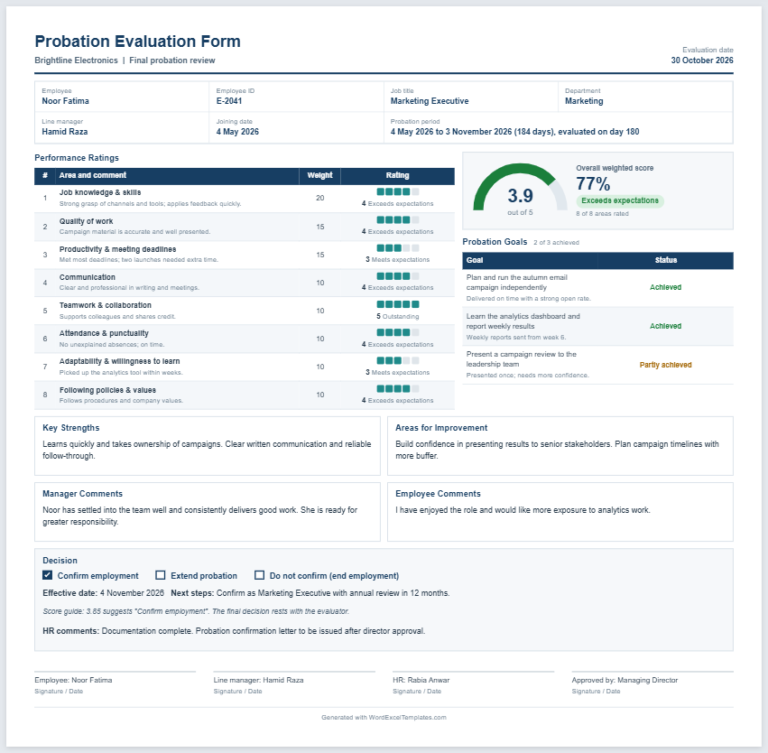
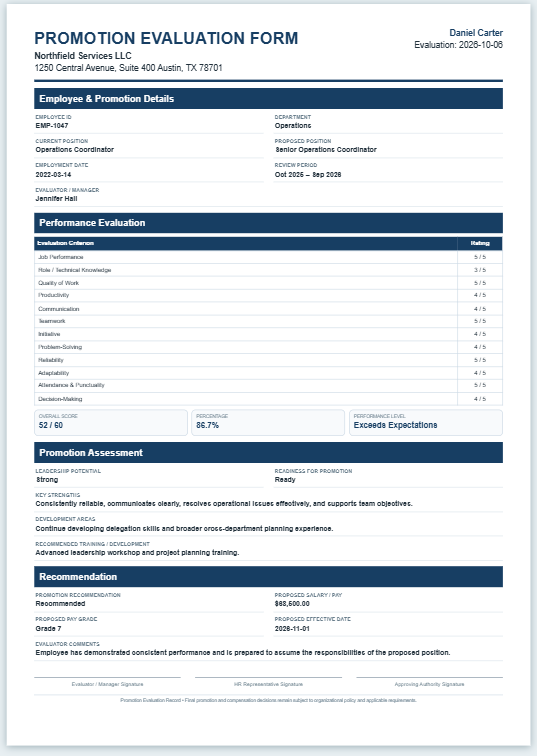
Employers need to ensure that employees understand their responsibilities and contribute to the company’s goals. When performance falls below expectations, identifying the reasons helps managers provide appropriate guidance and support.
This is why it is important to evaluate employee performance fairly and accurately. A performance evaluation sheet provides a structured way to record observations, achievements, and areas for improvement.
What is a Performance Evaluation Sheet?
A performance evaluation sheet is a document used to organize and conduct an employee performance review. It records the employee’s strengths, development needs, achievements, and progress toward agreed goals.
Significance of the Sheet
The sheet supports a consistent and transparent evaluation process by organizing relevant information in one place. Clearly defined criteria help reviewers assess performance and explain their findings to employees. However, accuracy also depends on reliable evidence and fair judgment.
Benefits of Using the Sheet
A performance evaluation sheet can help employers:
- Document work performance and achievements.
- Identify areas where improvement or support is needed.
- Communicate expectations and feedback clearly.
- Track progress across review periods.
Main Parts of a Performance Evaluation Sheet
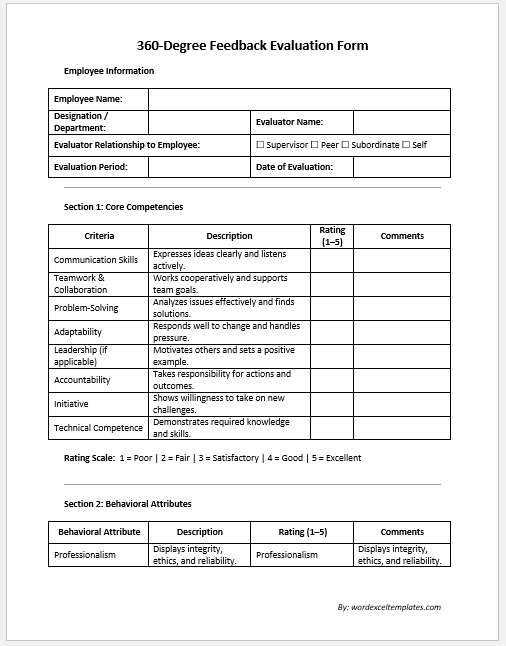
Include the following details to make the sheet useful and easy to review:
Employee Details
Record the employee’s full name, job title, and department.
Reviewer Details
Include the reviewer’s name and job title.
Review Period
State the period covered by the evaluation and the review date. For example, the assessment may cover six months or a full year.
Performance Details
List the agreed goals and relevant key performance indicators. Record whether each objective was met, supported by examples or results.
If you use a rating system, clearly define each rating. Options might range from “Needs Improvement” to “Exceeds Expectations.” Apply the criteria consistently and ensure they are relevant to the employee’s role.
Include space for achievements, feedback, and areas for improvement. A section for the employee’s comments can also support a balanced discussion.
Development Plan
Record agreed actions for the next review period, such as training, skill development, or changes to working practices. Include target dates, available support, and a follow-up date where appropriate.
(Create an evaluation sheet using the tool below).
Employee & Organization
Evaluation Period
Performance Criteria
Rate each criterion from 1 (Poor) to 5 (Excellent). In Weighted mode, weights determine each criterion’s contribution to the overall score.
Performance Feedback
Development Plan
Evaluation Summary
Acknowledgement & Signatures
Review the ratings, comments and goals before printing. Signatures indicate acknowledgement, not necessarily agreement.
PERFORMANCE EVALUATION SHEET
This evaluation summarizes employee performance during the review period, including rated competencies, observations and development priorities.
Employee: ID:
Position: Department:
Evaluator: Type:
Period: Next review:
| Criterion | Rating | Weight | Score | Comments |
|---|
Performance classification:
Strengths:
Areas for improvement:
Achievements:
Development goals:
Recommended training:
Follow-up:
Manager comments:
Employee feedback:
Date: __________
Date: __________
HR / Approver:
Tips for Creating an Effective Performance Evaluation Sheet
Use a Professional Format
Choose a clear layout that is easy to complete and review:
- Create the sheet in an application such as Microsoft Excel or Word.
- Use readable headings and consistent formatting.
- Include the information needed to assess the employee’s role.
Arrange Details Carefully
Group related information into sections, such as employee details, performance criteria, and development actions. Tables can make ratings and results easier to compare.
Avoid unnecessary fields and leave enough space for meaningful comments and supporting examples.
Conclusion
Employee performance evaluations help organizations recognize contributions, address difficulties, and plan professional development. A well-designed sheet supports this process by making expectations, findings, and agreed actions clear to both the reviewer and the employee.
(MS Word Template)