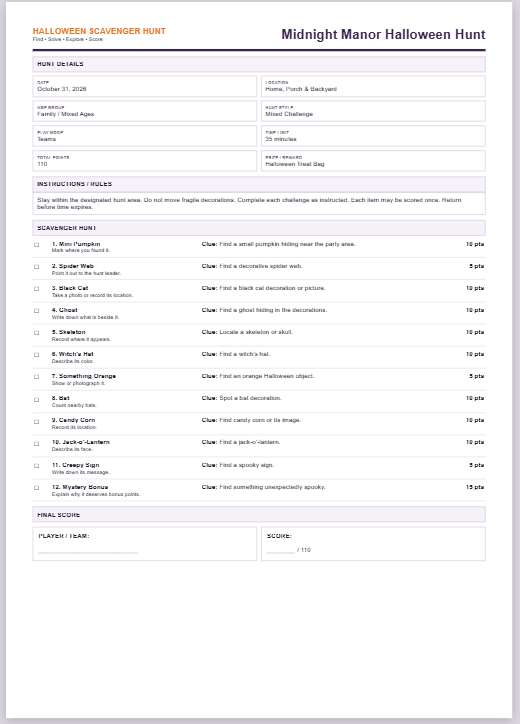
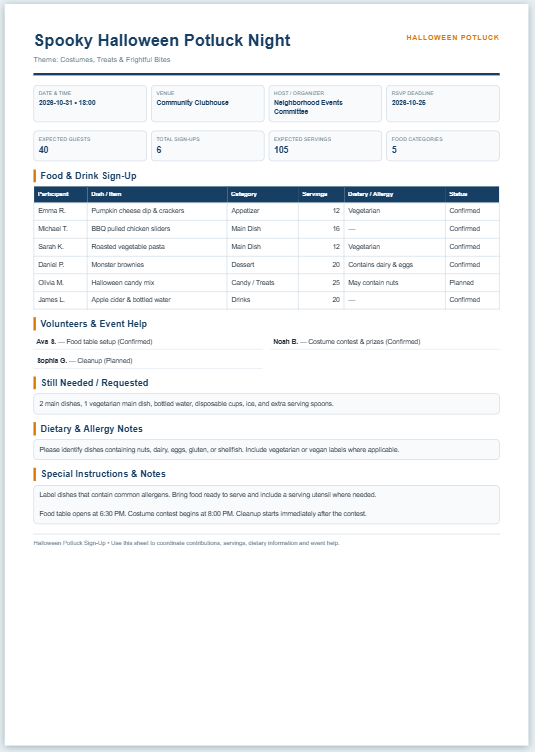
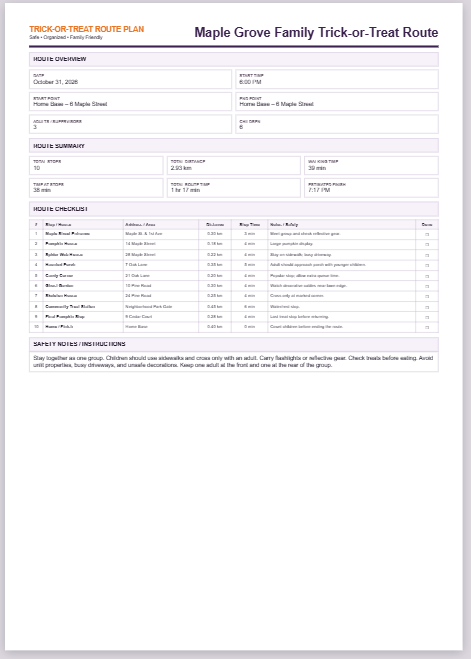
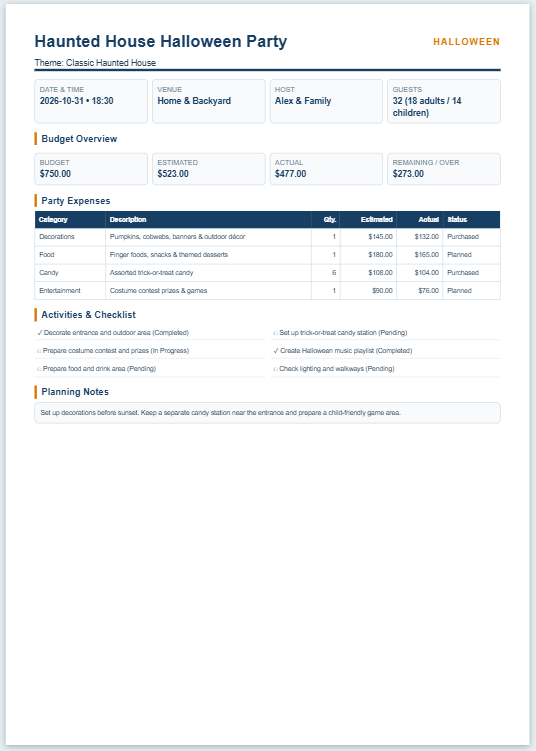
Planning the games before a Halloween party can save a lot of confusion once everyone arrives. Instead of deciding what to play at the last minute, you can prepare the activities, gather the materials, and work out how much time you want to spend on each game.
Use this Halloween Party Games Planner to add the games you want to play and arrange the details for each one. You can enter the game name, players or teams, playing time, indoor or outdoor setting, materials needed, instructions, and prizes.
The planner keeps track of the total activity time and gives you an estimated finishing time based on your party start time. You can also allow a few minutes between games for setting up the next activity or giving everyone a short break.
Choose games and materials that suit the age of your guests and the space available. For children’s parties in particular, make sure activities are properly supervised and that props and play areas are safe.
Frequently Asked Questions
What is a Halloween party games planner?
A Halloween party games planner helps you organize the games and activities you want to include at a Halloween party. It can be used to record game names, timing, players or teams, materials, prizes, instructions, and other party details.
What information can I add to the planner?
You can enter the party name, date, start time, location, age group, expected number of players, transition time between games, party notes, and a safety reminder. Each game can also have its own instructions, materials, prize, setting, and duration.
Can I add my own Halloween games?
Yes. Use the Add Game button to add as many activities as you need. Each game can be edited separately or removed from the plan.
Does the planner include sample Halloween games?
Yes. The sample plan includes several common Halloween activities so you can see how the planner works. You can edit, remove, or replace them with your own games.
How is the estimated finish time calculated?
The planner adds the duration of the games and any break or transition time entered between activities to the party start time. It then shows the estimated finishing time for the planned games.
What are break or transition minutes?
These are optional minutes allowed between games for changing activities, setting up materials, explaining the next game, or giving players a short break.
Can I plan games for children and adults?
Yes. The age-group options include Kids, Teens, Adults, and Family / Mixed Ages. You should still review each activity and choose games, materials, and rules that are appropriate for the people attending your party.
Can I plan indoor and outdoor games?
Yes. Each game can be marked as Indoor, Outdoor, or Indoor / Outdoor, making it easier to organize activities around the available space.
How does the materials checklist work?
Materials entered for the games are collected into a checklist in the Live Preview. You can separate materials with commas or semicolons, and repeated items are removed from the combined checklist.
Can I include prizes for the games?
Yes. Each game has a prize field. The summary also shows how many planned games currently include a prize.
Can I add instructions for each game?
Yes. Use the How to Play field to record the rules or instructions. These details are included in the finished party activity plan.
Why is there a safety reminder?
Halloween activities may involve children, movement, props, food, outdoor areas, or low-light conditions. The safety field gives you a place to record reminders that are relevant to your particular party and activities.
Can I print the completed Halloween games plan?
Yes. Open the Live Preview and use Print / Save PDF. Your browser's print dialog can then be used to print the plan or save it as a PDF.
Does the planner save my party information permanently?
No. The planner is intended for the current browser session and does not provide permanent account or database storage. Print or save your finished plan if you want to keep a copy.