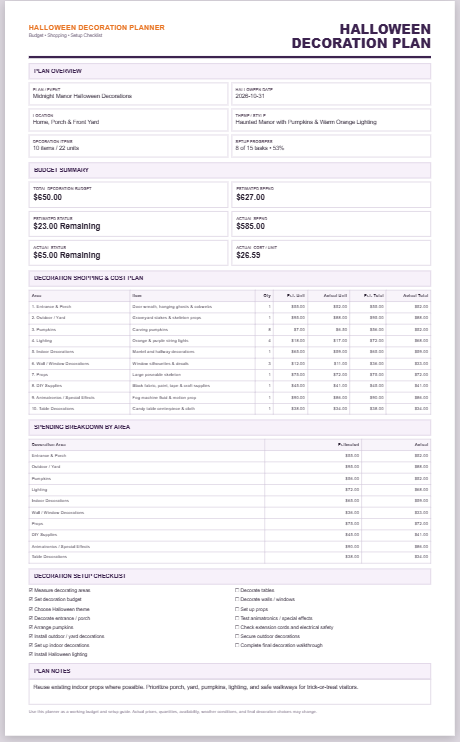
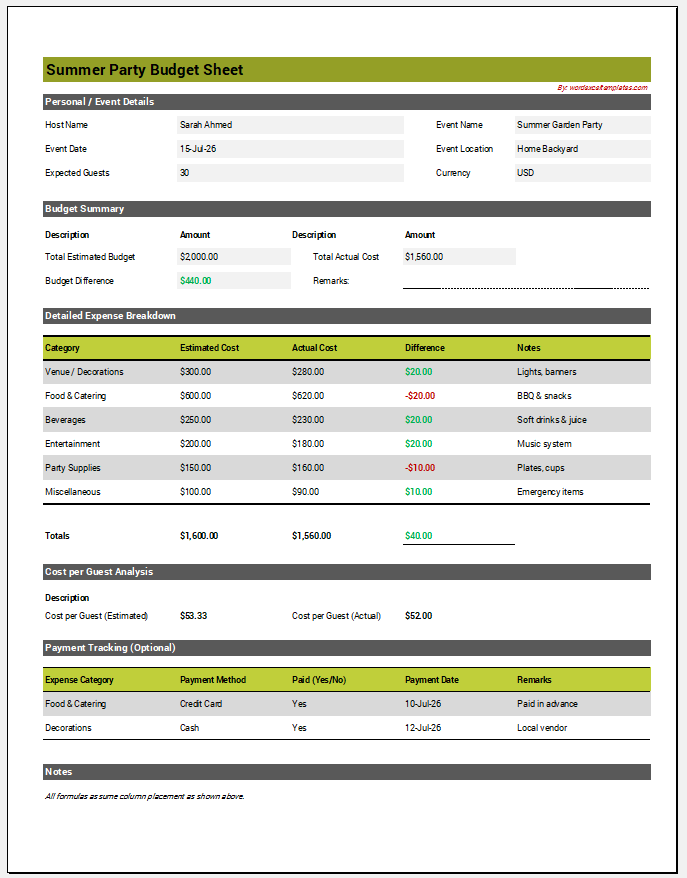
Planning a Halloween party involves more than choosing decorations and costumes. Food, candy, entertainment, prizes, and other expenses can quickly add up, while preparation tasks need to be completed before the event. A clear plan helps you organize these details and compare expected spending with your available budget.
Use the Halloween Party Planner & Budget Calculator below to enter your party details, number of guests, and total budget. Add individual expenses with estimated and actual costs, review spending by category, and track your remaining or over-budget amount and cost per guest automatically. You can also manage a Halloween preparation checklist, monitor completion progress, and use the Live Preview to print or save the completed party plan as a PDF.
Frequently Asked Questions
What does the Halloween Party Planner & Budget Calculator do?
It combines party details, guest counts, expense planning, automatic budget calculations, category-based expense totals, and a preparation checklist in one printable party plan.
How is the total number of guests calculated?
Total Guests is calculated automatically by adding the number of adults and children entered in Party Details.
Does quantity multiply the cost entered for an expense?
No. Quantity is informational. Estimated Total Cost and Actual Total Cost are the total amounts for the complete expense row. For example, if three prizes cost $75 altogether, enter Qty 3 and Estimated Total Cost $75.
How is the estimated remaining budget calculated?
Estimated Remaining Budget equals Total Budget minus Total Estimated Cost. If estimated expenses exceed the budget, the calculator reports the amount over budget.
How is the actual remaining budget calculated?
Actual Remaining Budget equals Total Budget minus Total Actual Cost. If actual expenses exceed the budget, the Actual Budget Status reports the amount over budget.
How is cost per guest calculated?
Estimated Cost per Guest divides total estimated expenses by total guests, while Actual Cost per Guest divides total actual expenses by total guests. With zero guests, the calculator safely returns zero.
Can I add more expenses?
Yes. Add as many expense rows as needed and enter a category, item, quantity, estimated total cost, and actual total cost for each row.
How does the expense breakdown work?
The calculator groups current expense rows by category and automatically totals their estimated and actual amounts.
Which currencies are supported?
The calculator supports USD, GBP, EUR, PKR, AED, SAR, and INR. Changing currency updates monetary displays throughout the planner and Live Preview.
How does the preparation checklist work?
Default preparation tasks start unchecked. Tasks can be completed, removed, or added, and progress is shown as both a completed-task count and preparation percentage.
Can I load an example party plan?
Yes. Load Sample fills the planner with example information. Reset clears the party information and expenses and restores the default checklist unchecked.
Can I print or save the plan as a PDF?
Yes. Use Print / Save PDF in Live Preview to open the browser print interface and print or save the A4 portrait party plan as a PDF.
Does the calculator permanently save my information?
No. The planner is session-based and does not create an account or permanently store the entered party details. Print or save a PDF if you need a copy.