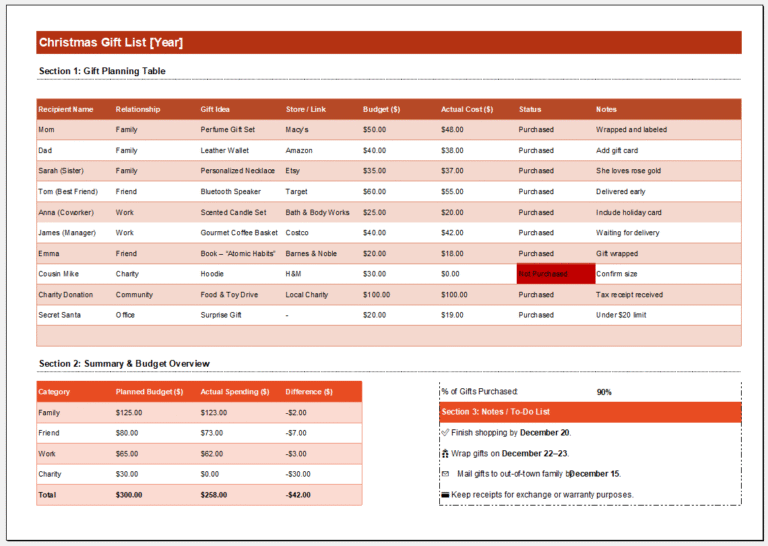
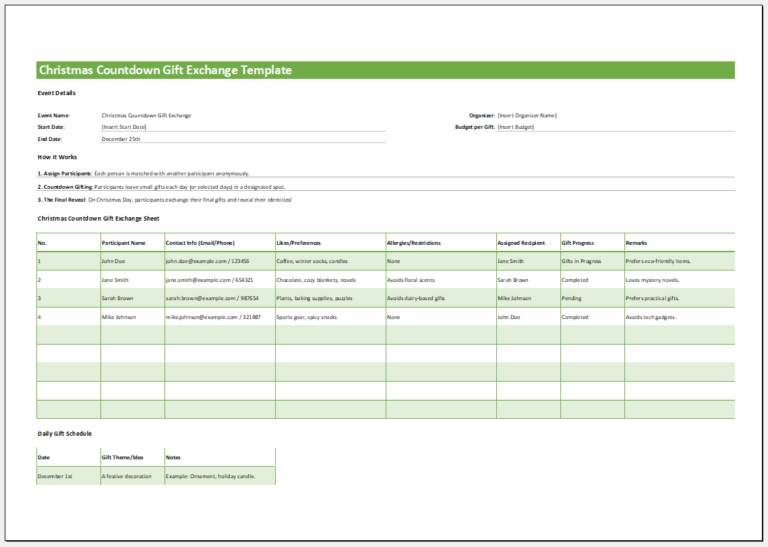
Participating in activities and games during the Christmas season can help create lasting memories. One popular tradition is giving gifts, which can be even more exciting through a Secret Santa exchange.
In this game, each participant is randomly assigned another person to buy a gift for. The giver’s identity is usually kept secret until the exchange.
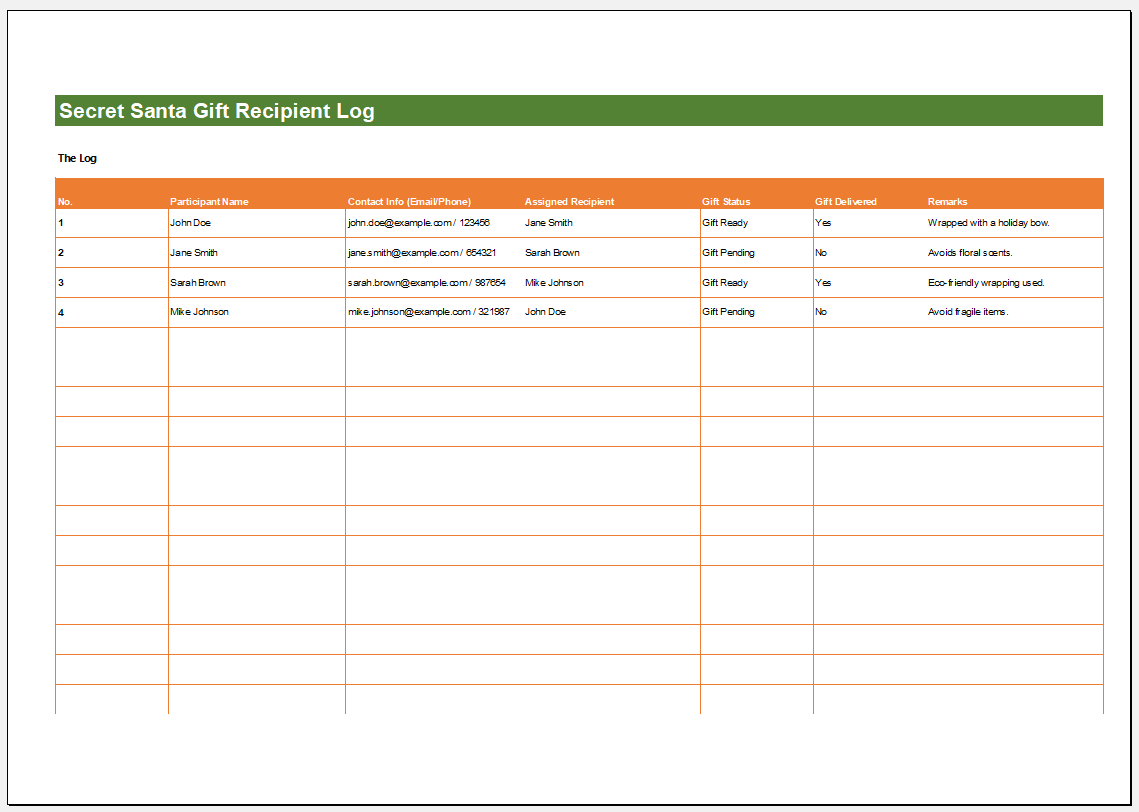
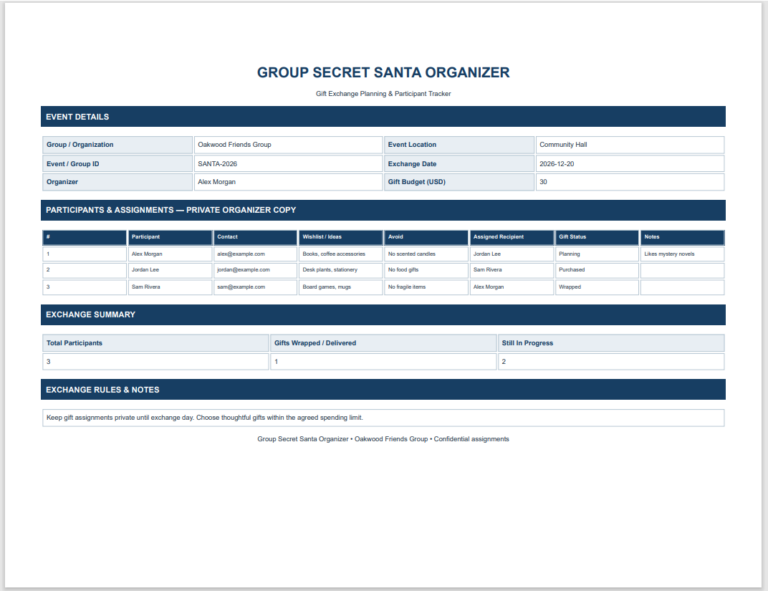
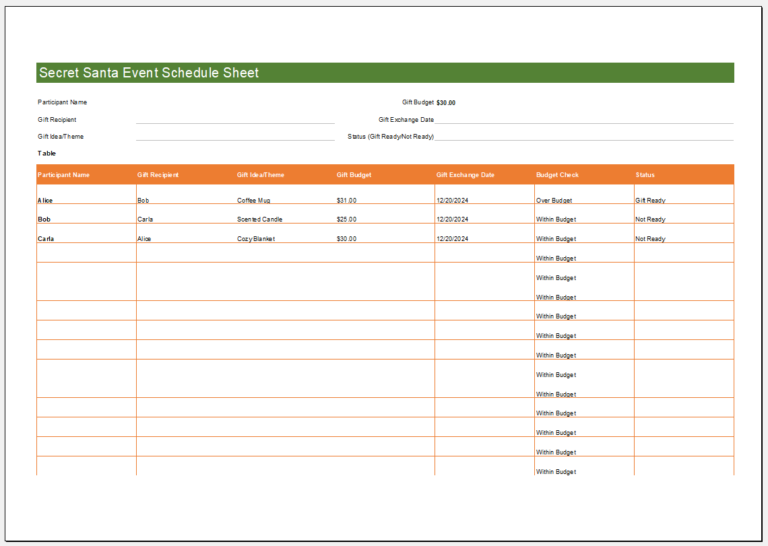
Careful organization helps ensure that every participant gives and receives a gift. A Secret Santa Gift Recipient Log can help the organizer manage these assignments.
What is a Secret Santa Gift Recipient Log?
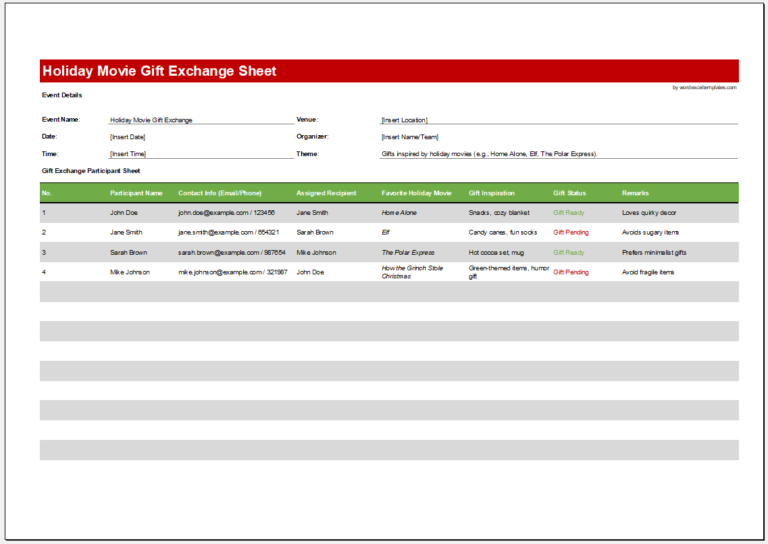
This log tracks who is buying a gift for whom in a Secret Santa exchange.
It records each giver and their assigned recipient, allowing the organizer to check that everyone is included. The complete log should be kept private so participants cannot see the other assignments.
(Create your log below)
Secret Santa Gift Recipient Log
Organize gift recipients, wish lists, purchases and delivery status.
Event Details
Gift Recipients
Add a recipient, then expand their record to edit the gift details.
Gift Planning
Review & Summary
Verify recipients and gift details before exporting or printing.
How to Create a Secret Santa Gift Recipient Log?
Keep the layout simple so assignments are easy to enter, check, and update. Consider the following tips:
Choose a Suitable Application
You can create the log in Microsoft Word or Excel. Word is useful for a printable table, while Excel makes it easy to organize and review a larger list.
Add a Christmas Theme
Use festive touches, such as red or green headings and small images of Christmas trees, gifts, or reindeer. Keep the main text readable and avoid decorations that crowd the table.
Include Essential Details
Use the heading “Secret Santa Gift Recipient Log.” Include the event name, exchange date, and agreed gift budget where useful.
Create a table with columns such as:
- Giver’s name
- Assigned recipient’s name
- Assignment communicated
- Gift received
- Notes
Enter each giver and recipient on the same row. Check that every participant appears once as a giver and once as a recipient, and that no one is assigned to themselves.
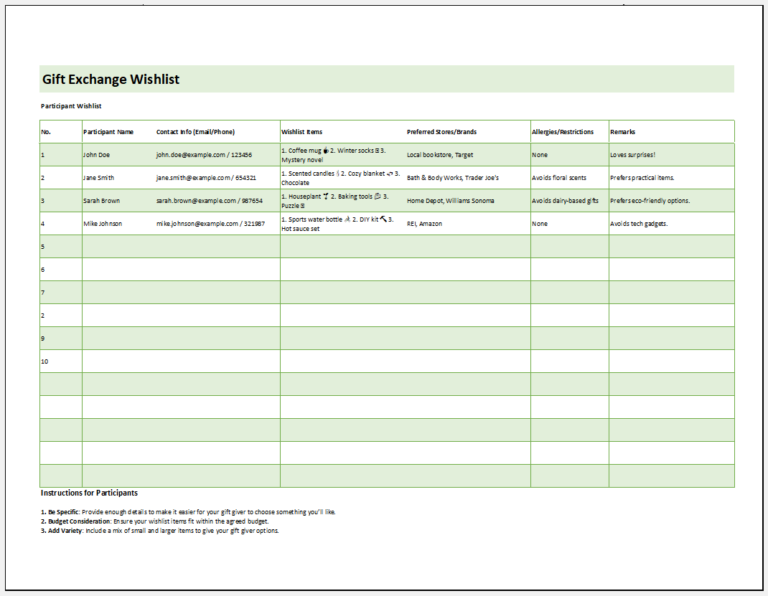
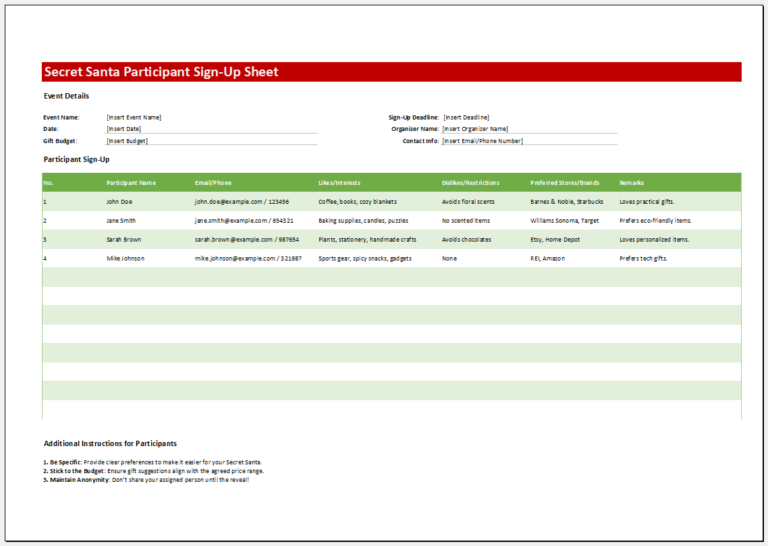
If participants share gift preferences, record these separately or communicate them privately to the assigned giver.
Make Sure Everyone has been Assigned a Secret Santa
Before sharing assignments, review the log for missing names, duplicate recipients, and self-assignments. Resolve any errors before participants begin buying gifts.
Send each person only the name of their assigned recipient, along with the budget, exchange date, and any relevant gift preferences. Participants who forget their assignment should contact the organizer rather than consult the full log.
Update the record if someone joins or withdraws, and privately notify anyone whose assignment changes. A clear, confidential log helps the organizer keep the exchange coordinated while preserving the surprise.