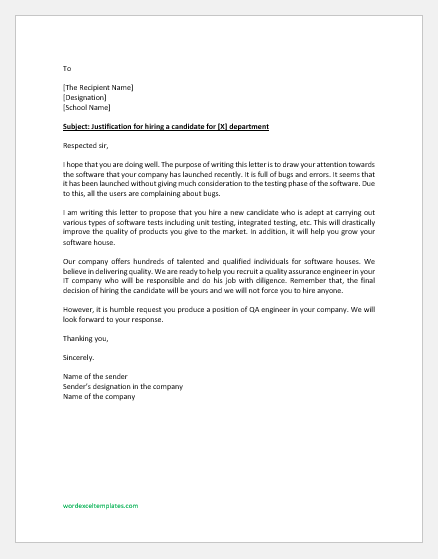
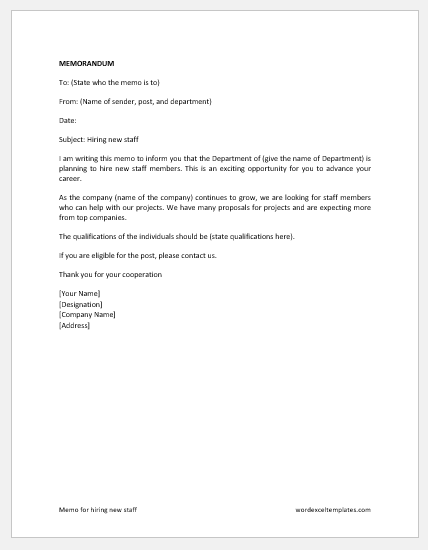
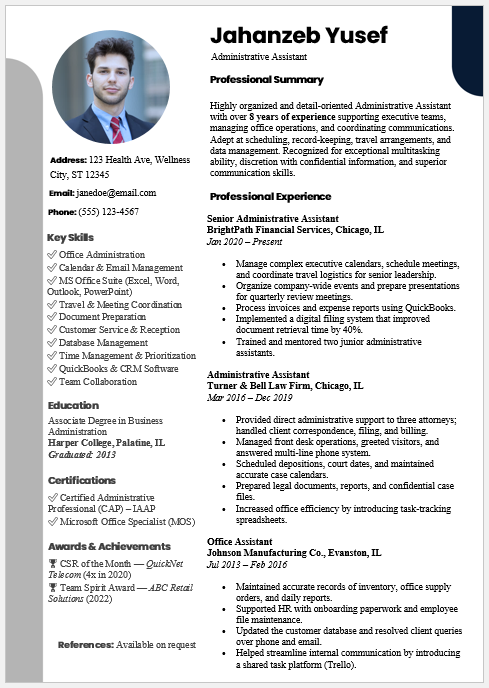
Hiring the right people requires more than reviewing resumes. Recruiters need organized workflows, accurate evaluations, professional documentation, and meaningful insights throughout the recruitment process. The AI Hiring Assistant is an all-in-one browser-based recruitment management platform designed to simplify hiring from job creation to employee onboarding.
This powerful tool combines multiple recruitment workflows into a single dashboard, allowing HR professionals, recruiters, business owners, and hiring managers to manage every stage of the hiring process efficiently. You can create professional job descriptions, generate structured interview guides, screen resumes against job requirements, compare multiple candidates, prepare hiring recommendations, generate offer packages, plan employee onboarding, monitor recruitment analytics, and manage candidate pipelines -all without switching between multiple applications.
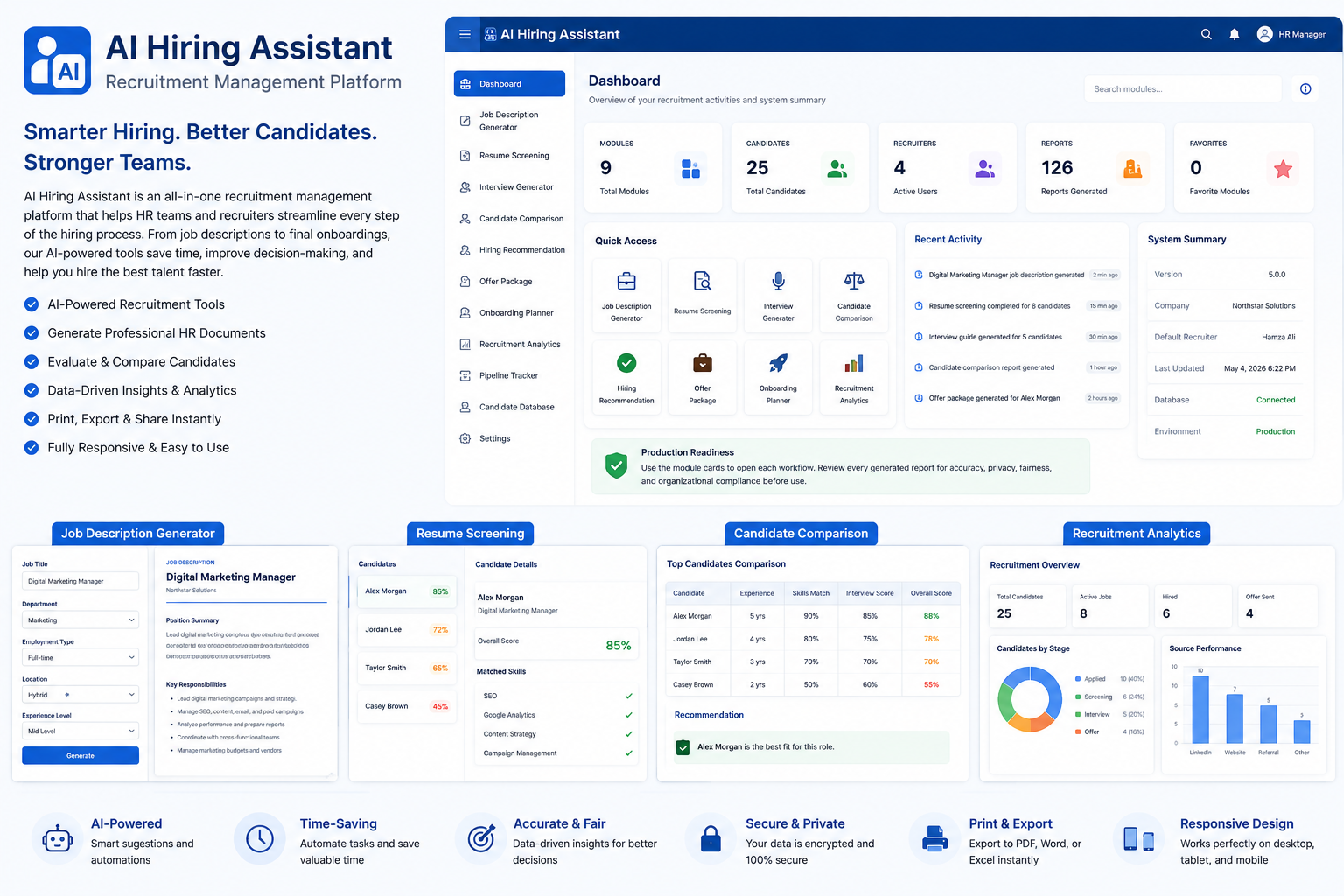
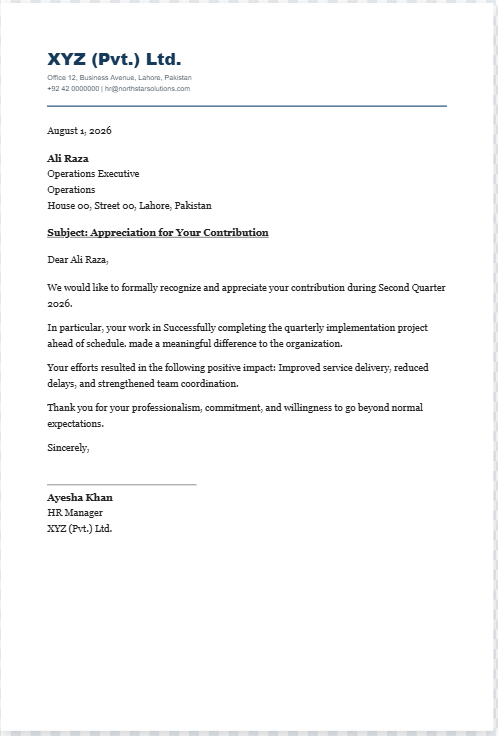
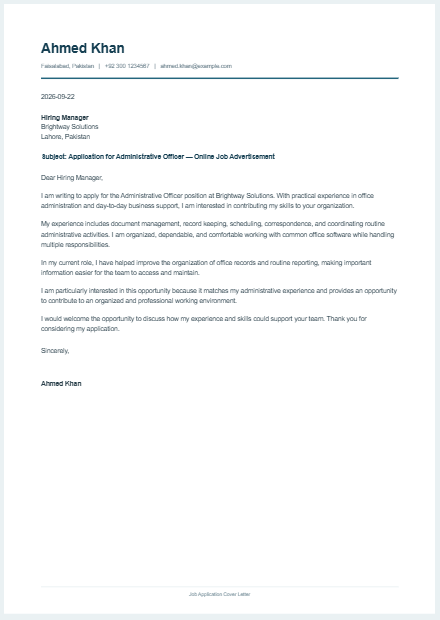
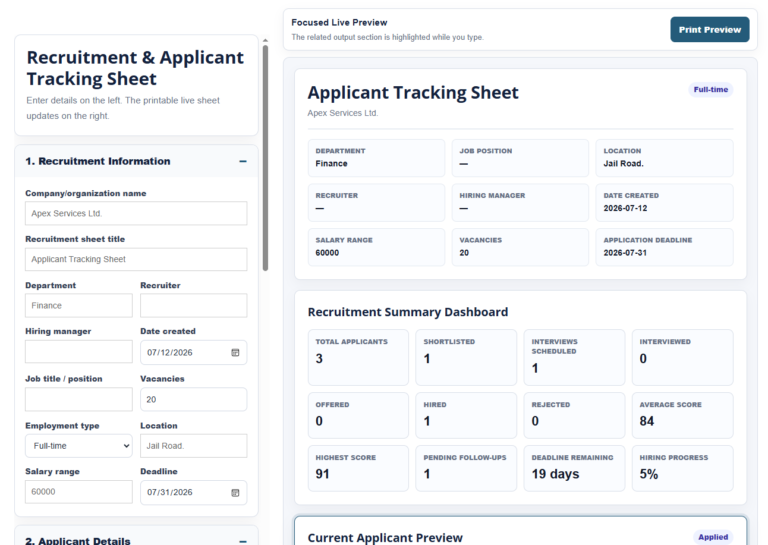
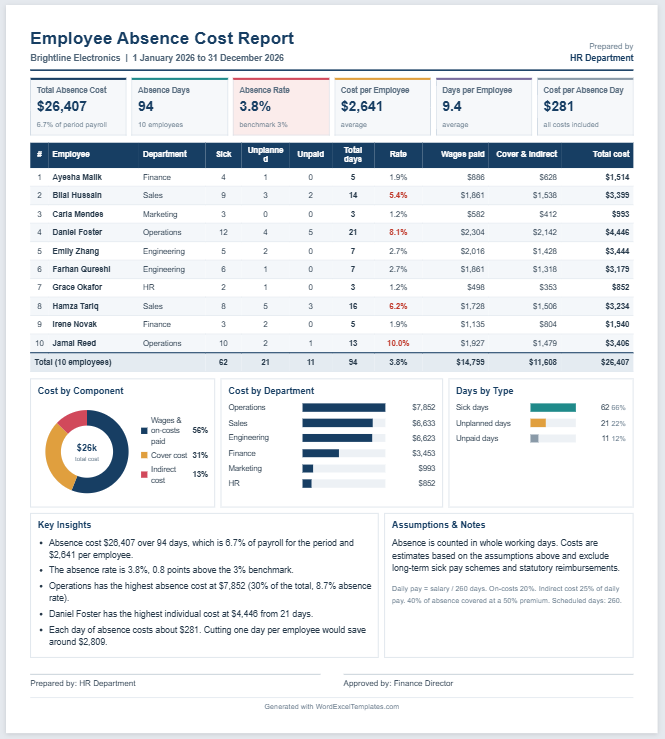
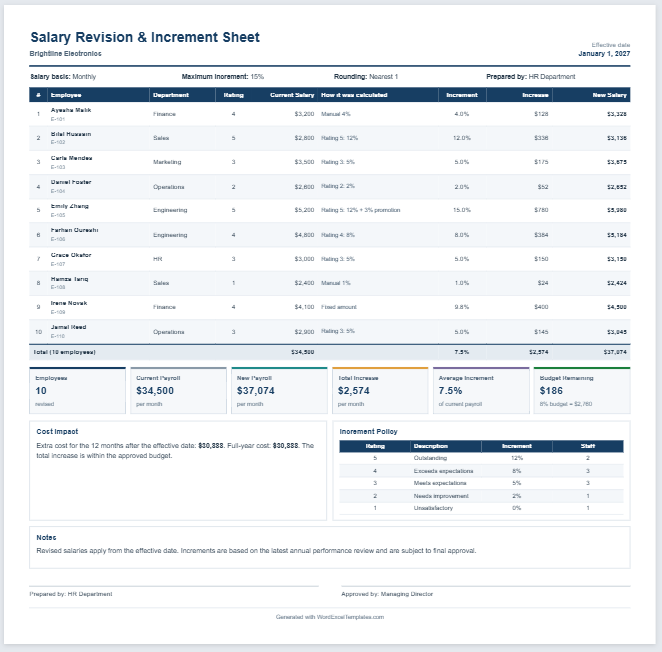
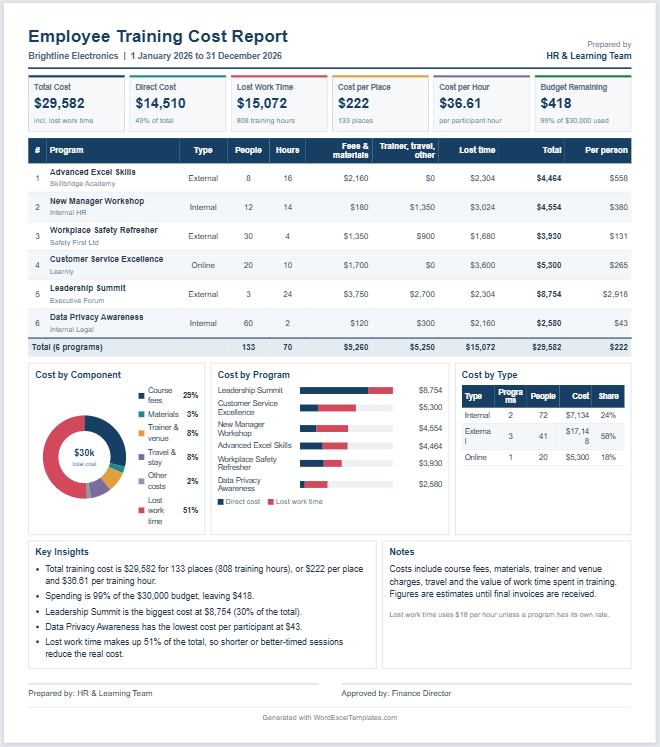
The platform includes a professional live preview with A4 print support, making it easy to generate polished hiring documents that are ready for meetings, interviews, and employee records. Interactive dashboards, recruitment KPIs, candidate tracking, recruiter workload analysis, and hiring analytics help organizations make faster and more informed hiring decisions.
Whether you manage occasional hiring or large-scale recruitment campaigns, the AI Hiring Assistant helps reduce manual work, improve hiring consistency, organize recruitment records, and support better decision-making. It is an ideal solution for HR departments, staffing agencies, startups, educational institutions, healthcare organizations, and businesses seeking a professional recruitment management system.
AI Hiring Assistant
Create professional hiring documents, interview resources, evaluations, and recommendations.
Select Hiring Task
Create Candidate
Candidate Overview
Candidate Notes
Candidate Documents
Hiring Timeline
Candidate Settings
AI Hiring Assistant
Recruitment Management Platform
Global Settings
Recent Activity
Export Center
Step 1 — Organization
Step 2 — Position
Step 3 — Key Responsibilities
Select, edit, remove, or reorder responsibility items.
Step 4 — Requirements
Keep only the qualifications that are genuinely required.
Step 5 — Benefits
Choose and customize the benefits offered with this role.
Step 6 — Skills
Step 7 — Review
Review the live preview, then use Generate, Print, or Export when ready.
Screening Criteria
Candidate 1
Candidate 2
Candidate 3
Interview Setup
Candidate Evaluation
Interview Panel Details
Interviewer 1
Interviewer 2
Interviewer 3
Competency Scores
Hiring Recommendation
Offer Management
Candidate Communication Center
Employee Onboarding Center
Recruitment Analytics & Dashboard
| Stage | Count |
|---|
| Source | Applications | Hires |
|---|
| Recruiter | Jobs | Interviews | Offers | Hires |
|---|
| Date | Event | Owner |
|---|
AI Resume Matcher
AI Interview Question Generator
AI Candidate Comparison
AI Hiring Recommendation
AI Offer Package Generator
AI Onboarding Planner
AI Recruitment Analytics Dashboard
Recruitment Sources
Department Hiring
Hiring Costs
AI Recruitment Pipeline Tracker
AI Candidate Database & Search
Frequently Asked Questions
What is the AI Hiring Assistant?
It is a browser-based hiring toolkit that helps recruiters and managers create job descriptions, interview questions, candidate scorecards, and hiring recommendations from structured inputs.
Does it make the final hiring decision?
No. The tool supports documentation and consistent evaluation. A qualified human reviewer should make every employment decision and check the output for accuracy, fairness, and legal compliance.
Can I edit the generated content?
Yes. Change any input and click Generate. The live preview updates into a printable A4 document.
Can the tool be expanded?
Yes. The framework now includes offer management and candidate communication. Onboarding checklists, background verification, and recruitment analytics can be added next.
Is candidate information stored?
This version works inside the browser and does not intentionally save candidate information to a database. Site owners should still follow their own privacy and data-protection requirements.
How AI Hiring Assistant Works
The AI Hiring Assistant is an all-in-one recruitment management tool that helps HR professionals and hiring managers complete the entire hiring process from a single dashboard.
- Select a recruitment module such as Job Description Generator, Resume Screening, Candidate Comparison, Interview Guide, Hiring Recommendation, Offer Package, Onboarding Planner, Recruitment Analytics, or Candidate Database.
- Enter your hiring details or load sample data. In the Job Description Generator, selecting a supported Department and Job Title automatically fills the Role Summary, Key Responsibilities, Requirements, and Benefits. If the exact job title isn’t available, the plugin suggests the closest match or generates a new editable draft.
- Generate professional HR documents instantly. Every report is displayed in a live preview and can be edited before printing.
- Compare candidates and evaluate performance using structured scorecards, rankings, interview questions, and hiring recommendations to support consistent decision-making.
- Track recruitment progress with recruitment analytics, pipeline management, recruiter activity, and candidate records from the built-in dashboard.
- Print or save polished A4-ready reports for interviews, management meetings, employee files, and recruitment documentation.
The tool is fully browser-based, mobile responsive, works without external AI services, and keeps all generated content editable so it can be customized for any organization.
How to Use the AI Hiring Assistant – A Step-by-Step Example
The AI Hiring Assistant is designed to simplify the complete recruitment process from creating a job description to onboarding a new employee. The following example shows how a hiring manager can use this tool to recruit a Digital Marketing Manager.
Step 1: Generate a Job Description
Open the Job Description Generator and select Marketing as the department. Then choose Digital Marketing Manager as the job title. The page automatically fills the Role Summary, Key Responsibilities, Requirements, and Benefits. If your job title is unique, you can generate a new editable draft or load the closest matching template.
Step 2: Screen Applications
After receiving applications, switch to the Resume Screening module. Paste candidate resumes into the tool to compare their qualifications with the job requirements. The tool assigns match scores to help identify the strongest candidates.
Step 3: Compare Candidates
Use the Candidate Comparison module to review multiple applicants side by side. Compare experience, skills, interview performance, and overall scores to shortlist the best candidates.
Step 4: Prepare Interviews
Generate a structured interview guide with role-specific questions. During the interview, use the Candidate Evaluation module to score technical skills, communication, leadership, and cultural fit.
Step 5: Make the Hiring Decision
Once interviews are complete, the Hiring Recommendation module prepares a professional recommendation based on the candidate’s evaluation results.
Step 6: Create the Offer Letter
Generate a complete offer package by entering salary, joining date, probation period, and employment benefits. The document is ready for printing or sharing with the selected candidate.
Step 7: Plan Employee Onboarding
After the offer is accepted, use the Onboarding Planner to prepare orientation schedules, assign equipment, create employee accounts, and track onboarding tasks.
Step 8: Monitor Recruitment Progress
Finally, view the Recruitment Dashboard to monitor hiring statistics, recruiter activity, candidate pipelines, and generated reports. All documents include professional live previews and A4-ready print layouts, making the entire hiring process organized, efficient, and easy to manage from one platform.