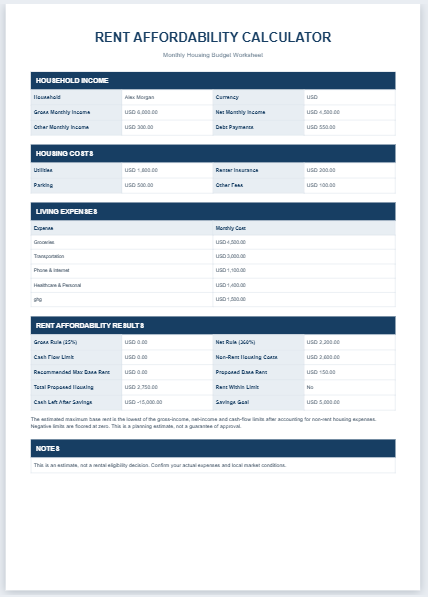
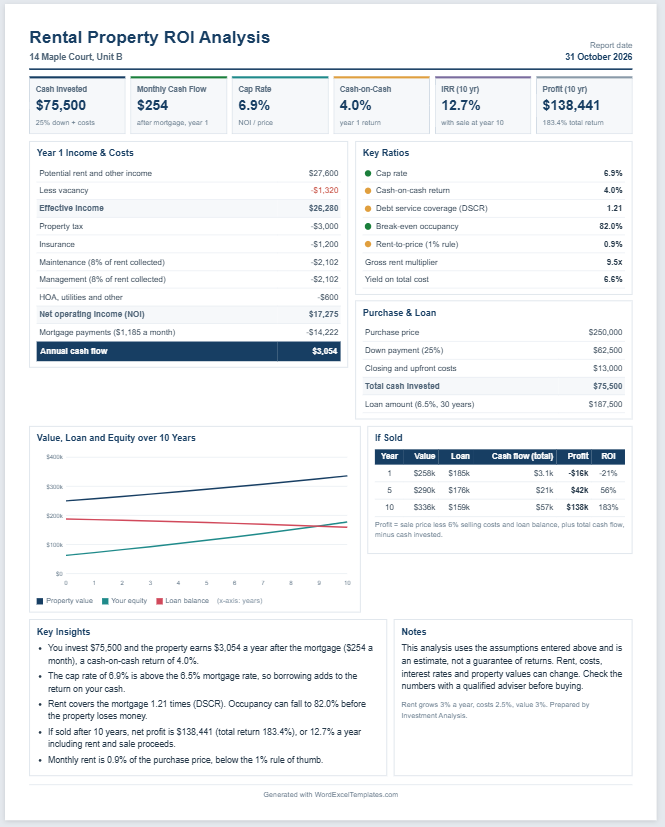
Buying a home is one of the biggest financial decisions you’ll make, and knowing how much house you can realistically afford is essential before applying for a mortgage. Our Mortgage Affordability Calculator helps you estimate an affordable home price based on your income, existing monthly debts, down payment, loan term, interest rate, and other housing expenses.
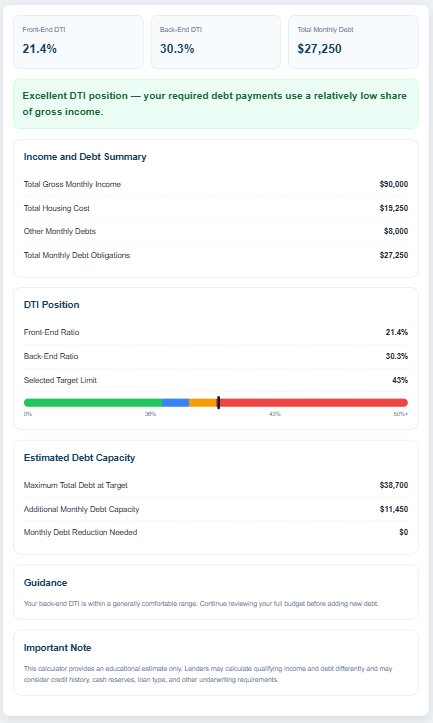
Instead of relying on rough estimates, this calculator considers important costs such as property taxes, homeowners insurance, HOA fees, and private mortgage insurance (PMI). It also evaluates your debt-to-income (DTI) ratio, a key factor that lenders use when determining mortgage eligibility.
After entering your financial details, the calculator instantly provides an estimated affordable home price, maximum mortgage amount, total monthly housing cost, and a detailed payment breakdown. It also displays affordability ratios so you can better understand how your monthly income supports your housing budget.
The tool is suitable for first-time homebuyers, homeowners planning to upgrade, mortgage advisors, financial planners, and anyone comparing different financing options. You can easily adjust the loan term, interest rate, down payment, or monthly expenses to see how each factor affects your purchasing power.
The responsive design works smoothly on desktop, tablet, and mobile devices, while the built-in print feature allows you to generate a clean report for personal records or discussions with lenders and real estate professionals.
Whether you are planning your first home purchase or comparing multiple mortgage scenarios, this calculator provides a quick and practical way to estimate a realistic housing budget and make informed financial decisions.
Mortgage Affordability Calculator
Estimate a comfortable home price based on income, debts, down payment, rates, taxes, insurance, and DTI limits.
Income & Debts
Loan Details
Property Costs
Live Preview
Frequently Asked Questions
What does a mortgage affordability calculator estimate?
It estimates a suitable home price and mortgage amount based on household income, monthly debts, down payment, interest rate, loan term, taxes, insurance, HOA costs, PMI, and a chosen debt-to-income limit.
What is the back-end debt-to-income ratio?
The back-end DTI ratio compares total monthly debt obligations, including the proposed housing payment, with gross monthly income.
Does the estimate include property taxes and insurance?
Yes. The calculator includes estimated property tax, home insurance, HOA charges, and PMI where applicable.
When is PMI included?
PMI is estimated when the down payment is less than 20% of the calculated home price.
Is this a loan approval tool?
No. It is an educational estimate and does not guarantee approval, a specific interest rate, or lender eligibility.
How to Use the Mortgage Affordability Calculator
Using the Mortgage Affordability Calculator is simple and only takes a few minutes. Start by entering your annual household income, followed by your existing monthly debt payments, such as car loans, student loans, or credit card payments. Next, enter the down payment you plan to make, along with the expected mortgage interest rate and loan term.
To improve the accuracy of the estimate, provide the annual property tax, annual homeowners insurance, monthly HOA fees (if applicable), and the estimated PMI rate if your down payment is less than 20%. You can also adjust the maximum debt-to-income (DTI) ratio if you want to use a different lending guideline.
Once all the required information has been entered, click the Calculate button. The calculator will instantly estimate your maximum affordable home price, estimated mortgage amount, and total monthly housing cost. It also displays a detailed breakdown of your monthly payment, including principal and interest, property tax, insurance, HOA fees, and PMI. In addition, the affordability ratio section shows how your income and existing debts affect your borrowing capacity.
If you want to compare different home-buying scenarios, simply update any value -such as your income, down payment, interest rate, or loan term—and calculate again. You can also use the Sample Data button to see a working example or Print the results to keep a copy for future reference or to discuss with your lender or financial advisor.