Employees sometimes need to take leave because they are unwell or have planned a vacation. Some companies offer paid leave, depending on their policies and the employee’s entitlement. It is important to keep track of these details so that leave records remain clear and accurate. A leave and vacation tracker can help with this.
This is a structured document that companies can use to record sick leave, vacation, and other types of employee leave. It helps a business monitor absences and plan work coverage.
What is a Leave & Vacation Tracker?
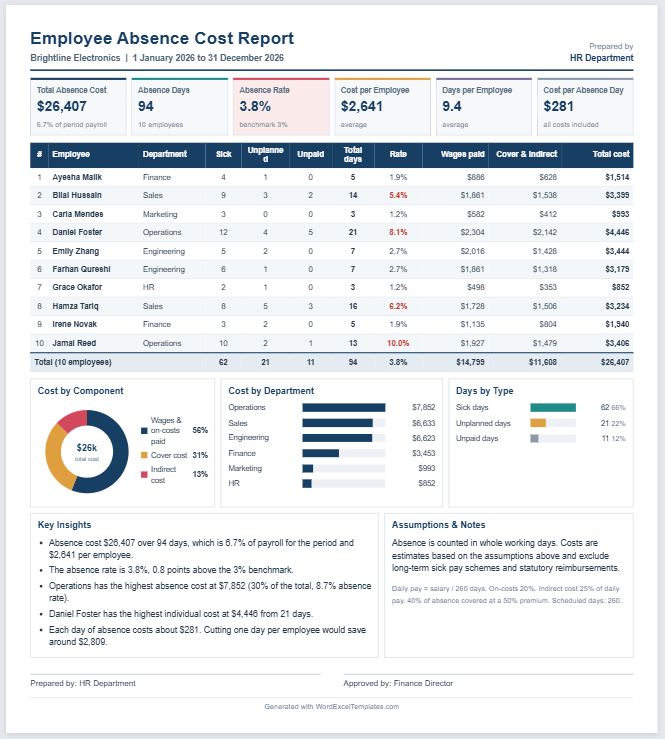
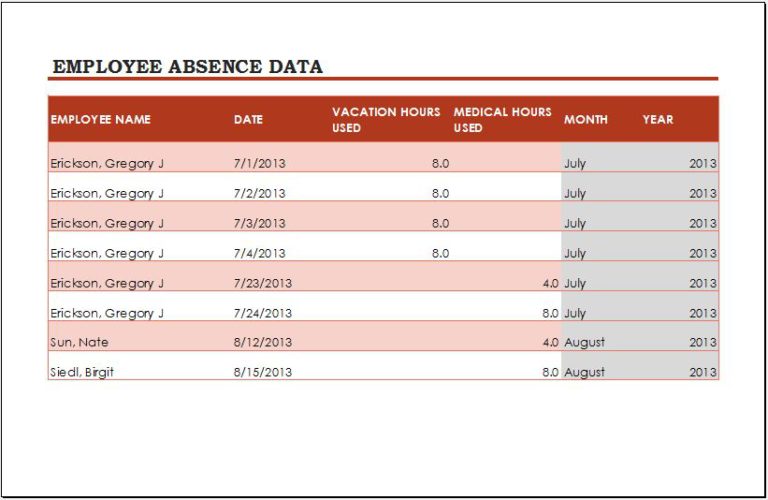
This is a document used to manage and record employee time off. A company can use it to record employee absences, leave types, and approval status. It can also help identify attendance patterns and overlapping leave requests.
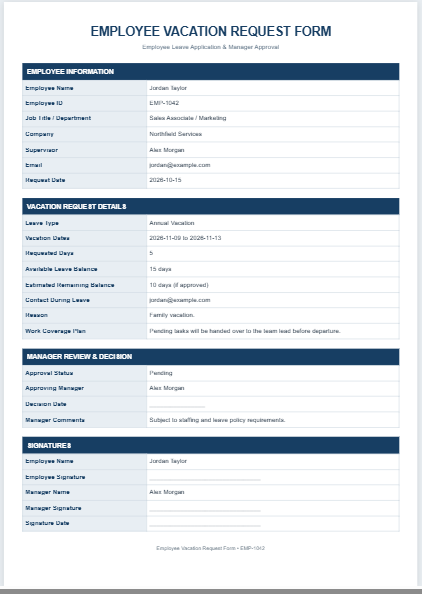
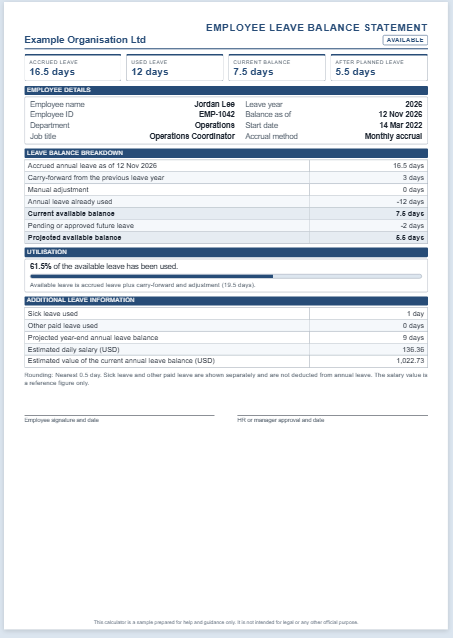
The tracker is important for organizations that want to maintain organized leave records. It helps the employer review leave taken, available balances, and whether an absence is paid or unpaid. An employee may request paid time off, and the employer can review the request against the employee’s leave balance and applicable company policies.
(See online template below).
Leave & Vacation Tracker
Track employee leave requests, balances, and approvals.
Tracker Setup
Employee Leave Records
Expand each record to edit leave details. Add multiple requests for an employee as needed.
Policies & Notes
Review & Export
Review the leave register and balances before downloading or printing.
Benefits of a Leave & Vacation Tracker
The document offers the following advantages:
- It allows a company to record employee leave and the relevant leave category in one place.
- When employees request paid leave, the employer can use the document to review leave already taken and the remaining balance.
- Accurate records improve transparency in leave management.
- The tracker provides a reference for resolving questions or discrepancies related to employee leave.
Main Parts of the Tracker
When creating the tracker, include relevant information to make it accurate and easy to use. The following are some points to consider:
Employee details:
The document should include the employee’s name, job title, and department. The period covered by the tracker should also be included.
Leave details:
Record the dates of each absence and the leave category, such as sick leave, vacation, or other paid time off (PTO). Include the approval status and indicate whether the leave is paid or unpaid. Where applicable, record the employee’s leave entitlement, days taken, and remaining balance.
Tips to Consider When Creating a Leave & Vacation Tracker
The following tips can be helpful when creating this tracker:
Select an application:
Choose an application that makes the tracker easy to use and update.
- Select software that makes data entry simple.
- Applications like Microsoft Excel or Microsoft Word can be used.
- These tools help you organize details in a clear and structured way.
- Excel formulas can help calculate leave totals and balances when set up correctly.
Create a table:
Use a table to make information easy to enter and review.
- Include only relevant information.
- Add a column for each employee’s name.
- Record leave start and end dates or use a calendar layout to mark individual days.
- Distinguish working days from weekends and holidays when calculating leave.
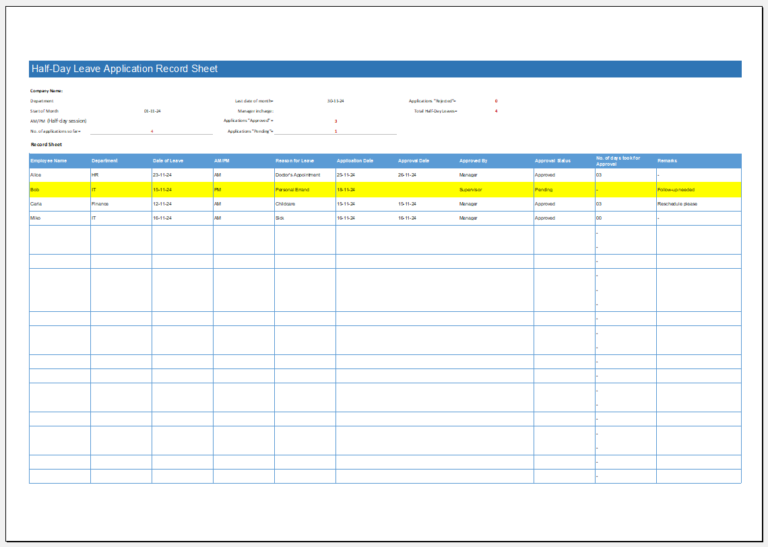
- Include columns for leave type, approval status, and paid or unpaid status.
- Record total leave taken and any remaining balance.
Use clear labels to identify vacation, sick leave, and other absence categories. Record only the personal information needed to manage the leave request, and keep employee records accessible only to authorized staff.
Conclusion
A business needs to maintain accurate employee leave records to support staffing, payroll, and consistent leave management. Recording approved absences helps managers plan workloads and apply company policies consistently.
Clearly identifying paid and unpaid leave also supports accurate payroll processing. A well-organized leave and vacation tracker brings these details together, making them easier to review and update.