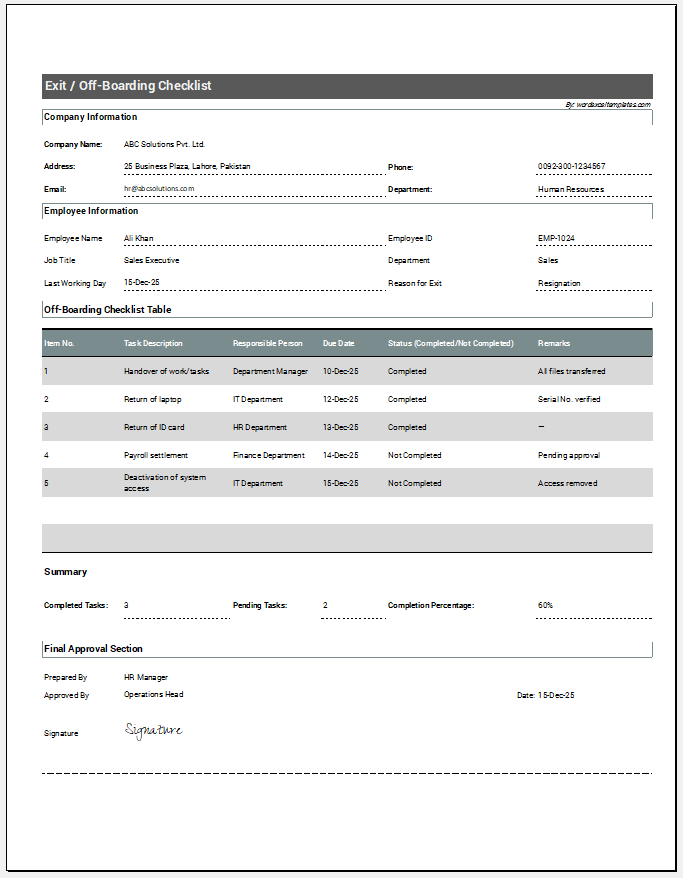
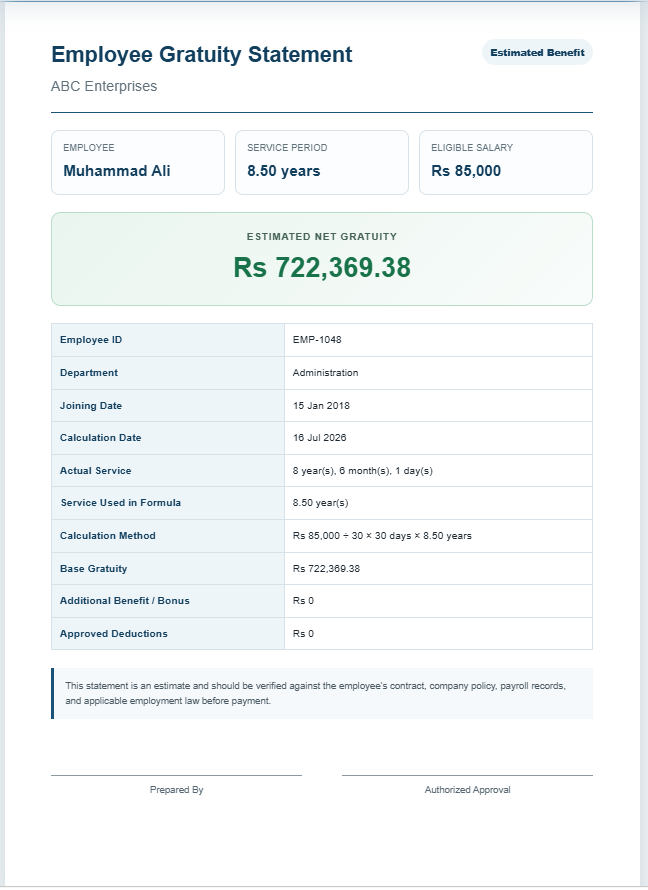
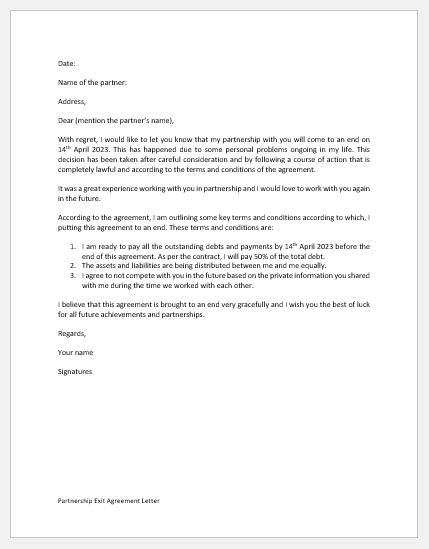
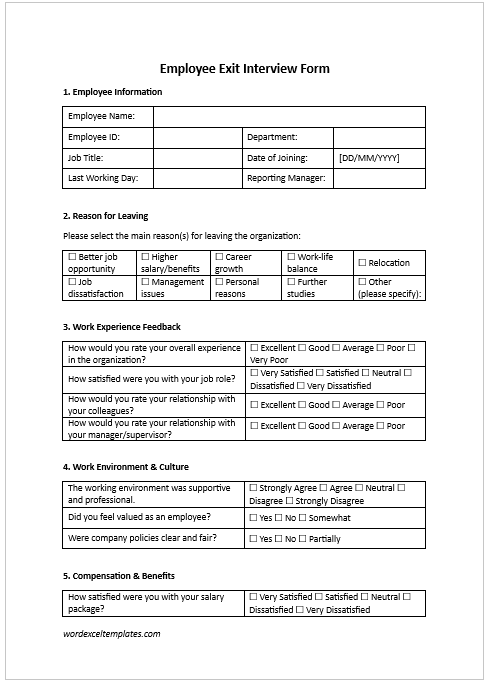
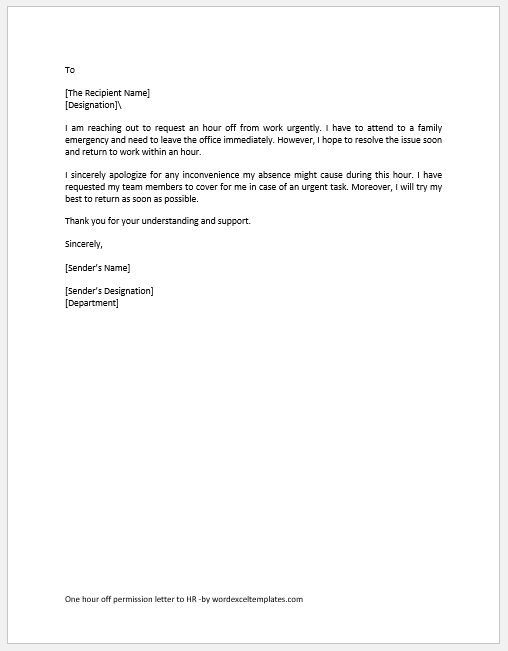
An employee off-boarding checklist helps organize the tasks that may need to be completed when an employee leaves an organization through resignation, retirement, termination, contract completion, transfer, or another type of separation.
Use the checklist below to record and track relevant exit activities, such as handover of responsibilities, return of company property, account or system access, documentation, final administrative tasks, and other actions required by the organization.
Not every checklist item will apply to every employee. Review the tasks according to the employee’s role, access privileges, assigned assets, responsibilities, employment arrangements, and the reason for departure, and add or remove items where necessary.
Exit / Off-boarding Checklist Generator
Create a structured employee exit checklist, assign responsibilities, track completion, and print an A4 record.
Employee & Departure Details
Checklist Tasks
Off-boarding Tasks
Final Review & Notes
Frequently Asked Questions
What is an exit or off-boarding checklist?
It is a structured list of tasks used to manage an employee’s departure, including handover, company property, access removal, administrative tasks, approvals, and follow-up.
Can I add or remove tasks?
Yes. Add tasks that apply to the employee’s role and remove tasks that are not relevant to the specific departure.
Can I assign tasks to different departments?
Yes. Tasks can be assigned to managers, HR, IT, payroll, finance, administration, facilities, the employee, or another responsible party.
What is the difference between Completed and Not Applicable?
Completed means the required action was performed. Not Applicable means the task was not required for that employee or departure.
Does the checklist save my work?
Yes. The current checklist is saved locally in the browser. Resetting the generator clears the saved data.
Can I print or save it as PDF?
Yes. Printing uses an isolated A4 view. To create a PDF, choose the browser’s Save as PDF option.
Should passwords or authentication codes be entered?
No. Do not record passwords, authentication codes, recovery keys, or similar sensitive credentials in the checklist.
Does completing the checklist prove compliance?
No. The checklist tracks tasks but does not determine whether employment, payroll, benefits, privacy, security, contractual, or other applicable requirements have been satisfied.
Tips for Using an Off-boarding Checklist
- Assign responsibility: Where appropriate, identify the person or department responsible for each task rather than assuming HR will complete everything.
- Use clear task descriptions: Write checklist items so that another authorized person can understand what needs to be completed and verified.
- Record completion accurately: Mark a task as completed only after the required action has occurred. Use “Not Applicable” for tasks that do not apply.
- Review role-specific requirements: Employees with access to financial systems, customer data, facilities, equipment, administrative accounts, or other sensitive resources may require additional off-boarding steps.
- Avoid sensitive credentials: Do not record passwords, authentication codes, recovery keys, or similar credentials in the checklist.
- Complete a final review: Before closing the off-boarding case, check for outstanding tasks and supporting records.
MS Excel Template