Whether you are an HR professional, business owner, manager, teacher, student, or employee, this tool provides an efficient and reliable solution for preparing accurate leave applications and related documents.
Leave Application Forms Generator
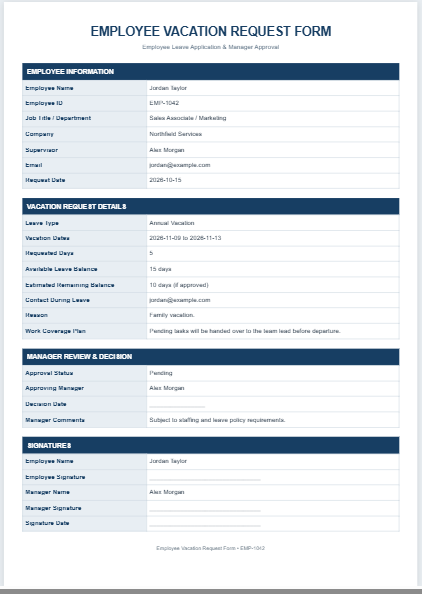
Prepare the forms that go with a leave request, in four steps. Choose the form: a leave application form, a leave approval form, a leave extension request form, a leave cancellation request form, a return-to-work form or a leave handover form. Enter your company and the employee, then the leave type, the dates and the working week. The tool counts the working days for you, works out the new leave balance and shows only the fields that the chosen form needs. Press Load Wording to fill in a ready-made reason or comment, then edit it. Add the names for the signature boxes, check the live preview, then print the form, save it as a PDF or download an editable Word file. You can also download the details as an Excel file. Your entries stay in your browser and are not sent anywhere.
Form
Each form has its own layout and signature boxes. Change the form at any time and your details stay in place.
Your Company
Employee
Leave
Enter the dates of the leave that was booked. For an extension, the current end date goes in Leave To. The tool counts the days in the chosen working week and does not know your public holidays, so enter the days by hand if a holiday falls in the period.
Extension
Cancellation
Decision
Return
Cover
Handover
Wording
Load Wording replaces both boxes with ready-made text for the chosen form, using your names and dates. On the application, extension, cancellation and handover forms the first box is the reason or the handover notes. On the approval form it holds the reason the employee gave, and the second box holds the reason for the decision. Replace any text in square brackets, then edit the wording freely.
Signatures
The names in the signature boxes come from the employee, the reporting manager and the covering colleague. The office-use box appears on the application, extension and cancellation forms.
Print Settings
MS Word Templates
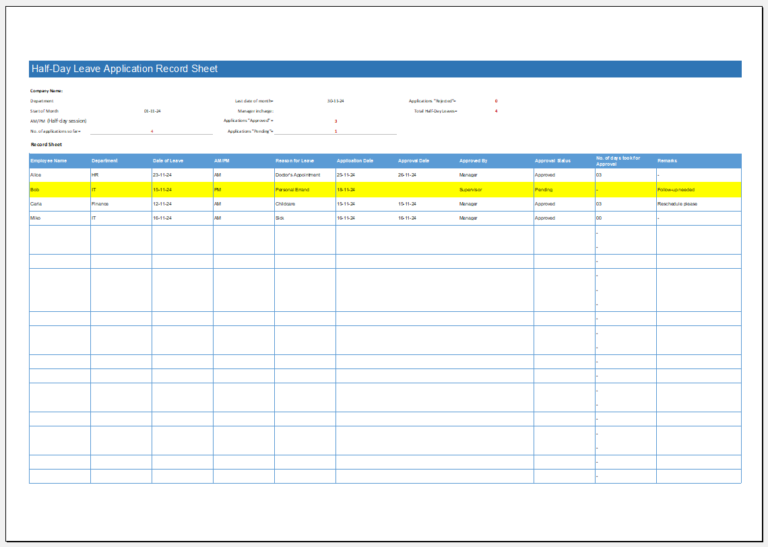
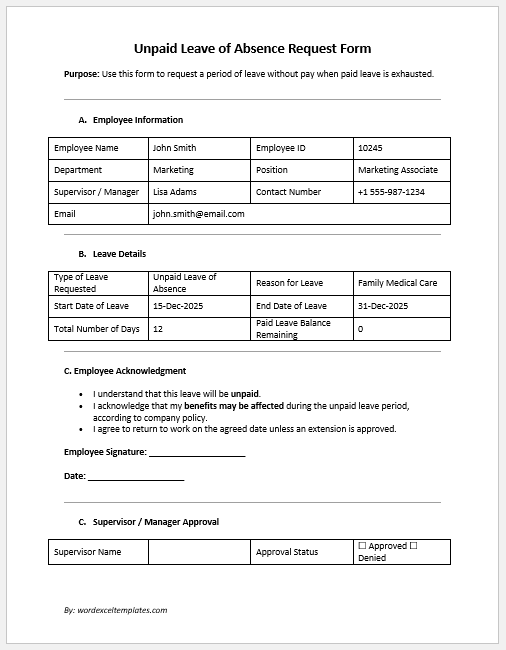
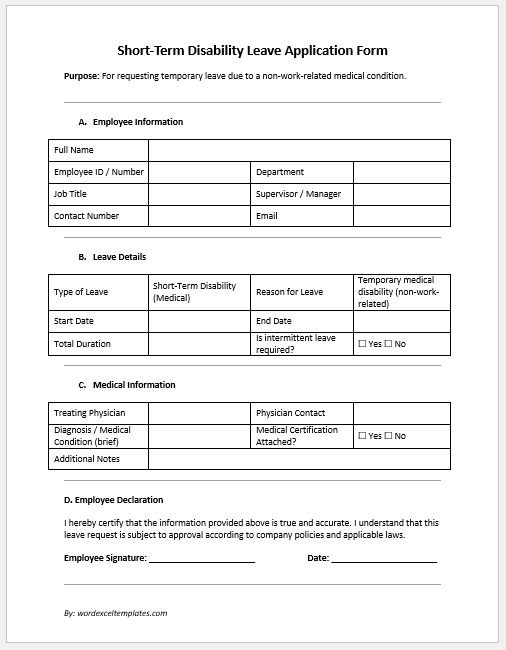
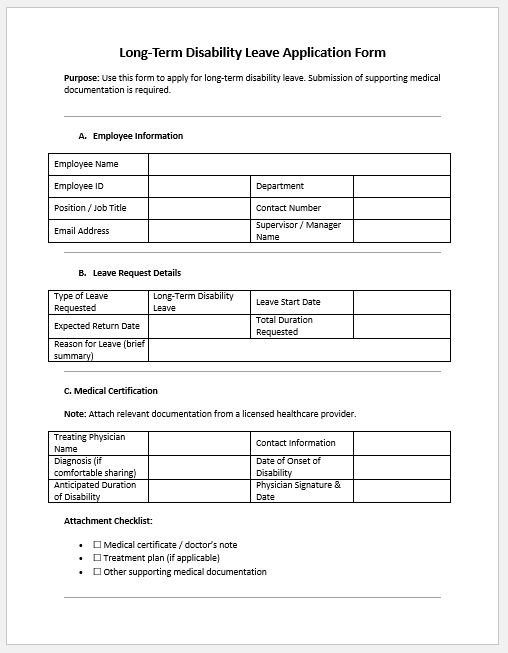
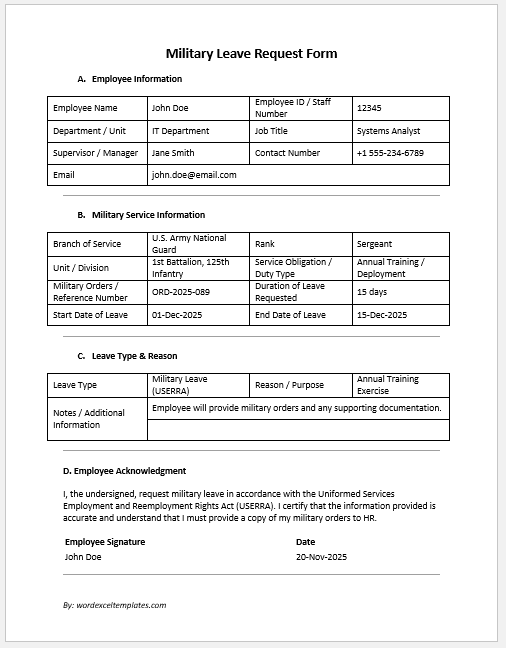
Managing employee requests, grievances, and leave can be time-consuming and complex. To make this process easier, we’ve compiled a comprehensive collection of employee forms, including:
- Paid Time Off (PTO) Request Form
- Sick Leave Application Form
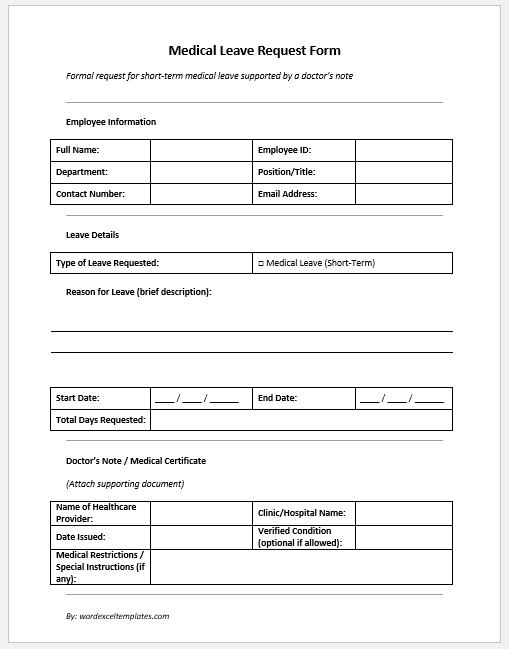
- Medical Leave Request Form
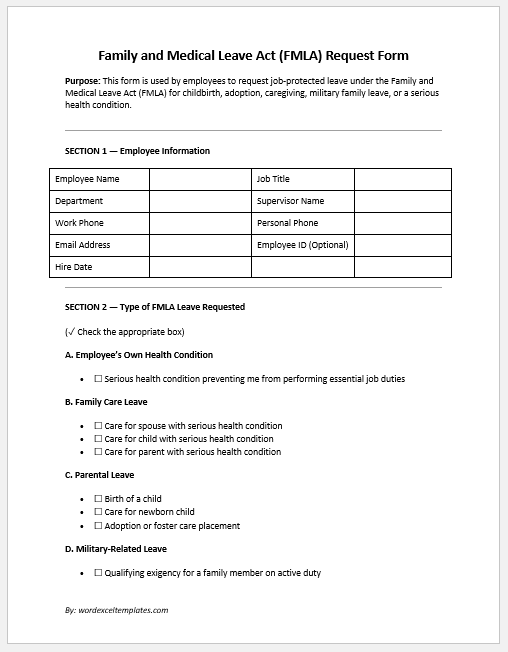
- Family and Medical Leave Act (FMLA) Request Form
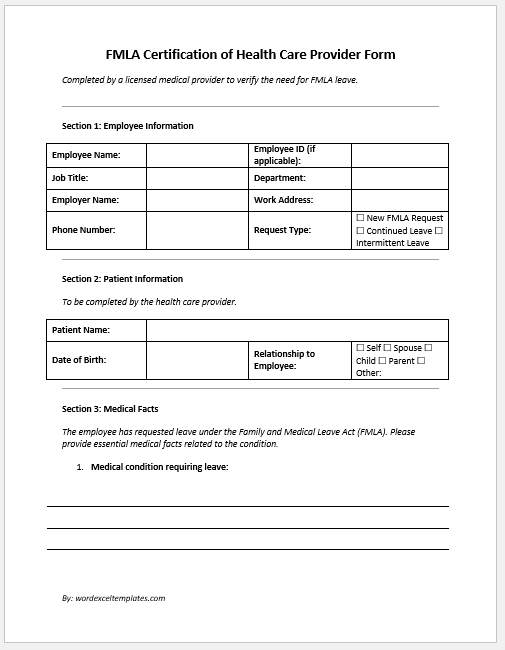
- FMLA Certification of Health Care Provider Form
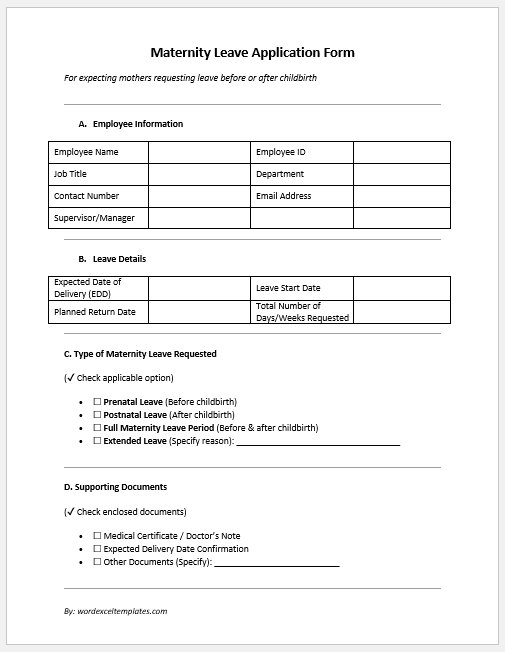
- Maternity Leave Application Form
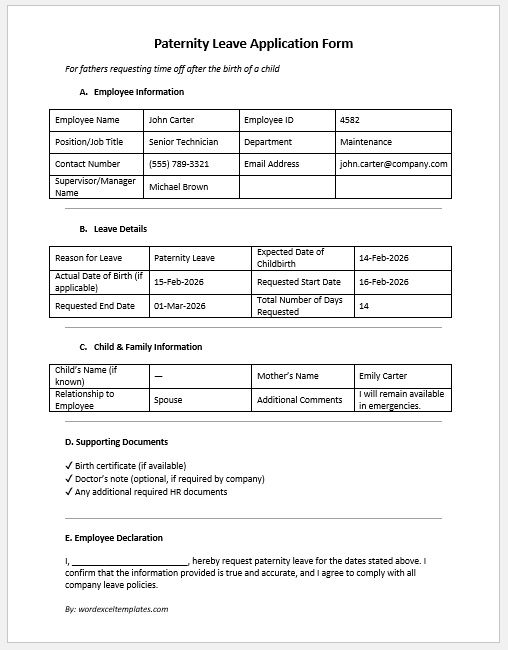
- Paternity Leave Application Form
and more.
These ready-to-use templates are designed to help employees and HR handle workplace matters efficiently. Save time, stay organized, and ensure every process is documented professionally.
Here we go…
#1

#2

#3
#4
#5
#6
#7
#8

#9
#10
#11
#12
#13
#14
#15
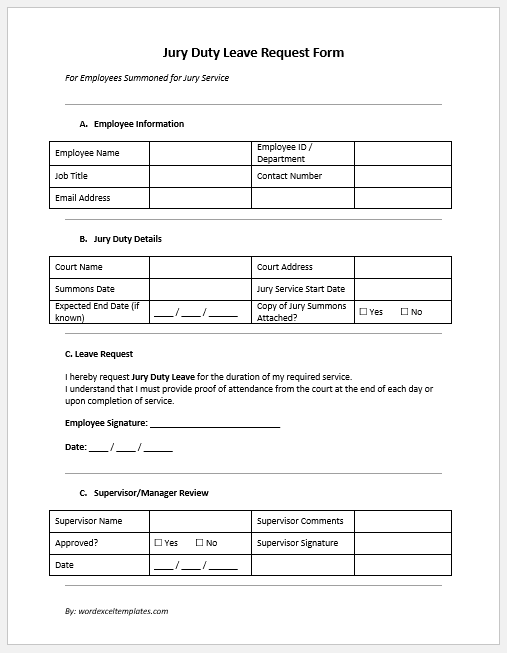
#16
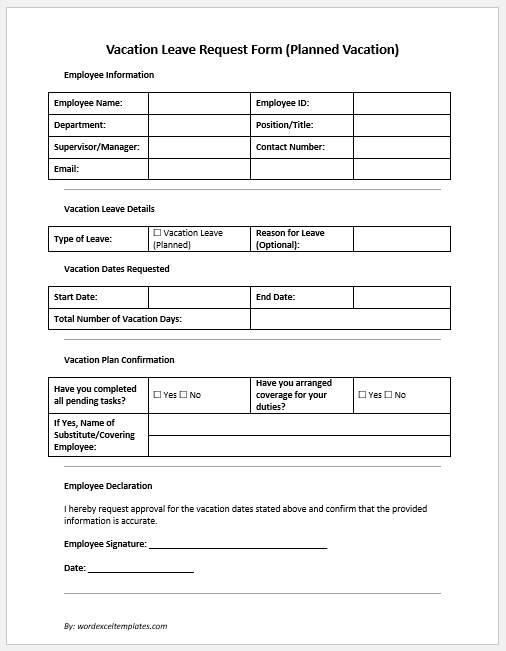
#17
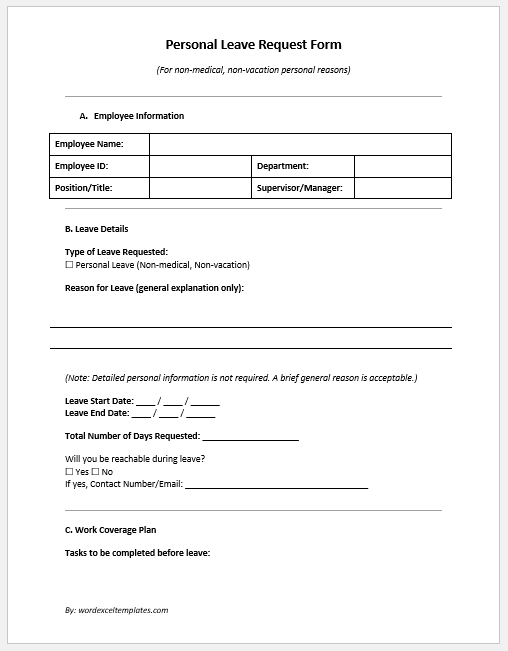
#18
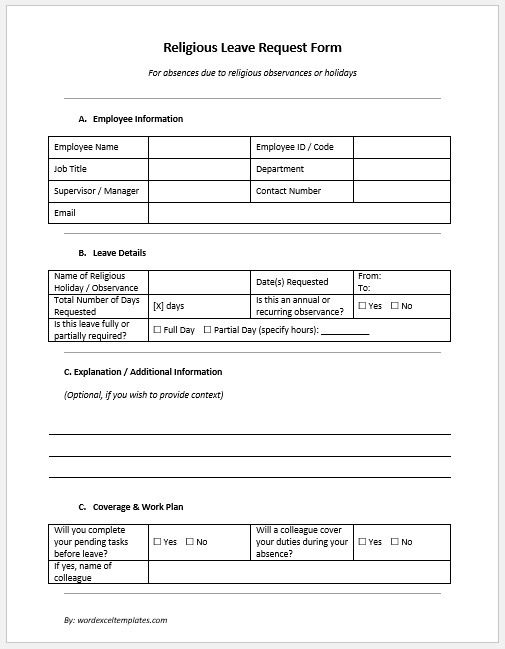
#19
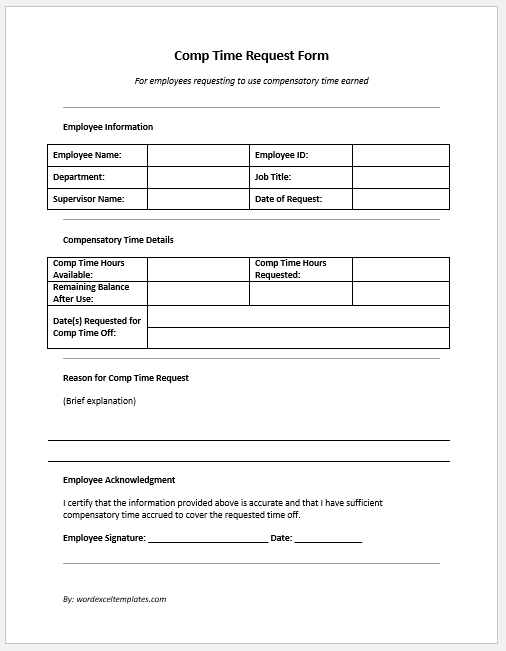
#20
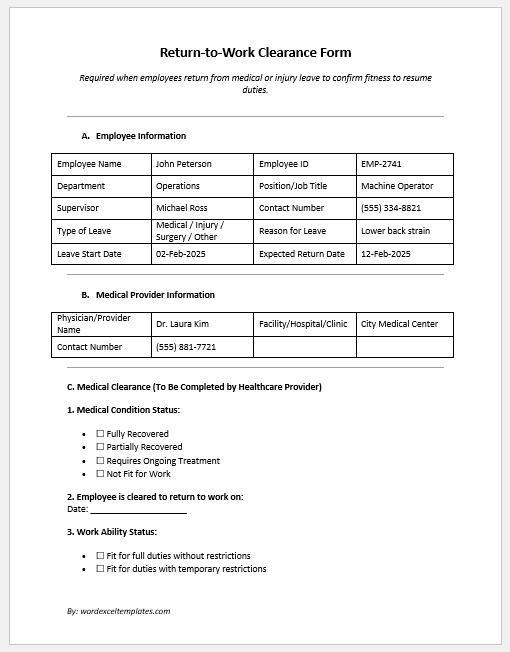
#21
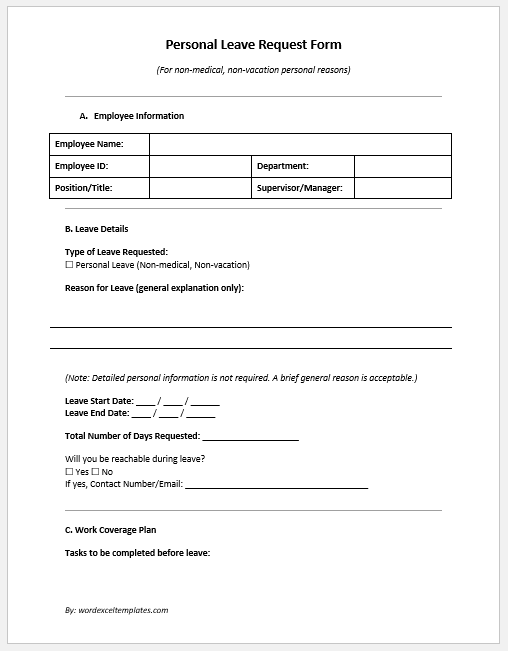
Format: MS Word (.docx)