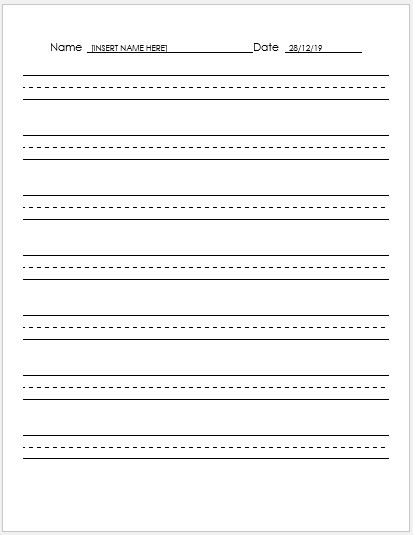
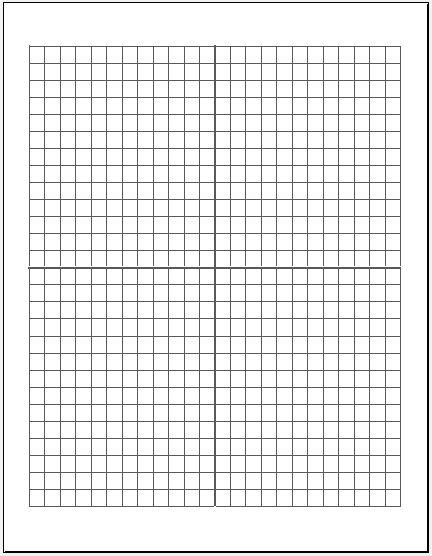
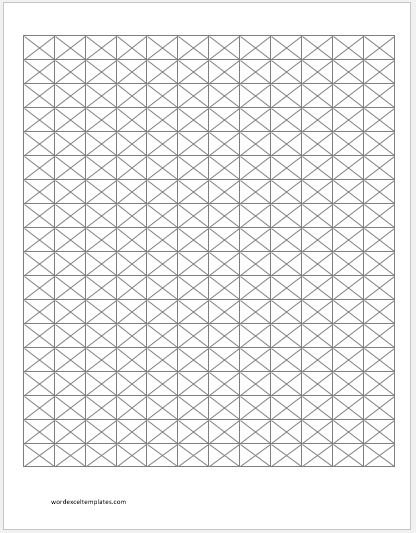
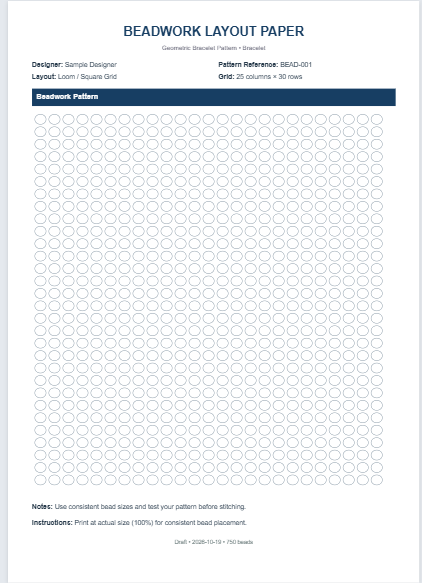
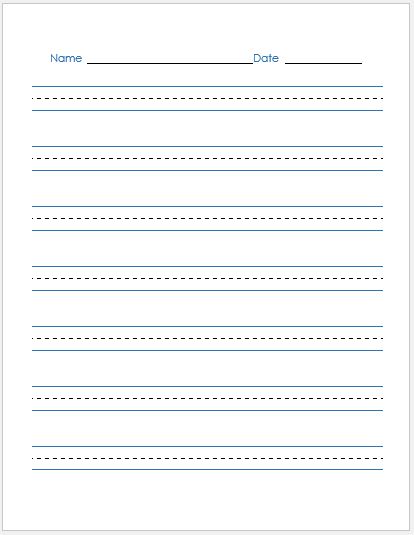
The Dotted Paper Generator helps you create customized printable dotted paper for writing, sketching, bullet journaling, note-taking, calligraphy, mathematics, and classroom activities. Instead of using standard pre-printed sheets, you can easily adjust the paper size, orientation, margins, dot spacing, dot size, colors, and page layout to suit your specific needs. The generator also includes useful options such as headers, footers, page numbering, writing guides, and different dot styles to create professional-looking pages in seconds.
Its live preview updates instantly as you change settings, allowing you to see exactly how the page will look before printing. Zoom controls make it easy to inspect every detail, while the responsive design works smoothly on desktops, tablets, and mobile devices.
Whether you need dotted paper for school assignments, office planning, engineering sketches, design work, or personal journals, this generator provides a flexible and convenient solution. Once satisfied, simply print the live preview on an A4 sheet with properly aligned margins or save your customized layout for future use.
Downloadable MS Word Templates Are Still Available
While our online Dotted Paper Generator provides a modern and interactive way to create customized worksheets, we understand that many users still prefer editable offline files. For this reason, we continue to offer our Dotted Paper Templates in MS Word format.
These downloadable templates are ideal for users who want to edit, store, or reuse their worksheets within Microsoft Word. Simply download the template, make any necessary adjustments, and print as many copies as needed.
Whether you choose the convenience of our AI-powered online generator or the flexibility of our traditional MS Word templates, you will find practical solutions designed to support your creativity, productivity, and organizational needs.
Preview & Detail of Templates
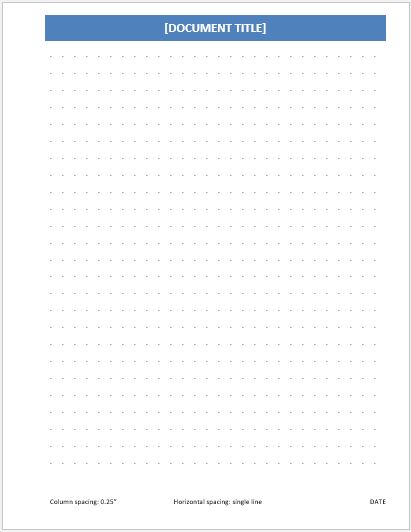
File: Word (.doc) Size 24 Kb
Column spacing: 0.25″ [4 dots per inch]
Horizontal spacing: single line
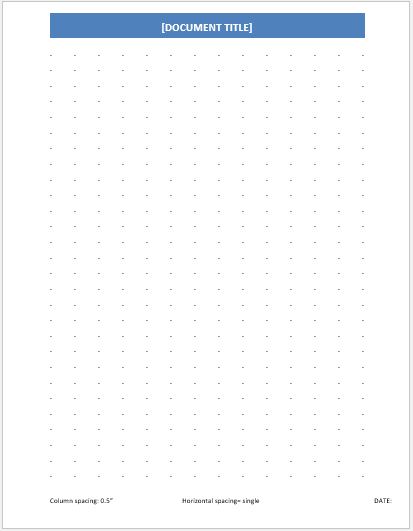
File: Word (.doc) Size 23 Kb
Column spacing: 0.5″ [2 dots per inch]
Horizontal spacing: single line
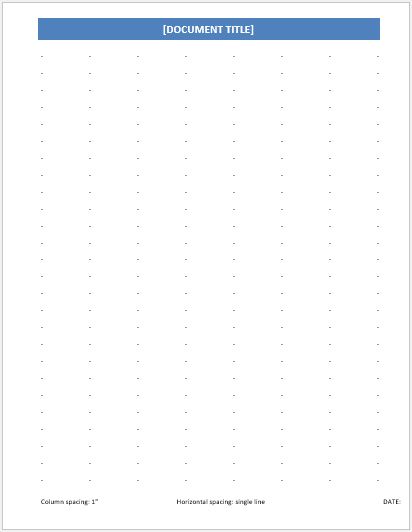
File: Word (.doc) Size 24 Kb
Column spacing: 1.0″ [1 dot per inch]
Horizontal spacing: single line
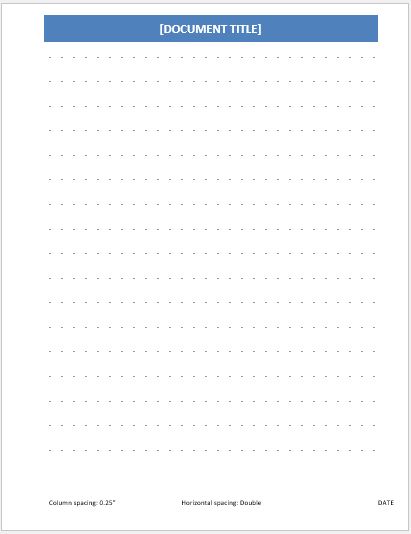
File: Word (.doc) Size 24 Kb
Column spacing: 0.25″ [4 dots per inch]
Horizontal spacing: double line
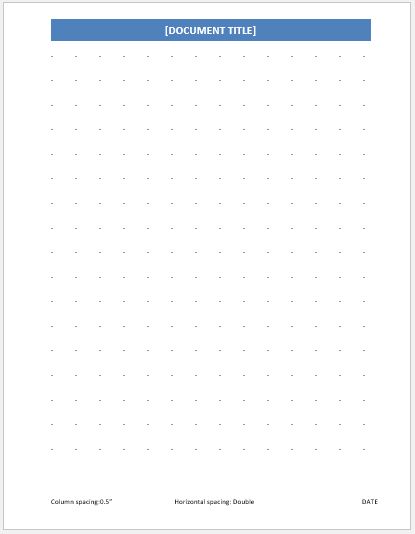
File: Word (.doc) Size 24 Kb
Column spacing: 0.5″ [2 dots per inch]
Horizontal spacing: double line
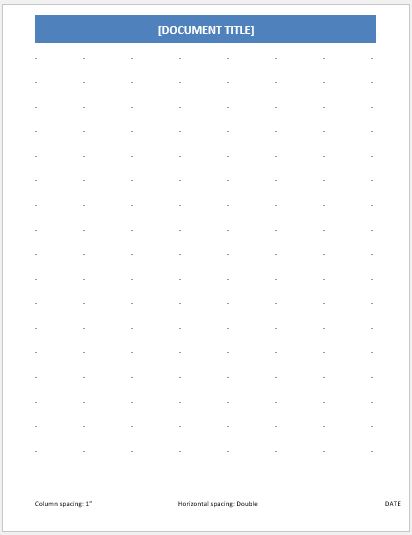
File: Word (.doc) Size 24 Kb
Column spacing: 1.0″ [1 dot per inch]
Horizontal spacing: double line
- Customer Order Tracker
- Inventory Dashboard Generator
- Sales Dashboard Generator
- SWOT Analysis Generator
- KPI Scorecard Generator
- Warehouse Bin Location Generator
- Dispatch Slip Generator
- Office Asset Transfer Form Generator
- Summer Holiday Assignment Cover Page Generator