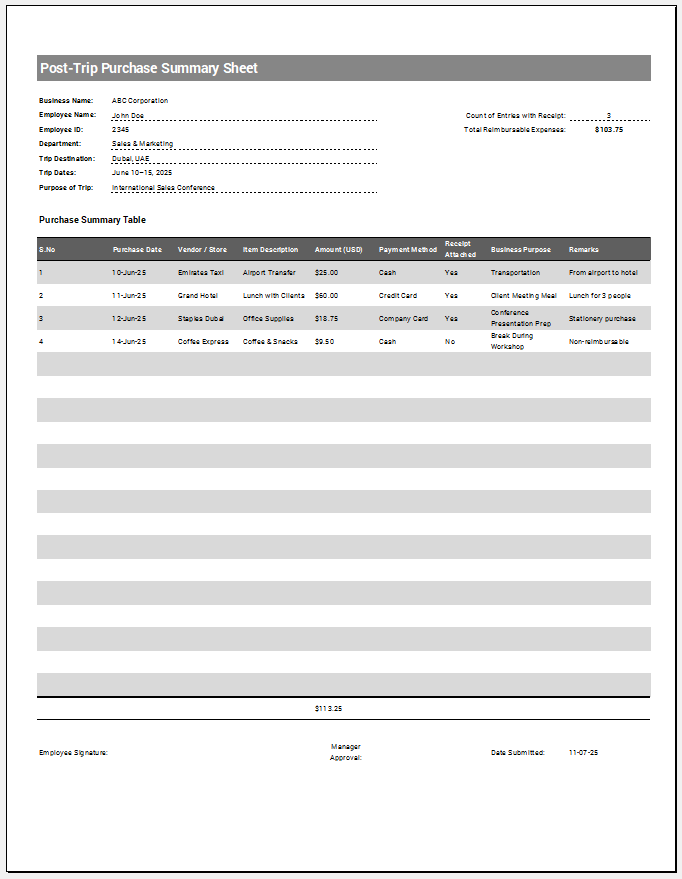
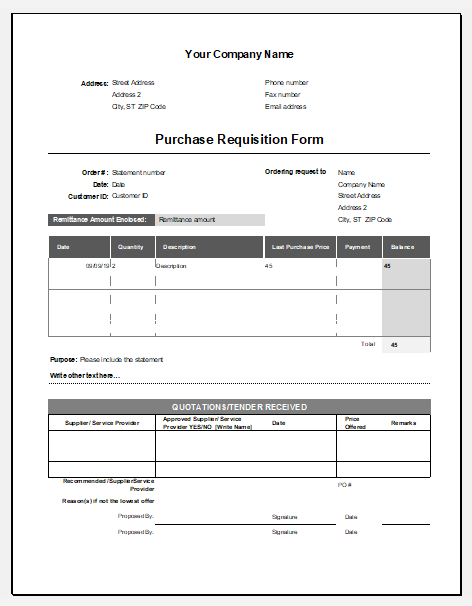
A Post-Trip Purchase Summary Sheet is used to record and review purchases made during a business trip after the traveler returns. It provides a clear record of what was purchased, where the money was spent, how each purchase was paid for, and whether any amount needs to be reimbursed or returned. It can also help compare actual trip purchases with the approved purchase budget.
How to Generate the Sheet?
Start by entering the traveler’s details, trip purpose, destination, travel dates, and approved budget. Next, add each purchase separately, including the date, vendor, item description, category, payment method, quantity, price, and applicable taxes or fees.
After entering the purchases, add information about any cash advance, returned cash, receipts, and purchase justification. The generator automatically calculates total purchases, company-paid expenses, reimbursable expenses, budget variance, and the remaining cash amount, giving you a complete post-trip purchase summary.
Trip Details
Reconciliation
Summary Snapshot
Final Review
POST-TRIP PURCHASE SUMMARY
| Date | Vendor / Item | Category | Payment | Qty | Unit | Tax/Fees | Total |
|---|