All-in-One Debit Note Generator

Managing debit notes manually can be time-consuming and prone to calculation errors. Our Online Debit Note Generator provides a fast, professional, and user-friendly solution for creating accurate debit notes directly from your web browser. Whether you are a business owner, accountant, supplier, wholesaler, retailer, or finance professional, this tool helps you generate professional debit notes in just a few minutes.

The generator has been designed to simplify the process of issuing debit notes for price adjustments, returned goods, damaged products, freight charges, tax corrections, and many other business situations. Instead of preparing debit notes manually, users can simply enter the required information and instantly generate a professional document ready for printing or downloading.

Debit Note Generator

Create a professional debit note with live preview, itemized totals, logo, print, copy, and saved data support.

Business / Seller Information

Customer / Buyer Information

Debit Note Details

Itemized Table

Item / Service DescriptionQtyUnit PriceTax %DiscountLine TotalAction

Payment, Totals and Notes

Complete Business and Customer Information

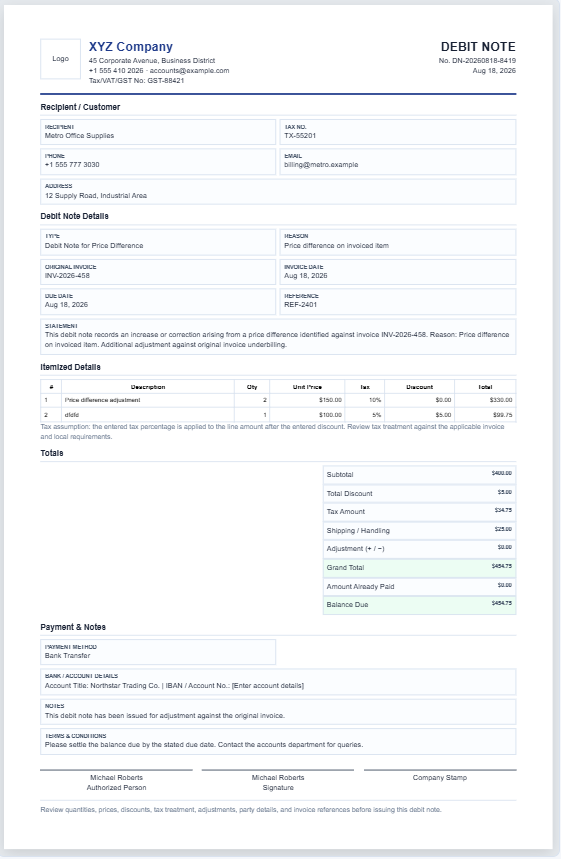
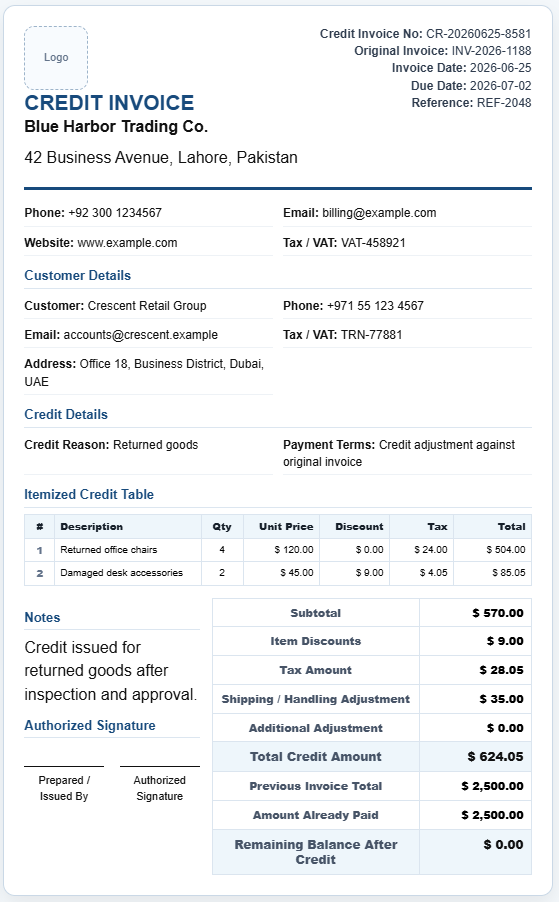
The generator allows you to enter detailed business and customer information, including company name, address, phone number, email address, tax registration number, and company logo. Customer details can also be added to ensure every debit note contains complete transaction records.

This information is automatically displayed in the debit note preview, creating a professional and organized document.

Multiple Debit Note Types

One of the most useful features of this generator is its support for different debit note scenarios. Users can select from predefined debit note types such as:

  • Debit Note for Price Difference
  • Debit Note for Short Supply of Goods
  • Debit Note for Damaged Goods
  • Debit Note for Returned Goods
  • Debit Note for Freight Charges
  • Debit Note for Additional Charges
  • Debit Note for GST Adjustment
  • Debit Note for VAT Adjustment
  • Debit Note for Tax Correction
  • Debit Note for Purchase Return

When a debit note type is selected, the generator automatically updates the wording and explanation within the document to match the selected reason.

Detailed Debit Note Information

The tool includes fields for:

  • Debit Note Number
  • Debit Note Date
  • Original Invoice Number
  • Original Invoice Date
  • Reference Number
  • Payment Terms
  • Due Date
  • Currency Selection

These details help maintain proper accounting records and make it easier to trace transactions in the future.

Itemized Product and Service Table

The built-in item table allows users to add multiple products or services to a debit note. Each row includes:

  • Item Description
  • Quantity
  • Unit Price
  • Tax Rate
  • Discount
  • Line Total

Additional rows can be added or removed as needed, making the generator suitable for both simple and complex transactions.

Automatic Calculations

To eliminate manual calculations, the generator automatically calculates:

  • Subtotal
  • Total Discounts
  • Tax Amount
  • Shipping and Handling Charges
  • Adjustment Amount
  • Grand Total
  • Amount Paid
  • Outstanding Balance

As values are entered, the totals update instantly in the live preview area, ensuring complete accuracy.

Live Debit Note Preview

The generator includes a real-time preview that updates automatically as information is entered. This allows users to review the debit note before printing or downloading.

The preview is formatted in a professional A4-style layout suitable for business use and recordkeeping.

Payment and Authorization Details

Users can also enter:

  • Payment Method
  • Bank Account Details
  • Additional Notes
  • Terms and Conditions
  • Authorized Person Name
  • Signature Information

These fields help create a complete and professional debit note that can be shared with customers, suppliers, or accounting departments.

Save and Reload Data

For convenience, the generator can save entered information directly within the browser. Users can return later and reload previously saved debit note data without having to re-enter everything manually.

Additional options include:

  • Save Data
  • Load Saved Data
  • Clear Saved Data
  • Reset Form

Print and Download Features

Once the debit note is complete, users can:

  • Print the debit note
  • Download a copy for recordkeeping
  • Copy the debit note content
  • Generate a clean business document

The print feature is specially designed to print only the debit note preview area, ensuring a clean and professional output without website headers, menus, or other page elements.

Why Use This Online Debit Note Generator?

  • No software installation required
  • Works on desktop, tablet, and mobile devices
  • Professional business formatting
  • Automatic calculations
  • Multiple debit note templates
  • Instant live preview
  • Easy printing and downloading
  • Suitable for GST, VAT, and tax adjustments
  • Ideal for businesses of all sizes

Whether you need to issue a debit note for returned goods, freight charges, tax corrections, pricing differences, or additional charges, this Online Debit Note Generator provides a simple, accurate, and professional solution for creating business-ready debit notes in minutes.

Also Available in Excel Format

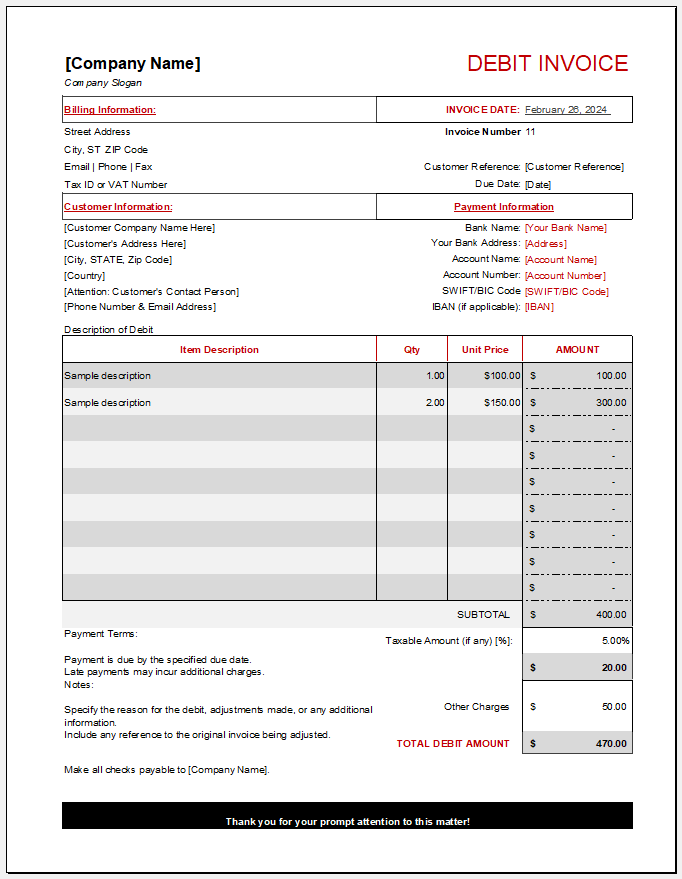
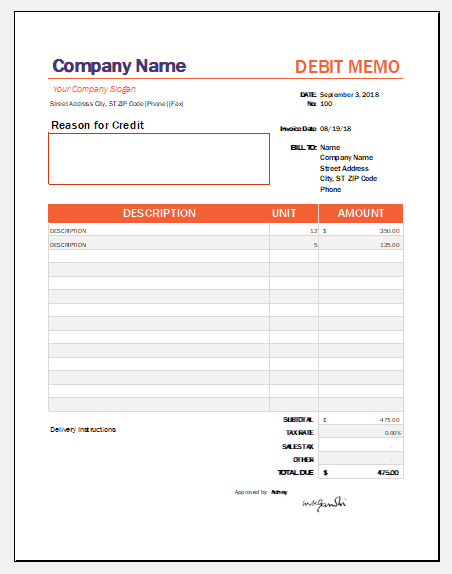
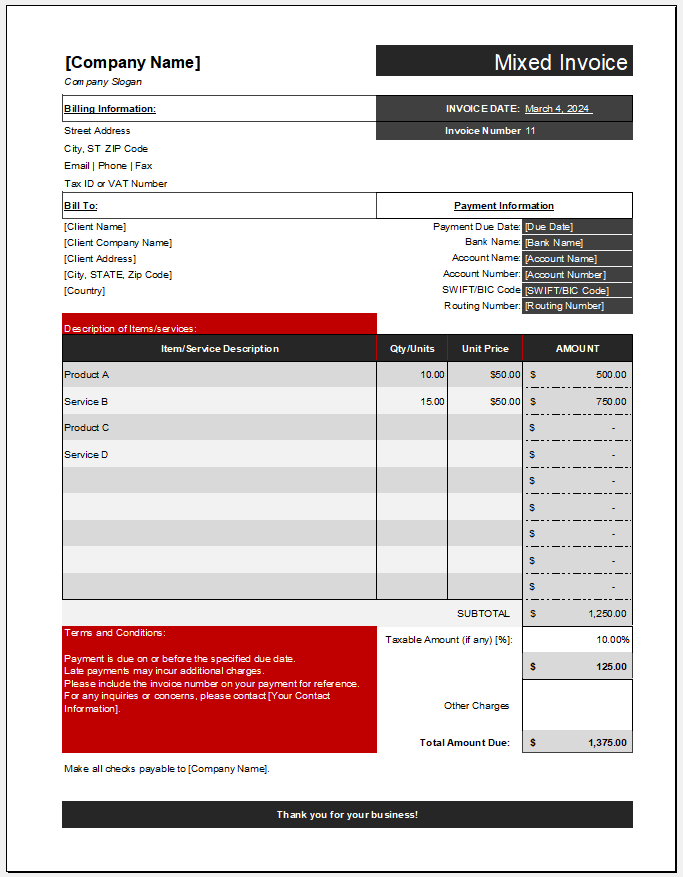
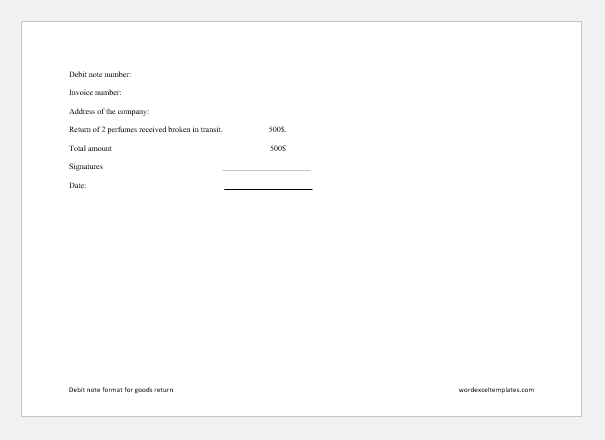
In addition to this online generator, we also provide a downloadable Debit Note Template in Microsoft Excel format. The Excel version offers structured data entry fields, automatic calculations, printable layouts, and easy record management for users who prefer working offline. Both the online generator and Excel template help businesses create professional debit notes efficiently while maintaining accurate financial records.

Advanced Debit Note Maker