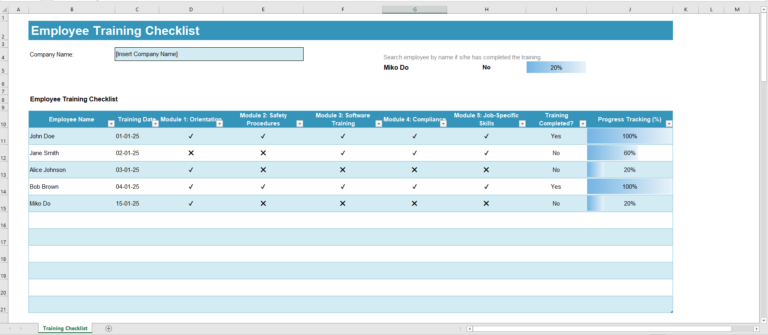
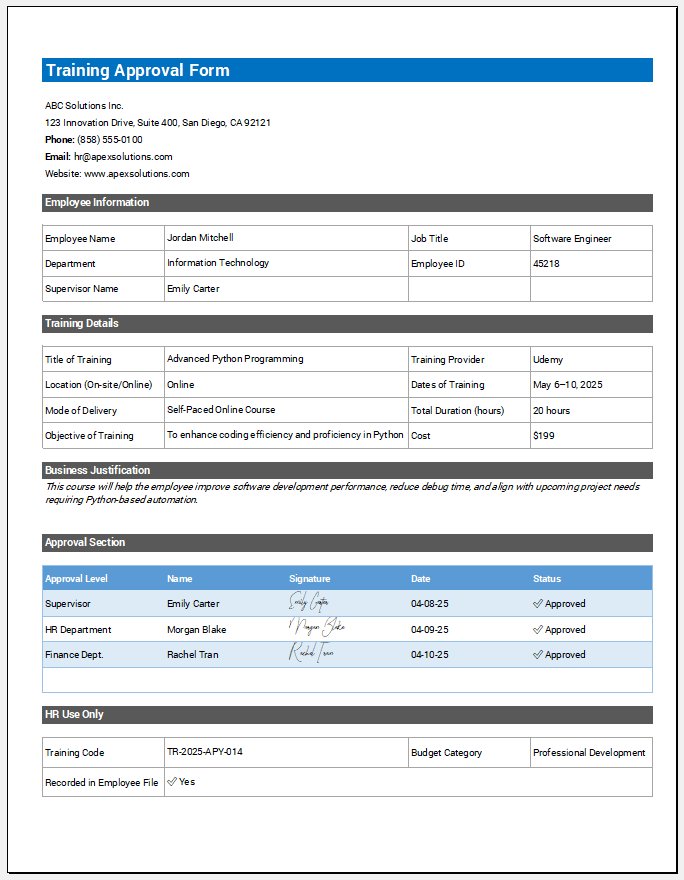
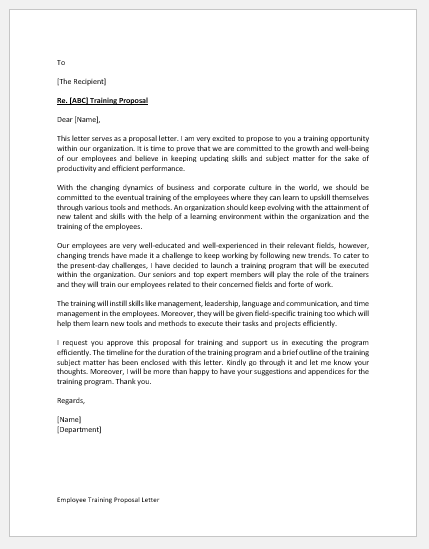
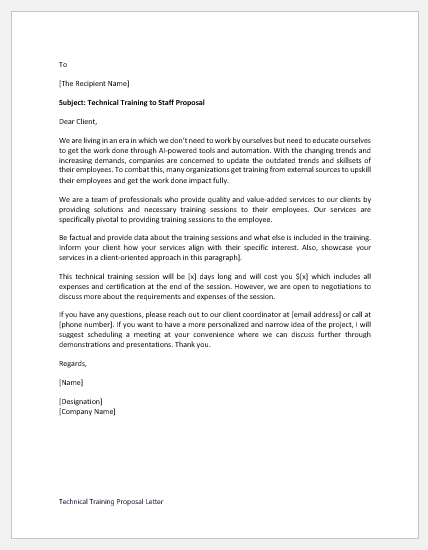
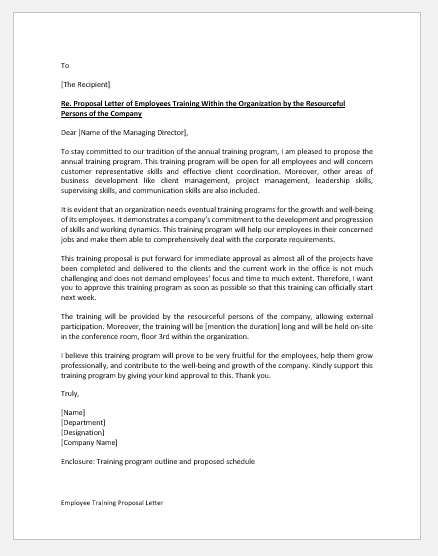
An employee training plan provides a structured way to identify development needs, set training objectives, assign learning activities, and monitor progress over a defined period. It can be used for individual skill development, preparation for new responsibilities, performance improvement, or ongoing professional development.
Use the Employee Training Plan Generator below to create an individual plan for an employee. Enter the employee and manager details, define the overall development goal, and add each training activity with its objective, method, responsible person, priority, dates, status, and expected outcome. The completed plan can be reviewed in the Live Preview and printed for discussion, follow-up, or recordkeeping. The generator supports multiple training activities and tracks completed, in-progress, and high-priority items.
Frequently Asked Questions
What is an employee training plan?
An employee training plan is a structured record of development needs, training objectives, planned learning activities, responsibilities, target dates, success measures, and follow-up arrangements for an individual employee.
What information can I include in the training plan?
The generator includes employee and manager details, plan dates, an overall development goal, individual training activities, priorities, responsible persons, training methods, start and target dates, activity status, expected outcomes, review frequency, required resources, and notes.
Can I add more than one training activity?
Yes. Use Add Training Activity to create as many development activities as required. Each activity can have its own need, objective, method, responsible person, priority, dates, status, and success measure.
Which training methods are available?
The generator includes on-the-job training, coaching or mentoring, workshops or classroom training, online courses, job rotation, certification programs, shadowing, self-study, and an Other option.
What should I write as a training objective?
A training objective should state what the employee is expected to learn, improve, or become able to perform. It should relate directly to the identified skill gap or development need.
What is an expected outcome or success measure?
It describes how successful completion or improvement will be recognized. Examples include completing a course, performing a task independently, meeting an accuracy target, demonstrating a required skill, or applying a defined process correctly.
What does the Active summary mean?
Active counts training activities currently marked In Progress or On Track. Completed and Not Started activities are shown separately in the plan summary.
How are high-priority activities counted?
Any training activity assigned High priority is included in the High Priority total. The priority is selected by the person preparing the plan and is not assigned automatically by the generator.
Can I track activities that are deferred?
Yes. Individual activities can be marked Deferred. Deferred activities remain part of the total activity count but are not included in the Completed, Active, or Not Started summary totals.
How often can the training plan be reviewed?
The generator provides Weekly, Monthly, Quarterly, and At Completion review-frequency options. Choose the frequency that fits the duration and importance of the plan.
Can I print or save the employee training plan as a PDF?
Yes. Use Print / Save PDF in the Live Preview. The generator opens the browser print interface using an isolated print document so the training plan can be printed or saved as a PDF.
Does the generator decide which training an employee should receive?
No. The generator organizes the information entered by the user. Training needs, priorities, methods, objectives, and success measures should be determined by the employee, manager, HR team, or other appropriate reviewer.