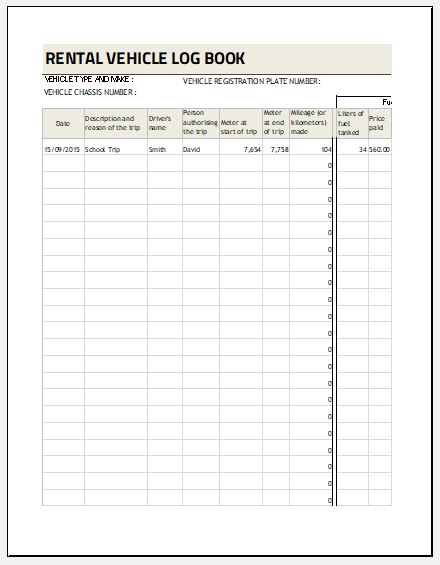
Vehicle Mileage and Fuel Consumption Log

Keeping accurate records of vehicle mileage and fuel usage is essential for businesses, fleet managers, self-employed professionals, delivery services, and even individual vehicle owners. Our Vehicle Mileage and Fuel Consumption Log Generator makes this process simple by allowing you to create detailed, professional mileage reports directly in your web browser. Whether you manage a single vehicle or an entire fleet, this online tool helps you organize travel records, monitor fuel expenses, and improve vehicle efficiency without requiring any specialized software.

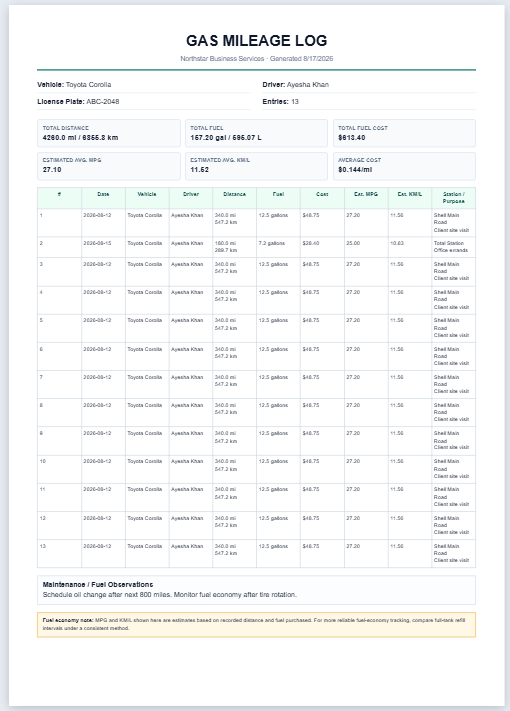
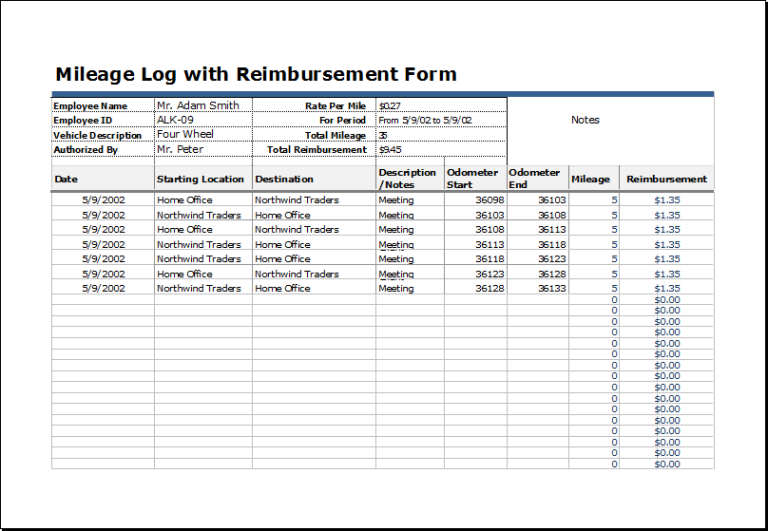
The generator enables you to record every trip with important details such as travel date, driver information, starting and ending locations, odometer readings, trip purpose, fuel purchased, fuel costs, and additional operating expenses. As you enter information, the generator automatically calculates total distance traveled, business mileage, personal mileage, fuel costs, operating expenses, and fuel efficiency. These automatic calculations eliminate manual errors and save valuable time.

Vehicle Mileage and Fuel Consumption Log Generator

Record trips, fuel purchases, mileage, running costs, vehicle efficiency, refuelling history, and operating expenses in a professional printable report.

General Information
Settings, Filters, and Search
Mileage Log Table
The table scrolls horizontally inside this panel so all fields remain readable.
# Date Start End Driver Purpose Starting Location Destination Route / Ref Start Odo End Odo Distance Personal Business Fuel Price / Unit Fuel Cost Other Exp. Trip Cost Fuel Station Receipt Comments Actions
Refuelling Log
Date Odometer Fuel Qty Price / Unit Total Cost Fuel Station Full Tank Receipt Notes Actions
Maintenance and Expenses
Date Category Description Odometer Vendor Amount Receipt / Ref Notes Actions
Import and Export

Vehicle Mileage and Fuel Consumption Log

Northstar Logistics

Live Report

Visual Reports

Distance by Month
Fuel Cost by Month
Business vs Personal Mileage
Expense Category Breakdown

Mileage Log

# Date Driver Purpose Route Start Odo End Odo Distance Business Fuel Fuel Cost Trip Cost Comments

Refuelling Records

DateOdometerFuel QtyPrice / UnitTotal CostFuel StationFull TankReceipt

Maintenance and Expense Records

DateCategoryDescriptionOdometerVendorAmountReceipt

Monthly Summary

MonthTripsDistanceFuel UsedFuel CostOther ExpensesTotal CostFuel EfficiencyCost / Unit

Notes


Prepared By / Date

Checked By / Date

Approved By / Date

Frequently Asked Questions

What is a vehicle mileage and fuel consumption log?

It is a record used to track vehicle trips, odometer readings, fuel purchases, fuel efficiency, and operating costs.

How is distance travelled calculated?

Distance travelled is calculated as ending odometer reading minus starting odometer reading.

How is fuel efficiency calculated?

Fuel efficiency is calculated using distance divided by fuel consumed. For kilometres and litres, the report also shows litres per 100 kilometres.

Can I use miles and gallons instead of kilometres and litres?

Yes. Select Miles as the distance unit and US Gallons or Imperial Gallons as the fuel unit.

Can I track more than one driver?

Yes. Each trip row includes a driver field, so multiple drivers can be recorded and filtered.

Can this generator track personal and business mileage separately?

Yes. Enter personal distance, and business distance is calculated automatically from total distance.

Can I save my records for later use?

Yes. The Save button stores the current log in your browser using localStorage.

Can I export the mileage log to CSV?

Yes. The Export CSV button downloads the mileage log with clear column headings.

How do I download the report as a PDF?

Click Download as PDF and choose Save as PDF in your browser print dialog.

Is my data uploaded to a server?

No. All information is processed locally in your browser unless you export or print it.

Can electric vehicle charging be recorded?

Yes. Select Electric as the fuel type and kWh as the fuel unit to track distance per kWh and electricity cost per distance unit.

Can I add unlimited mileage entries?

Yes. You can add, duplicate, reorder, and delete as many trip records as needed.

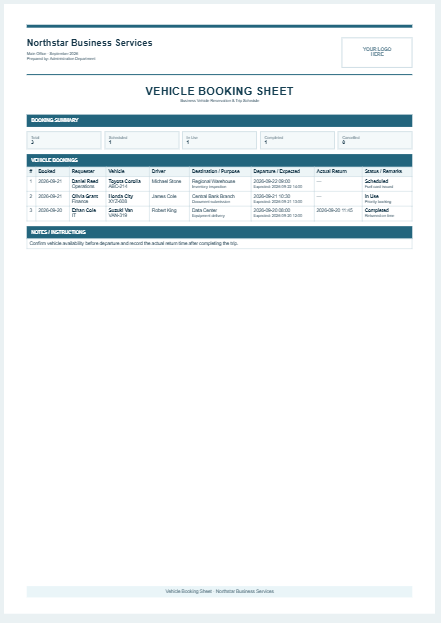
Designed with a live preview feature, the generator instantly updates your report while you enter data. This allows you to review the final document before printing or downloading it as a PDF. The professional report layout includes company details, vehicle information, trip records, fuel consumption summaries, operating costs, and signature sections, making it suitable for business documentation, reimbursement claims, tax records, fleet management, and maintenance planning.

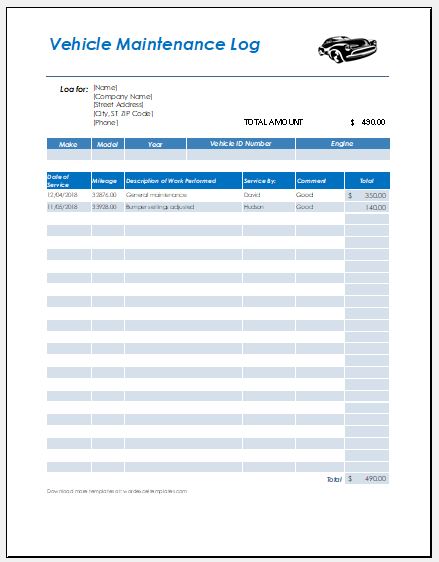
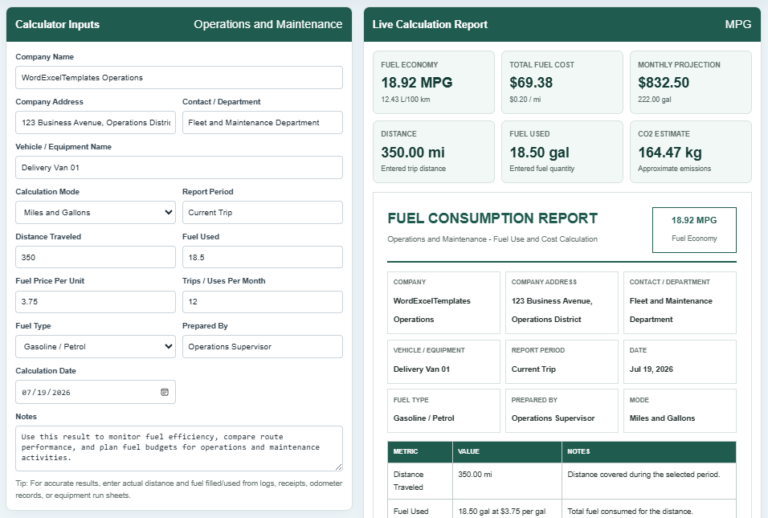
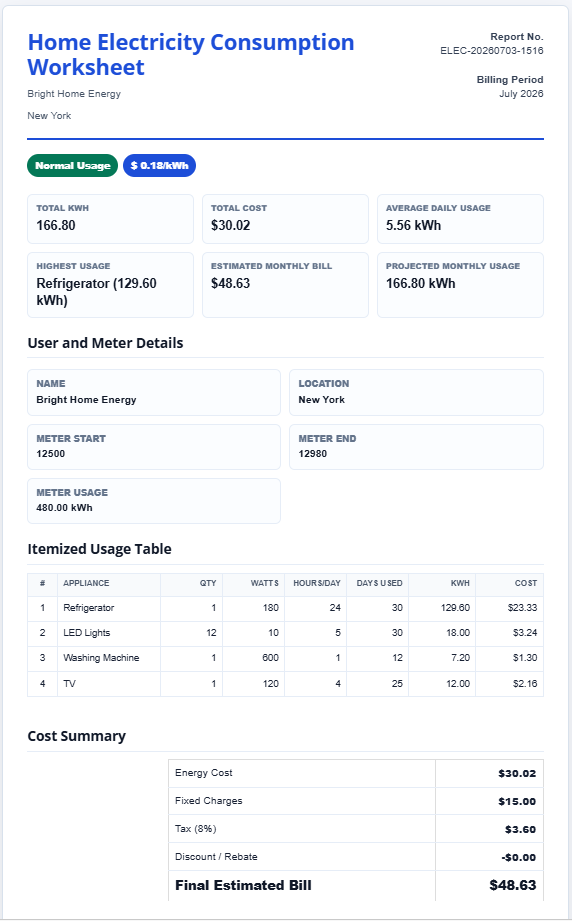
The tool also includes separate sections for refueling records and maintenance expenses, allowing you to keep all vehicle-related information together in one organized report. You can monitor fuel purchases, maintenance costs, repair expenses, insurance payments, toll charges, parking fees, and other operating costs to better understand the overall running cost of your vehicle. Built-in summaries provide quick insights into total fuel consumption, total operating expenses, average fuel economy, and cost per kilometer or mile.

For added convenience, the generator supports unlimited mileage entries, allowing you to create daily, weekly, monthly, or yearly vehicle logs without limitations. Records can be saved locally in your browser for future editing, while CSV import and export features make it easy to exchange data with spreadsheet applications. Powerful filtering and search options help you quickly locate specific trips, drivers, vehicles, or reporting periods.

The generator is fully responsive and works smoothly on desktop computers, tablets, and smartphones. Every section is designed for easy navigation with clearly labeled input fields, automatic validations, and user-friendly controls. Whether you are recording personal travel, company deliveries, transportation services, field visits, or fleet operations, the tool adapts to your needs while maintaining a clean and professional appearance.

Excel Template

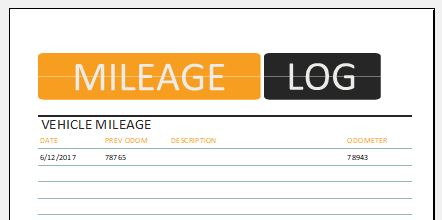
In addition to this online generator, we also provide professionally designed MS Excel Vehicle Mileage and Fuel Consumption Log Templates for users who prefer offline record keeping. These editable templates include structured worksheets, automatic formulas, printable layouts, and customizable sections that can be modified according to your organization’s requirements. Whether you choose the online generator for instant calculations or the Excel templates for offline documentation, you’ll have everything you need to maintain accurate mileage records, control fuel expenses, improve vehicle efficiency, and simplify reporting.
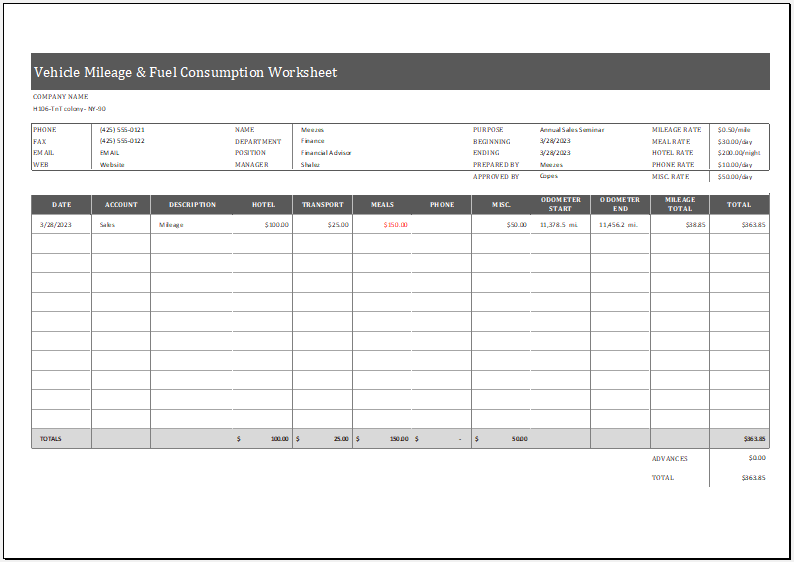
Vehicle Mileage & Fuel Consumption Worksheet

MS Excel Worksheet Template
File size: 102 KB
See also: