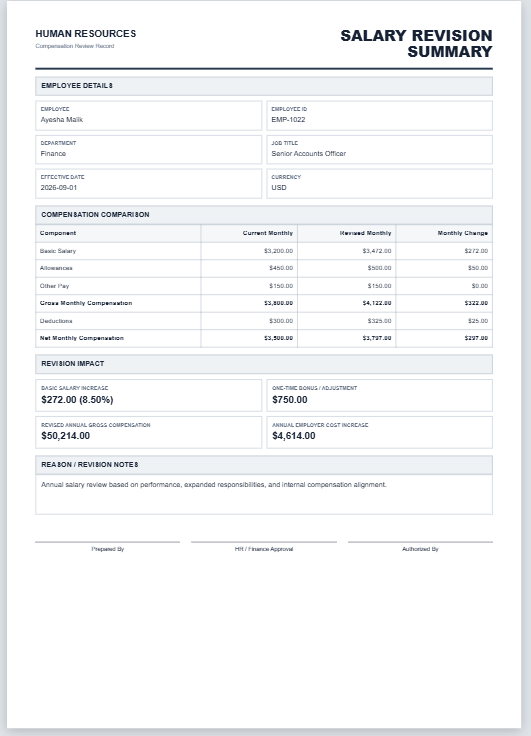
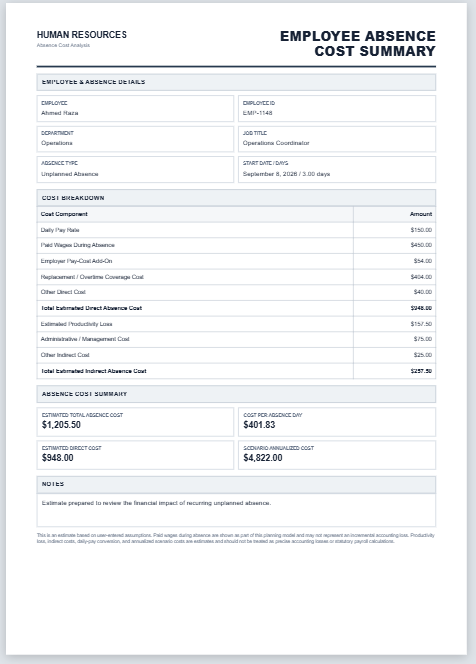
Employee Paycheck Summary Report Generator

Employee Paycheck Summary Report Generator

Fill, calculate, print, and download a professional employee paycheck summary report.

Company Information

Employee Details

Earnings

Earning TypeAmount

Deductions

Deduction TypeAmount

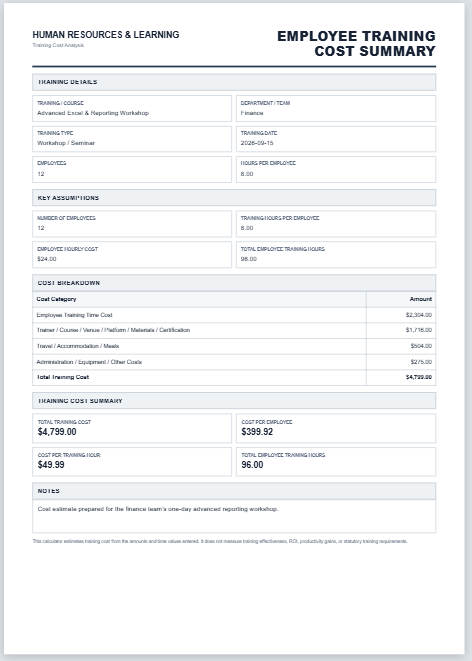
Paycheck Totals

Total Earnings
$0.00
Total Deductions
$0.00
Net Pay
$0.00
Amount Paid
$0.00
Remaining Balance
$0.00

Employee Summary Table

Employee NameEmployee IDGross PayTotal DeductionsNet PayPayment StatusRemove Row

Report Footer

Employees receive compensation for the work they perform, usually in the form of salaries, wages, bonuses, or other employment benefits. A paycheck serves as proof that the employee has been paid for the time, effort, and skills contributed to the organization. Since payroll management involves numerous calculations and records, employers often need a reliable method to summarize paycheck information accurately and efficiently.

Managing payroll becomes increasingly challenging as the number of employees grows. Human resource departments and payroll administrators are responsible for maintaining records related to earnings, deductions, taxes, and net pay for each employee. To simplify this process, organizations can use an Employee Paycheck Summary Report Generator that automatically creates detailed reports based on the information entered by the user.

What Is an Employee Paycheck Summary Report Generator?

An Employee Paycheck Summary Report Generator is an online tool designed to help businesses, HR professionals, and payroll administrators create professional paycheck summary reports quickly and accurately. Instead of preparing reports manually, users simply enter the required payroll details, and the generator automatically compiles the information into a well-structured report.

The generated report provides a clear overview of an employee’s earnings, deductions, bonuses, taxes, and final take-home pay for a specified pay period. This makes it easier to maintain accurate payroll records and provide employees with transparent compensation information.

Information Included in the Employee Paycheck Summary Report

A comprehensive paycheck summary report generally contains the following details:

Employee Information

The report begins with basic employee details, such as:

  • Employee name
  • Employee identification number
  • Department or division
  • Job title or designation
  • Pay period covered by the report
  • Payment date

These details help identify the employee and ensure that the report is associated with the correct payroll cycle.

Total Earnings

One of the most important sections of the report is the earnings summary. This section records all forms of compensation earned during the reporting period.

The generator can include:

  • Basic salary or wages
  • Overtime earnings
  • Commissions
  • Incentives
  • Allowances
  • Other earnings

This information provides a complete picture of the employee’s gross earnings before deductions are applied.

Tax Information

Organizations are generally required to deduct taxes from employee compensation in accordance with applicable regulations. The paycheck summary report records these deductions for documentation and reporting purposes.

Including tax information in the report allows employers and employees to maintain transparency regarding payroll withholdings.

Details of Other Deductions

In addition to taxes, employees may have various deductions applied to their paychecks. The report generator can summarize these deductions, such as:

  • Retirement contributions
  • Insurance premiums
  • Loan repayments
  • Advance salary recoveries
  • Union fees
  • Other authorized deductions

Keeping these details in one report makes it easier to understand how the final net pay amount has been determined.

Bonuses and Additional Benefits

Employees may also receive bonuses, rewards, performance incentives, or special grants during a pay period. Recording these payments in the summary report ensures that all forms of compensation are properly documented.

This section helps organizations recognize employee achievements while maintaining complete payroll records.

How Does the Employee Paycheck Summary Report Generator Work?

The online generator is designed to be simple and user-friendly. Users only need to enter the required payroll information into the designated fields.

The tool automatically performs calculations and generates a professional report by:

  • Summarizing employee earnings
  • Calculating total deductions
  • Determining gross pay
  • Computing net pay
  • Organizing all payroll information into an easy-to-read format

Once completed, the report can be reviewed, printed, or downloaded for future use.

Benefits of Using the Online Generator

Using the Employee Paycheck Summary Report Generator offers several advantages:

  • Saves time by eliminating manual report preparation.
  • Reduces payroll calculation errors.
  • Produces professional and organized reports instantly.
  • Improves payroll transparency for employees.
  • Simplifies recordkeeping and payroll documentation.
  • Allows reports to be printed or downloaded whenever needed.

The generator is especially useful for small businesses, payroll professionals, and organizations that regularly prepare employee compensation summaries.

Online Editable Report Generator

To make payroll reporting even more convenient, we now offer an Online Employee Paycheck Summary Report Generator. Users can simply fill in the required details directly on the webpage, and the report will be generated automatically.

There is no need to install additional software or perform complex calculations manually. After completing the form, users can instantly print the report or download it for their records, making payroll management faster and more efficient.

Excel Worksheet Still Available

For users who prefer traditional spreadsheet-based solutions, the original Employee Paycheck Summary Report Template for Microsoft Excel is still available. The Excel worksheet offers the flexibility to maintain payroll records offline and customize reports according to organizational requirements.

Whether you choose the convenience of the online generator or the familiarity of the Excel version, both options provide effective ways to create accurate and professional employee paycheck summary reports.
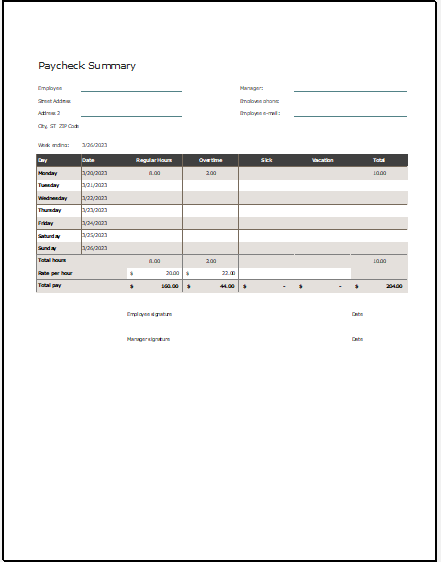
Employee paycheck summary report

MS Excel Template
File Size 97 KB
See also: