The Student Grade Book Generator is a simple online tool that helps teachers record, calculate, and organize students’ academic results. It allows users to enter marks for homework, quizzes, assignments, midterm exams, and final examinations in one place.
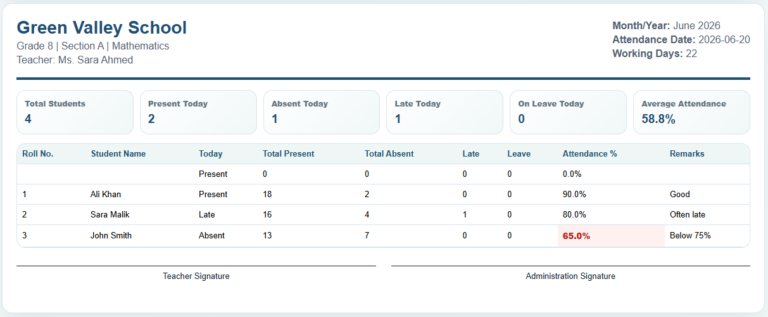
To use the generator, enter the school and class details, select the subject, and set the maximum marks and grading criteria. Next, add students with their names, roll numbers, and marks obtained in each assessment. The generator automatically calculates total marks, percentages, letter grades, and pass/fail status. It also provides a class performance summary showing average marks, highest and lowest percentages, and the number of students who passed or failed.
Who Can Use This Generator?
This tool is useful for school teachers, college instructors, private tutors, academy owners, and homeschooling parents who need an organized way to manage student grades. It can be used for regular classroom assessments, examination results, progress monitoring, and preparing academic performance records.
Student Grade Book
Excel Template
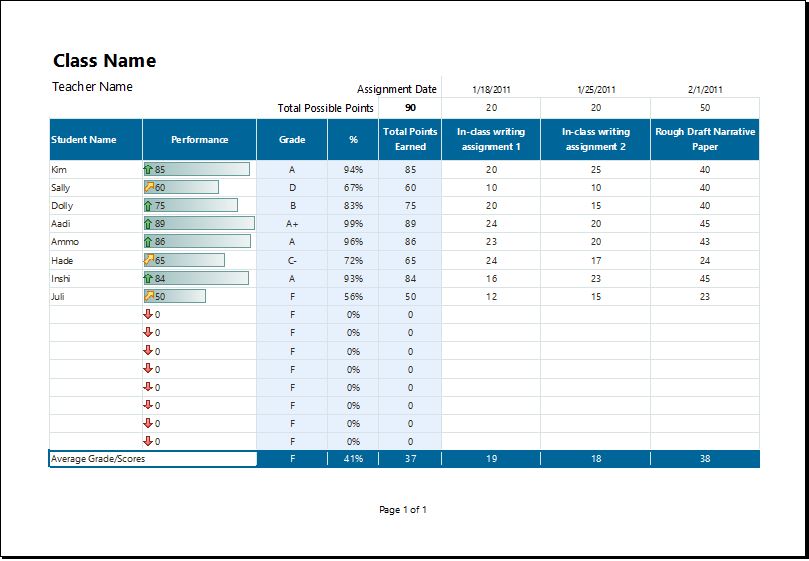
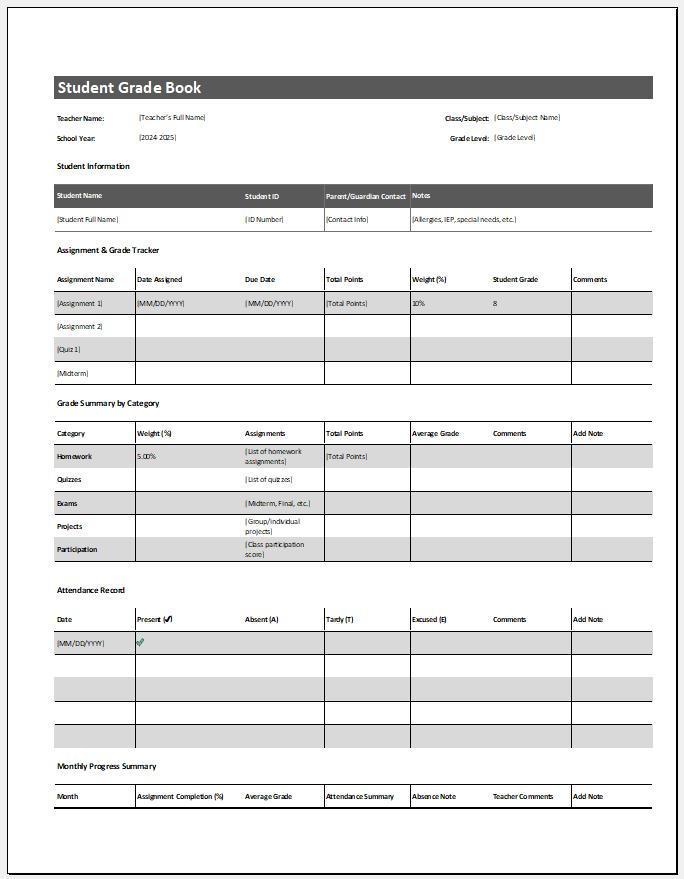
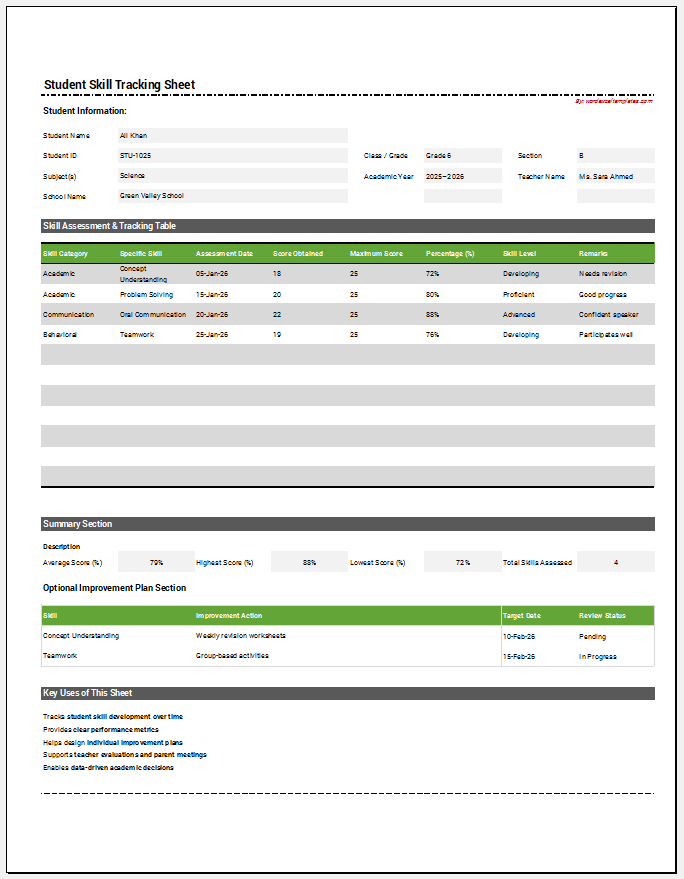
For educators who prefer working offline or maintaining records in spreadsheets, we also continue to provide the traditional Student Grade Book Template in Microsoft Excel format. The Excel worksheet offers the flexibility of offline editing while retaining the familiar spreadsheet-based approach used by many schools and educational institutions.
Whether you choose the online generator or the downloadable Excel worksheet, both options provide an effective way to record, organize, and analyze student grades throughout the academic year.