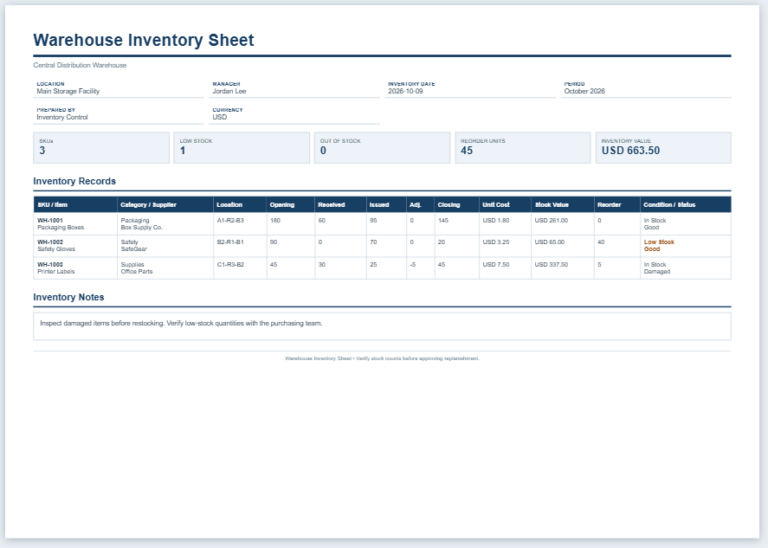
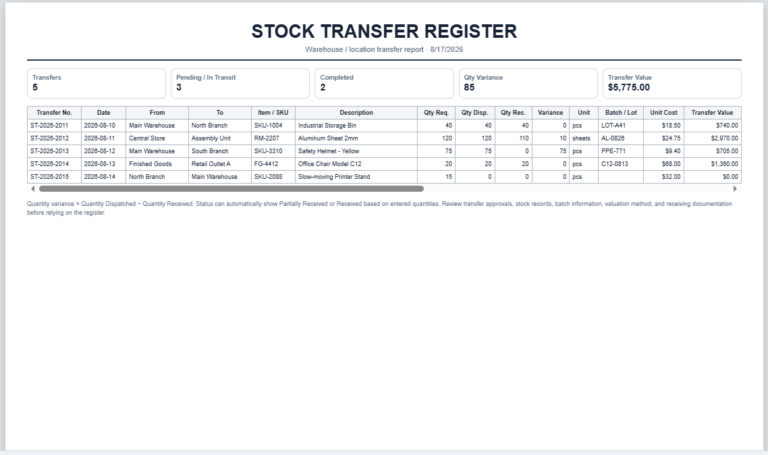
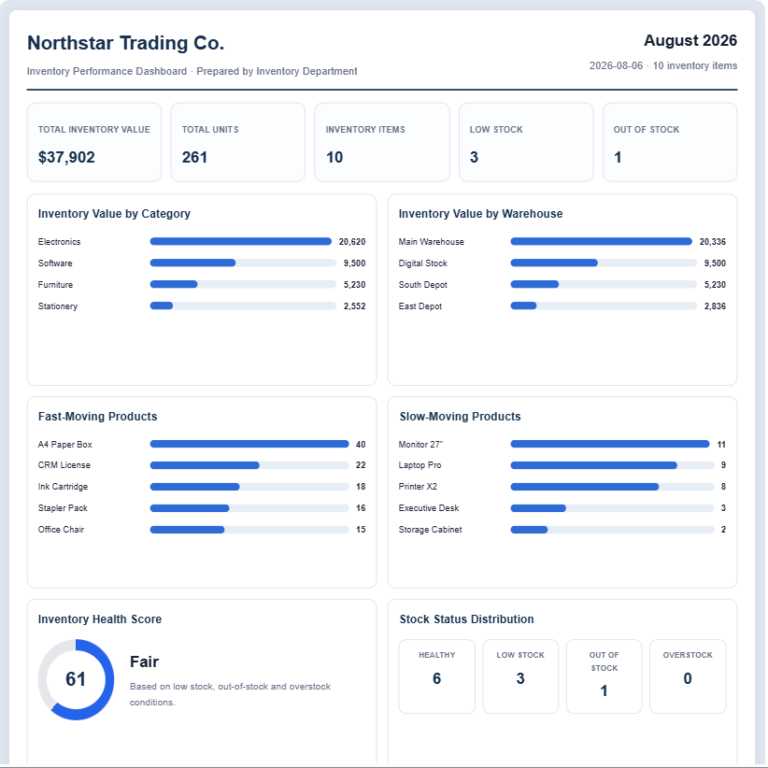
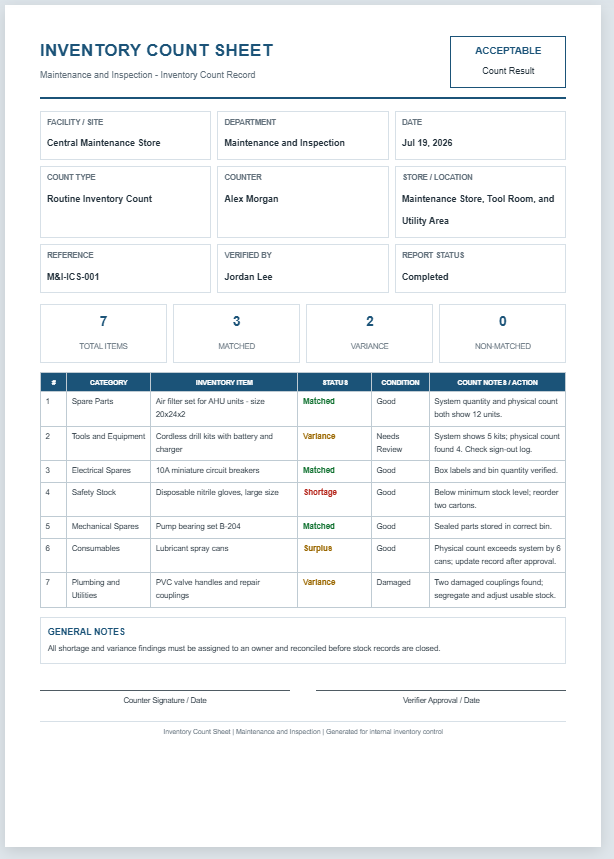
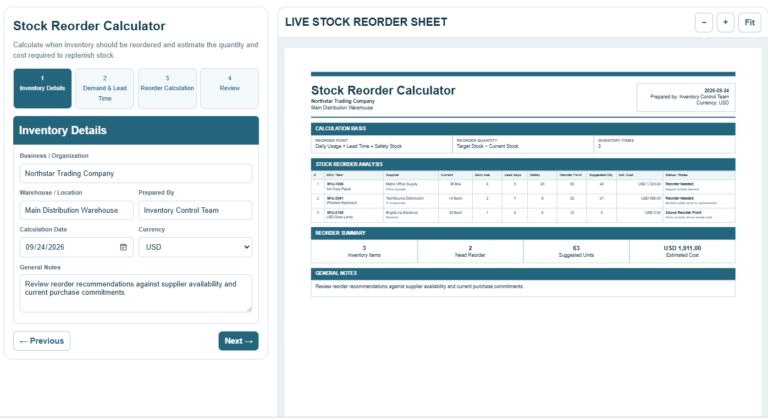
A Warehouse Bin Location Generator is an online tool designed to help warehouses, distribution centers, retail stores, and inventory managers create organized and standardized storage location codes. It simplifies the process of assigning unique bin locations, making it easier to identify where products are stored and reducing the time spent searching for inventory. A consistent location system also improves warehouse accuracy and supports efficient stock management.
The generator allows users to enter warehouse information, storage zone, aisle, rack, shelf, bin number, and floor level. It automatically combines these details into a professional warehouse location code that can be used on labels, inventory records, and warehouse documentation. You can also add product details such as SKU, category, quantity, storage capacity, and handling notes to create a complete storage record.
Warehouse Details
Bin Code Settings
Inventory Information
Additional Bin Locations
| # | Location Code | Product / SKU | Qty | Status | Action |
|---|
Appearance
Frequently Asked Questions
What is a warehouse bin location?
A warehouse bin location is a unique storage address used to identify the exact zone, aisle, rack, shelf, and bin where inventory is stored.
How does the bin location code work?
The generator combines the selected warehouse parts, such as zone, aisle, rack, shelf, and bin, into one structured location code.
Can I change the code separator?
Yes. You can use a hyphen, slash, dot, or no separator between the location segments.
Can I add a product or SKU?
Yes. Product name, SKU, category, quantity, and storage notes can be added to the location label.
Can I generate more than one bin label?
Yes. Add multiple rows to the location list. Each row creates a separate bin location record in the preview.
Can I print the generated bin labels?
Yes. The Print button prints the live preview on an A4 sheet with clean margins and preserved styling.
Does it work on mobile devices?
Yes. Mobile users can switch between the Input and Live Preview tabs and use Zoom, Fit, and Print controls.
Is entered warehouse data stored online?
No. The generator works inside the browser and does not send or store entered data on an external server.