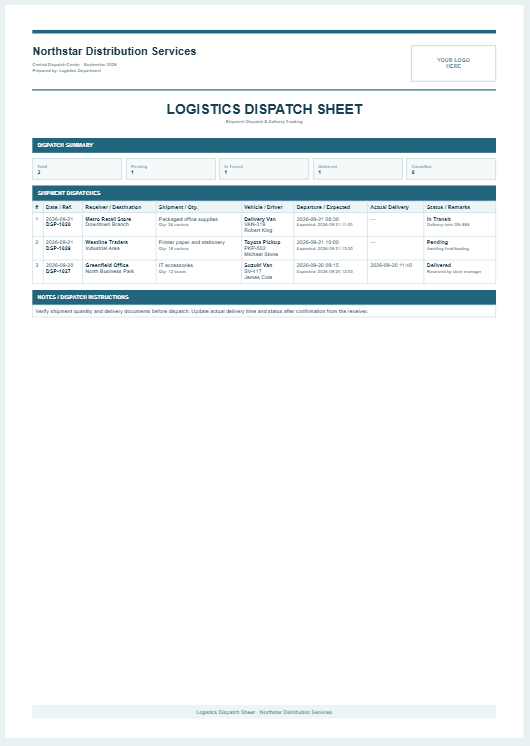
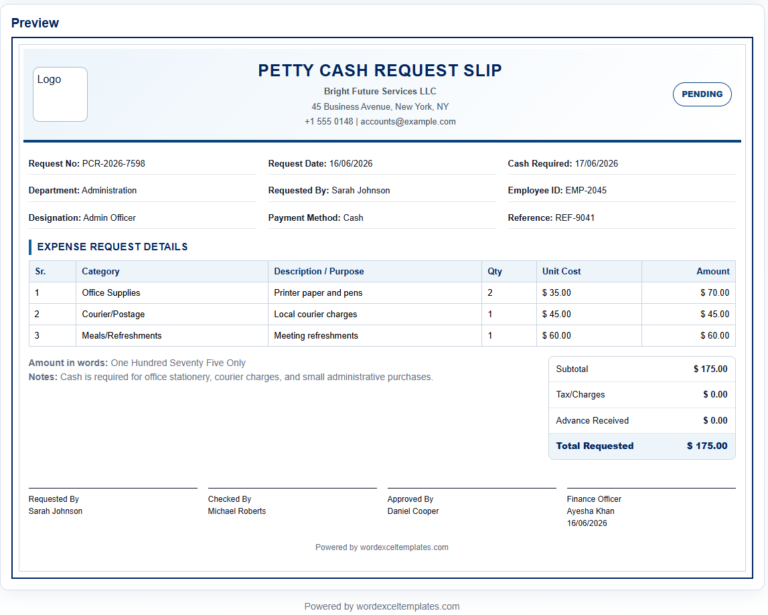
A Dispatch Slip Generator is an online tool that helps businesses create professional dispatch slips quickly and accurately. It is useful for warehouses, retail stores, manufacturers, wholesalers, logistics companies, and offices that regularly send goods to customers or branch locations. Instead of preparing dispatch slips manually, users can enter the required details into a simple form and generate a clean, well-organized document within seconds.
Company Details
Dispatch Information
Sender and Recipient
Dispatched Items
| # | Description | Unit | Qty | Weight | Action |
|---|
Additional Details
Appearance
Frequently Asked Questions
What is a dispatch slip?
A dispatch slip is a document used to record and confirm the movement of goods from a warehouse, office, store, or production facility to a customer or another location.
What information should be included on a dispatch slip?
A complete dispatch slip normally includes the slip number, dispatch date, sender and recipient details, item descriptions, quantities, package count, vehicle or courier information, handling instructions, and authorization signatures.
Can I add or remove dispatched items?
Yes. Use the Add Item button to insert additional rows. Each row can also be removed individually, and the preview updates automatically.
Does the generator calculate totals automatically?
Yes. It automatically calculates the number of item lines and the total quantity entered in the dispatch items table.
Can I upload my company logo?
Yes. Select an image from your device using the Company Logo field. The logo appears inside the live preview and is included in the printed slip.
How do I print the dispatch slip?
Complete the required information, check the live preview, and select Print Slip. The generator prints only the dispatch slip area on an A4 portrait sheet.
Can I use this generator on mobile devices?
Yes. On smaller screens, use the Input and Live Preview tabs. The Fit button automatically scales and centers the A4 preview inside the available screen width.
Is the entered information saved online?
No. This version works inside the visitor’s browser and does not send or store the entered information on an external server.