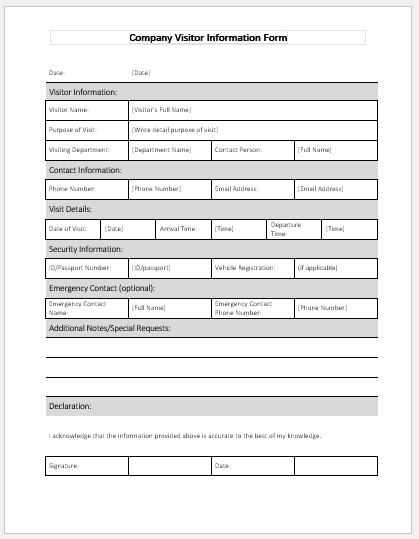
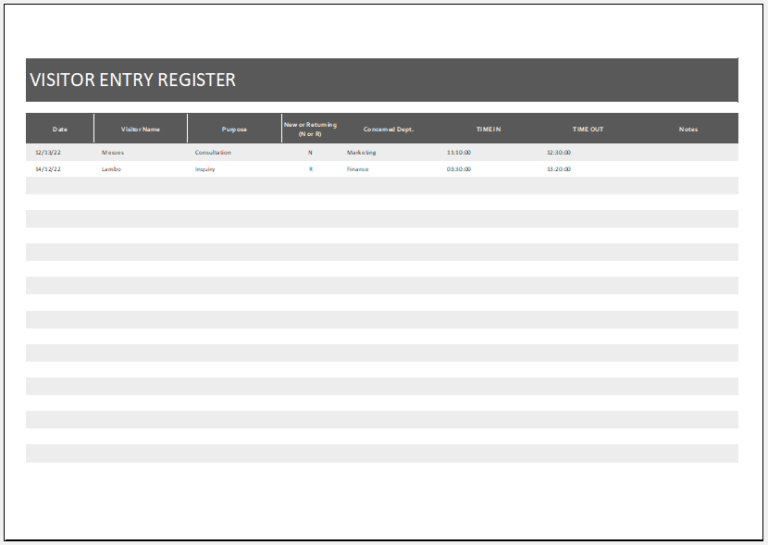
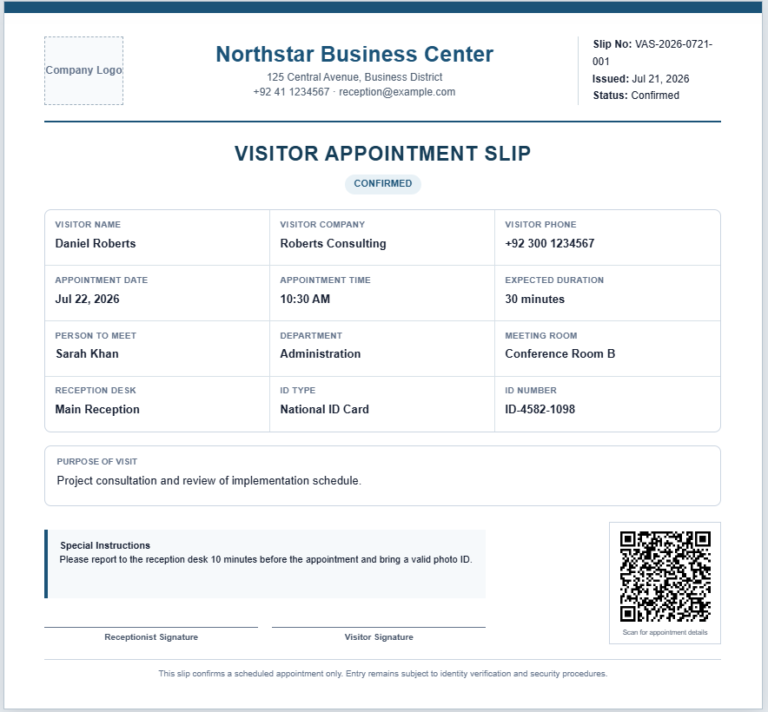
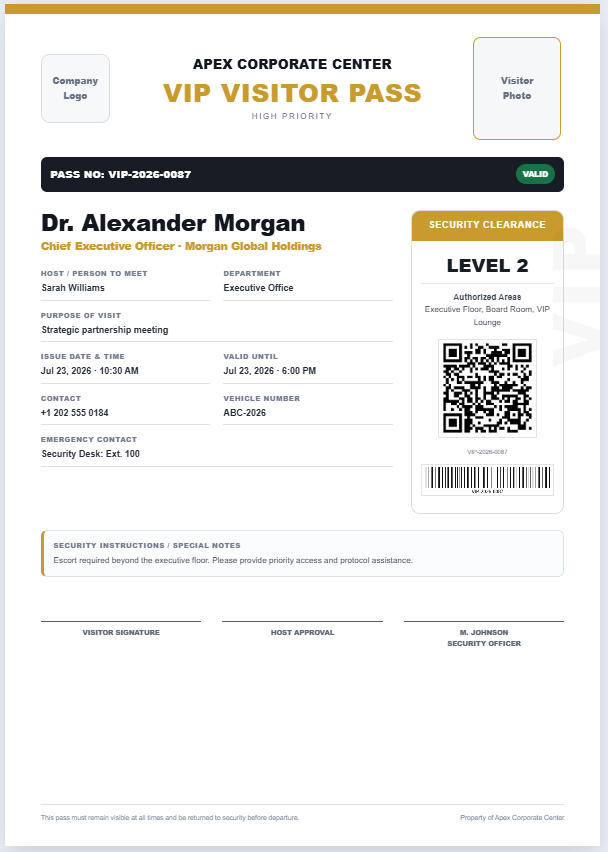
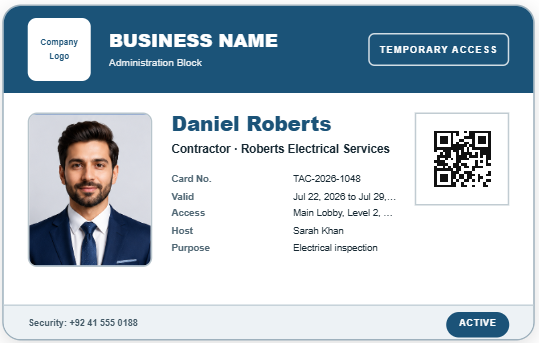
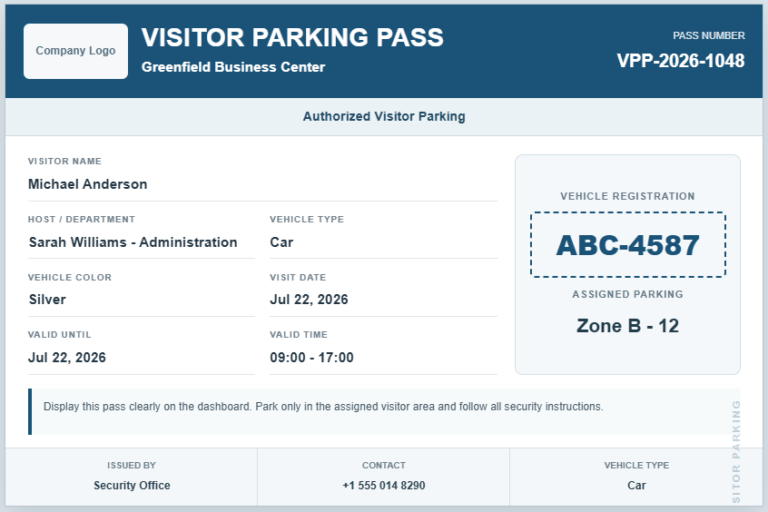
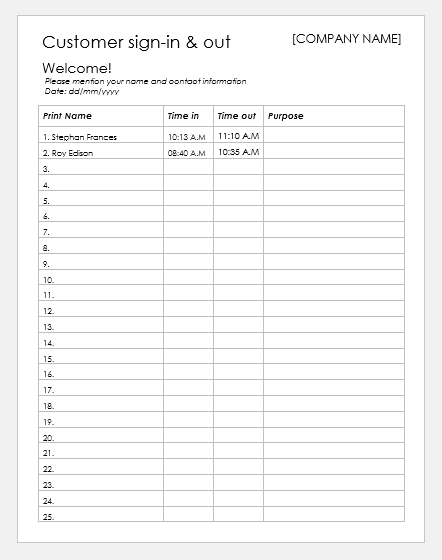
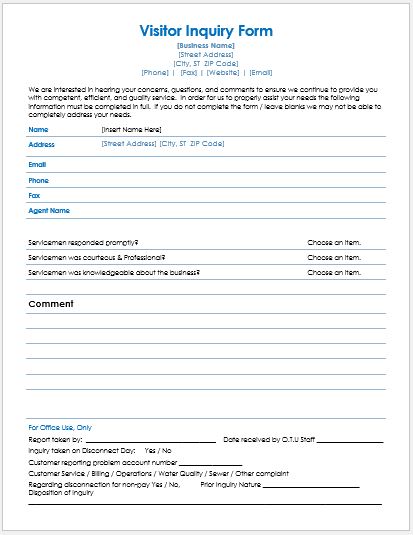
The Visitor Check-in & Check-out Slip Generator helps organizations create professional visitor entry and exit slips quickly and accurately. It allows receptionists and security staff to record visitor details, host information, check-in and check-out times, purpose of visit, badge number, vehicle details, and authorized access areas in a structured format. The live preview updates instantly as information is entered, making it easy to review before printing.
The generator produces a clean, A4-ready slip suitable for offices, schools, hospitals, factories, and commercial buildings. It improves visitor tracking, enhances security, reduces paperwork, and ensures accurate records for daily visitor management.
Visitor Check-in & Check-out Slip Generator
Create a professional visitor movement slip with identification, host, purpose, access, timing, belongings, and signature details. All changes appear instantly in the printable A4 preview.
Logo
Your Organization Name
Business Address, City
+92 300 0000000 | info@example.com
& CHECK-OUT SLIPOfficial Visitor Movement Record
Business meeting regarding supply requirements and delivery schedule.
| # | Item | Description / Serial Number | Checked Out |
|---|---|---|---|
| 1 | Laptop | Dell, Black | ☐ Yes ☐ No |
| 2 | Mobile Phone | Personal device | ☐ Yes ☐ No |
Frequently Asked Questions
What is a visitor check-in and check-out slip?
It is a record used to document when a visitor enters and leaves a workplace, school, hospital, residential building, factory, or other controlled location. It normally includes visitor identification, host details, purpose, timings, badge information, and signatures.
Does the generator update the slip automatically?
Yes. Details entered in the input panel are reflected instantly in the live preview, allowing users to review the completed slip before printing.
Can I add my organization’s logo?
Yes. Use the Company Logo field to upload an image from your device. The logo appears in the header of the printable visitor slip.
Can the generator record both check-in and check-out times?
Yes. Separate fields are provided for check-in and check-out times. The current date and time can also be inserted quickly using the available button.
Can I record items carried by the visitor?
Yes. The belongings section can record items such as laptops, mobile phones, bags, tools, samples, or equipment, together with serial numbers or descriptions.
Can the belongings section be hidden?
Yes. Display options allow you to show or hide the belongings table, declaration, signatures, and footer according to your organization’s needs.
Is the slip suitable for A4 printing?
Yes. The print function is designed to print only the live preview on an A4 portrait sheet while preserving the layout, borders, text, and background styling.
Does it work on mobile devices?
Yes. On smaller screens, users can switch between the Input Details and Live Preview tabs. Zoom In, Zoom Out, and Fit controls help keep the preview centered and readable.
What shortcode should I use?
After activating the plugin, insert [wet_visitor_checkin_checkout_slip] into any WordPress page or post where you want the generator to appear.
Does the generator store visitor data?
No. This version works in the visitor’s browser and does not save entries to the WordPress database. Organizations requiring permanent records should retain printed slips or add a secure database workflow separately.