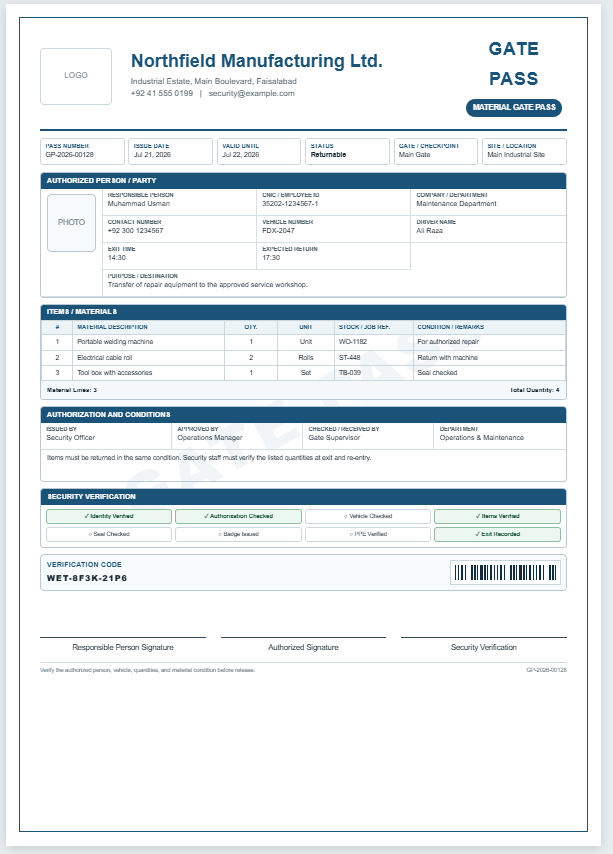
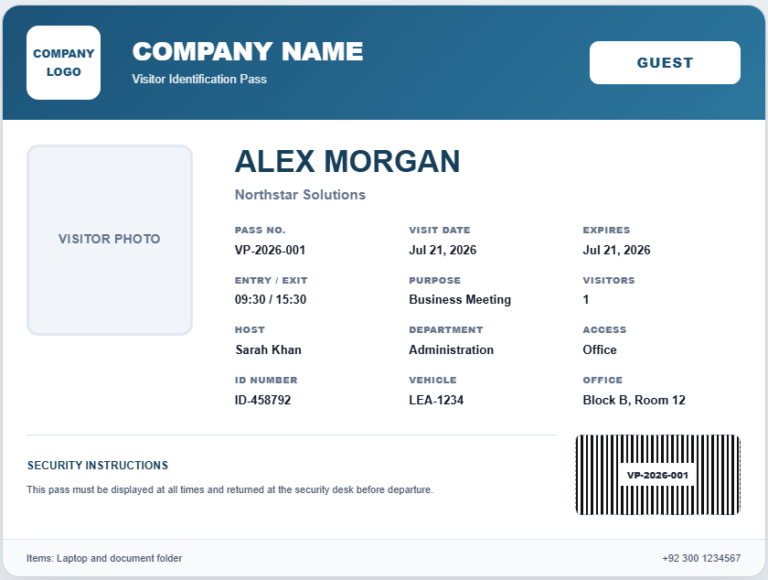
A Visitor Parking Pass Generator is a simple and practical tool that helps businesses, offices, schools, hospitals, residential communities, and commercial facilities create professional parking passes for visitors. Instead of preparing parking permits manually, this generator allows you to enter visitor information, vehicle details, parking location, visit date, and other important information to instantly produce a clean and organized parking pass. It is designed to save time while ensuring every visitor receives a clearly identifiable parking permit.
The generator automatically creates a professional-looking parking pass as you enter the required information. You can customize the company name, upload a company logo, generate a unique pass number, specify the parking zone, record entry and exit times, and include vehicle registration details. The live preview updates instantly with every change, allowing you to review the completed parking pass before printing. Its user-friendly interface makes the generator suitable for reception desks, security personnel, property managers, facility administrators, and anyone responsible for visitor parking management.
Using professionally designed parking passes helps improve parking organization, enhances security, and makes it easier to identify authorized visitor vehicles. Clearly displayed visitor information reduces confusion, simplifies parking control, and helps security staff verify vehicles quickly. It also creates a professional first impression for guests while supporting better record-keeping and access management.
Whether you need to issue an occasional parking permit or create visitor passes every day, this generator provides a fast, reliable, and professional solution. With its instant live preview, customizable design, and easy-to-use features, it helps organizations manage visitor parking efficiently while maintaining a consistent and professional appearance.
Visitor Parking Pass Details
Enter visitor and vehicle information to prepare the pass.
Visitor Parking Pass
Greenfield Business Center
Frequently Asked Questions
What is a Visitor Parking Pass Generator?
It is an online tool that helps offices, residential communities, schools, hospitals, and event venues create temporary parking permits for visitors.
What information can be added to the parking pass?
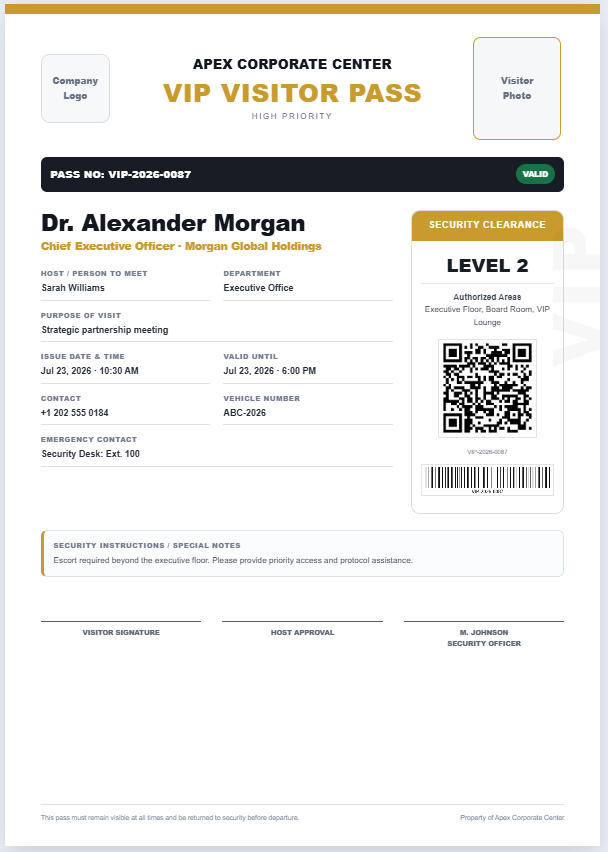
You can add the visitor name, vehicle number, vehicle type, host or department, parking zone, visit date, valid time, pass number, instructions, and issuing authority.
Can I add a company logo?
Yes. Upload a logo from your device and it will appear in the live preview. You can also remove it at any time.
Can the pass number be generated automatically?
Yes. Use the Generate button beside the pass number field to create a unique reference number instantly.
Does the preview update automatically?
Yes. Every change made in the input panel is reflected immediately in the live parking pass preview.
Can I change the pass color?
Yes. The generator includes several professional color themes suitable for different organizations and parking zones.
Is the generator mobile-friendly?
Yes. On smaller screens, use the Details and Live Preview tabs to move easily between the form and the parking pass.
Can I zoom the parking pass preview?
Yes. Zoom In, Zoom Out, and Fit controls are available above the live preview.
How does printing work?
The Print Pass button prints only the live preview on an A4 sheet with clean margins while hiding the form, controls, website header, and other page elements.
Is visitor information stored online?
No. The generator works in the browser and does not send the entered visitor or vehicle information to an external server.