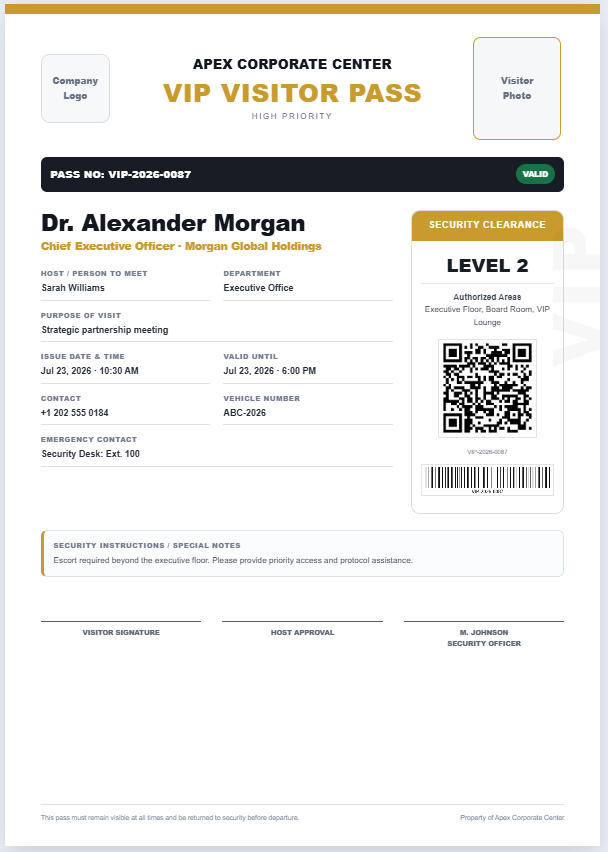
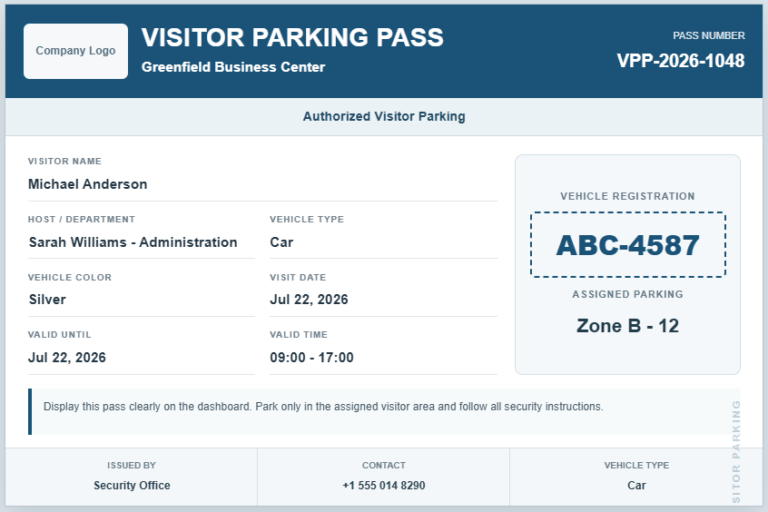
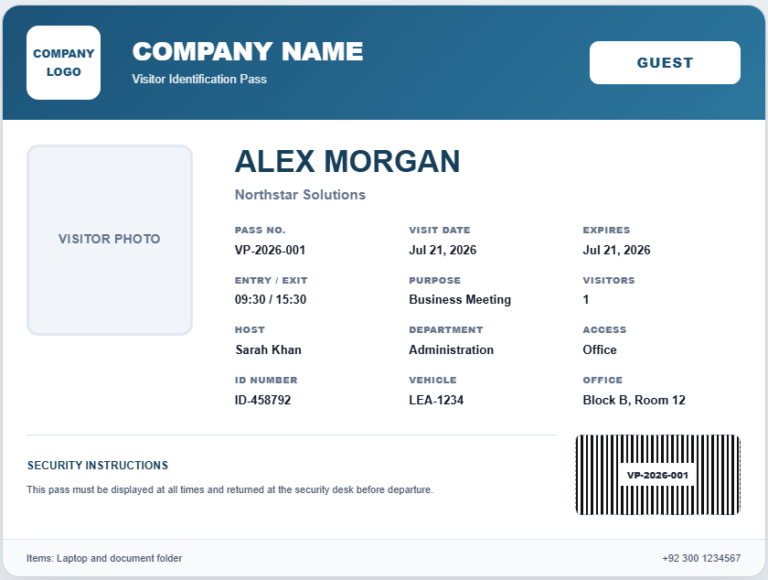
Our Gate Pass Generator helps businesses, schools, factories, warehouses, hospitals, offices, and other organizations create professional gate passes in just a few minutes. Simply select the appropriate gate pass type, such as Visitor, Employee, Vehicle, Contractor, Delivery, Material, Returnable, or Non-Returnable, and the form automatically updates with the relevant fields and layout. Enter the required information, upload your company logo, photos, or signatures if needed, and watch the live preview update instantly as you type.
The generator includes intelligent features that automatically adjust labels, sections, item tables, and authorization details according to the selected pass type. It also supports pass numbering, verification codes, security information, company branding, and printable A4 layouts, making every gate pass look professional and easy to verify. Before printing, you can review the complete pass in the live preview to ensure all information is accurate.
Using this generator helps improve security, streamline visitor and vehicle management, and maintain accurate records of people, materials, and assets entering or leaving your premises. Instead of creating gate passes manually, staff can generate standardized documents quickly while reducing paperwork and data entry errors. The organized format also makes it easier for security personnel to verify identities, check authorization details, and monitor item movements.
Whether you manage a manufacturing plant, corporate office, educational institution, logistics company, construction site, or healthcare facility, this Gate Pass Generator provides a fast, reliable, and user-friendly solution. It saves time, enhances record keeping, supports professional documentation, and ensures every gate pass is clear, consistent, and ready for printing or future reference.
Gate Pass Generator
Create visitor, employee, vehicle, contractor, delivery, and material gate passes.
Organization Details
Pass Information
Person / Party Details
Items / Materials
| Description | Qty. | Unit | Reference | Remarks |
|---|
Photos, Stamp and Signatures
Security Verification Checklist
Approval and Notes
Live Preview
The printed sheet will contain this gate pass only.
Northfield Manufacturing Ltd.
Industrial Estate, Main Boulevard, Faisalabad
+92 41 555 0199 | security@example.com
Authorized Person / Party
Items / Materials
| # | Description | Qty. | Unit | Reference | Remarks |
|---|
Authorization and Conditions
Security Verification
Frequently Asked Questions
What is a gate pass?
A gate pass is an authorization document used to record and approve the movement of visitors, employees, vehicles, equipment, materials, or goods through a controlled entrance or exit.
What types of gate passes can I create?
You can create visitor, employee, vehicle, material, delivery, contractor, returnable, and non-returnable gate passes. The pass type can be changed from the generator controls.
Can I add company details and a logo?
Yes. You can enter the organization name, address, telephone number, email address, and upload a logo that appears in the live gate pass preview.
Does the generator calculate totals automatically?
Yes. Item quantities are added automatically and displayed in the summary section of the gate pass.
Can I add multiple items to a material gate pass?
Yes. Use the Add Item button to insert additional rows. Each row can contain a description, quantity, unit, reference, and remarks.
Can I print the gate pass on an A4 sheet?
Yes. The Print Gate Pass button prints only the completed live preview area on an A4 sheet with clean margins and preserved formatting.
Can I use the generator on a mobile phone?
Yes. On smaller screens, use the Details and Live Preview tabs. Zoom controls are included to improve preview visibility.
Is my information uploaded to a server?
No. The generator works in the browser. Logo processing, preview updates, and locally saved data remain on the user’s device unless the website owner adds separate server-side storage.
What is the difference between returnable and non-returnable passes?
A returnable gate pass is used when goods or equipment are expected to come back. A non-returnable gate pass is used when the items permanently leave the premises.
Can I clear the sample information?
Yes. Select Clear Form to remove the current entries and start a new gate pass. You can also reload the provided sample data at any time.