VIP Visitor Pass Generator

Kate

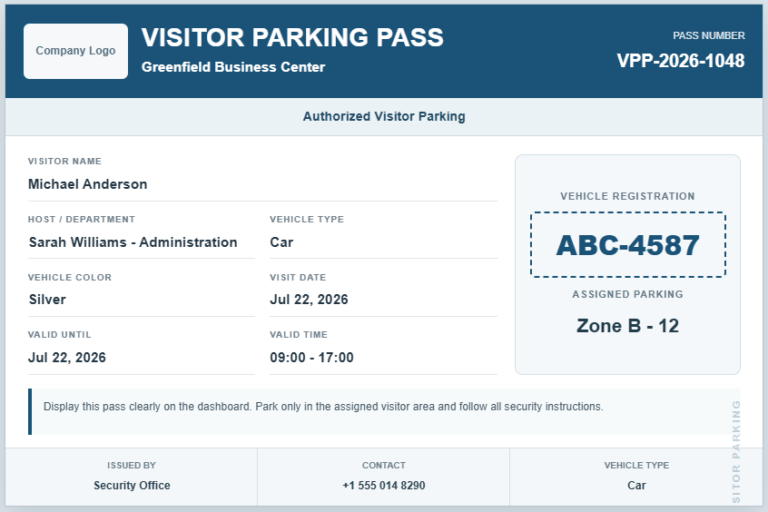
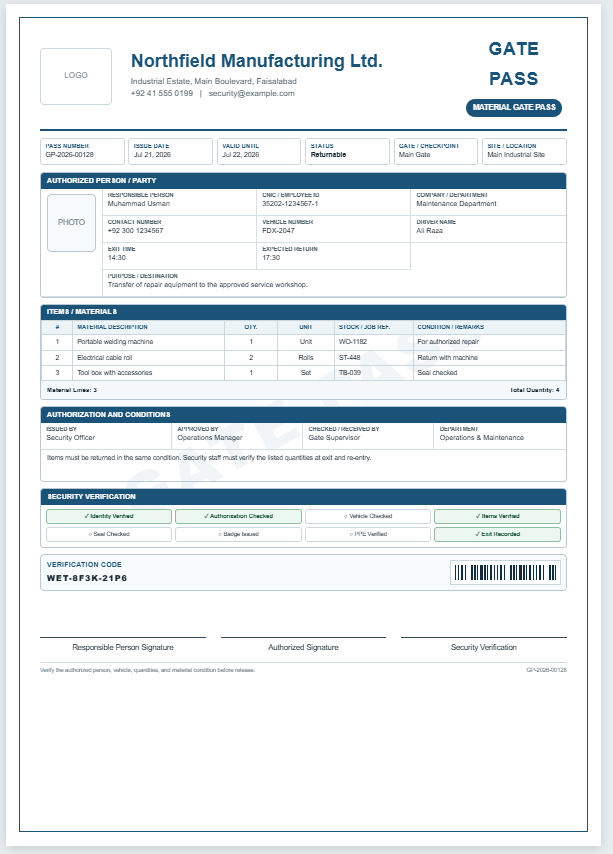
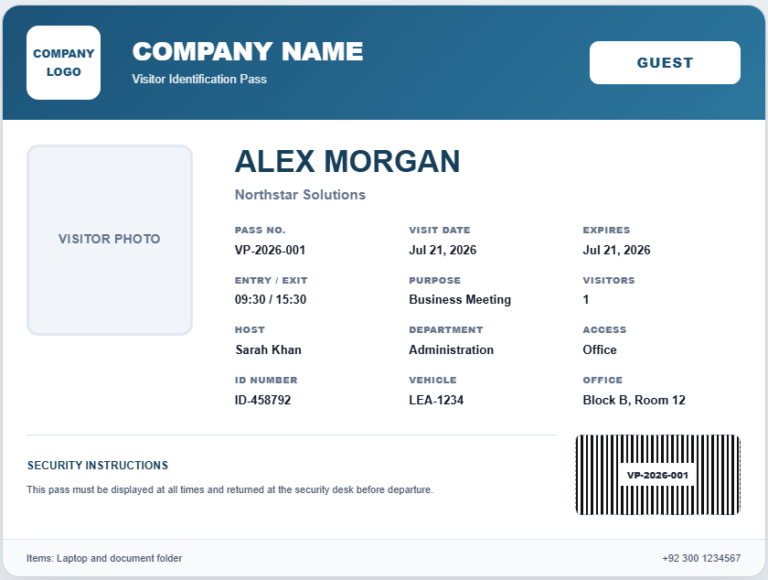
The VIP Visitor Pass Generator is a professional online tool designed to create high-quality visitor passes for executives, dignitaries, business partners, government officials, special guests, and other VIP visitors. It helps organizations prepare attractive, secure, and well-organized passes without requiring graphic design software. The generator is suitable for offices, factories, hotels, hospitals, educational institutions, conferences, and corporate events.

Simply enter the visitor’s details, host information, visit purpose, access level, validity period, and other required information into the input fields. You can upload a company logo and visitor photograph, choose a color theme, generate a unique pass number, and optionally display QR code and barcode information. As you edit the form, the live preview updates instantly, allowing you to review the final design before printing.

Once everything is complete, print the professionally formatted VIP visitor pass on an A4 sheet. This helps improve visitor identification, enhances security procedures, and creates a polished, professional impression for important guests.

VIP Visitor Pass Generator

VIP Visitor Pass Generator

Create a professional VIP pass with photo, QR access code and print-ready layout.

VIP
VIP VISITOR PASS
Visitor
Photo
PASS NO:
VALID
·
Host / Person to Meet
Department
Purpose of Visit
Issue Date & Time
Valid Until
Contact
Vehicle Number
Emergency Contact
Security Instructions / Special Notes
Visitor Signature
Host Approval

Security Officer
This pass must remain visible at all times and be returned to security before departure.
Property of

VIP Visitor Pass Generator FAQs

What is a VIP Visitor Pass Generator?

It is an online tool for creating professional visitor passes for executives, dignitaries, special guests, speakers, partners, and other high-priority visitors.

Can I upload a company logo and visitor photo?

Yes. The generator supports a company logo and visitor photograph, and both are placed automatically in the live preview.

Does the pass include a QR code?

Yes. You can show or hide the QR access code. The QR content is based on the pass number, visitor, organization, and expiry details.

Can access levels and authorized areas be added?

Yes. You can select an access level and enter the exact floors, rooms, departments, or controlled areas the VIP visitor may enter.

Will the print button print only the pass?

Yes. The print function opens a clean A4 print layout containing only the complete live preview with its colors, borders, photo, QR code, and formatting.

Is the generator mobile-friendly?

Yes. On smaller screens, separate Input and Live Preview tabs make editing and reviewing the pass easier. Zoom and Fit controls are also included.