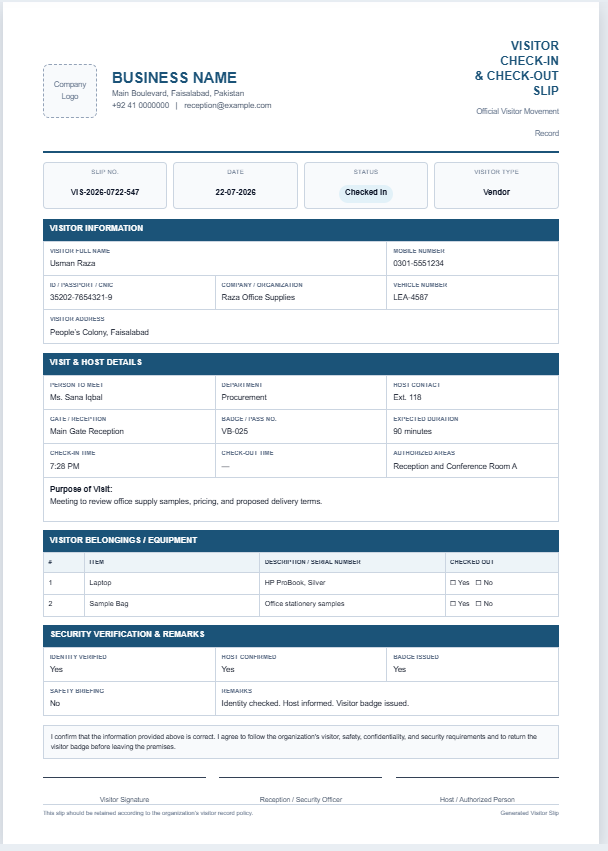
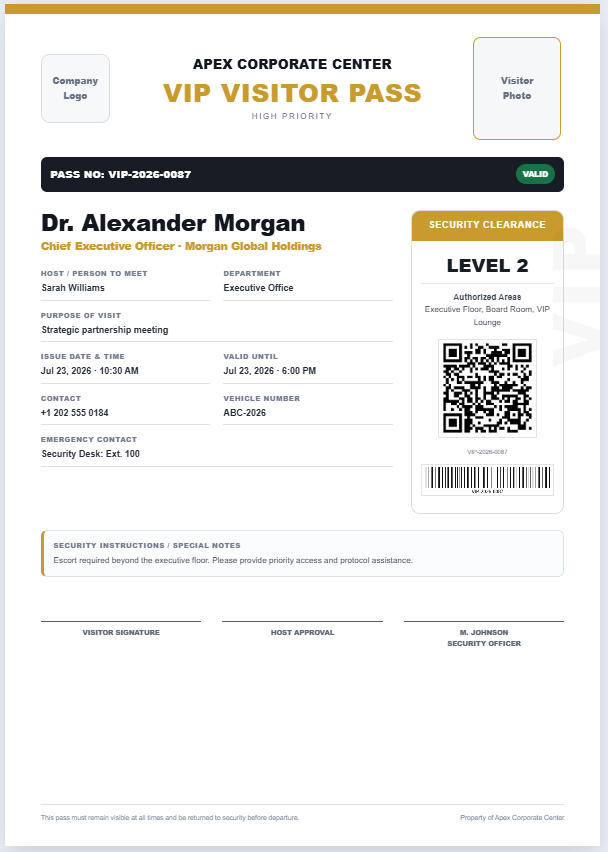
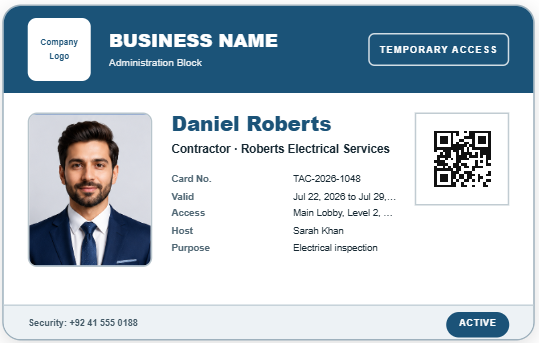
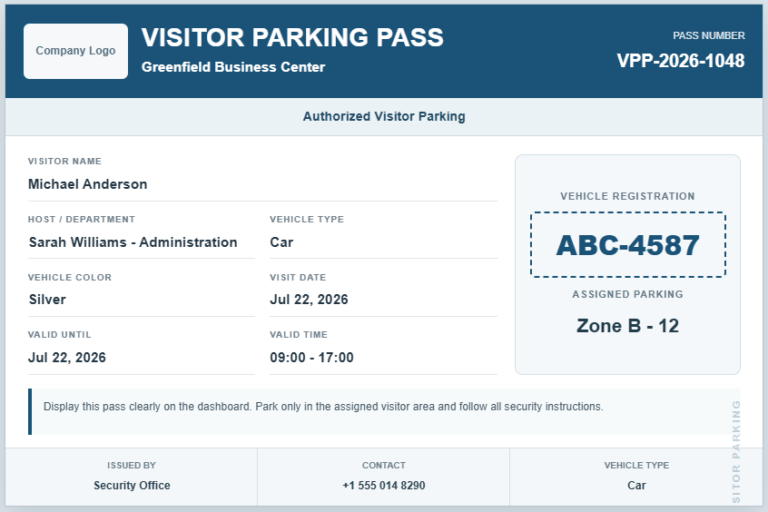
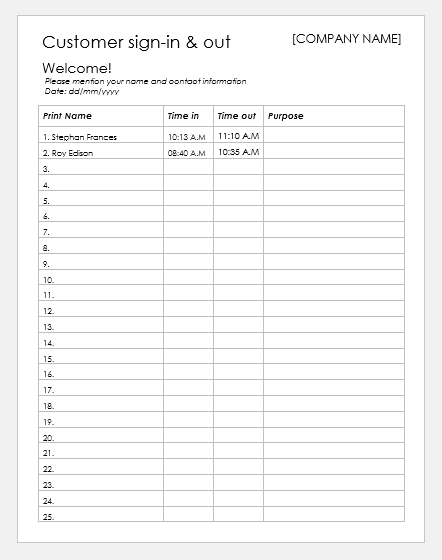
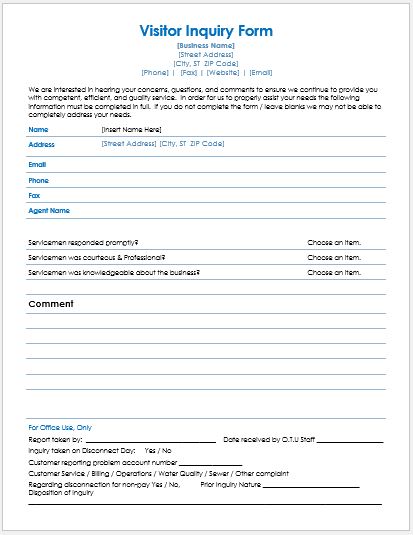
Our Visitor Appointment Slip Generator is a professional online tool designed to simplify visitor scheduling and reception management. It helps businesses, schools, hospitals, factories, offices, and other organizations create neat and well-organized appointment slips within minutes. Instead of preparing appointment slips manually, users can quickly enter visitor information and receive a polished document ready for printing or sharing.
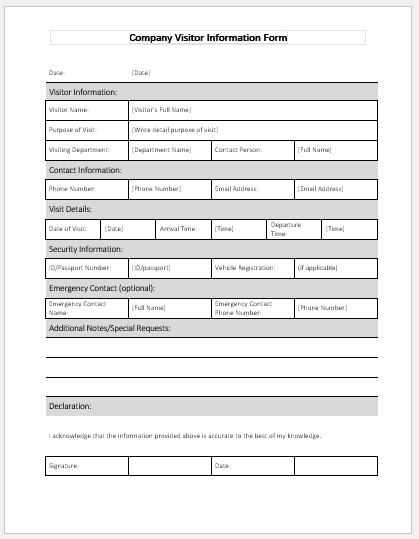
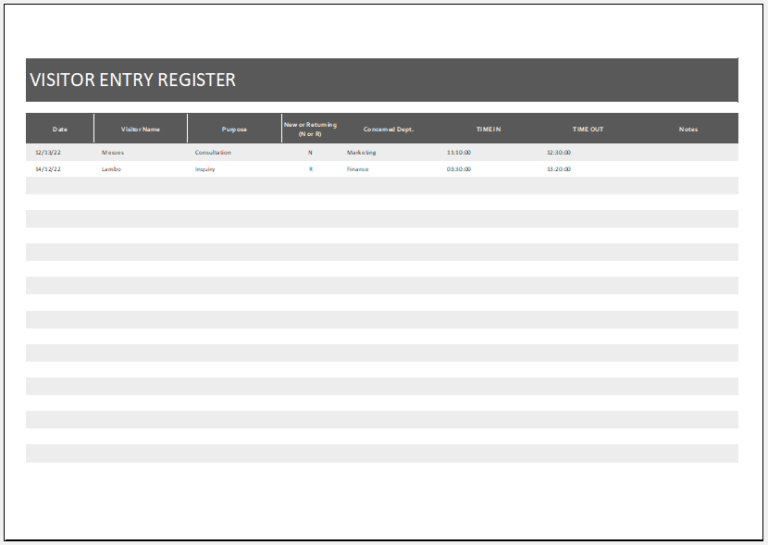
The generator includes dedicated fields for company information, visitor details, appointment date and time, host information, department, meeting room, reception desk, purpose of visit, identification details, and special instructions. A built-in appointment slip number generator creates unique reference numbers instantly, making it easier to organize appointments and maintain accurate visitor records. The live preview updates automatically as information is entered, allowing users to review the final layout before printing.
One of the most valuable features of this version is the optional QR code system. Users can enable or disable the QR code with a simple toggle. When enabled, the QR code can contain complete appointment details, only the appointment reference number, visitor contact information, or custom text such as a verification link or company website. The QR section also includes a customizable caption, giving organizations greater flexibility while maintaining a professional appearance.
The generator is fully responsive and works smoothly on desktop, tablet, and mobile devices. Its mobile-friendly interface includes separate Input and Live Preview tabs with Zoom, Fit, and Print controls for easy navigation. The print feature produces a clean A4 appointment slip that closely matches the live preview, making it suitable for reception desks, security checkpoints, and visitor management processes. It is an efficient solution for creating professional visitor appointment slips with speed, accuracy, and consistency.
Northstar Business Center
125 Central Avenue, Business District
+92 41 1234567 · reception@example.com
Visitor Appointment Slip
ConfirmedPlease report to the reception desk 10 minutes before the appointment and bring a valid photo ID.