AI Business Document Generator v1.2.6
Describe the business document you need. The tool matches your request to a built-in document type, loads the relevant fields, and builds an editable A4 preview instantly — no API required.
Document Details
Choose a documentFrequently Asked Questions
What is the AI Business Document Generator?
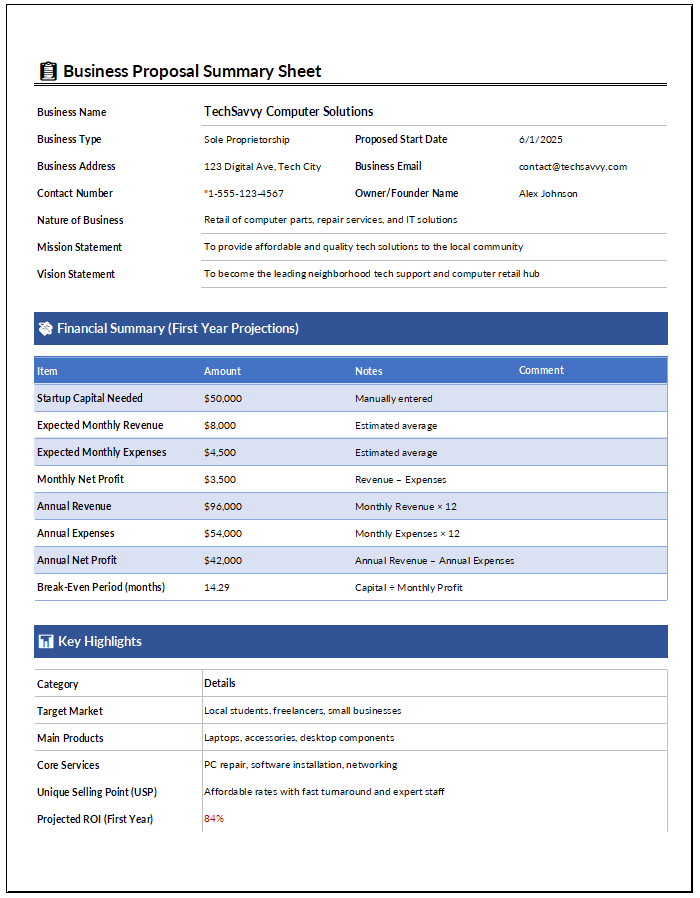
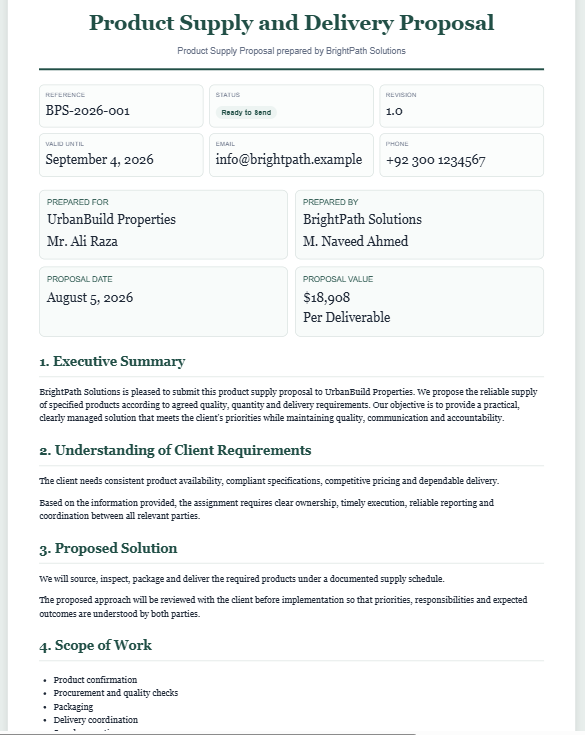
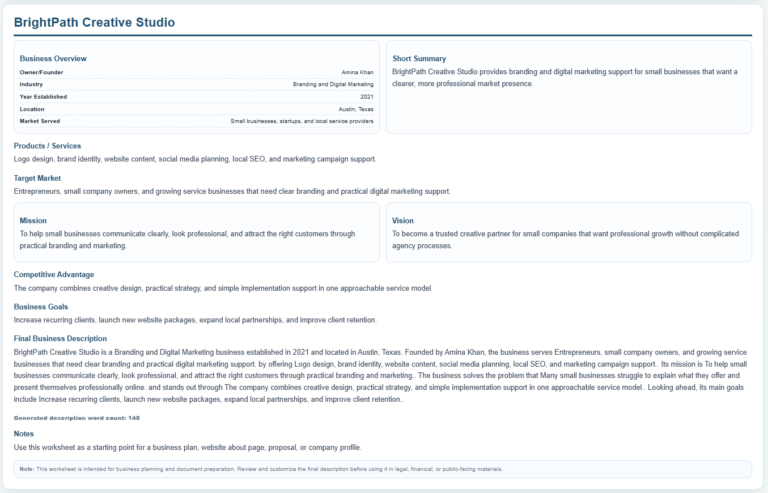
It is a no-API business document tool that matches a user’s request to a built-in document situation, loads relevant fields, and prepares an editable A4 live preview that can be copied or printed.
Does this generator require an AI API key?
No. The generator works with its own built-in document library, search logic, document profiles, and sample content. It does not require an external AI API key.
How many business document situations are included?
The current version includes 150 built-in situations covering HR, operations, finance, sales and marketing, customer service, procurement and vendors, administration, and management and strategy.
Can I search using normal language?
Yes. You can type requests such as “warning for employee coming late,” “create an SOP,” or “respond to customer complaint.” The search system uses keywords, synonyms, phrase matching, typo tolerance, and subject-aware ranking to show the closest relevant documents.
Does each document have its own fields?
Yes. Each document situation has its own profile so the generator can display relevant fields, labels, dropdown choices, section headings, and printable content for that document type.
Is sample data included?
Yes. Selecting a document automatically loads complete example data so the form is immediately usable and ready to preview or print. You can replace the sample information with your own details or use Reset to clear the form.
Can I edit the Live Preview?
Yes. The document body in the Live Preview is editable, allowing you to make final wording changes before copying or printing the document.
Can I zoom and move around the preview?
Yes. The Live Preview includes Zoom−, Zoom+, and Fit controls. When zoomed in, the preview can be dragged to inspect different parts of the A4 page.
How does printing work?
The Print button creates an isolated A4 print view so the document prints with proper margins and without the WordPress theme, input panel, toolbar, zoom transform, or extra blank pages interfering with the result.
Can I use the generator on a phone or tablet?
Yes. On smaller screens the generator uses separate Input and Live Preview tabs, while keeping the same document editing, zoom, fit, copy, and print functions.
Are the generated documents legal advice?
No. The generator provides practical business-document starting points. Users should review the final wording and make sure it fits their organization’s policies, contracts, procedures, and any applicable legal or regulatory requirements.
How This Business Document Generator Works
The AI Business Document Generator does not send your request to an external generative AI service. Instead, it uses a built-in library of verified business document situations together with search terms, synonyms, phrase matching, typo tolerance, and document-specific profiles to match your request with the closest available document type.
After a document is selected, the generator loads the relevant fields and prepared document structure for that situation. You can then customize the information and edit the wording in the Live Preview before copying or printing the document.
Because the tool works from a predefined document library, users should review the completed document and adapt it to their organization, circumstances, policies, contracts, and any applicable legal or regulatory requirements.