The QR Code and Barcode Generator allows you to create professional, printable, and downloadable codes directly in your browser. Simply choose whether you want to generate a QR code or a barcode, enter the required information, customize the available options, and click the Generate button. The live preview updates instantly, making it easy to review your code before downloading or printing.
QR codes can be created for websites, text, email, phone numbers, SMS, and Wi-Fi details, while barcodes support multiple popular formats for inventory, products, labels, and asset management. The generated codes are clear, reliable, and ready for everyday business use.
Free Online Tool
QR Code and Barcode Generator
Create downloadable and printable QR codes and barcodes for links, contact details, products, inventory, labels, and documents.
280 px
CODE128 accepts letters, numbers, and common symbols.
2 px
95 px
Live Preview
Scan to visit our website
QR code generated successfully.
Frequently Asked Questions
What can I store inside a QR code?
You can create a QR code for plain text, a website address, email address, phone number, SMS message, Wi-Fi details, or other short information.
Which barcode formats are included?
The generator supports CODE128, CODE39, EAN-13, EAN-8, UPC, ITF-14, MSI, and Codabar through the barcode format menu.
Can I download the generated code?
Yes. QR codes can be downloaded as PNG images, while barcodes can be downloaded as SVG or PNG files.
Can I print the QR code or barcode?
Yes. Use the Print button to print only the active preview card with its current size, colors, label, and border settings.
Are the generated codes suitable for products?
They can be used for labels, inventory, internal tracking, packaging mockups, and simple product identification. Official retail codes should use properly assigned GS1 numbers.
Why is my EAN or UPC barcode not generating?
EAN and UPC formats require a specific number of digits. Check the help text below the format selector and enter a valid numeric value.
Can I change the colors?
Yes. You can select foreground and background colors for QR codes and barcodes. High contrast is recommended for reliable scanning.
Does the generator save my information?
The tool works in your browser. The entered content is not intentionally stored by the generator, although external script delivery may follow the provider’s normal policies.
What size should I use for a QR code?
For general use, 240 to 320 pixels works well on screen. Printed QR codes should be large enough for the expected scanning distance.
How can I improve scanning reliability?
Use dark foreground colors, a light background, adequate empty space around the code, clear printing, and test the result with more than one device.
You May Also Need
Explore templates, tools, calculators, and articles connected to this resource.
An Equipment Log Sheet is a valuable record used to monitor the condition, operation, and maintenance history of equipment in workplaces, factories, schools, workshops, and commercial facilities. This equipment log sheet allows users to record essential information such as facility name, department, equipment location, log date, reference number, equipment category, operating status, condition, maintenance actions, […]
An Asset Register is an essential record for tracking valuable equipment, tools, machinery, furniture, and other organizational assets in one organized place. This register helps businesses, maintenance teams, schools, warehouses, and facilities maintain accurate information about each asset, including its category, location, condition, status, and maintenance history. Keeping asset records up to date makes it […]
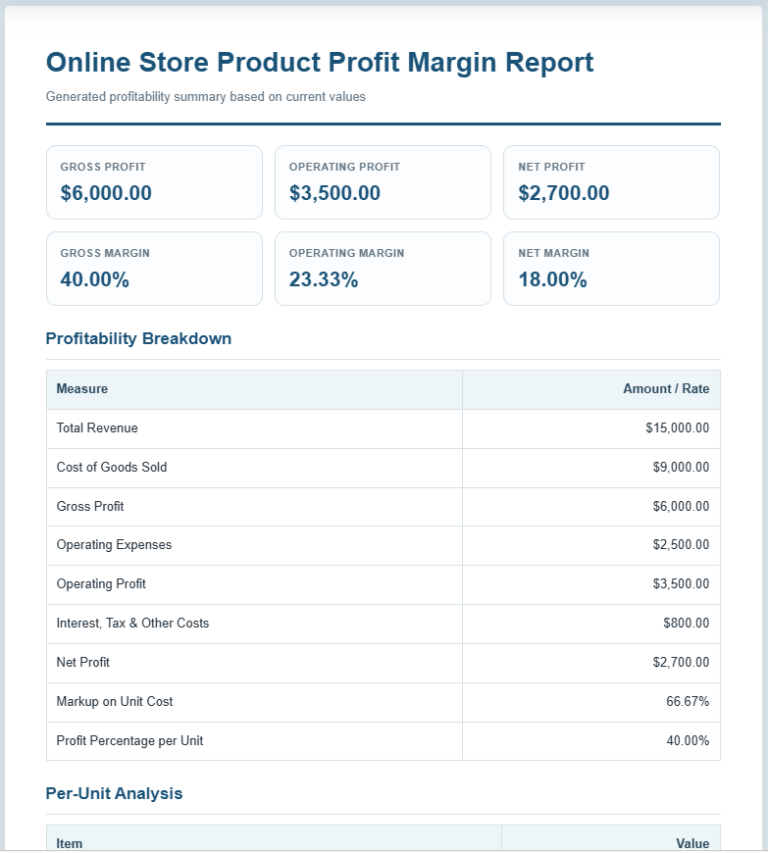
The Profit Margin Calculator is a practical business tool that helps you measure the profitability of your products, services, or overall business operations. Whether you run a small business, an online store, a retail shop, or work as a freelancer, understanding your profit margins is essential for making better pricing and financial decisions. This calculator […]
The Lease Agreement Generator is a practical online tool for creating clear and professional rental agreements. It supports residential leases, commercial leases, room rental agreements, and month-to-month tenancy arrangements. Instead of writing an agreement from the beginning, landlords, property managers, tenants, and business owners can enter the required information and generate a properly structured document. […]
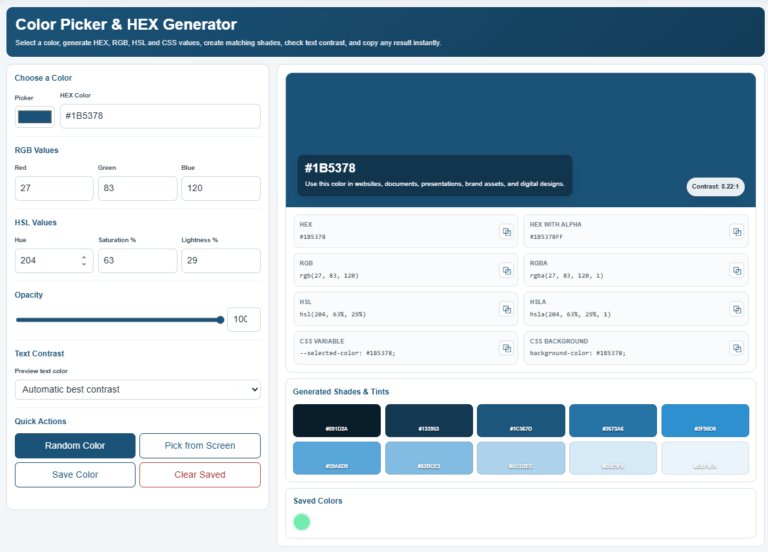
The Color Picker & HEX Generator makes it easy to choose, customize, and convert colors for websites, graphic design, presentations, branding, and other creative projects. Instead of manually searching for color values, you can simply select a color using the built-in picker or enter a HEX code to instantly view its equivalent RGB, RGBA, HSL, […]
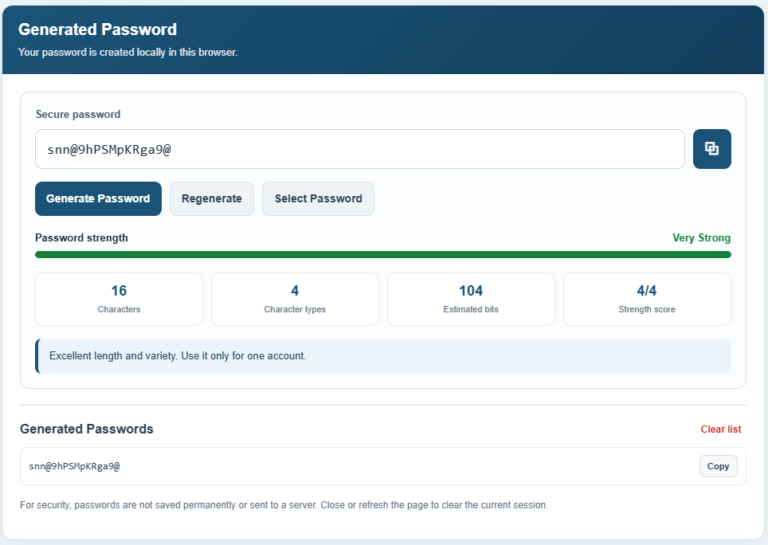
The following Password Generator will help you create strong, random, and secure passwords in just a few clicks. Simply choose your preferred password length, select the character types you want to include, and customize advanced options such as excluding similar characters, avoiding repeated characters, or starting the password with a letter. The generator instantly creates […]
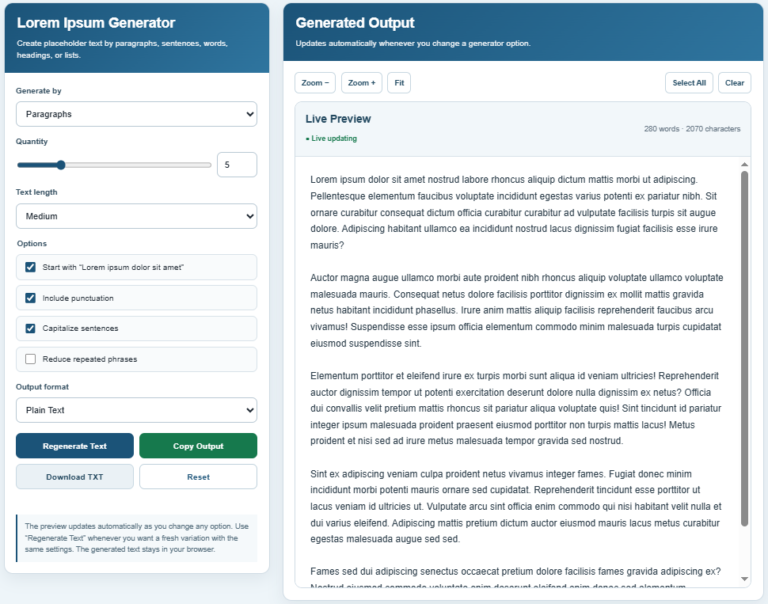
Our Lorem Ipsum Generator helps you create professional placeholder text in just a few clicks. Simply choose whether you want to generate paragraphs, sentences, words, headings, or lists, then specify the required quantity. You can also select the desired text length, choose to begin with the traditional “Lorem ipsum dolor sit amet” phrase, enable or […]
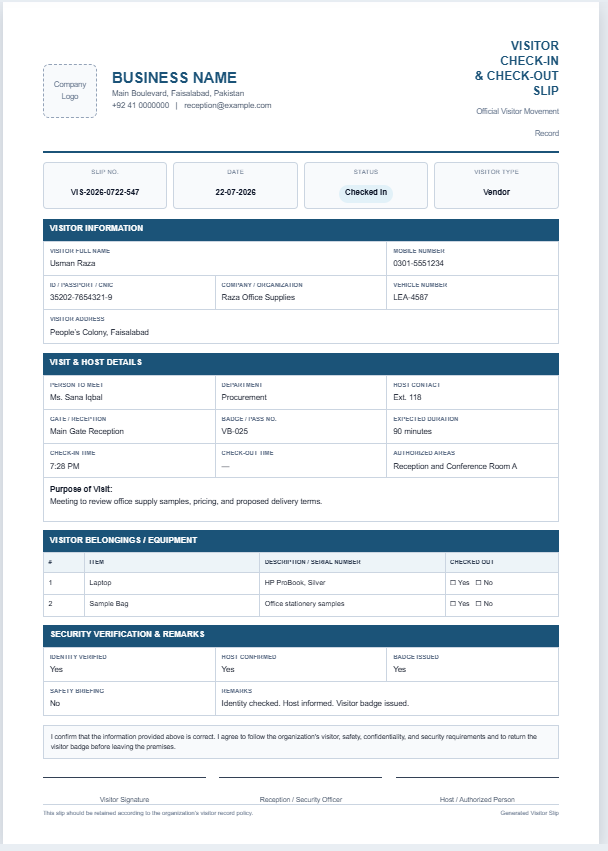
The Visitor Check-in & Check-out Slip Generator helps organizations create professional visitor entry and exit slips quickly and accurately. It allows receptionists and security staff to record visitor details, host information, check-in and check-out times, purpose of visit, badge number, vehicle details, and authorized access areas in a structured format. The live preview updates instantly […]
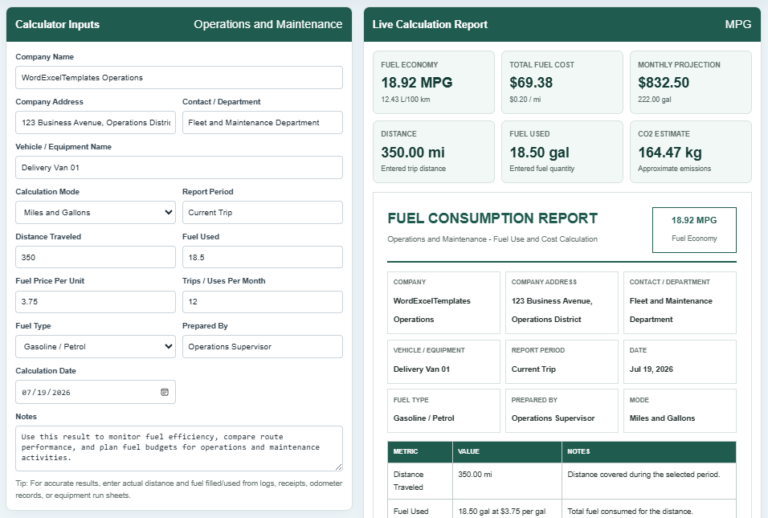
A Fuel Consumption Calculator is a tool that measures how efficiently a vehicle or machine uses fuel over a specific distance. It helps users calculate fuel economy, total fuel consumed, fuel cost, cost per mile or kilometer, and estimated operating expenses. By entering values such as distance traveled, fuel used, fuel price, and the number […]
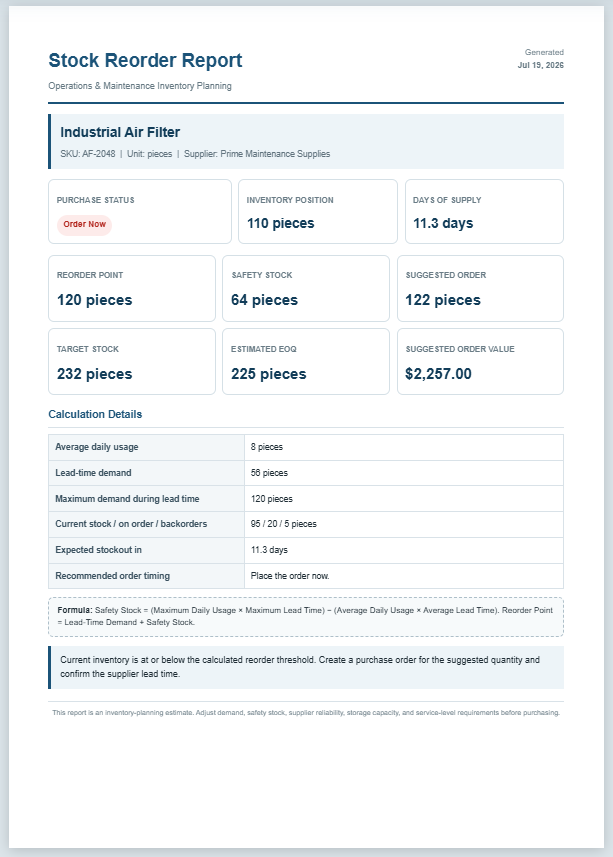
The Stock Reorder Calculator helps businesses determine the right time to replenish inventory before stock levels become too low. It is designed for maintenance departments, warehouses, manufacturing facilities, retail stores, and other organizations that manage spare parts or operational supplies. By entering basic inventory information, the calculator estimates the reorder point, safety stock, suggested order […]
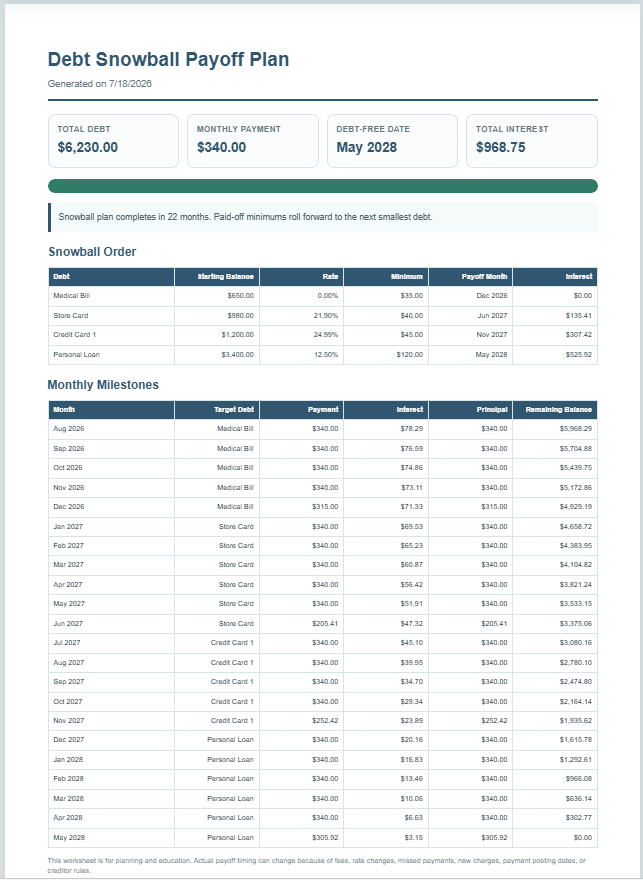
A Debt Snowball Worksheet is a financial planning tool that helps you organize and repay multiple debts using the popular debt snowball strategy. Instead of focusing on the highest interest rate first, this method prioritizes paying off the smallest balance. As each debt is cleared, the money that was being used for its monthly payment […]
An Inventory Turnover Ratio Calculator is a simple financial tool that measures how efficiently a business manages and sells its inventory. It calculates the inventory turnover ratio using the Cost of Goods Sold (COGS) and average inventory. In addition to the turnover ratio, this calculator also estimates average inventory, Days Inventory Outstanding (DIO), inventory-to-sales ratio, […]