Equipment Log Sheet

Kate

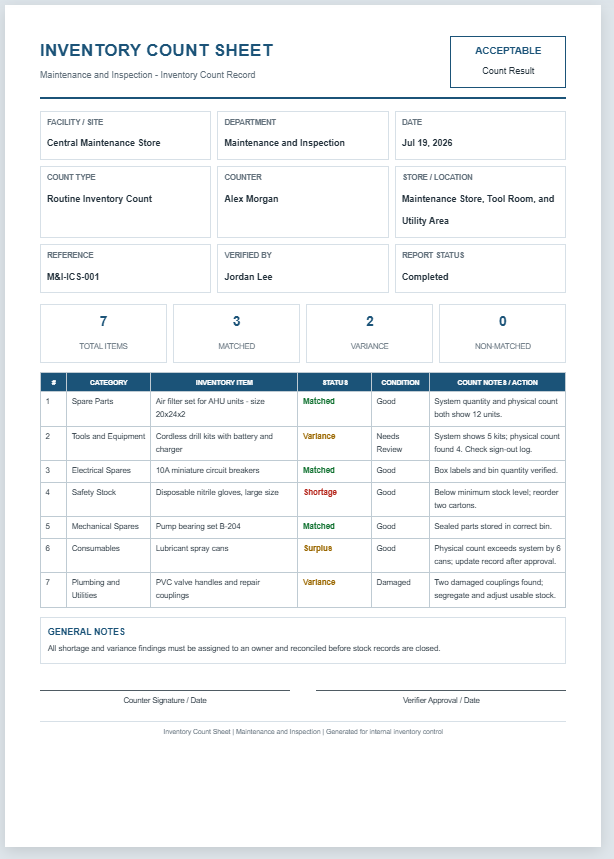
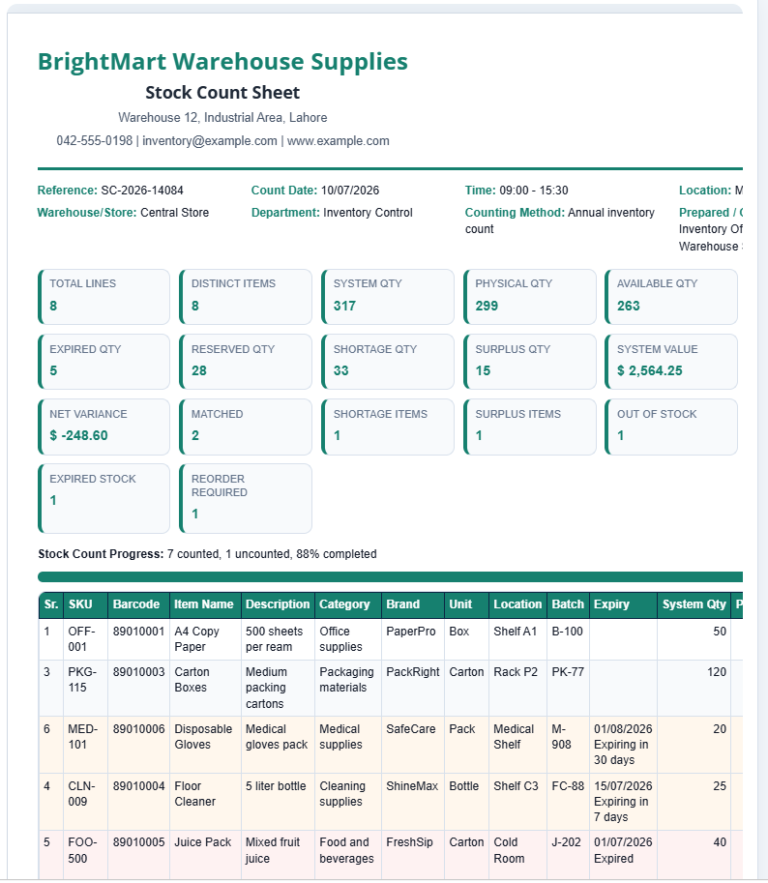
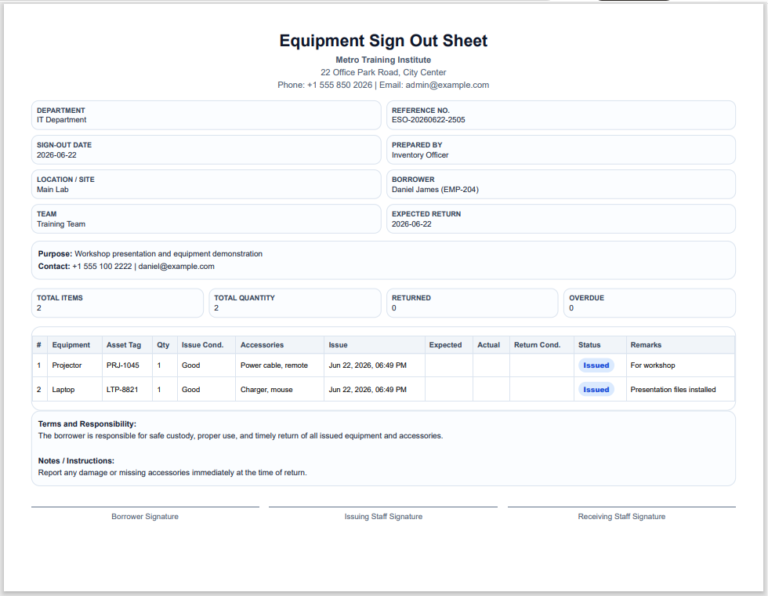
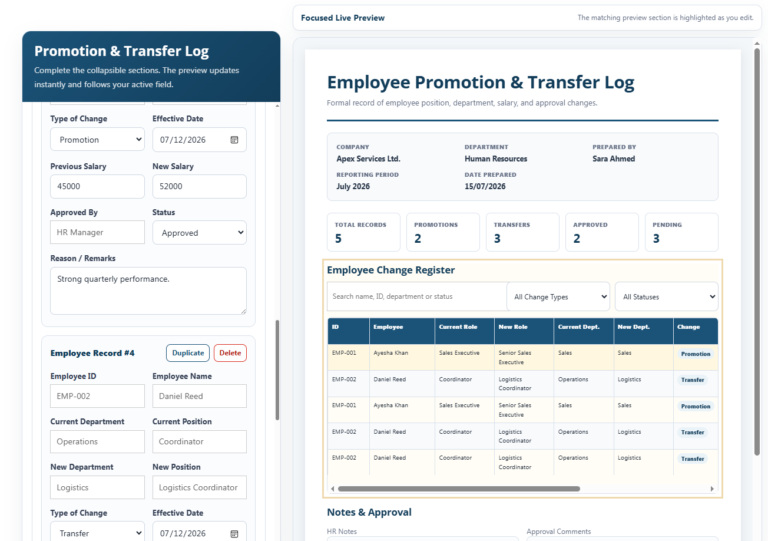
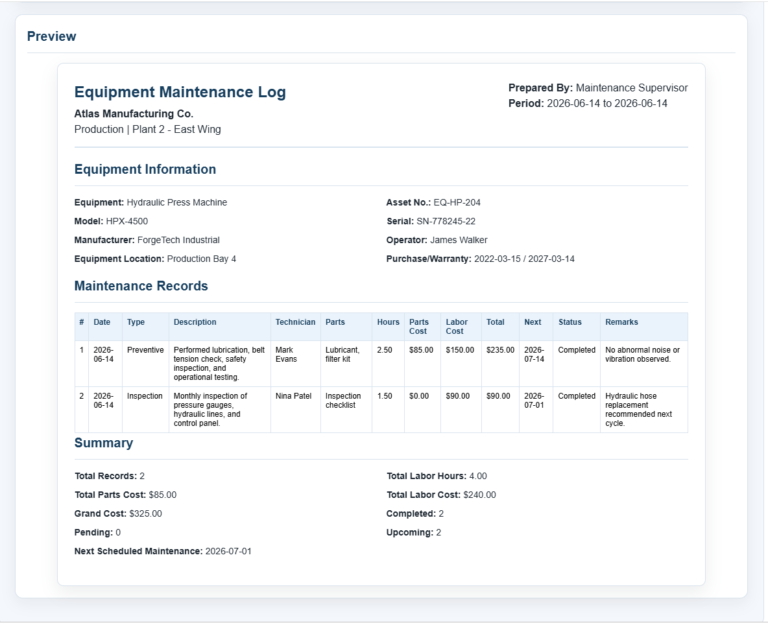
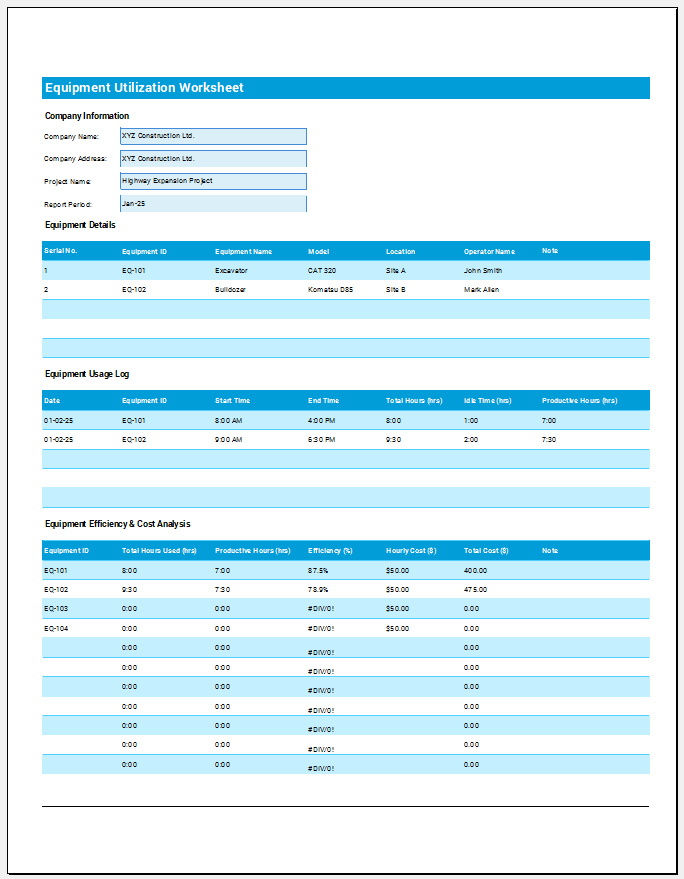
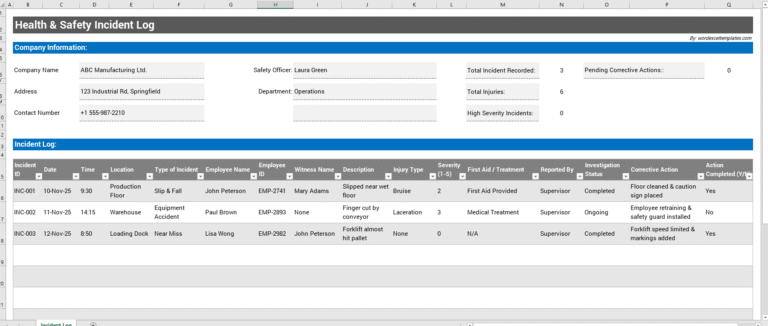
An Equipment Log Sheet is a valuable record used to monitor the condition, operation, and maintenance history of equipment in workplaces, factories, schools, workshops, and commercial facilities. This equipment log sheet allows users to record essential information such as facility name, department, equipment location, log date, reference number, equipment category, operating status, condition, maintenance actions, and inspection notes. It also provides a professional live preview and generates a clean, print-ready report for documentation purposes.

The sheet is designed to simplify equipment tracking by keeping all important records in one place. Maintenance teams can quickly identify equipment that is running normally, under maintenance, requires inspection, or is out of service. Detailed notes help document repairs, observations, and follow-up actions, making future maintenance planning more efficient.

Using this Equipment Log Sheet improves organization, accountability, and preventive maintenance practices. It reduces paperwork, supports accurate record keeping, and helps extend equipment life through timely inspections and servicing. Whether managing a small workshop or a large industrial facility, this template provides an efficient way to maintain reliable equipment records and support smooth daily operations.

Equipment Log Sheet

Equipment Log Sheet

Create, manage, preview, and print an equipment log sheet for maintenance and inspection teams for maintenance and inspection teams.

Log Details

Input
Equipment Log Sheet Information
Add Equipment Log Sheet Item
Equipment Log Sheet Items
#ItemStatusAction
Final Notes & Approval

Live Preview

Equipment Log Sheet

Maintenance & Inspection - Equipment Log Sheet Record

NORMALEquipment Status
Facility / Site
Department
Date
Log Type
Logged By
Equipment Location
Reference
Checked By
Report StatusCompleted
0Total Items
0Running
0Maint/Inspect
0Out of Service
#CategoryLog EntryStatusConditionLog Notes / Maintenance Action

GENERAL NOTES

Operator Signature / Date
Supervisor Approval / Date
Equipment Log Sheet | Maintenance & Inspection | Generated for internal equipment control

Frequently Asked Questions

1. What is an Equipment Log Sheet?

An Equipment Log Sheet is a structured record used to document equipment operation, inspections, faults, readings, maintenance actions, and service status.

2. Who should use this equipment log sheet?

Maintenance technicians, equipment operators, supervisors, inspection teams, and facility managers can use it to track daily equipment condition and follow-up actions.

3. What equipment can be logged?

The sheet can cover production equipment, tools, electrical equipment, safety equipment, mechanical equipment, HVAC assets, utilities, and emergency equipment.

4. Can I add custom equipment log entries?

Yes. Enter any log entry, select a category, choose the operating status and condition, and add notes or maintenance action details.

5. What do the equipment statuses mean?

Running means the equipment is operating. Stopped means it is not running. Under Maintenance means work is in progress. Needs Inspection means review is required. Out of Service means the equipment should not be used.

6. How are equipment log totals calculated?

The tool automatically counts all log entries and summarizes running equipment, maintenance or inspection items, and out-of-service equipment.

7. Can I edit or remove a log entry?

Yes. Use Edit to load an entry back into the form, or Delete to remove it from the equipment log sheet.

8. Can the equipment log sheet be printed on A4 paper?

Yes. The Print Preview button prints the live preview section as an A4 portrait report.

9. Does the sheet work on mobile devices?

Yes. On smaller screens, use the Input and Live Preview tabs, and use Zoom+, Zoom-, or Fit to control the preview scale.

10. Can this replace a CMMS or equipment history system?

No. It supports equipment log documentation, but official maintenance history, work orders, and asset records should still be updated in the approved system when required.