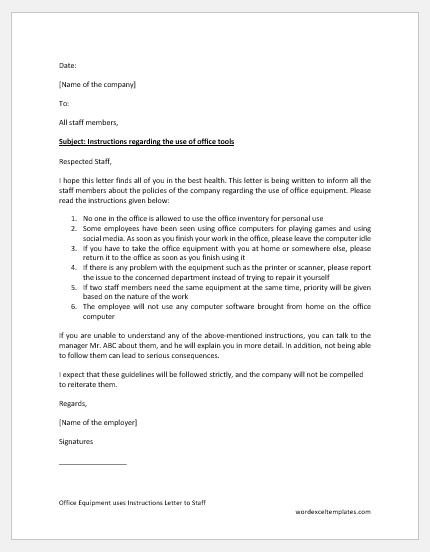
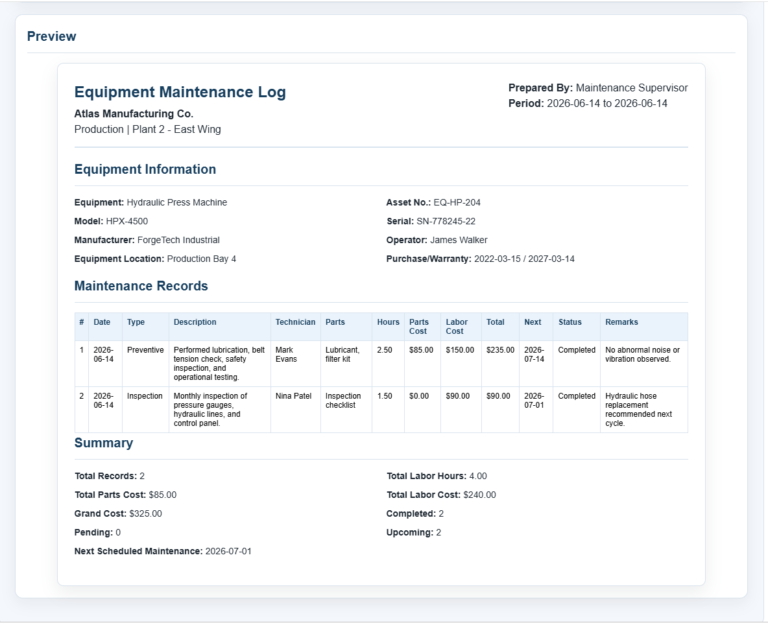
Managing company assets, tools, devices, and equipment can become difficult when multiple employees, students, contractors, or team members borrow items on a regular basis. Our Equipment Sign Out Sheet Generator provides a simple and professional solution for recording equipment issuance and returns while maintaining complete accountability.
This online generator helps organizations create detailed equipment sign-out records without needing spreadsheet software or manual paperwork. Whether you manage office equipment, construction tools, IT devices, laboratory instruments, school resources, sports equipment, or company vehicles, this tool allows you to create accurate and printable sign-out sheets within minutes.
How the Generator Works
The generator includes a user-friendly form where you can enter organization details, borrower information, equipment records, and return information. As you enter data, the document preview updates instantly, allowing you to see exactly how the final sign-out sheet will appear before printing or downloading it.
The system automatically organizes the information into a professional equipment tracking document that can be used for recordkeeping, audits, and inventory control.
Equipment Sign Out Sheet Generator
Create a professional equipment issue and return sheet with live preview, status tracking, printing, and download.
Organization / Company Details
Sheet & Borrower Details
Equipment Table
| # | Equipment Name | Asset Tag / Serial | Qty | Condition at Issue | Accessories | Issue Date/Time | Expected Return | Actual Return | Condition on Return | Remarks | Actions |
|---|
Organization and Borrower Information
The generator allows you to enter important details such as:
- Organization or company name
- Department name
- Address and contact information
- Sign-out date
- Reference number
- Prepared by information
- Location or work site
You can also record borrower details including:
- Employee or borrower name
- Employee ID
- Department or team
- Contact number
- Email address
- Purpose of equipment usage
- Expected return date
These details help maintain accountability and ensure that equipment assignments can be traced whenever necessary.
Equipment Tracking Features
One of the most powerful features of this generator is its ability to manage multiple equipment items within a single sign-out sheet.
For every equipment item, you can record:
- Equipment name
- Asset tag number
- Serial number
- Quantity issued
- Equipment condition before issue
- Accessories included
- Issue date and time
- Expected return date and time
- Actual return date and time
- Return condition
- Additional remarks
Users can add or remove equipment rows as needed, making the tool suitable for both small and large equipment transactions.
Automated Status Monitoring
The generator automatically tracks equipment status and helps users identify outstanding items.
Equipment can be marked as:
- Issued
- Returned
- Pending Return
- Overdue
Overdue equipment can be highlighted automatically, making it easier for administrators to identify items that have not been returned on time.
Live Preview Functionality
Unlike traditional templates, this generator includes a real-time preview section that updates instantly as information is entered.
The preview displays:
- Company header
- Borrower information
- Equipment details table
- Quantity summaries
- Status information
- Notes and instructions
- Signature sections
This allows users to verify the information before generating the final document.
Printing and Downloading
After completing the form, users can instantly:
- Generate the sign-out sheet
- Print a professional copy
- Download the completed sheet
- Save records for future reference
- Reset the form and create a new document
The print layout is optimized to ensure a clean and professional appearance on paper.
Signature and Authorization Section
To improve accountability, the generator includes dedicated signature areas for:
- Borrower Signature
- Issuing Staff Signature
- Receiving Staff Signature
These signatures help verify that equipment was issued and returned properly.
Ideal Uses
This Equipment Sign Out Sheet Generator is suitable for:
- Offices and corporate environments
- Schools and colleges
- Construction companies
- IT departments
- Laboratories
- Warehouses
- Sports organizations
- Government departments
- Maintenance teams
- Equipment rental businesses
Why Use This Generator?
Our online Equipment Sign Out Sheet Generator eliminates manual paperwork and helps organizations maintain accurate equipment records. The combination of live preview, automated tracking, multiple item support, status monitoring, printable reports, and downloadable records makes it an efficient solution for managing company assets and borrowed equipment.
Simply fill in the required information, review the live preview, and print or download your completed Equipment Sign Out Sheet in seconds.
MS Excel Template
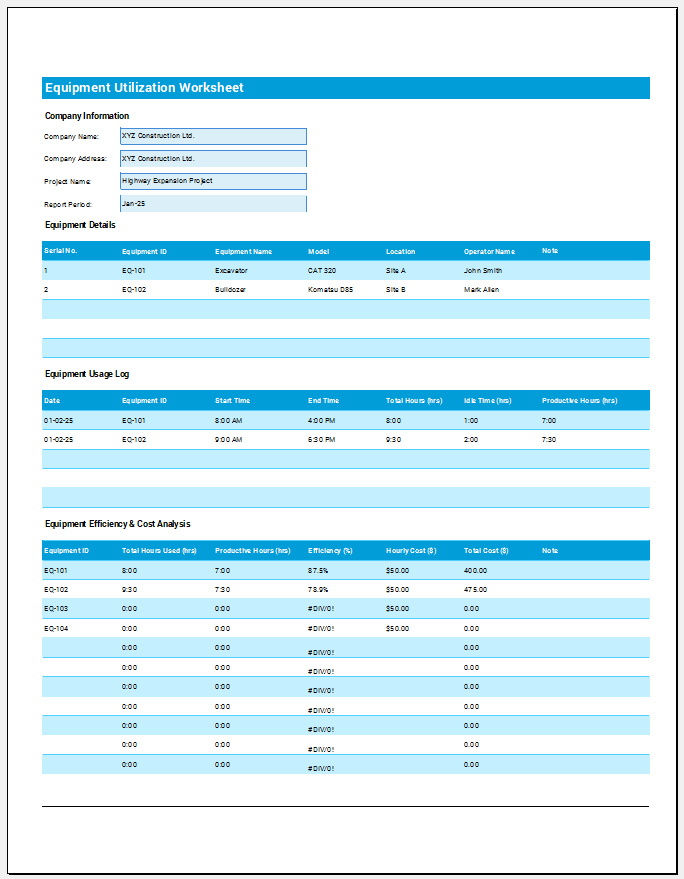
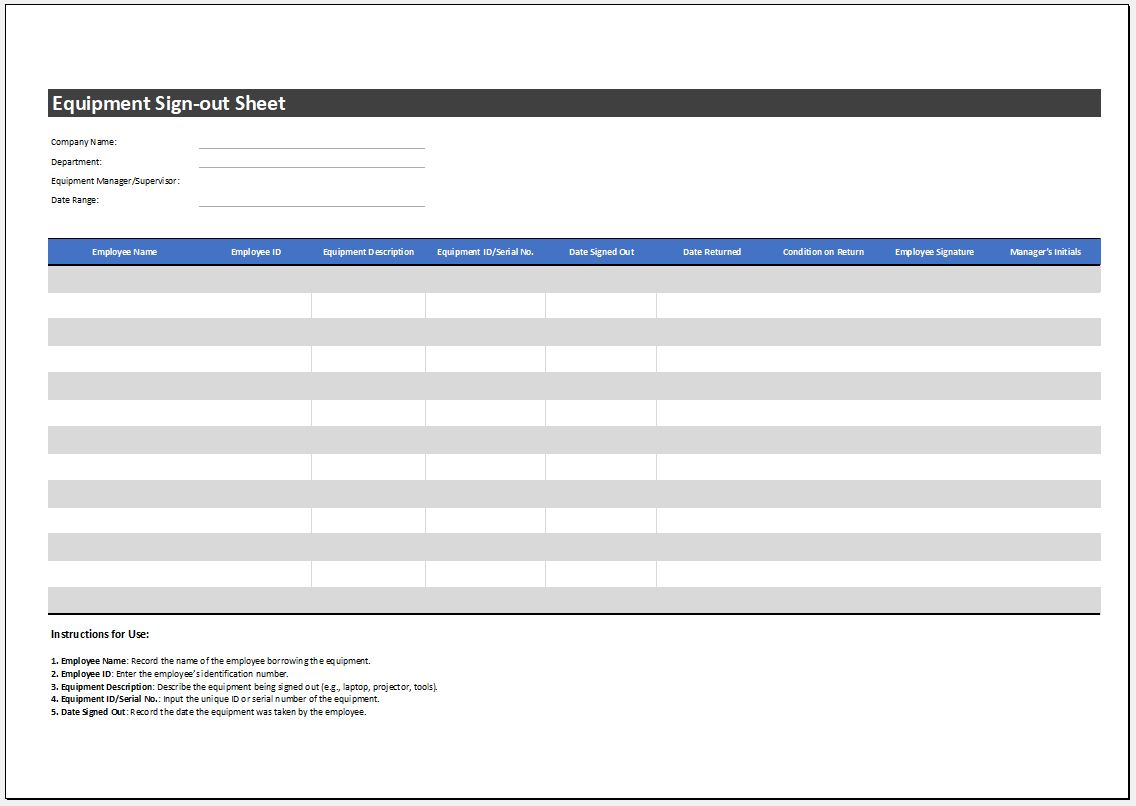
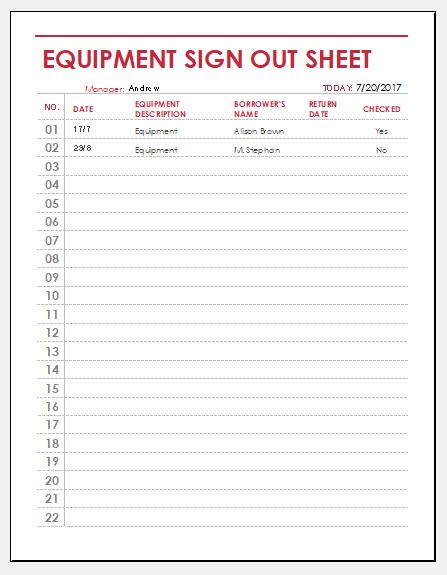
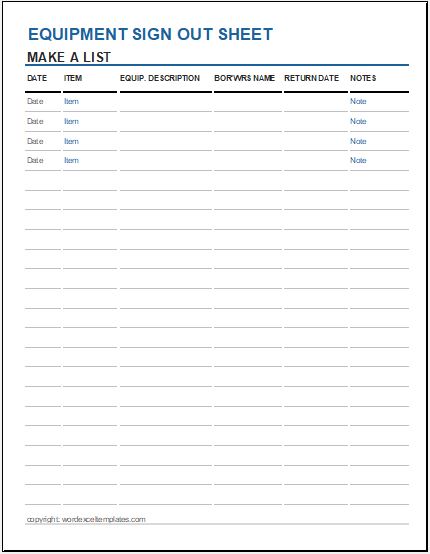
In addition to the online Equipment Sign Out Sheet Generator, we also provide a downloadable Microsoft Excel Equipment Sign Out Sheet Template for users who prefer working offline. The Excel template offers a structured format for recording equipment issuance and returns while maintaining accurate records of borrowed assets. It includes organized sections for company information, employee details, equipment descriptions, asset numbers, quantities, issue dates, return dates, equipment condition, and remarks.
The spreadsheet can be easily customized to meet the requirements of schools, offices, warehouses, construction companies, IT departments, and other organizations. Users can save records electronically, print completed sheets, and maintain a historical log of equipment transactions for auditing and inventory management purposes.
The Excel version is ideal for organizations that require a reusable file for ongoing equipment tracking and internal recordkeeping.
Preview and Details of Templates
File: Excel (.xls)
Size 222 Kb
File: Excel (.xls)
Size 222 Kb
File: Excel (.xls)
Size 222 Kb
- Reimbursement Management Forms
- Forms Used for Workplace Ethics and Policies
- Forms used for Operations in an Organization
- Procurement/Supply Chain Forms
- Downloadable Forms for Unprofessional Behavior
- Commonly Downloaded Office Forms
- Employee Dispute & Grievance Forms
- Insurance & Protection Benefit Forms
- Employee Retirement & Pension Forms
- Employee Service & Tenure Forms
- Employee Health & Well-being Forms
- Employee Scrutiny & Evaluation Forms
- Customer Service and Support Form Generator
- Commonly Used Forms for Payroll Correction
- Employee Exit Forms -Generate Online