Equipment is one of the most valuable assets of an organisation, so it needs to be looked after properly. A clear maintenance schedule helps an organisation keep track of the care each item needs.
What is an Equipment Maintenance Log
An equipment maintenance log is a record in which a user can enter the details of a piece of equipment, such as its name, serial number, price, date of purchase and manufacturer, together with each maintenance task carried out. Regular maintenance helps equipment keep working properly for longer, which can also help a business control its costs. The log helps to:
- Keep a record of maintenance work
- Check the condition of the equipment after each service
- See when the next maintenance is due
- Review the history of an item when deciding whether new equipment is needed
Equipment Maintenance Log
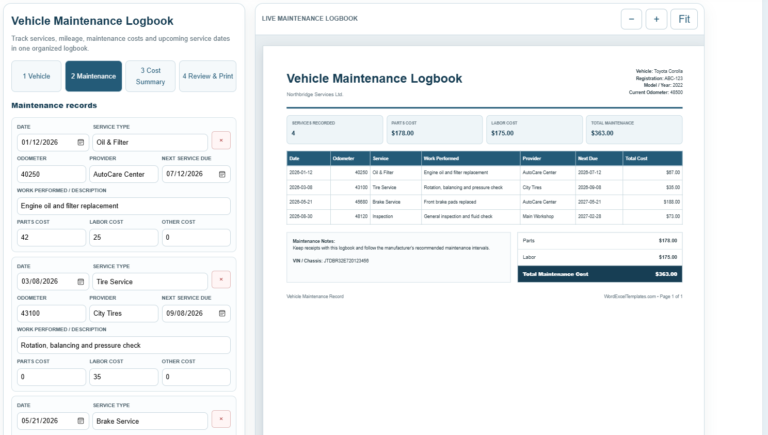
Enter the details of one piece of equipment, then add each maintenance entry with the date, work done, who did it, the cost, the condition afterwards and the next maintenance date. Check the preview, then print the log or save it as a PDF, or download an Excel workbook. Leave the entries empty to print a blank log. Your details stay in your browser and are not sent anywhere. This log is a sample prepared for help and guidance only. It is not intended for legal or any other official purpose.
Equipment Details
Log Details
The log date is used to show whether the next maintenance date has passed. The next maintenance date is taken from the entry with the latest service date.
Maintenance Entries
Page & Style
Enter the equipment details and each maintenance entry, shows the last service, the next maintenance due and the total cost, and prepares a printable log or an Excel file.
Where a Maintenance Log is Used
Regular maintenance is important for all types of equipment, and a maintenance log keeps a record of it. This record is useful wherever different types of apparatus, appliances or machinery are used, such as factories, science research labs and workshops. Keeping a record can also help an organisation follow its own safety procedures.
Creating the Log
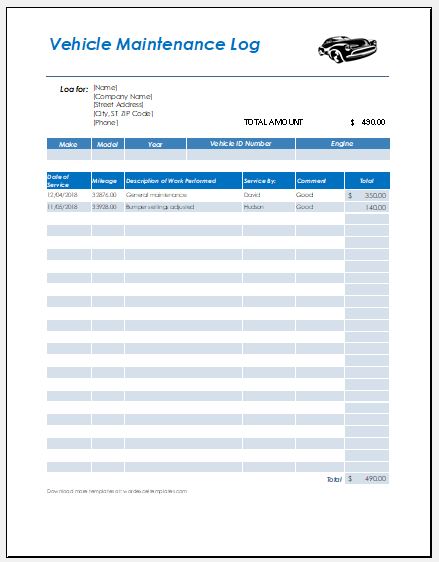
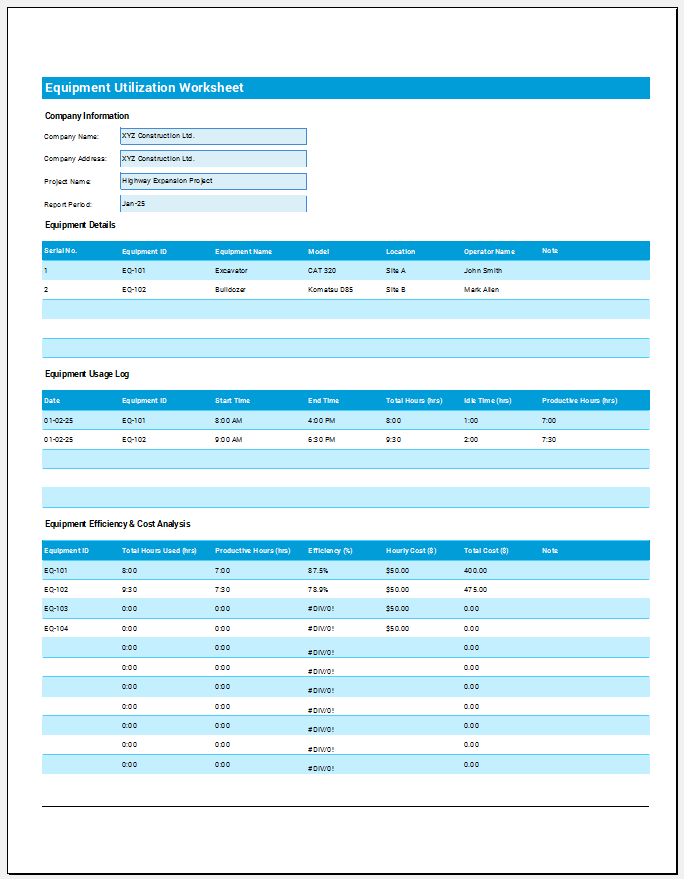
You can create a maintenance log in Microsoft Excel on your computer, or you can use a template, which saves time and effort. The contents of a log can differ from one organisation to another. It generally has rows and columns for the maintenance description, the date of service, who carried out the work, the cost, the condition afterwards, the date planned for the next maintenance and remarks. A separate log is usually kept for each piece of equipment, so that every machine or apparatus in use has its own record.
General Information About the Equipment
To create a log for a piece of equipment, begin with some general information about it. This includes the name of the equipment, its serial number, its label or asset tag, its price and its date of purchase. The manufacturer’s details should also be included, such as the manufacturer’s name and contact details. The manufacturer can then be contacted for servicing or if there is a problem.
Main Details in the Log
The main details added to the log are:
- Name of each piece of equipment
- Serial number
- Name of the manufacturer
- Date of manufacture
- Contact details of the manufacturer
- Name of the person responsible for maintenance
Why Use a Maintenance Log Template
Designing a customised log from scratch for every piece of equipment can take a lot of time. A template gives you a ready-made format that you can use for each piece of equipment, or adapt for different types of equipment. A template is easy to use, whatever your level of experience. It contains the fields needed to keep track of maintenance details, and you can make a separate log for each item by entering its details.

The Log File: 67 KB