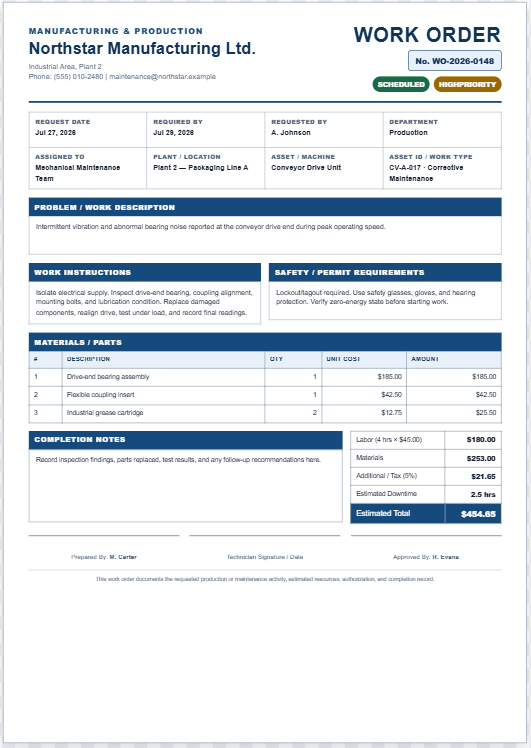
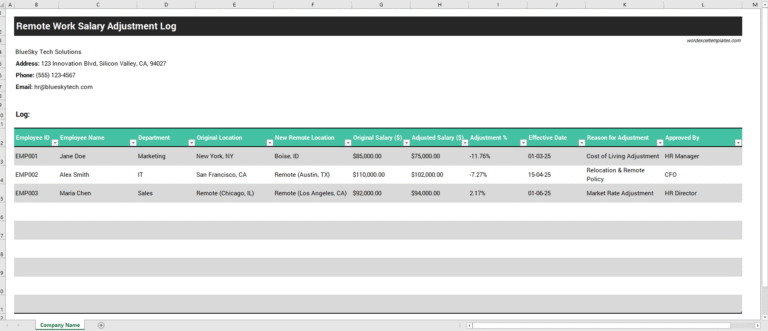
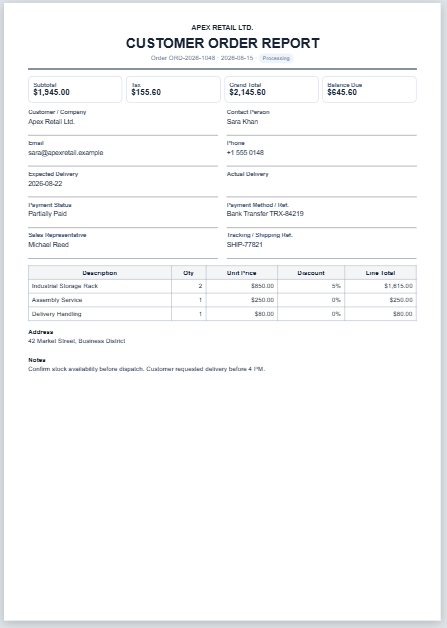
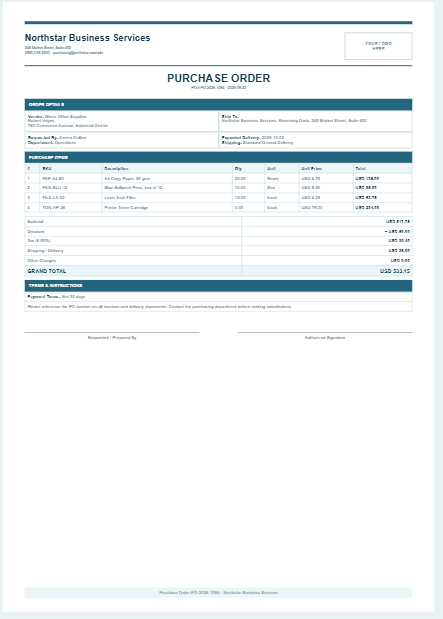
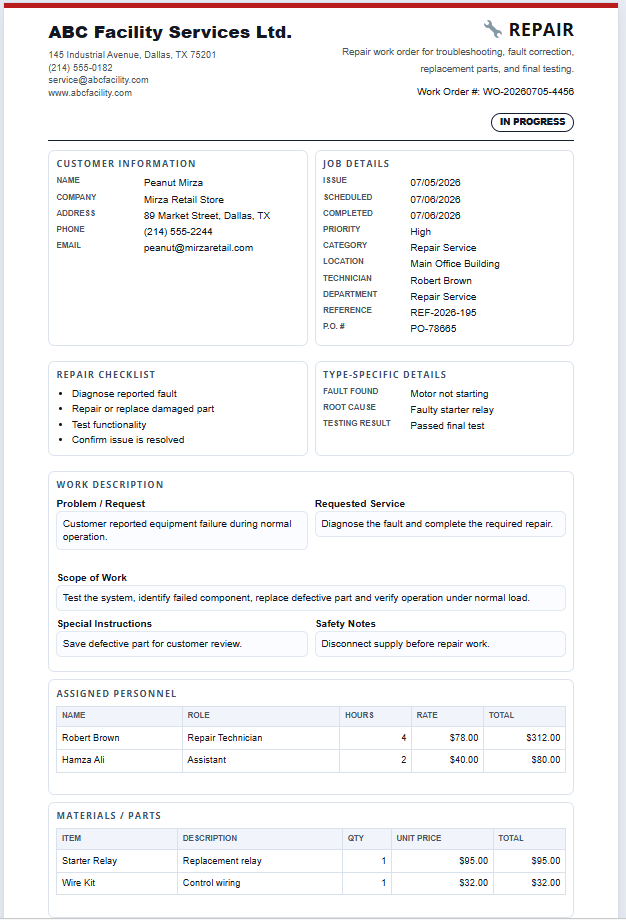
Managing work requests efficiently starts with a clear, organized, and professional work order. This Universal Work Order Generator is designed to help businesses, contractors, maintenance teams, service providers, and facility managers create detailed work orders online in just a few minutes. Instead of preparing documents manually, simply select the appropriate work order type, enter your project details, and instantly generate a polished, print-ready work order suitable for business use.
One of the standout features of this generator is its intelligent Work Order Type dropdown. Users can choose from a wide range of work order categories, including General Work Order, Maintenance, Repair, Cleaning, Electrical, Plumbing, HVAC, Construction, Painting, Carpentry, Roofing, Landscaping, IT Support, Equipment Service, Vehicle Repair, Manufacturing, Facility Maintenance, and Custom Work Orders.
Frequently Asked Questions
What is new in Version 5?
Every dropdown type loads its own sample details, checklist, labor rows, material rows, work description, safety notes, and preview content.
Can I print only the work order?
Yes. The print button prints only the A4 work order preview, not the input form or website controls.
Can I save my draft?
Yes. Entries are saved in the browser automatically. Use Clear Draft to remove saved data.
Unlike basic templates that only change the document title, this generator dynamically updates the entire work order with industry-specific terminology, sample information, work descriptions, checklists, safety instructions, labor entries, materials, and preview content based on the selected category. This allows users to begin with a realistic example that closely matches their industry and customize it according to their project requirements.
The generator includes comprehensive input sections for company information, customer details, technician information, work order numbers, issue and completion dates, priority levels, work status, work location, purchase order numbers, reference details, and other important project information. Users can also record the problem description, requested service, scope of work, special instructions, safety notes, and completion notes in a well-organized format.
Dynamic personnel and materials tables allow multiple technicians, labor hours, hourly rates, materials, quantities, and unit prices to be entered quickly and accurately. Built-in calculations automatically determine labor costs, material costs, additional charges, discounts, taxes, and the overall project total, eliminating manual calculations while improving accuracy.
A professional live preview updates instantly as information is entered, allowing users to review the completed work order before printing. The document is formatted in a clean A4 layout for high-quality printing and can also be downloaded as an HTML file for future use. Additional features such as automatic work order numbering, browser draft saving, draft restoration, copy to clipboard, one-click sample loading for every work order type, responsive design, and professionally formatted output make this generator a practical and time-saving solution for organizations of all sizes.
- Halloween Party Games Planner
- Trick-or-Treat Route Planner
- Halloween Scavenger Hunt Generator
- Pumpkin Carving Contest Scorecard
- Halloween Decoration Budget Planner
- Halloween Candy Calculator
- Halloween Party Planner & Budget Calculator
- Employee Probation Evaluation Generator
- Employee Training Plan Generator
- Employee Training Cost Calculator
- Employee Absence Cost Calculator
- Employee Overtime Cost Calculator
- Employee Compensation Comparison Calculator
- Employee Cost to Company (CTC) Calculator
- Employee Salary Revision & Increment Calculator