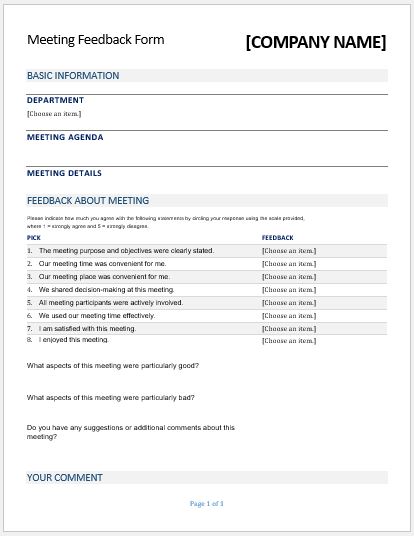
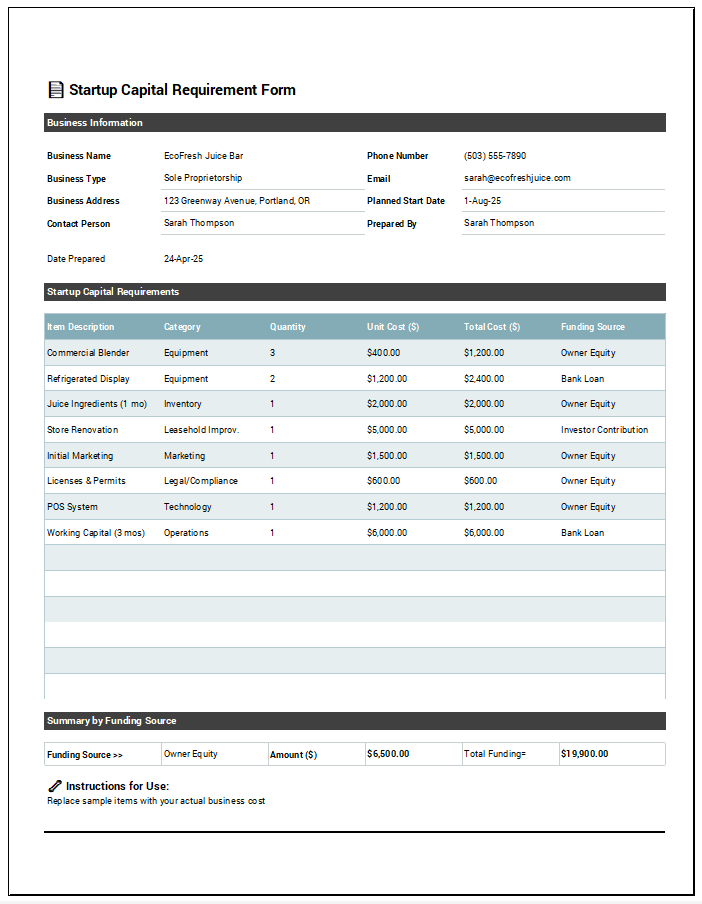
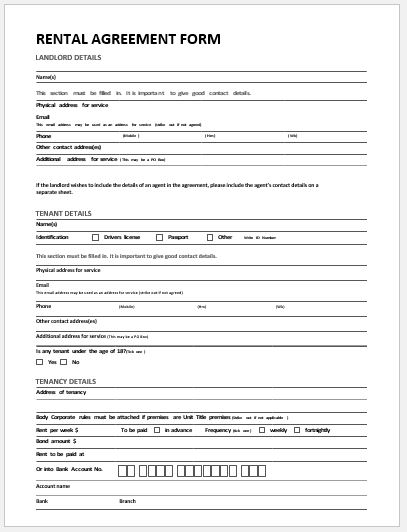
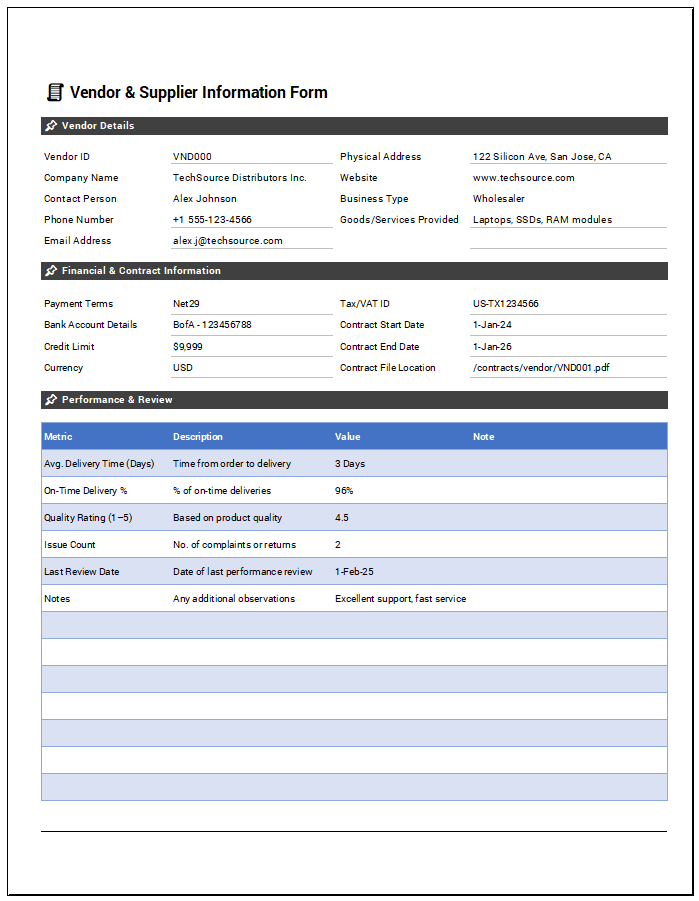
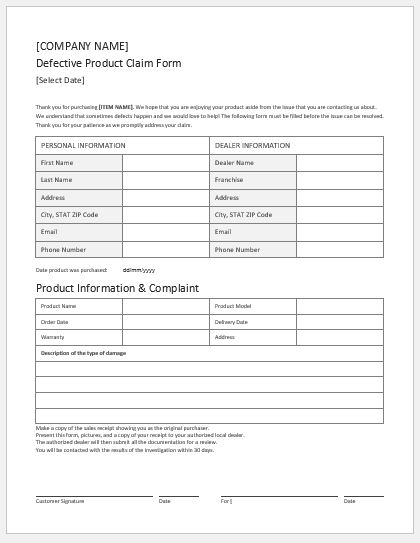
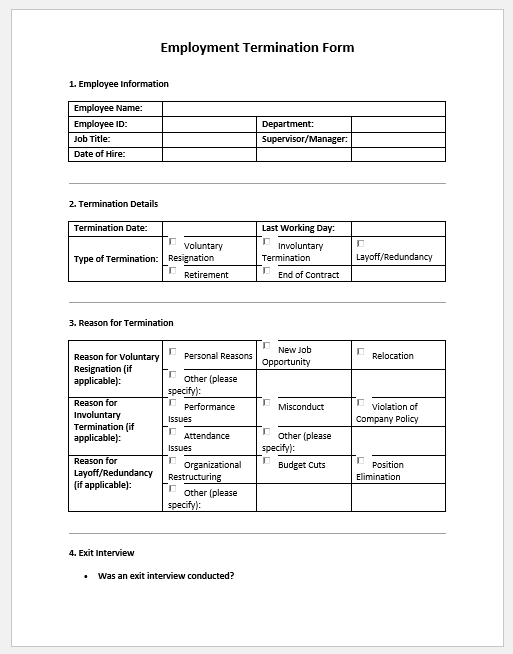
The AI Form Builder is a browser-based tool for preparing structured forms for common business, workplace, administrative, operational, and organizational tasks. Instead of generating unrestricted content through an external AI service, it uses a built-in library of prepared form situations and loads fields, tables, checklists, approval areas, and other sections according to the form selected.
Search for the type of form you need, select the closest matching situation, and then review and edit the loaded content for your actual purpose. The form can be customized before it is printed or saved through the browser.
Important: A generated form should be treated as a starting document rather than confirmation that it meets a particular legal, regulatory, contractual, HR, safety, or industry requirement. Review important forms against your organization’s procedures and any requirements that apply to their intended use.
AI Form Builder FAQs
What is the AI Form Builder?
The AI Form Builder is a no-API form creation tool with a built-in library of prepared form situations. Choose or search for a form and the tool loads relevant fields, tables, checklists, decisions, and signature areas for that form type.
How many forms are included?
The current version includes 512 prepared form situations across HR, administration, customer service, sales, finance, procurement, inventory, manufacturing, quality, maintenance, safety, construction, IT, projects, education, property, events, and community uses.
Does every form use the same fields?
No. The structure changes according to the selected form purpose. Inspection forms, incident forms, handover forms, consent forms, applications, and requests load different controls where appropriate.
Does each form load sample data?
Yes. Each selected form loads prepared sample content relevant to that specific form, which can then be edited or cleared.
Can I print the form?
Yes. The generator includes an A4 Live Preview with Zoom−, Zoom+, Fit, and isolated Print controls.
Does it require an API key?
No. The tool uses a built-in prepared form library and does not require an external AI API.
Are the forms automatically compliant?
No. Review the final form against your actual workflow, privacy requirements, approvals, contracts, recordkeeping needs, and applicable legal or regulatory requirements before formal use.
Choosing and Reviewing the Right Form
Start by selecting the form situation that most closely matches the task you actually need to document. Similar forms may serve different purposes—for example, an incident report records what occurred, while a corrective-action form records what should be done afterward.
After selecting a form, review every field, heading, instruction, checklist item, and sample entry before using it. Remove sections that do not apply and replace sample information with accurate details from the actual situation.
Pay particular attention to dates, names, amounts, responsibilities, approval fields, deadlines, and required signatures. If the form will become an official business or organizational record, confirm that it follows the applicable internal approval, recordkeeping, and retention procedures.
When Additional Review May Be Needed
Some forms are used only for routine internal recordkeeping, while others may affect employment decisions, financial transactions, safety procedures, contracts, regulatory obligations, or legal rights. The level of review should match the importance and consequences of the document.
For higher-risk uses, have the completed form reviewed by the appropriate HR, finance, safety, compliance, legal, or other qualified personnel before relying on it. The Form Builder provides an editable document structure; it does not determine whether a form is legally sufficient or appropriate for every organization or jurisdiction.