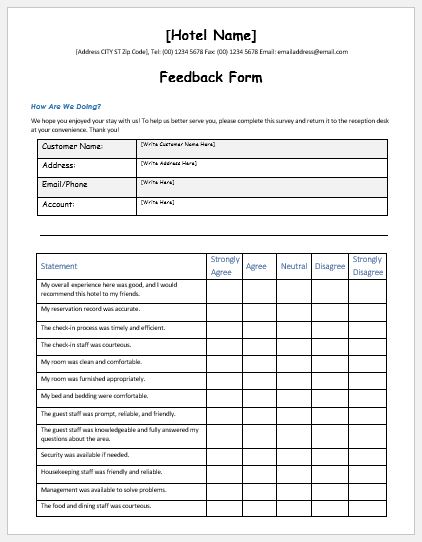
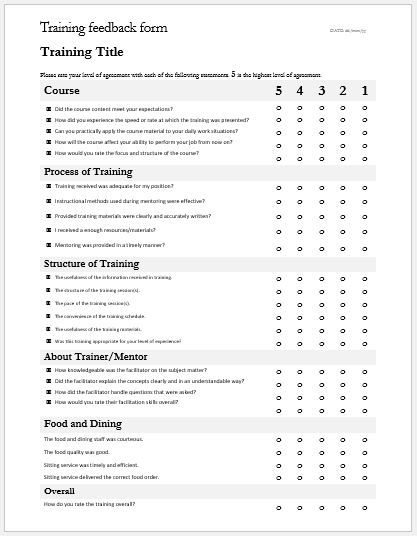
A meeting feedback form collects participants’ observations about how a meeting was organized, conducted, and experienced. It can be used after team meetings, project discussions, client meetings, training sessions, workshops, conferences, and other structured gatherings.
Feedback may cover areas such as agenda clarity, communication, discussion quality, usefulness, time management, and overall satisfaction. Written comments can provide additional context about what worked well, what caused difficulty, and what participants believe could be improved.
Use the Meeting Feedback Form below to record structured feedback after a meeting. Responses should reflect the participant’s actual experience and, where the form is used within an organization, should be collected and reviewed according to the organization’s own feedback and privacy practices.
Meeting Feedback Form Generator
Create a printable feedback form for products, services, events, or customer support.
Business and Form Details
Customer Information
Questions
Add as many rating questions as needed. Use the × button to remove a question. At least one rating question is retained.
Closing Message
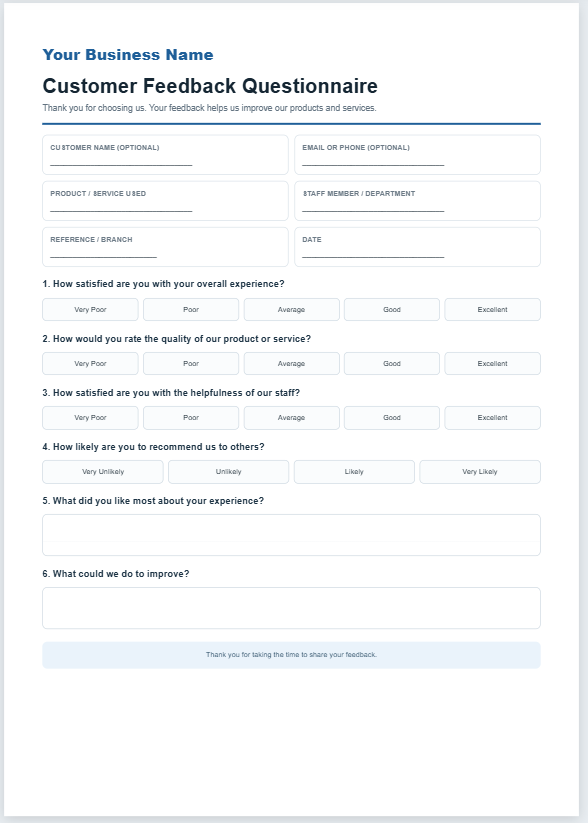
Your Business Name
Meeting Feedback Form
Please share feedback about the meeting. Your responses can help identify what worked well and what could be improved.
Frequently Asked Questions
What is a meeting feedback form?
A meeting feedback form collects participants’ observations about agenda clarity, discussion quality, facilitation, time management, usefulness, and the overall meeting experience.
Which meetings can I use it for?
It can be adapted for team, project, client, training, workshop, review, board, conference, and other structured meetings.
Can I customize the questions?
Yes. Edit the rating and written-response questions to match the purpose of the meeting.
Can I use it for anonymous feedback?
Yes. Leave participant-identifying fields optional or remove them when anonymity is intended.
How should feedback be reviewed?
Look for recurring patterns across multiple responses rather than relying on one unusually positive or negative comment.
Can I print or save the form as PDF?
Yes. Use the A4 live preview and Print control. A PDF can be created using the browser’s Save as PDF option.
Does the generator store participant responses?
No. It prepares the form in the browser and does not submit participant responses to a database.
How should confidential feedback be handled?
Restrict identifiable or sensitive feedback to appropriate personnel and follow applicable organizational privacy and retention practices.
How to Use Meeting Feedback Effectively
Meeting feedback is most useful when participants are asked to comment on specific aspects of the meeting rather than simply whether they liked it. Review ratings together with written comments to understand the reasons behind the responses.
Look for recurring patterns across multiple responses rather than making changes based on a single rating or comment. For example, repeated concerns about unclear agendas, limited discussion time, poor time management, or missing follow-up actions may indicate areas worth reviewing.
When feedback identifies an actionable issue, record the improvement to be made and review whether it helped in subsequent meetings. If responses contain personal or sensitive information, limit access and handle the records according to the organization’s applicable privacy and retention practices.
For MS Word
Downloadable Meeting Feedback Form Templates
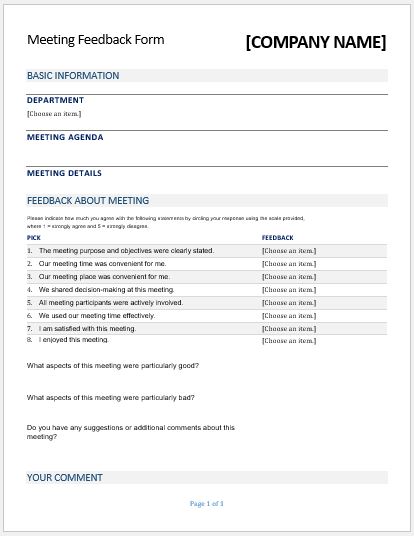
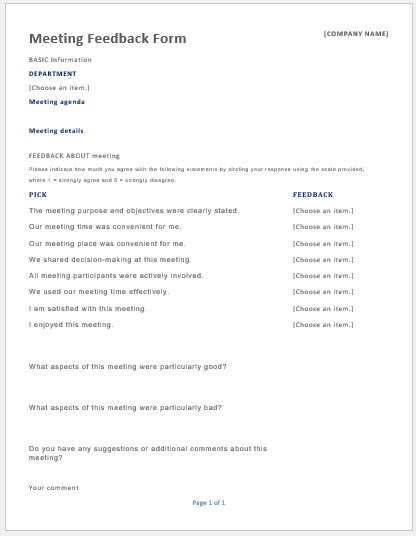
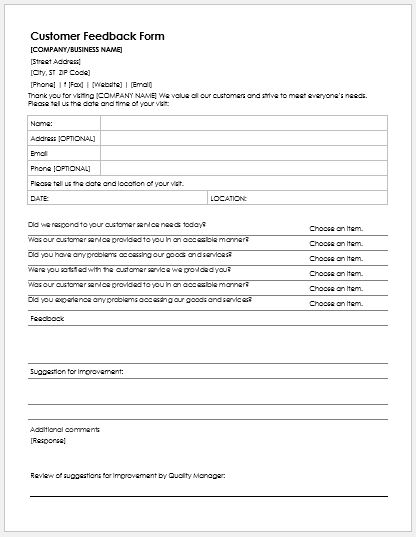
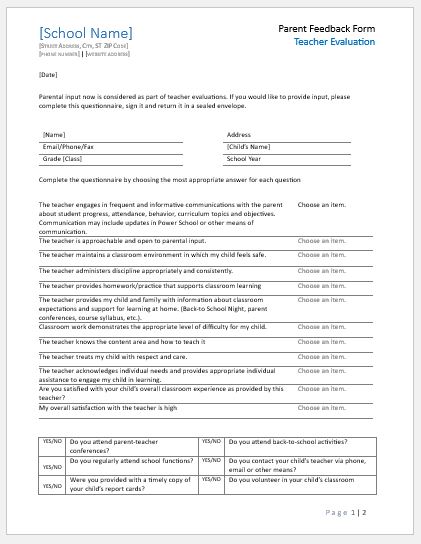
The downloadable Microsoft Word templates below provide ready-made formats for collecting meeting feedback offline or within an organization’s existing document workflow. They can be edited to match the type of meeting, the information being evaluated, and the organization’s internal requirements.
Before using a template, review the questions and rating criteria to make sure they are relevant to the meeting. Remove unnecessary questions and add any meeting-specific items that would help produce useful, actionable feedback.
When completed forms are retained as organizational records, store and share them according to the organization’s applicable privacy, access, and record-retention practices.