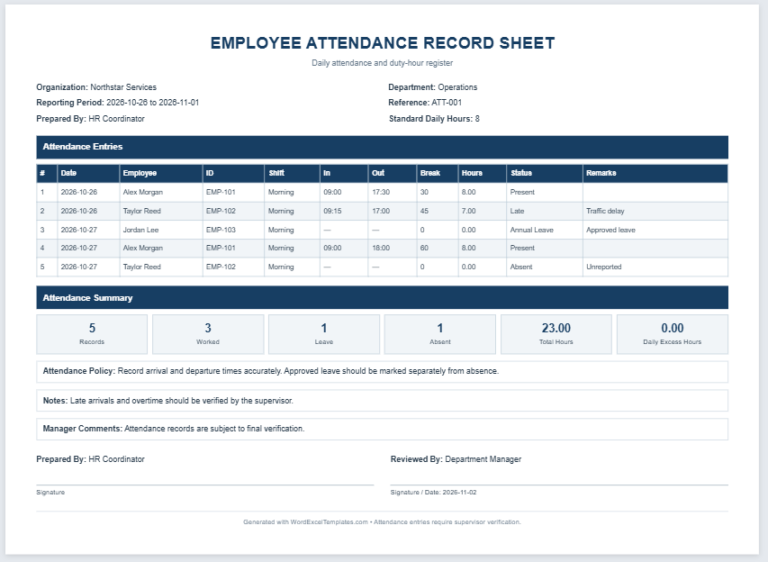
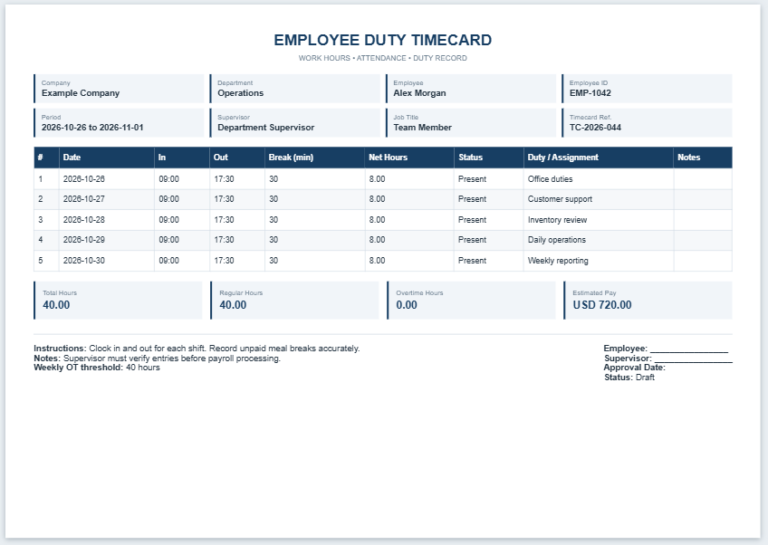
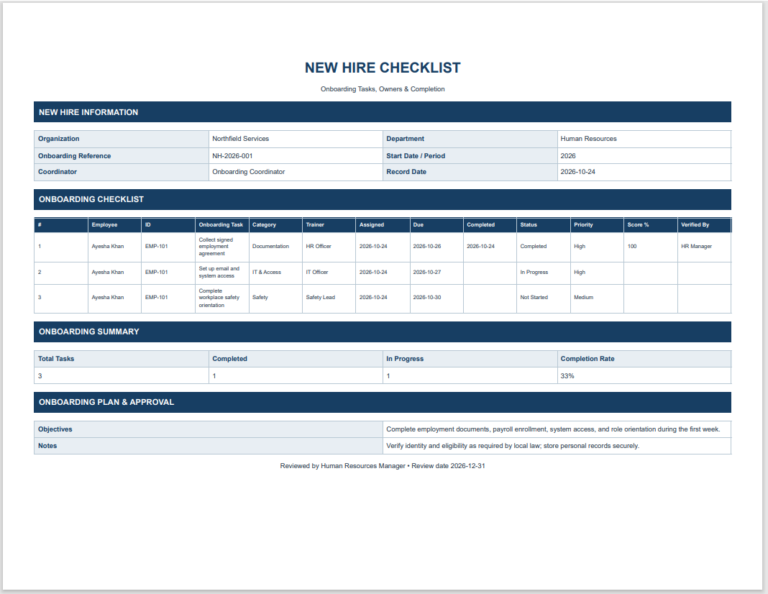
The KPI Scorecard Generator is a practical online tool designed to help businesses, managers, HR professionals, team leaders, and organizations measure employee, department, or project performance using Key Performance Indicators (KPIs). Instead of creating scorecards manually, this generator automatically formats professional KPI reports that are easy to review, print, and share.
Users simply enter KPI names, target values, actual results, weightage, and performance details. The generator instantly calculates achievement percentages, weighted scores, and overall performance ratings while displaying a professional live preview. This saves valuable time, reduces calculation errors, and ensures consistent reporting across teams.
The tool is ideal for monthly, quarterly, or annual performance evaluations, employee appraisals, departmental reviews, sales tracking, customer service monitoring, production management, and business performance analysis. Managers can customize KPI entries according to their organization’s objectives and instantly produce a clean, printable scorecard.
The responsive design works smoothly on desktops, tablets, and mobile devices. Features such as live preview, automatic calculations, editable KPI rows, zoom controls, and one-click printing make it convenient for everyday use. Whether you manage a small business or a large organization, the KPI Scorecard Generator helps monitor progress, improve accountability, and support data-driven decision-making with professionally formatted performance reports.
KPI Scorecard Generator
Scorecard Information
KPI Entries
Comments and Approval
| KPI | Category | Weight | Target | Actual | Achievement | Status |
|---|
KPI Scorecard Generator FAQs
What is a KPI scorecard?
A KPI scorecard is a structured performance report that compares actual results with defined targets. It helps managers understand which indicators are on track and which require corrective action.
How is the overall KPI score calculated?
The generator calculates the achievement percentage for each KPI and combines the results according to the weight assigned to each indicator. The final score is therefore based on both performance and relative importance.
Can I add or remove KPI rows?
Yes. Use the Add KPI button to create additional entries. Each KPI row also includes a remove button, allowing you to customize the scorecard for any team, project, or department.
What should I enter as a KPI target and actual value?
Enter a measurable target and the result achieved during the reporting period. For example, a sales target may be 100 units and the actual result may be 92 units.
Can the KPI scorecard be printed?
Yes. The Print button prints only the formatted live preview on an A4 page while hiding the input panel, buttons, website header, sidebar, and other page elements.
Does the tool work on mobile devices?
Yes. On smaller screens, separate Input and Live Preview tabs make the generator easier to use. Zoom controls and the Fit button keep the scorecard centered inside the preview area.