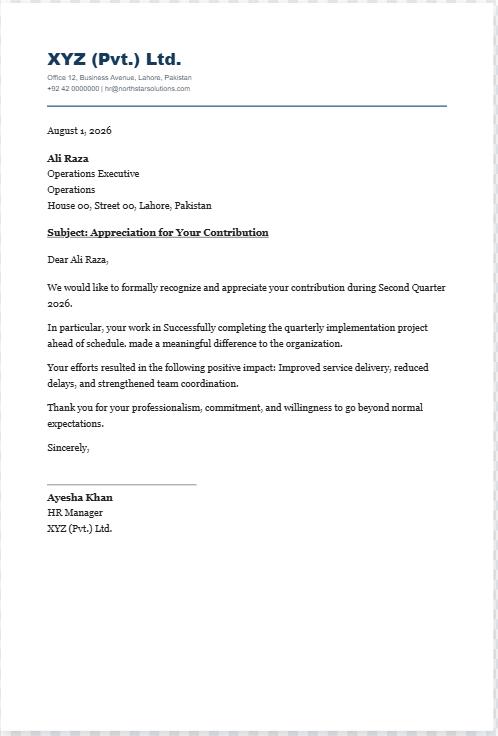
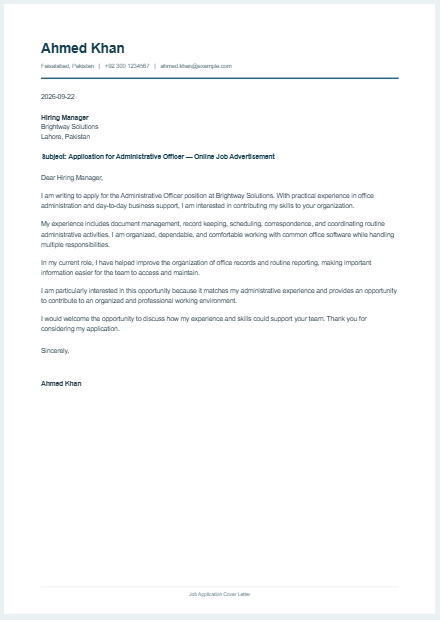
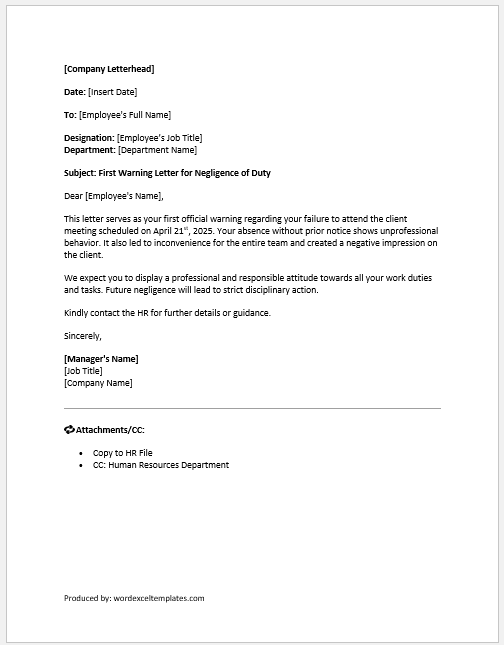
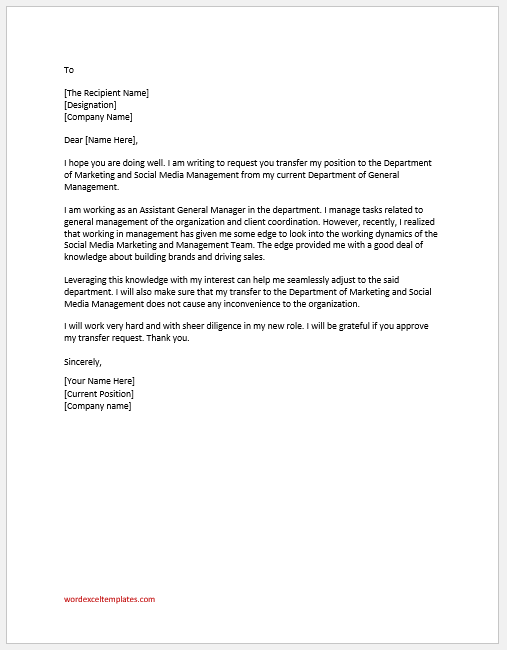
The Hospital HR Letter Writer helps you produce professional HR letters in minutes, ready to sign on your hospital letterhead. It covers eleven common letters: appointment, confirmation, promotion, salary increment, transfer, leave approval, warning, show-cause notice, resignation acceptance, relieving letter and experience certificate.
Start on the Hospital tab. Enter your hospital name, address, phone, email and website, plus the reference prefix, signatory name and designation. This information appears in the letterhead and signature block of every letter.
Next, open the Letter Details tab. Choose the letter type from the dropdown, set the letter date, and enter the employee’s title, name, ID, designation and department. Below that, you will see only the fields relevant to your chosen letter. An appointment letter asks for joining date, salary, probation and notice period, while a leave letter asks for leave type and dates. Warning and show-cause letters let you describe what happened and set a reply deadline.
The Letter Text tab shows the subject and body written from your details. Edit any wording you like. Start a line with a hyphen to create a bullet list. If you change a detail later, the text updates automatically until you edit it by hand. Click “Rewrite from details” to start fresh.
The live A4 preview on the right updates as you type. Use the zoom buttons to inspect the layout.
When satisfied, click Download Word to get an editable .doc file, or Print / Save PDF for a clean A4 copy.
Always review disciplinary letters against your hospital policy and local labour law before issuing them.
Hospital HR Letter Writer
Pick a letter type, fill in the details, and get a ready-to-sign letter on your hospital letterhead. You can edit the wording before you download it.
Hospital Letterhead
Reference & Signatory
Letter Type
Employee
Details for This Letter
Letter Text
The subject and text are written for you from the details above. Edit them freely. If you change a detail later, the text updates until you edit it by hand. Use "Rewrite from details" to start again. Start a line with "- " to make a bullet list.
Warning, show-cause and similar letters can have legal effects. Check the wording against your hospital policy and local labour law before issuing.