Secret Santa is a gift exchange that keeps the Christmas spirit alive among people of all ages. It is a fun way to learn more about the people close to you and to spend time together. Organising the exchange and inviting guests is part of the enjoyment.
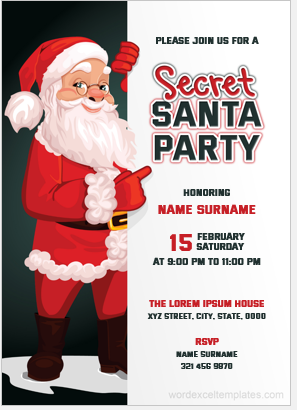
A well-planned invitation is what encourages people to gather and take part. This guide explains how to get started and what to include in a Secret Santa gift exchange invitation.
How to Get Started?
Organising a gift exchange takes some planning. The following steps can help.
- Decide on the Size of the Exchange: First decide who will attend. Think about whether the gathering will be large or small, and work out the number of guests.
- Send the Invitations: Invite the people on your list.
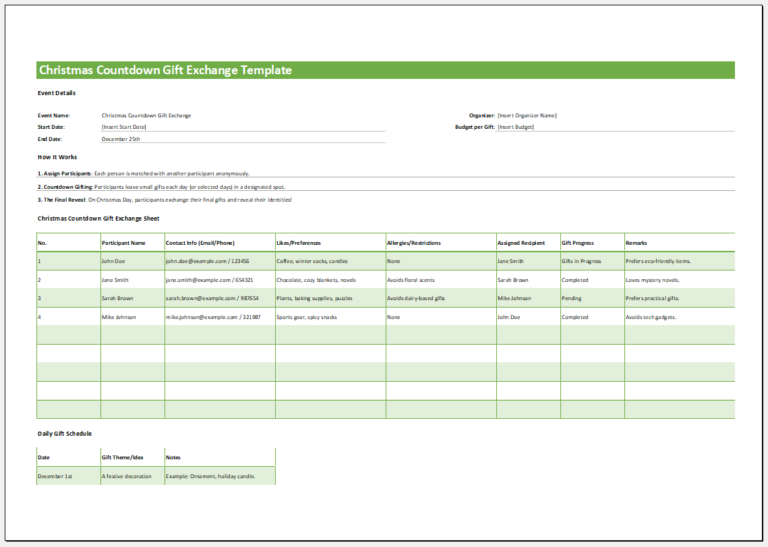
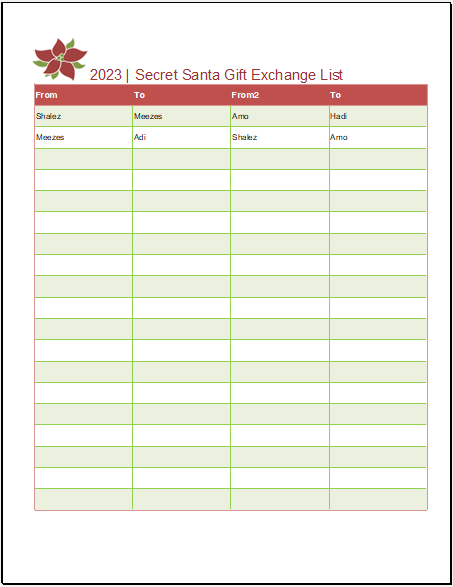
- Make a List of Participants: Not everyone you invite may be able to attend. Note down the names of the people who can come, and assign each of them a partner to buy a gift for.
- Allow Enough Time: Give your guests enough time to shop. You can include a date by which gifts should be ready.
How to Create a Good Invitation?
Once you know the basic steps, you can design the invitation. Keep the following points in mind.
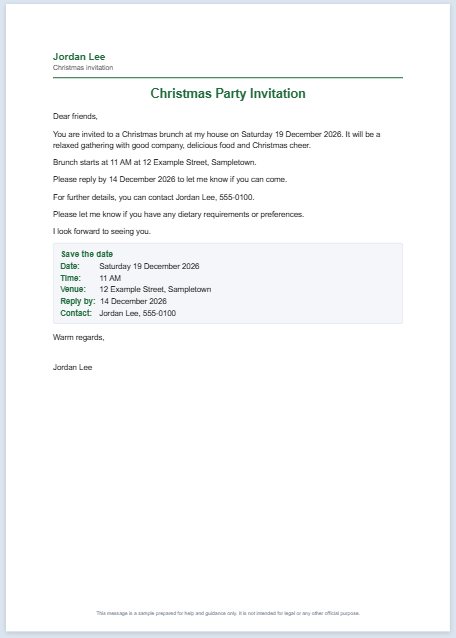
- Date and Address: Include the date and the address of the gift exchange. Guests need both details to attend.
- Contact Information: Guests need a way to tell you whether they are coming. Add an email address or a phone number to the invitation.
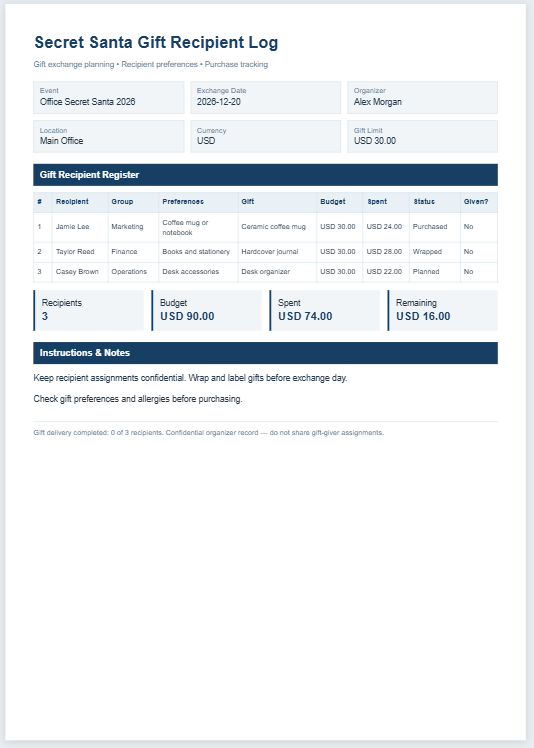
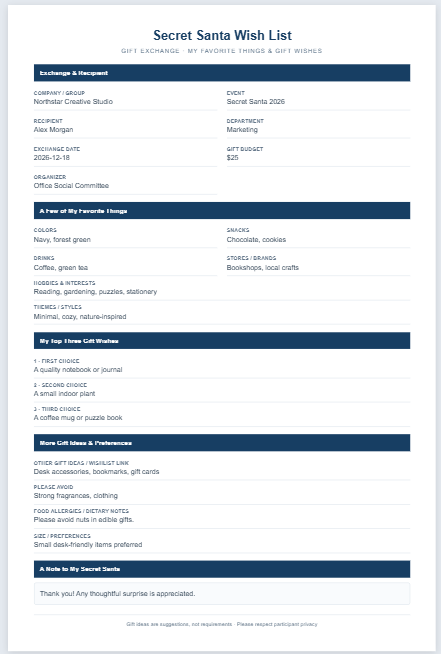
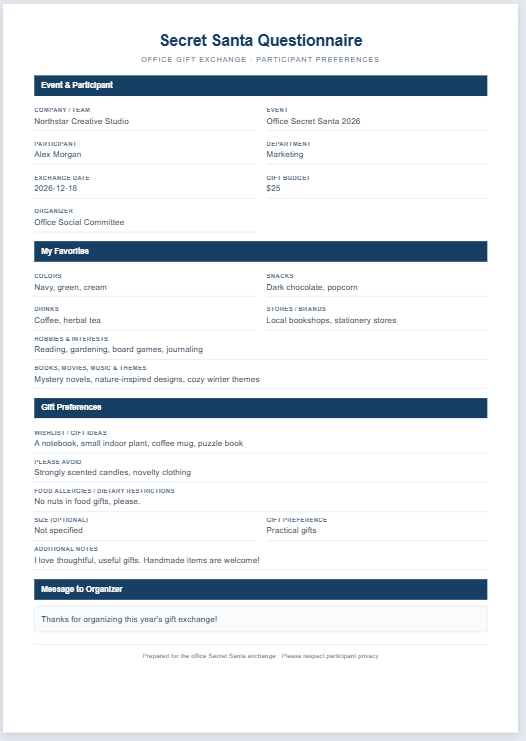
- Price Limit: Mention the price limit so that guests know roughly what to spend. Choose a limit that is affordable for everyone.
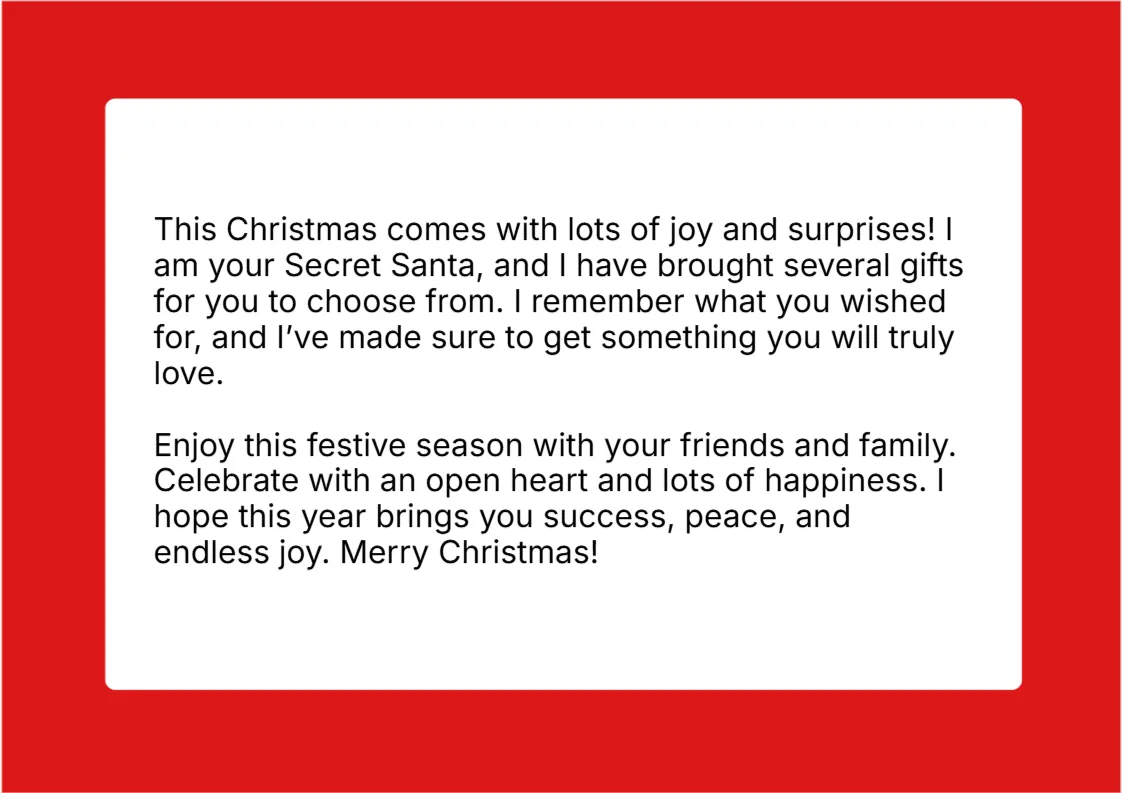
- Keep It Simple and Fun: Use a catchy tagline to add some fun. The invitation should make guests excited to attend, but keep it short and avoid unnecessary details.
Create your invitations below:
Secret Santa Gift Exchange Invitations
Enter the event details, the date and address, how guests can reply and the price limit, then add your guest names if you want a personal invitation for each person. Check the preview, then print the invitations or save them as a PDF, or download an editable Word document. Your details stay in your browser and are not sent anywhere. These invitations are a sample prepared for help and guidance only. They are not intended for legal or any other official purpose.
Invitation Wording
Message
Date and Address
Reply and Contact
Gift Details
Guests
Page & Style
Using this tool you can enter the event title, a tagline and a short message, the date, time and address, the reply date and contact details, the price limit and the date gifts should be ready. You can add a list of guest names to print a personal invitation for each person, choose ready-made wording, and check the invitations on the live preview. You can then print them or save them as a PDF, or download an editable Word document.