The Project Cover Page Generator is a powerful online tool designed to help students, teachers, professionals, and organizations create professional and well-structured project cover pages within seconds. Instead of manually designing documents in Word or using complicated formatting tools, users can simply enter their details and instantly generate a clean, printable cover page.
This tool is fully web-based and works directly in your browser. No installation, no software, and no technical skills are required. It is especially useful for academic submissions, office reports, assignments, research projects, and official documentation where a properly formatted cover page is required.
What This Tool Does
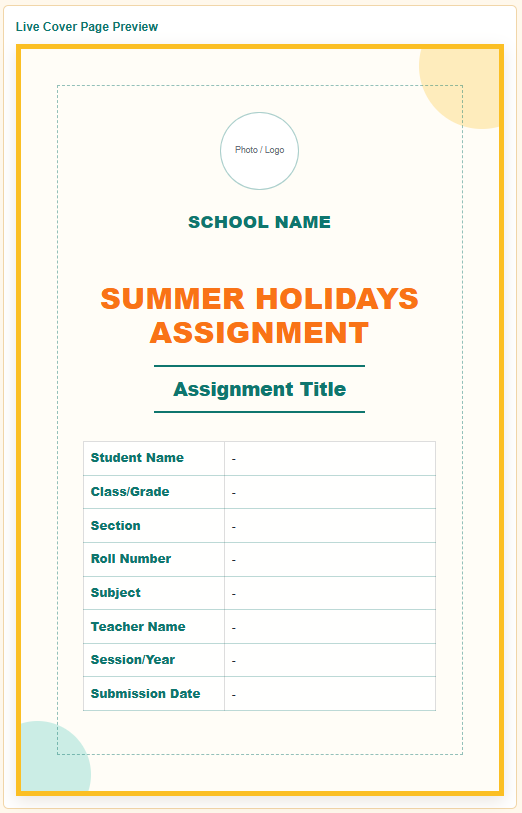
The Project Cover Page Generator transforms basic user input into a fully designed, professional cover page. As you fill in the form fields, the preview updates in real time, showing exactly how your final document will look.
You can generate cover pages for:
- School and college assignments
- University research reports
- Business and office projects
- Internship reports
- Final year projects
- Training and certification documents
Project Cover Page Generator
Create a professional business project cover page for proposals, reports, plans, case studies, client submissions, and internal documentation.
FAQs
Can I print this as an A4 cover page?
Can business professionals use this cover page?
Does it use external libraries?
Can I upload a company logo?
Key Features of the Generator
1. Live Preview System
Every input you enter is instantly reflected in the cover page preview. This allows you to see the final design in real time without waiting or refreshing the page.
2. Professional Input Fields
The tool includes all essential fields required for a complete cover page, such as:
- Project title and subtitle
- Student or author name
- Roll number or ID
- Class or department
- Subject name
- Institution or company name
- Teacher or supervisor name
- Submission date and academic session
This ensures that every academic or professional requirement is properly covered.
3. Logo Upload Option
Users can upload their institution or company logo, which is automatically displayed on the cover page. The logo is properly resized and positioned to maintain a clean and professional appearance.
4. Theme and Design Customization
The generator includes multiple design themes to match different needs and preferences, such as:
- Academic Blue Theme
- Corporate Grey Theme
- Elegant Black & Gold Theme
- Minimal White Theme
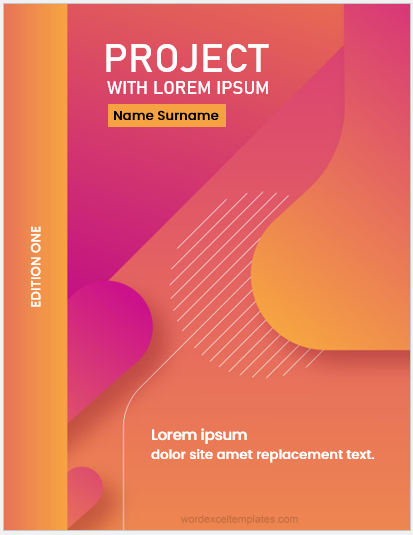
- Modern Gradient Theme
Users can also adjust colors and alignment to personalize their cover page design.
5. Automatic Formatting
To ensure consistency and professionalism, the tool automatically formats text such as:
- Capitalizing project titles (optional control)
- Aligning headings properly
- Structuring information in a clean layout
- Maintaining spacing and readability
6. Print-Ready Layout (A4 Format)
The generated cover page is optimized for standard A4 paper size. It includes proper margins, spacing, and typography so that the printed output looks exactly like a professionally designed document.
You can directly print the page or save it as a PDF using your browser’s print option.
7. Download & Print Options
Once your cover page is ready, you can:
- Print it directly from the browser
- Save it as a PDF file
- Re-edit inputs and regenerate instantly
This makes it highly flexible for students and professionals who need quick revisions.
8. Reset and Quick Editing
A reset option allows users to clear all inputs instantly and start a new project cover page without reloading the page. This improves workflow speed and usability.
9. Responsive Design
The tool works smoothly on all devices including:
- Desktop computers
- Tablets
- Mobile phones
The layout automatically adjusts for smaller screens while maintaining usability and clarity.
Why Use This Tool?
Creating a professional cover page manually can be time-consuming and often results in formatting errors. This generator solves that problem by providing:
- Fast and automated design
- Error-free formatting
- Professional appearance
- Instant preview and editing
- No software installation required
It is ideal for anyone who wants a clean, polished, and ready-to-submit project cover page in just a few clicks.
How It Works
- Enter your project details in the input form
- Upload a logo if required
- Choose a theme and adjust settings
- View live preview instantly
- Print or download your final cover page
Online Editable Experience
This tool is also available as a fully online editable generator on our website. Users simply fill in their data, preview the result, and then print or download the final output.
There is no need for Microsoft Word templates or manual formatting. Everything is automated for convenience and accuracy.
Final Note
The Project Cover Page Generator is designed to save time, improve presentation quality, and make document creation effortless. Whether you are a student submitting an assignment or a professional preparing a formal report, this tool ensures your cover page always looks polished and professional.
MS Word Templates
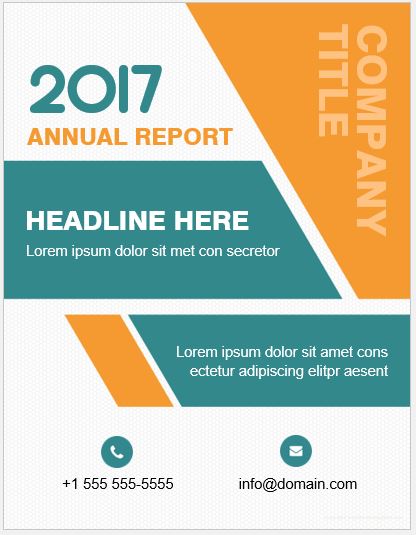
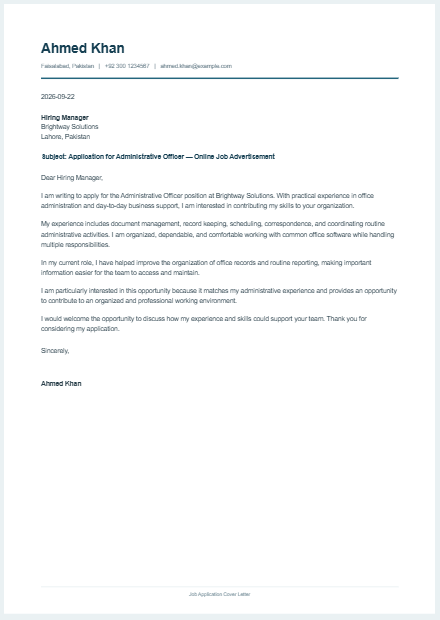
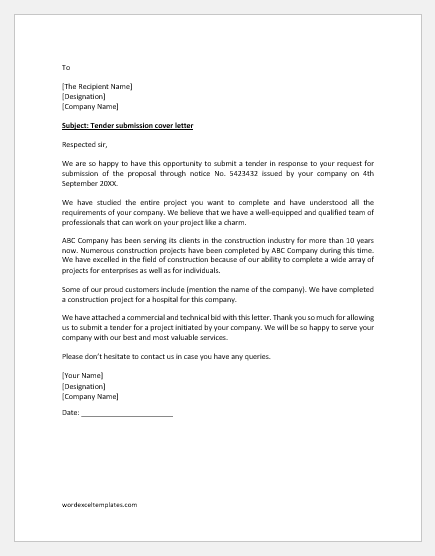
An MS Word template is a pre-designed document format created in Microsoft Word that helps users quickly produce professional and well-structured documents without starting from scratch. It includes ready-made layouts, formatting styles, headings, tables, and placeholders for content, allowing users to simply replace sample text with their own information.
MS Word templates are widely used for resumes, letters, invoices, reports, certificates, and business documents because they save time, ensure consistency, and maintain a professional appearance. They also help users avoid formatting errors by providing a standardized structure that can be reused multiple times for different purposes.
#1
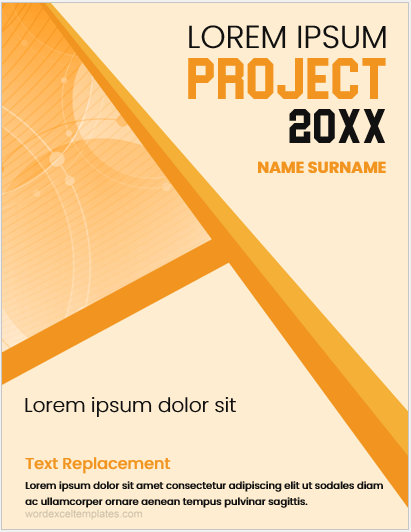
File Word format 3 MB
#2
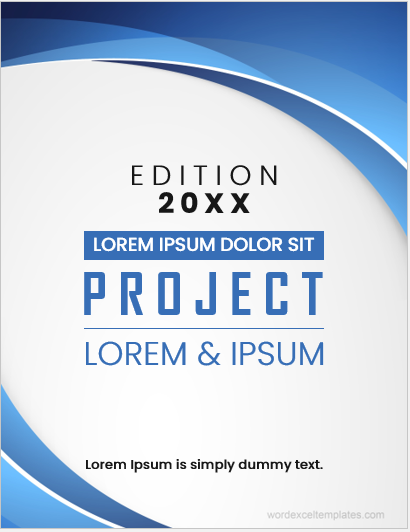
File Word format 3 MB
#3
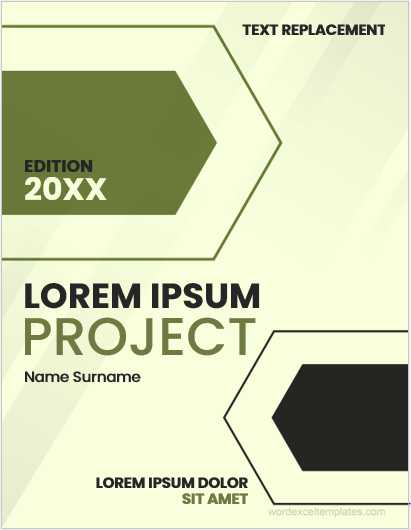
File Word format 3 MB
#4
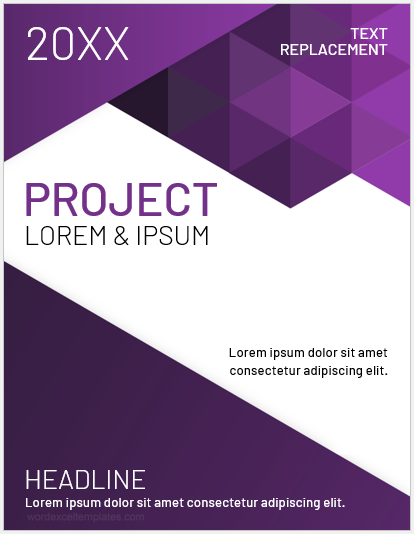
File Word format 3 MB
#5
File Word format 3 MB
- Quotation Register
- Customer Order Tracker
- Inventory Dashboard Generator
- Sales Dashboard Generator
- SWOT Analysis Generator
- KPI Scorecard Generator
- Warehouse Bin Location Generator
- Dispatch Slip Generator
- Universal Work Order Generator
- Office Asset Transfer Form Generator
- Summer Holiday Assignment Cover Page Generator
- Salary and Overtime Calculator Template
- Summer Vacation Planner Generator
- Outlet Mall Shopping Planner
- Customer Information and Ranking Sheet