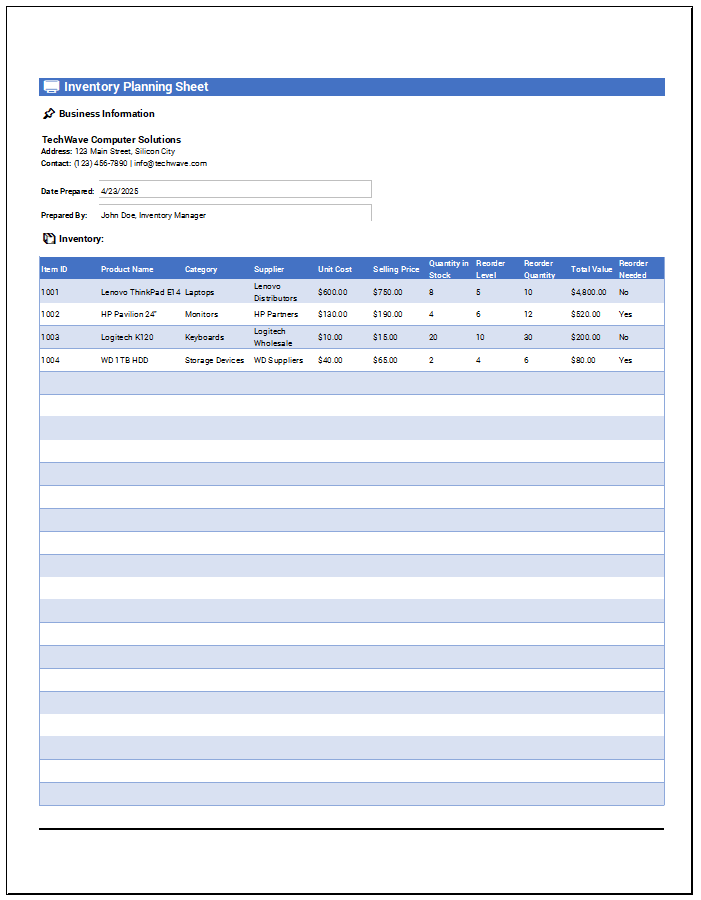
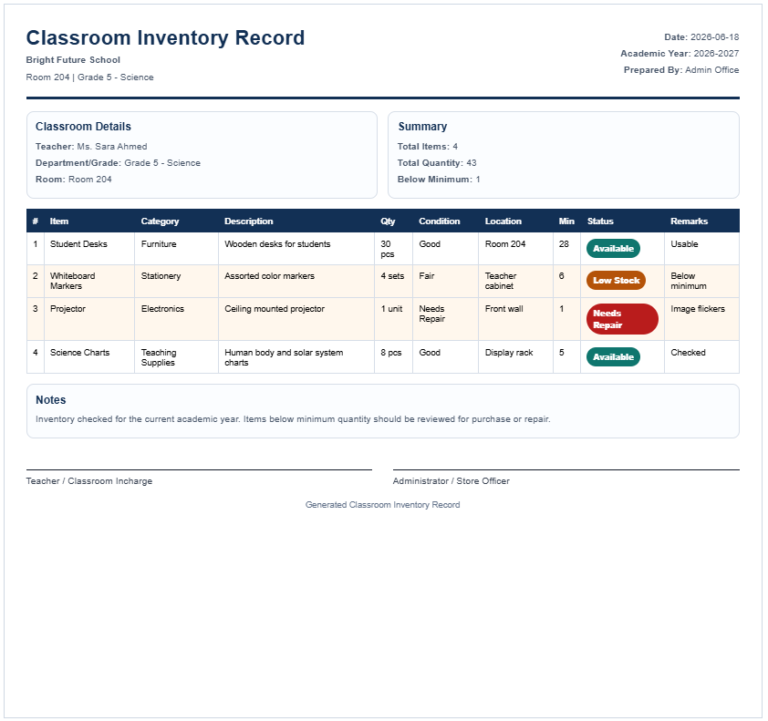
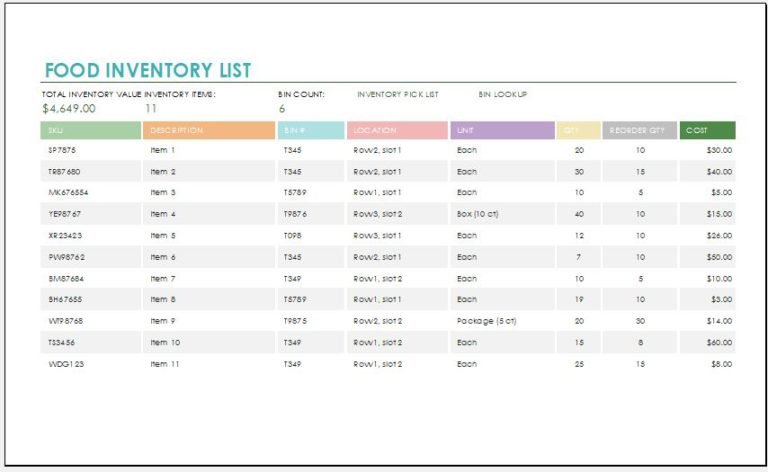
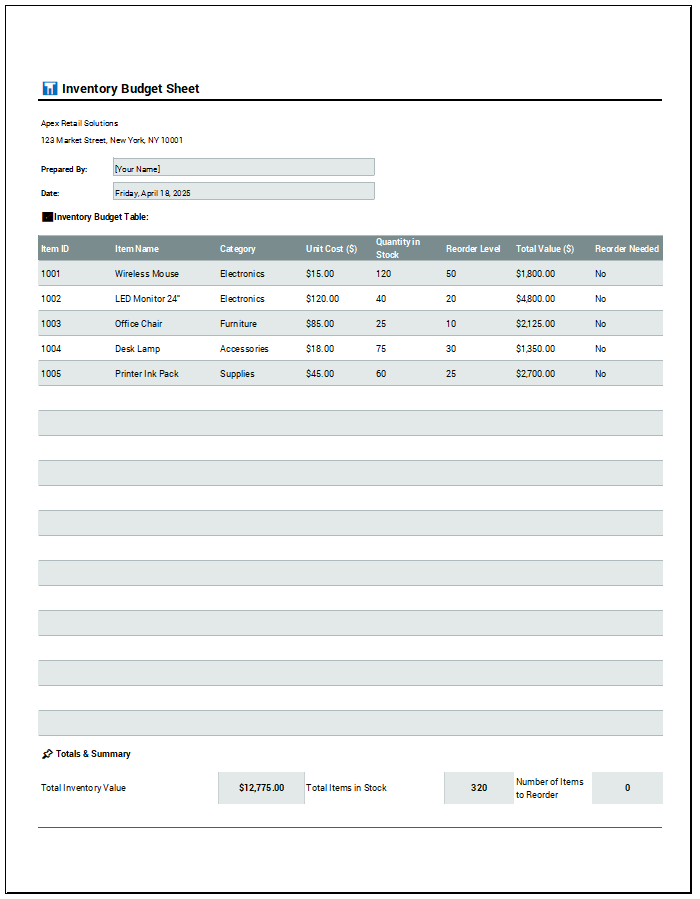
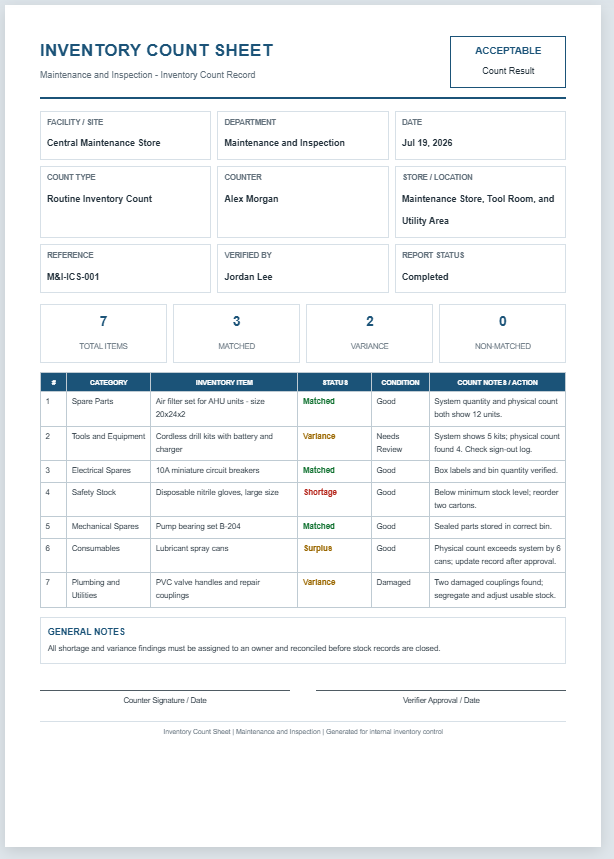
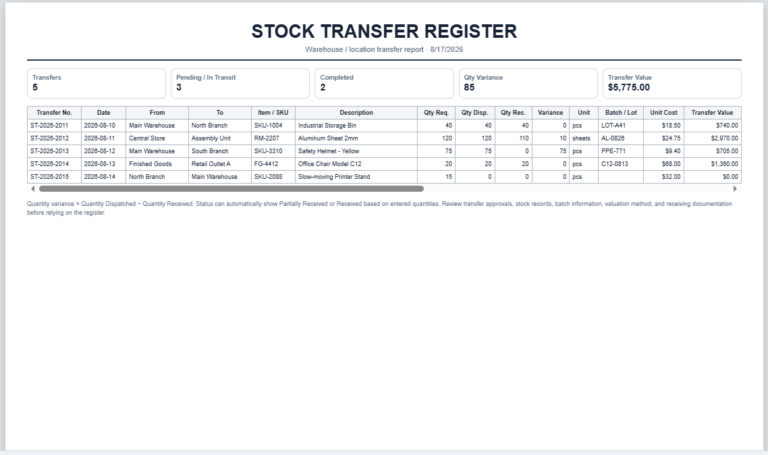
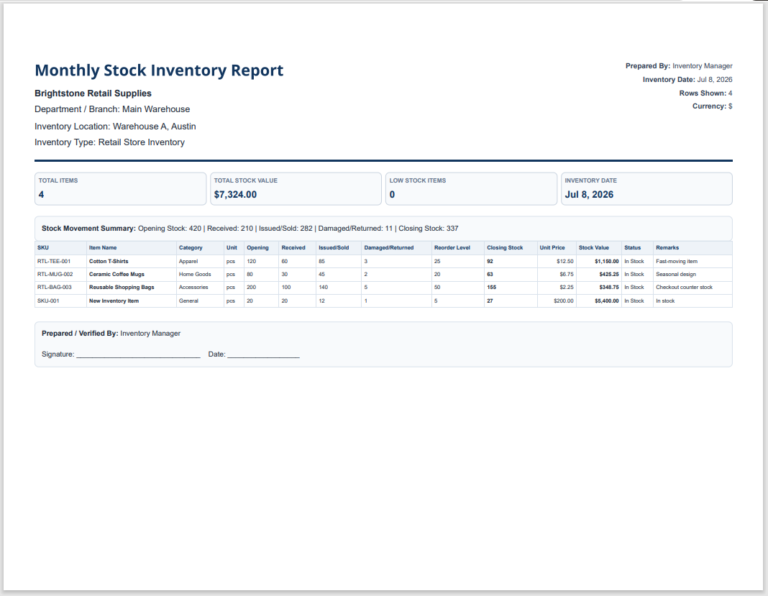
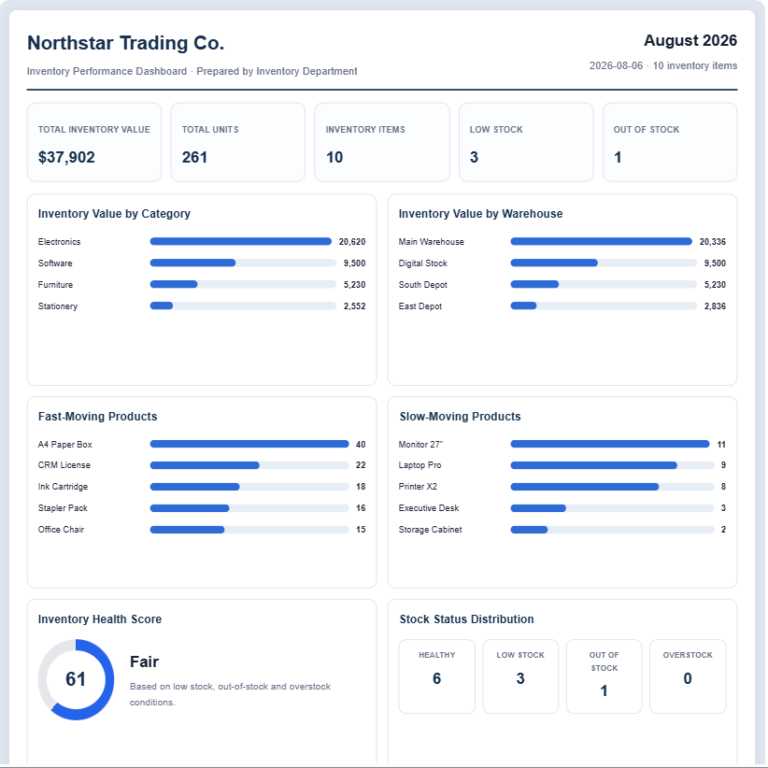
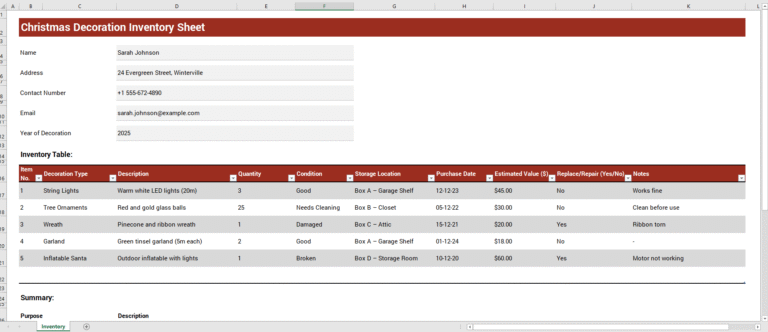
The Stock Count Sheet Generator is a practical tool designed to help businesses maintain accurate inventory records and simplify stock verification. It enables users to record item details, SKUs, barcodes, system quantities, physical counts, variances, damaged items, shortages, and remarks in a well-organized format. Automatic calculations provide instant inventory summaries, helping identify stock discrepancies and reorder requirements.
The live preview updates as data is entered, making it easy to review the sheet before printing. Suitable for warehouses, retail stores, manufacturing units, and distribution centers, this generator improves inventory accuracy, reduces manual errors, and supports efficient stock audits. It produces a professional A4-ready stock count sheet that can be printed or saved as a PDF for record-keeping.
Stock Count Sheet Generator
Create, edit, calculate, save, print, and download professional stock count sheets for warehouses, shops, offices, schools, workshops, and inventory teams.
Business and Document Information
Stock Items Table
| Select | Counted | Sr. | SKU | Barcode | Item Name * | Description | Category | Brand | Unit | Location/Bin | Batch/Lot | Expiry | System Qty | Physical Qty | Damaged | Expired | Reserved | Available | Variance | Unit Cost | System Value | Actual Value | Variance Value | Reorder Level | Status | First Count | Recount | Final Accepted | Recount? | Recounted By | Recount Date | Verification Remarks | Remarks | Actions |
|---|
Bulk Entry, Import, Export and Barcode
Search, Filters and Sorting
Bulk Row Actions
Settings and Customization
Notes and Declaration
Save, Restore, JSON and Print
Frequently Asked Questions
What is a stock count sheet?
A stock count sheet is a document used to record physical inventory quantities and compare them with system records.
How is stock variance calculated?
Quantity variance equals physical quantity counted minus system quantity. Variance value equals quantity variance multiplied by unit cost.
Can I add unlimited stock items?
Yes. You can add, duplicate, import, delete, and reorder as many stock lines as needed.
Can I import items from Excel?
Yes. Paste tab-separated Excel data or import a CSV file using the built-in import tools.
Does the generator save my inventory data?
Yes. The Save button stores the sheet locally in your browser using localStorage.
Is my information uploaded to a server?
No. All information is processed locally in your browser and is not uploaded to a server.
Can I print a multi-page stock count sheet?
Yes. The print layout supports multi-page stock sheets and repeats table headers where supported by the browser.
Can I use a barcode scanner with this generator?
Yes. USB barcode scanners that type barcode values into an input field can be used with the barcode search field.
How do I record damaged or expired stock?
Enter quantities in the damaged and expired quantity columns. The tool highlights and summarizes these values automatically.
Can I hide stock prices and financial values?
Yes. Disable the financial values option in settings before printing or sharing the sheet.
Can I download the sheet as a PDF?
Yes. Use Download as PDF and select Save as PDF in your browser print dialog.
Does the tool work on mobile devices?
Yes. The panels stack vertically and tables scroll horizontally inside their containers on smaller screens.
Privacy Notice: All information is processed locally in your browser and is not uploaded to a server.
MS Excel Templates
For users who prefer working offline, we also provide professionally designed MS Excel Stock Count Sheet Templates. These downloadable templates are ideal for maintaining inventory records without an internet connection while still offering a structured and easy-to-use format. Whether you choose the online generator or the Excel template, you’ll have a reliable solution for creating accurate stock count records that improve inventory management and simplify stock verification tasks.
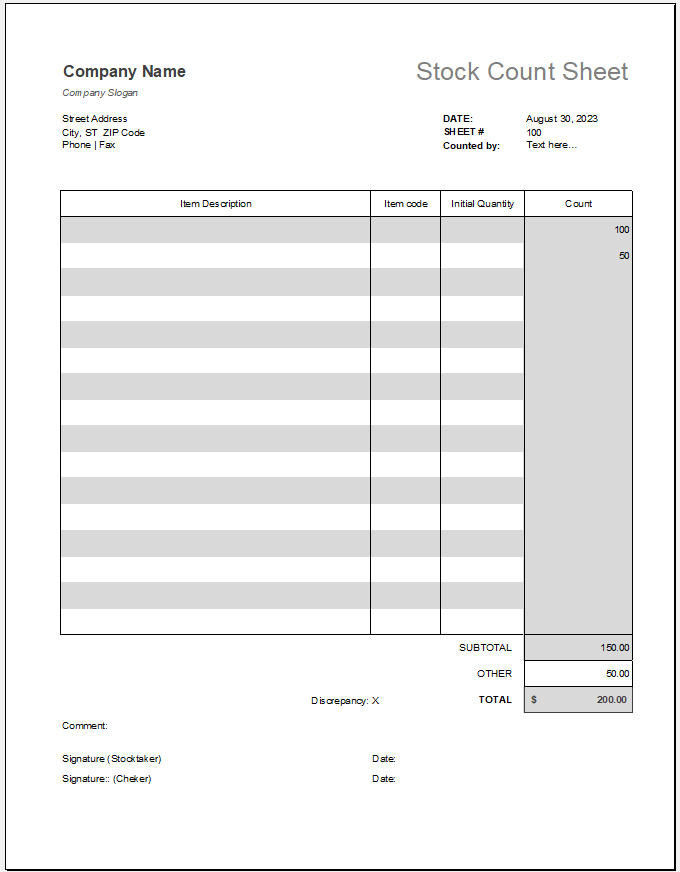
The Excel File: 69 KB
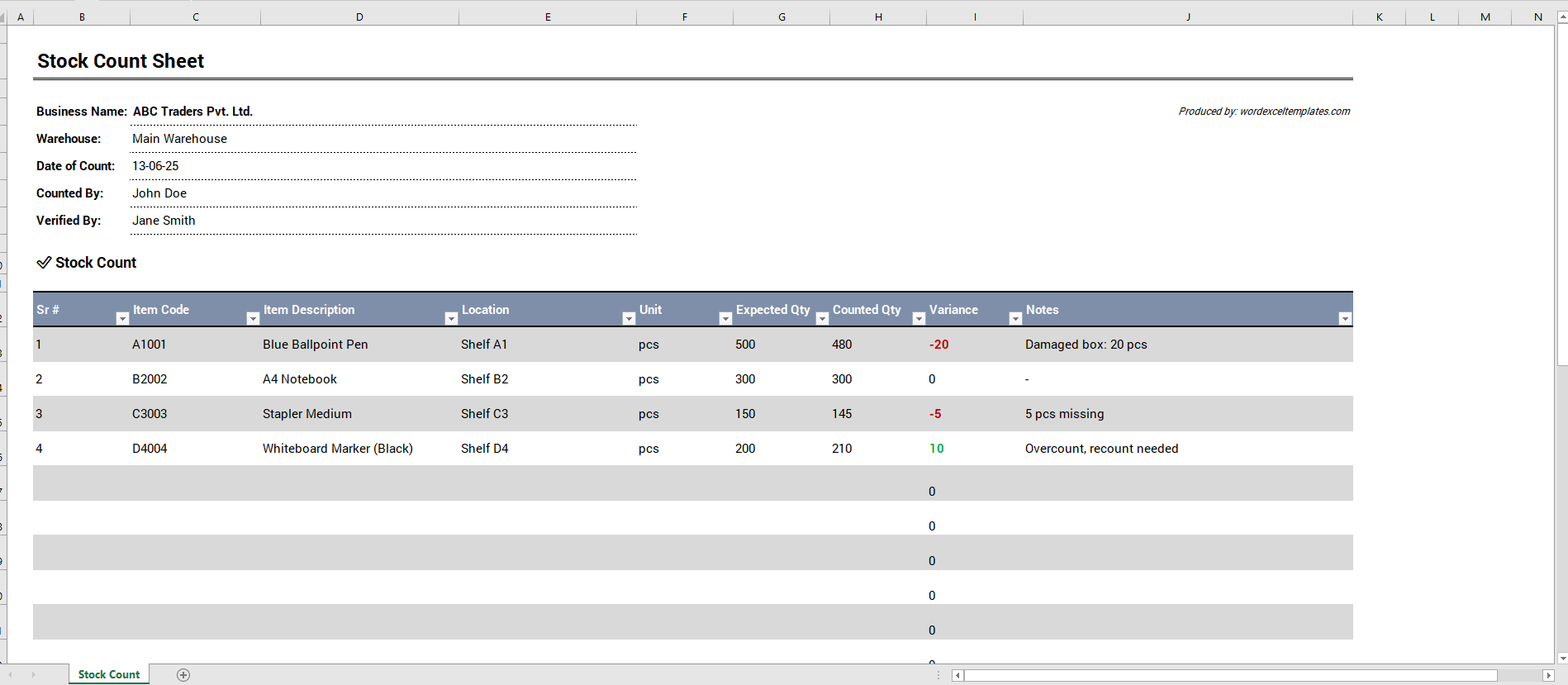
- Quotation Register
- Customer Order Tracker
- Inventory Dashboard Generator
- Sales Dashboard Generator
- SWOT Analysis Generator
- KPI Scorecard Generator
- Warehouse Bin Location Generator
- Dispatch Slip Generator
- Universal Work Order Generator
- Office Asset Transfer Form Generator
- Summer Holiday Assignment Cover Page Generator
- Salary and Overtime Calculator Template
- Summer Vacation Planner Generator
- Outlet Mall Shopping Planner
- Customer Information and Ranking Sheet