Creating attractive and professional wine bottle labels has never been easier. Our Online Wine Label Generator allows wineries, vineyards, wine manufacturers, retailers, restaurants, event organizers, and home wine makers to design fully customized wine labels directly from their web browser. There is no software to install, and no graphic design experience is required.
Simply enter your wine information, customize the appearance, upload your branding, and watch the label update instantly in the live preview. Once your design is complete, you can print it or download it in multiple formats for professional use.
Design Professional Wine Labels in Minutes
Whether you are creating labels for commercial wine production, private collections, wedding favors, promotional gifts, restaurant house wines, or limited-edition releases, this generator provides all the tools needed to produce attractive, print-ready labels.
The editor is simple enough for beginners while offering advanced customization options for professional users.
Online Wine Label Generator
Create custom printable wine labels with live preview, templates, images, badges, QR placeholder, barcode placeholder, nutrition details and browser-based export.
Live Label Preview
FAQs
Is the round label fixed?
Yes. Round labels now use a safe circular text area so headings and footer text stay inside the printable circle.
Can I control font sizes?
Yes. The Design tab includes separate font size controls for brand, wine name, description, details, footer and badges.
Does the print button print only the label?
Yes. It opens a clean print view containing only the complete label preview.
Enter Complete Wine Information
The generator allows you to add all the important details that commonly appear on a wine bottle label, including:
- Wine brand name
- Wine name
- Collection or series
- Vintage year
- Wine type
- Winery name
- Estate name
- Country of origin
- Wine region
- Bottle size
- Alcohol percentage
- Lot number
- Batch number
All information is displayed instantly on the label preview.
Add Tasting Notes and Wine Story
Create informative labels by including:
- Wine description
- Tasting notes
- Aroma profile
- Food pairing suggestions
- Serving recommendations
- Storage instructions
- Winery story
These sections help customers better understand your wine while giving your labels a professional appearance.
Customize the Entire Label Design
The generator includes powerful design tools that allow you to personalize every aspect of your label.
You can customize:
- Label size
- Background color
- Text color
- Border style
- Border thickness
- Rounded corners
- Font family
- Font size
- Heading styles
- Accent colors
- Shadows
- Opacity
- Decorative patterns
- Professional themes
Multiple design presets are also available, including classic, vintage, luxury, rustic, modern, elegant, minimalist, and premium styles.
Upload Your Own Branding
Give your wine labels a unique identity by uploading your own images.
You can add:
- Company logo
- Winery logo
- Product artwork
- Award badges
- Background images
- Decorative graphics
Uploaded images can be resized, repositioned, rotated, replaced, or removed at any time.
Add Grape Composition
Display the grape blend used in your wine by adding multiple grape varieties along with their percentage composition.
You can easily add or remove rows as needed, making the generator suitable for both single-variety and blended wines.
Display Awards and Certifications
Highlight your achievements by adding professional award badges and certifications such as:
- Gold Medal
- Silver Medal
- Organic
- Estate Bottled
- Premium Reserve
- Handcrafted
- Sustainable Farming
- Family Owned
- Small Batch
- Limited Release
These optional elements help your labels stand out and build customer confidence.
QR Code and Barcode Support
The generator includes placeholders for QR codes and product barcodes. You can enter your website, product page, SKU, UPC, or EAN information to create labels that are ready for inventory management and customer engagement.
Optional Nutrition and Product Information
If required, you can include optional product details such as:
- Calories
- Sugar
- Carbohydrates
- Serving size
- Sulfite declaration
- Vegan information
- Gluten-free status
- Organic certification
Display only the information relevant to your product.
Live Preview While You Design
Every change made in the editor is reflected instantly in the live preview. This real-time editing experience allows you to experiment with layouts, fonts, colors, and images before printing or downloading your final label.
Save Time with Built-In Templates
Choose from professionally designed templates for different occasions, including:
- Classic Winery
- Premium Reserve
- Luxury Collection
- Modern Black
- Vintage Vineyard
- Rustic Farmhouse
- Wedding Wine
- Anniversary Wine
- Birthday Wine
- Christmas Wine
- Valentine’s Collection
- Champagne
- Rosé
- Sparkling Wine
- Organic Wine
These templates provide an excellent starting point while remaining fully customizable.
Auto Save and Editing Tools
To improve your workflow, the generator includes several productivity features, including:
- Auto Save
- Restore Previous Work
- Undo
- Redo
- Duplicate Label
- Reset Design
- Clear All Fields
Your work remains محفوظ (saved) in your browser, allowing you to continue editing later without losing progress.
Print or Download Your Label
After completing your design, you can:
- Print only the label preview
- Download as PDF
- Download as PNG
- Download as JPG
- Download as SVG
These export options make the generator suitable for both home printers and professional printing services.
Works on Any Device
The Online Wine Label Generator is fully responsive and works smoothly on desktop computers, laptops, tablets, and mobile phones. Since it runs entirely in your browser, there is no software installation or registration required.
Start designing your custom wine label today by entering your product information, customizing the layout, and creating a professional label that is ready to print or download within minutes.
MS Word Editable Templates
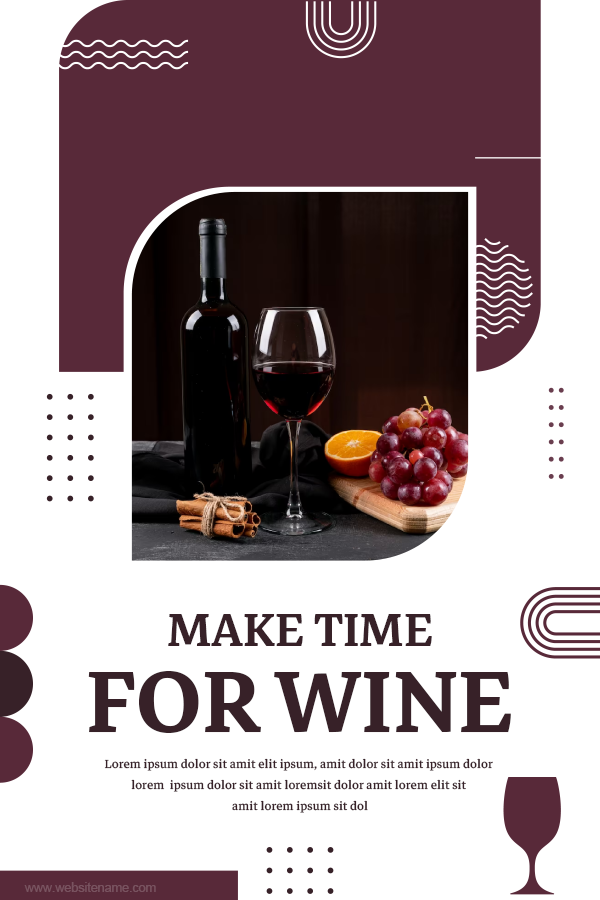
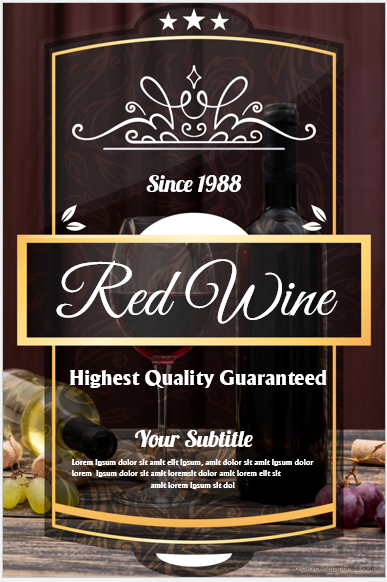
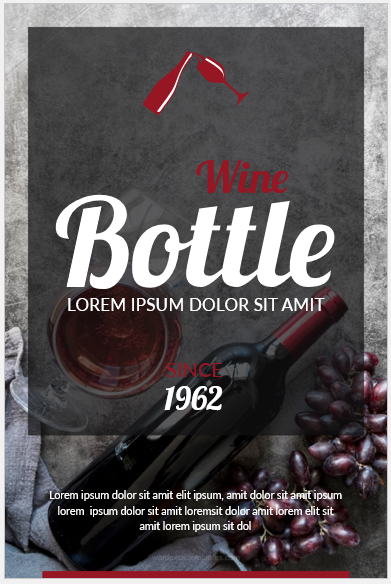
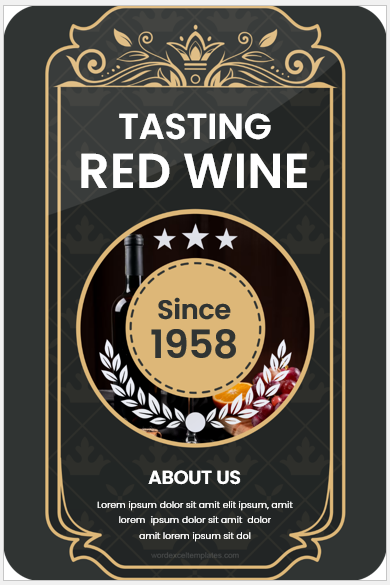
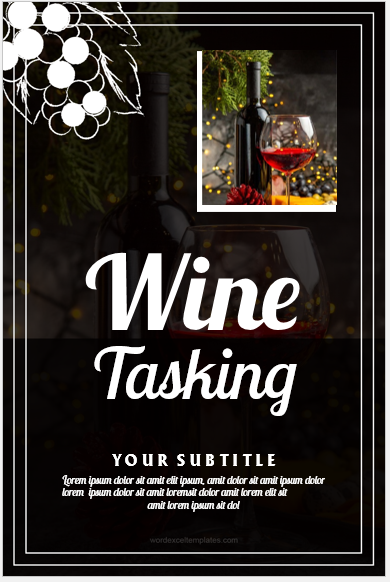
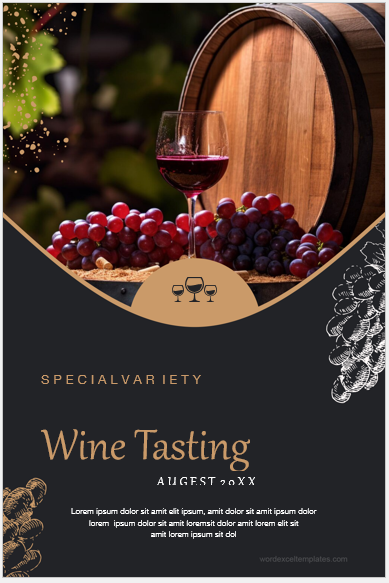
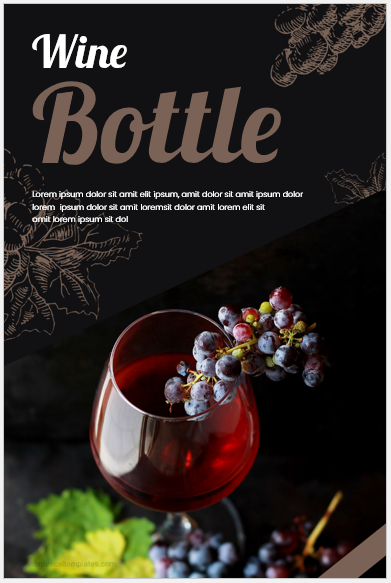
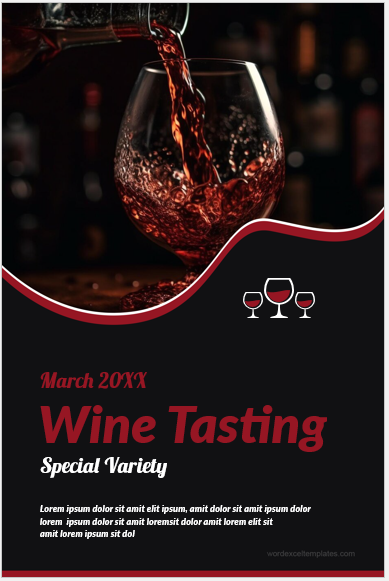
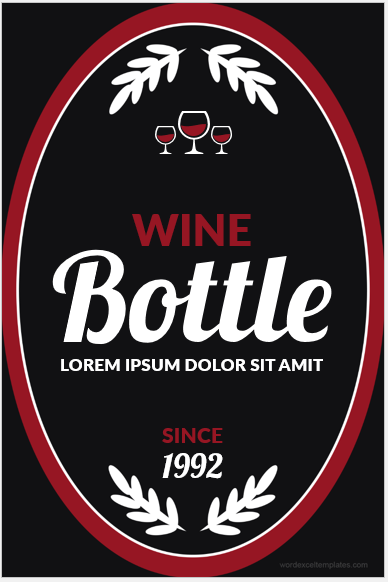
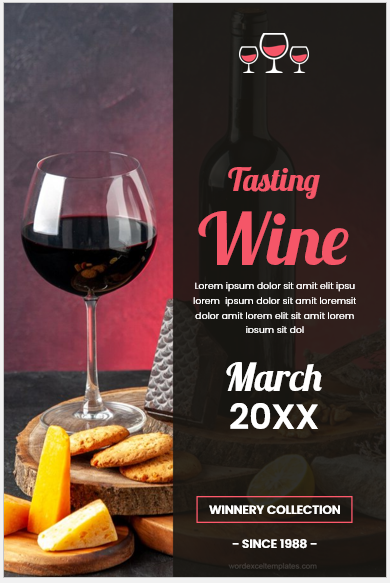
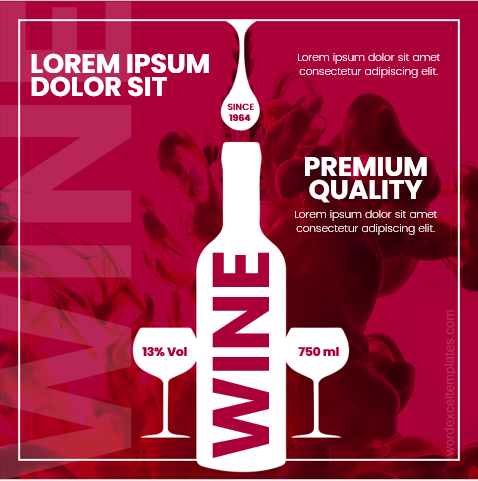
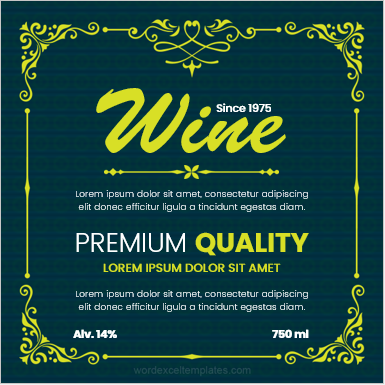
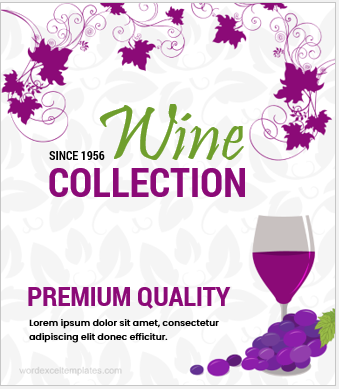
In addition to the Online Wine Label Generator, we also offer a professionally designed MS Word Wine Label Template for users who prefer working offline. The template is fully editable in Microsoft Word, allowing you to customize the wine brand name, vintage year, winery details, bottle size, alcohol content, tasting notes, logos, colors, fonts, and other label elements with ease.
Whether you are designing labels for a vineyard, winery, restaurant, special event, or homemade wine collection, the template provides a polished layout that can be personalized in just a few minutes.
Download the file, edit the content using Microsoft Word, print it on compatible label paper, and apply it to your bottles. It is an excellent solution for users who want a reusable, professional-quality wine label without requiring graphic design software.
Download File: 1 MB
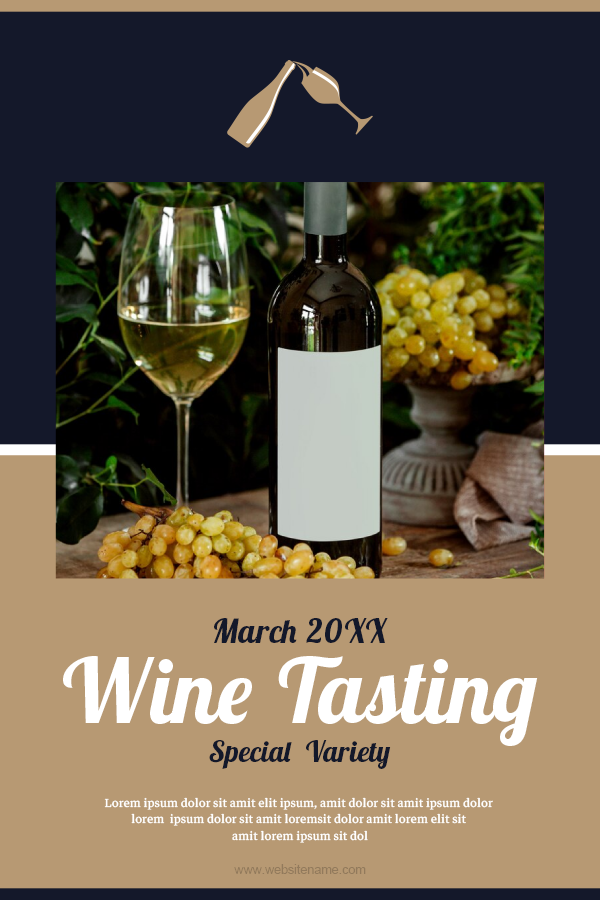
Download File: 1 MB
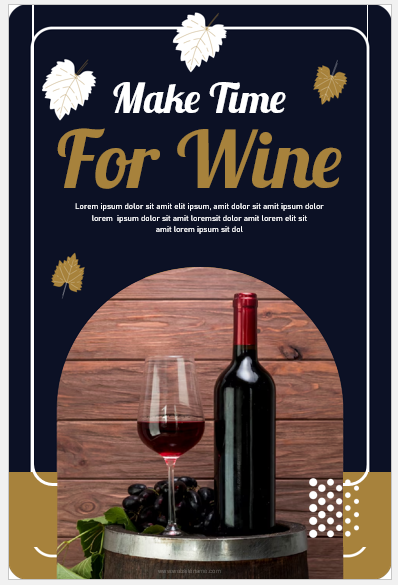
Download File: 1 MB
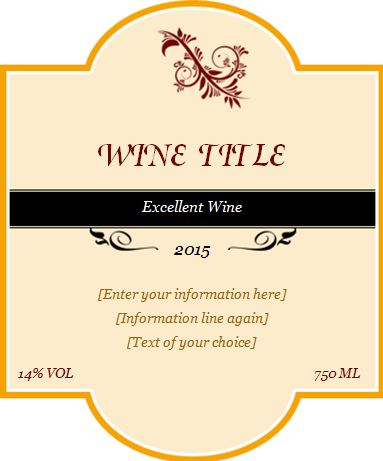
Download File: 1 MB
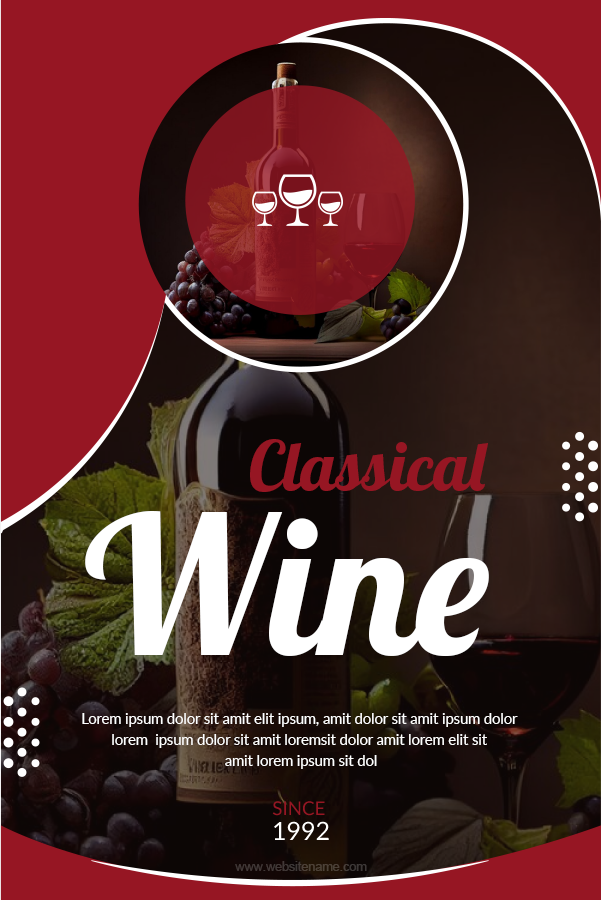
Download File: 1 MB
Download File: 1 MB
Download File: 1 MB
Download File: 1 MB
Download File: 1 MB
Download File: 1 MB
Download File: 1 MB
Download File: 1 MB
Download File: 1 MB
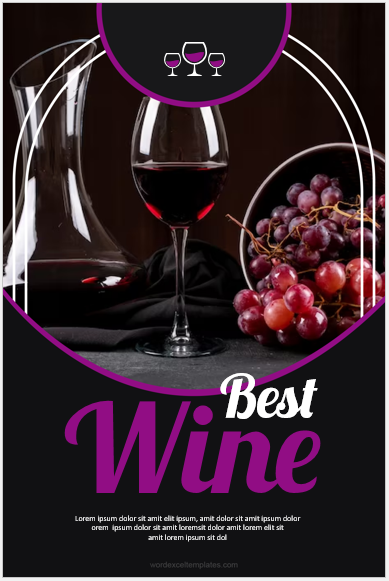
Download File: 2 MB
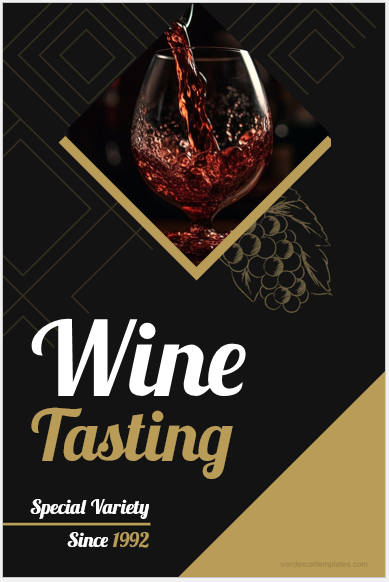
Download File: 3 MB
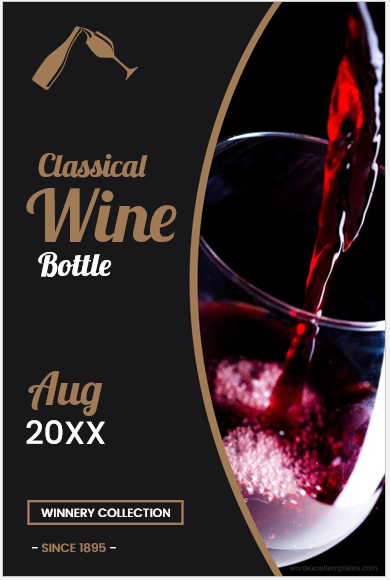
Download File: 2 MB
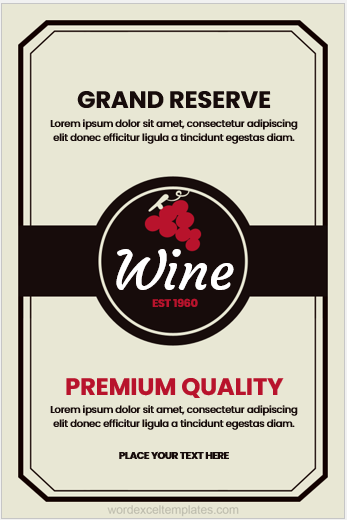
Download File: 1 MB
Download File: 1 MB
Download File: 1 MB
Download File: 1 MB
Download File: 1 MB
- Temporary Employee ID Badge Templates
- Construction Worker ID Cards
- Hospital Employee ID Card Templates
- School Staff ID Card Templates
- Corporate Employee Photo ID Cards
- Custom Birthday Gift Card Design
- Security Clearance Card Templates
- Visitor Parking Permit Generator
- Company Meal Card Templates
- Conference Room Reservation Cards
- Employee Birthday Announcement Card Templates
- Happy Holiday Cards for Employees
- Good Luck Card Templates for Word
- Miscarriage Sympathy Cards
- Kids School ID Badge Templates